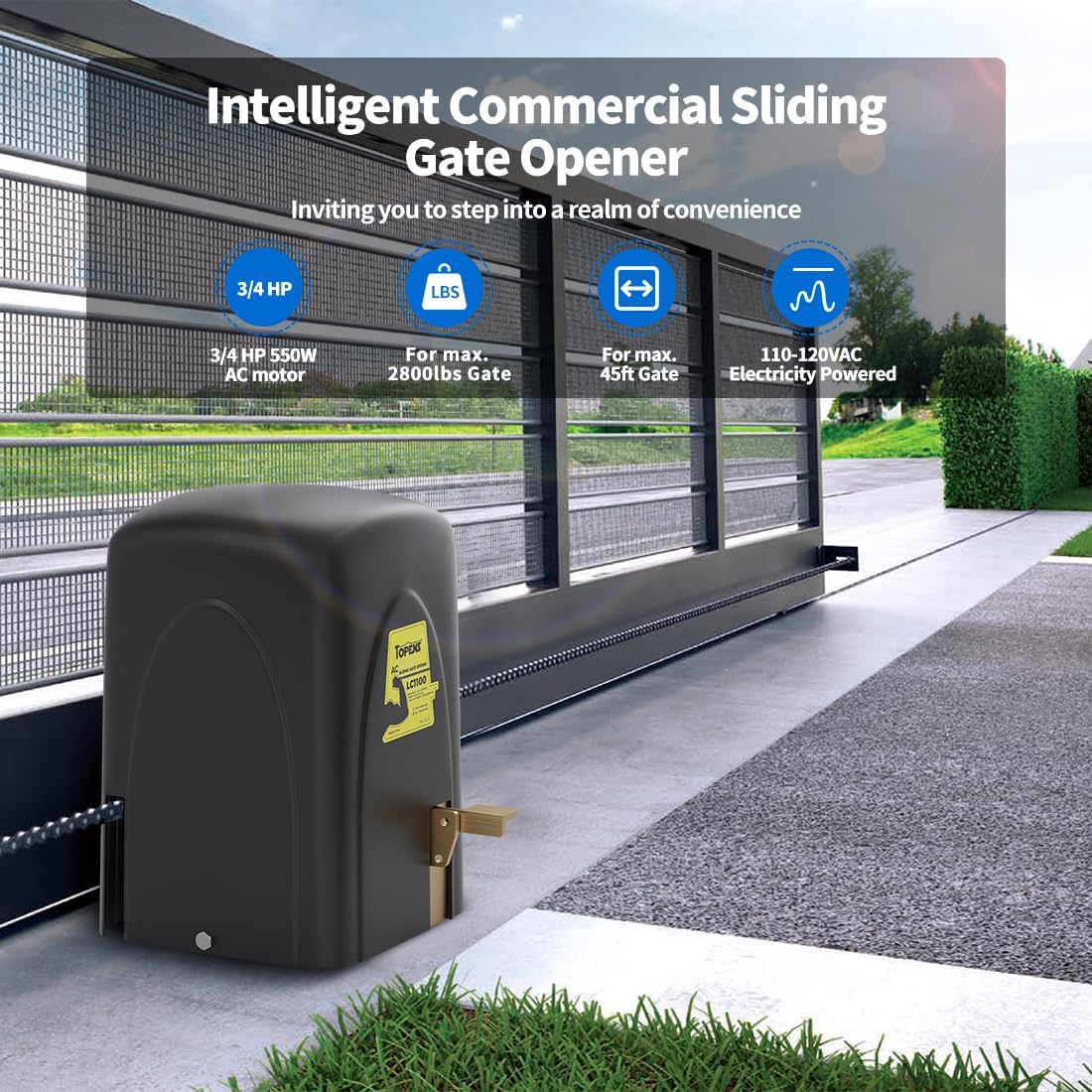
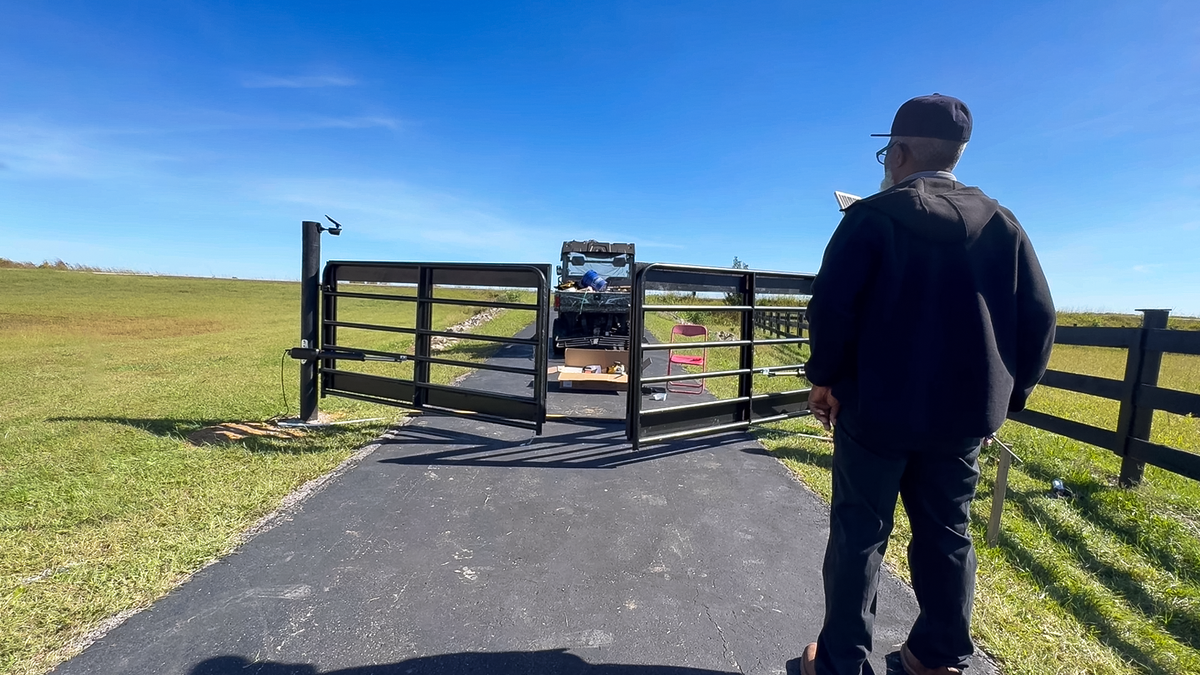
If your sliding gate closes and then unexpectedly reverses — either immediately after fully closing or partway through the process — it indicates an abnormal rebound issue. This can be frustrating, but the cause is often simple: incorrect stall force settings, magnet misalignment, or sensor interference.
This guide explains the most common causes and provides clear, step-by-step troubleshooting instructions to help you resolve the problem.
1. Gate Rebounds After Fully Closing
(1) Adjust the Close Stall Force
If the gate reverses immediately after reaching the closed position, the close stall force may be set too low.
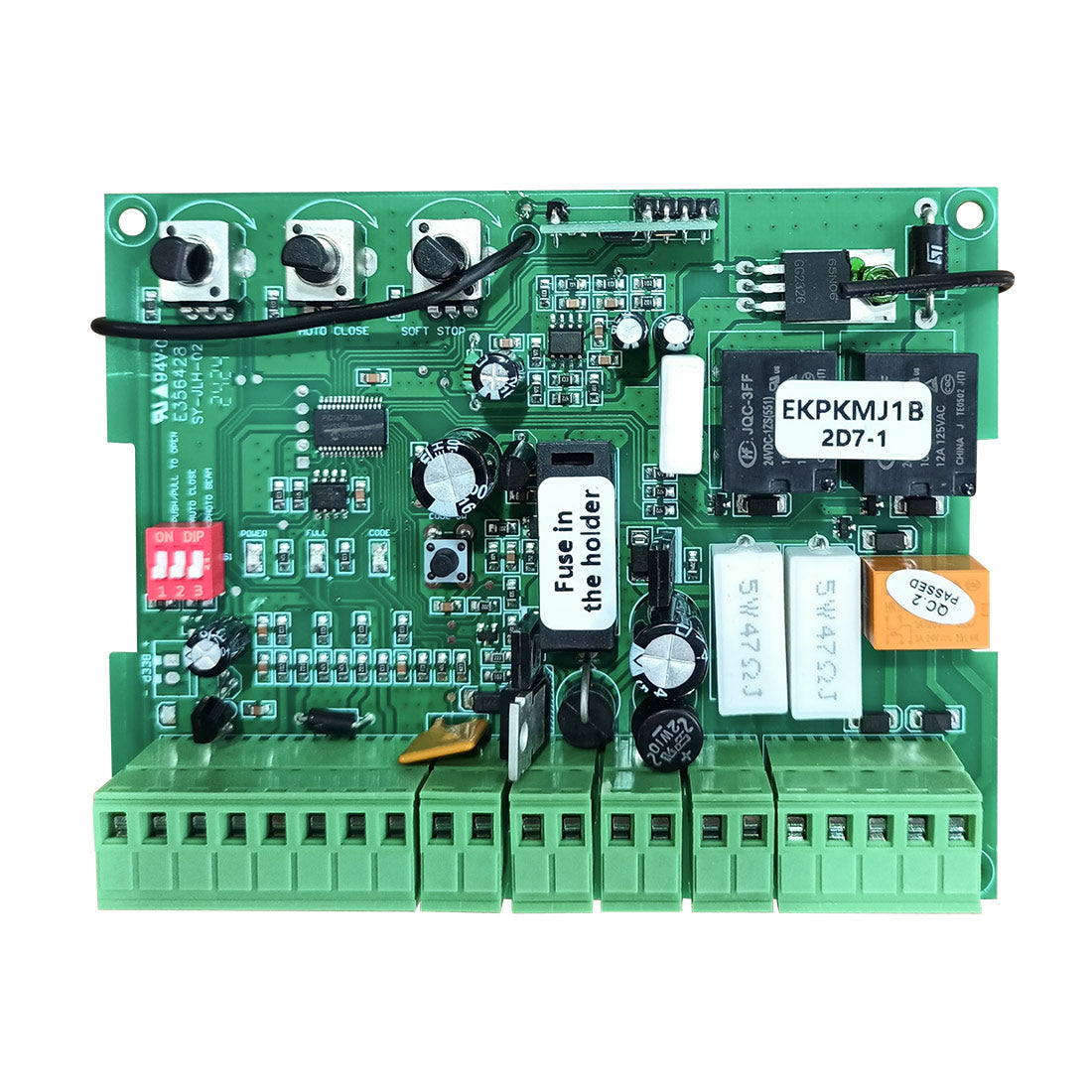
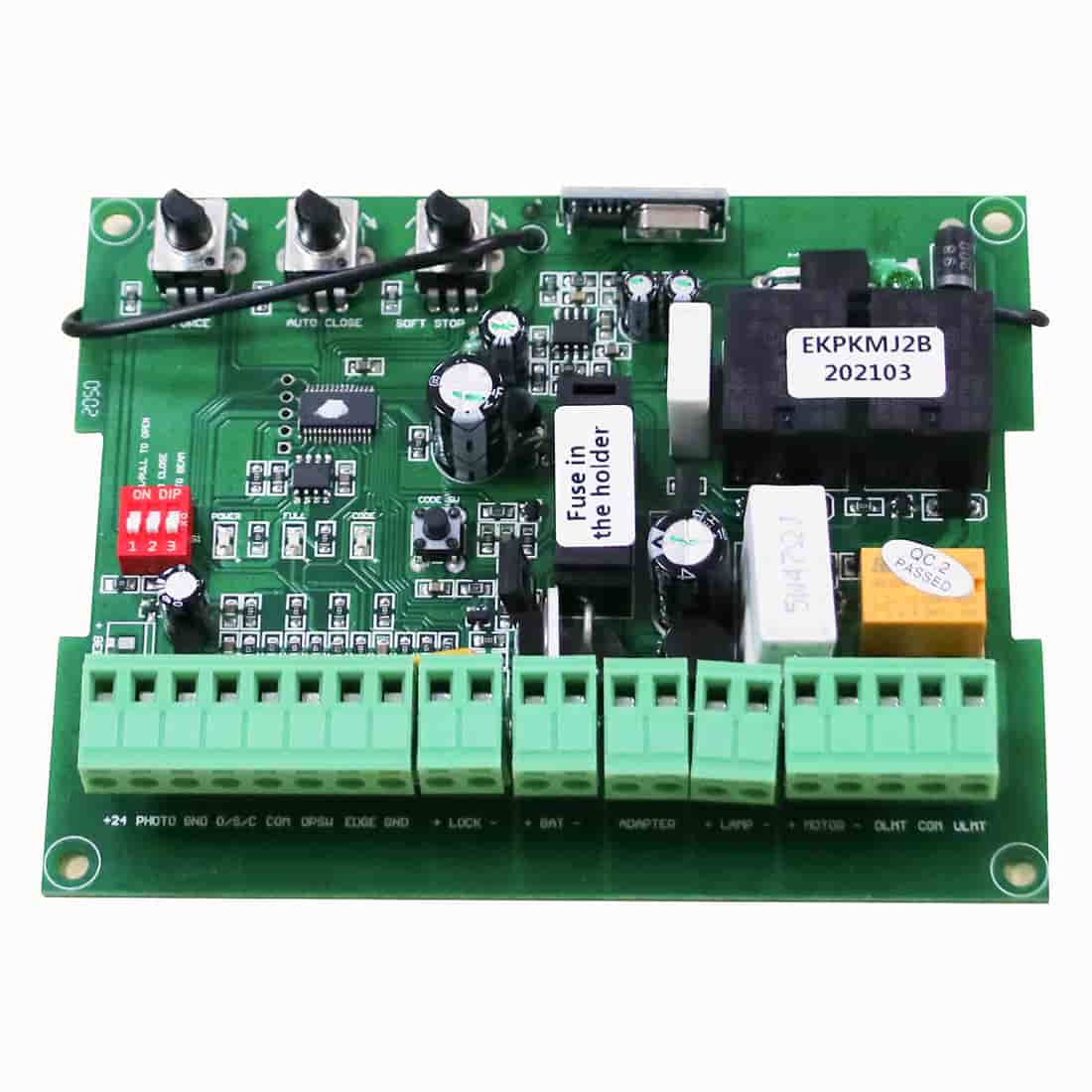
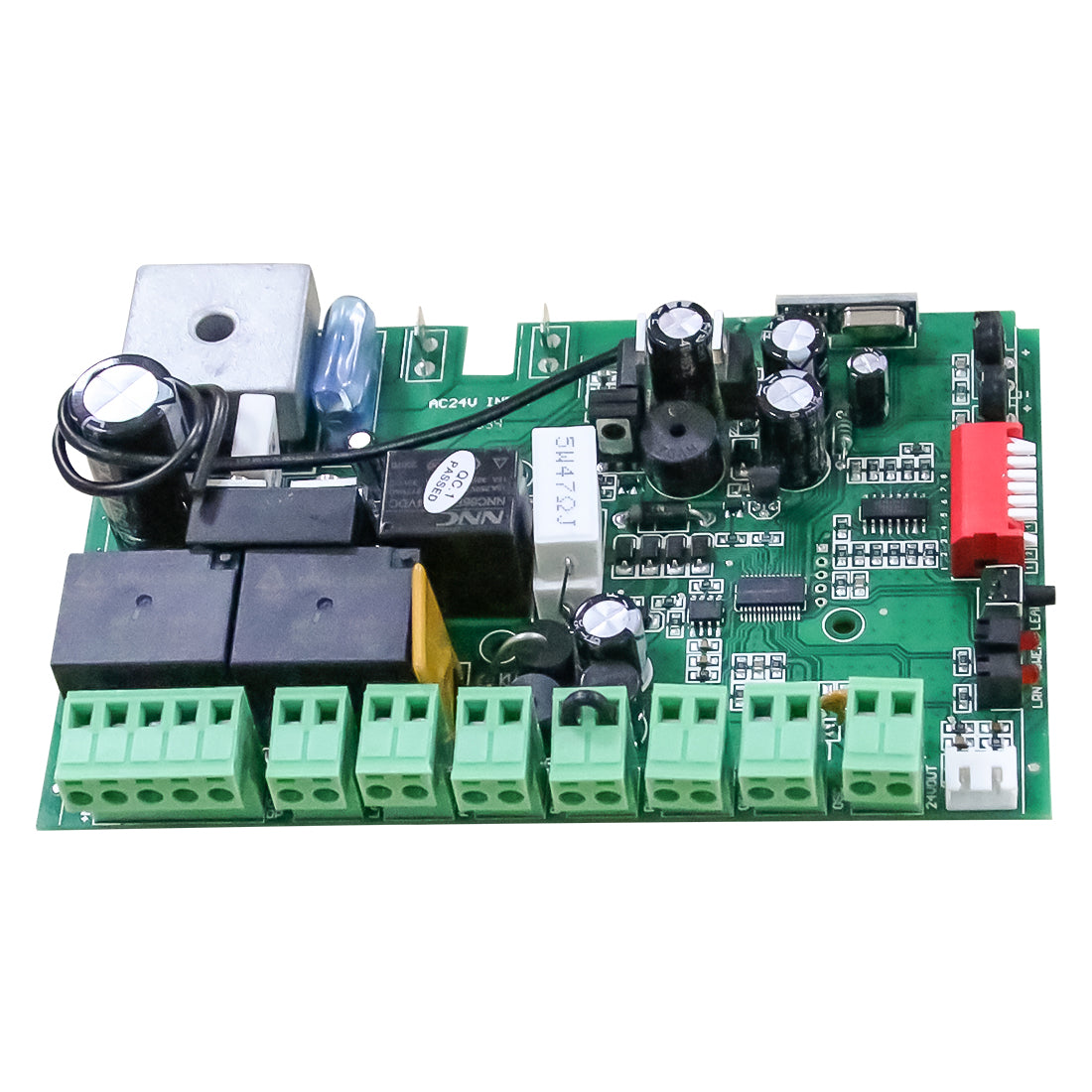
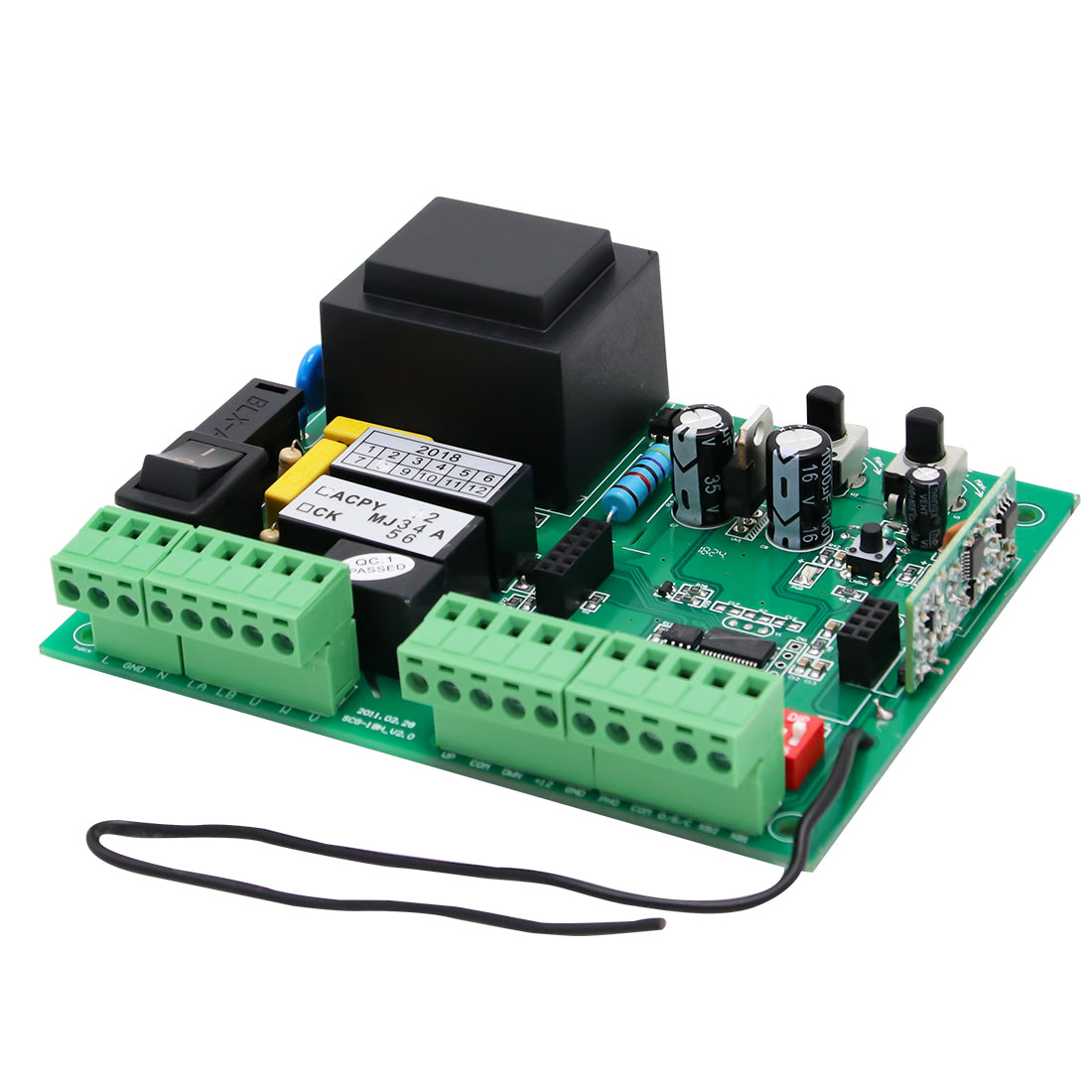
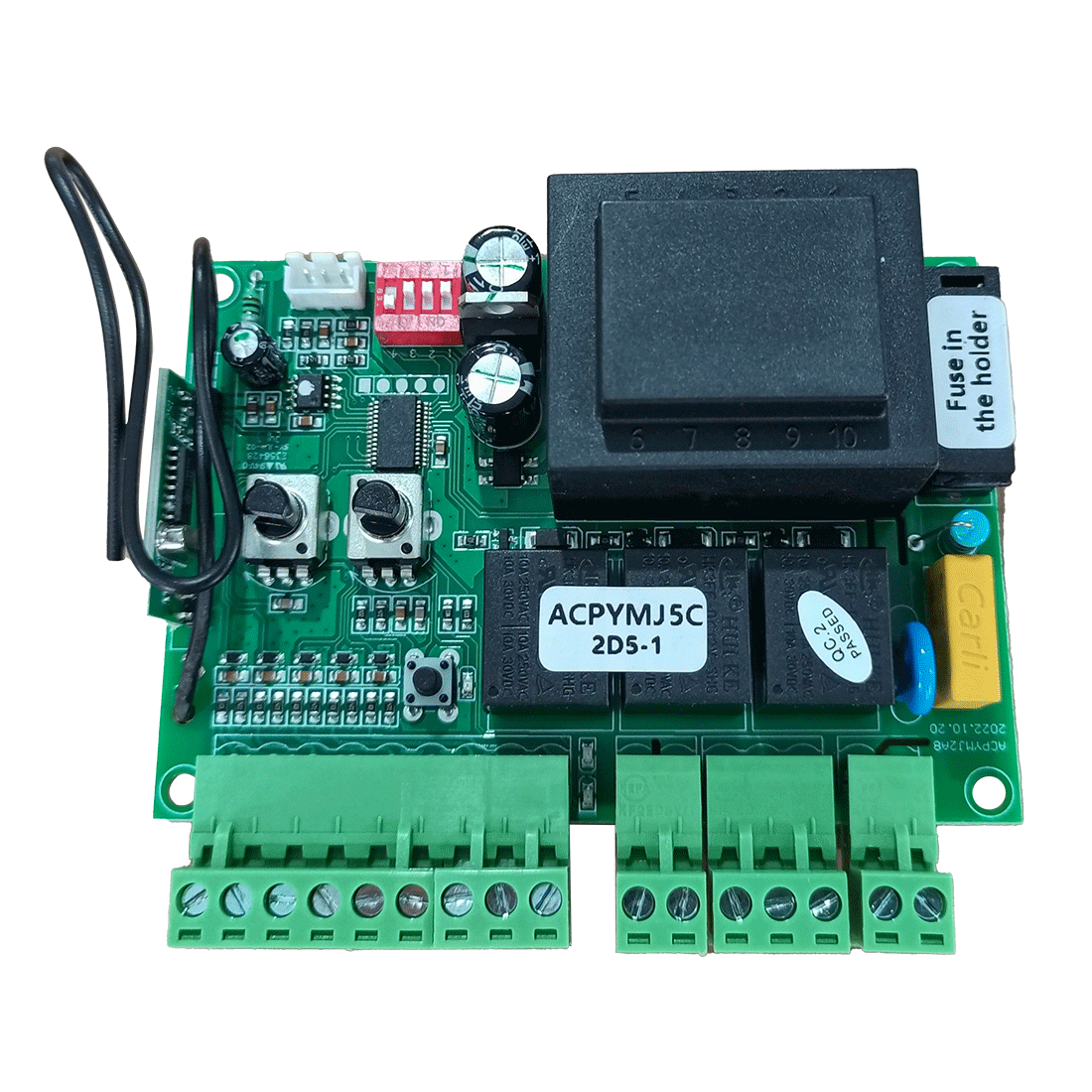
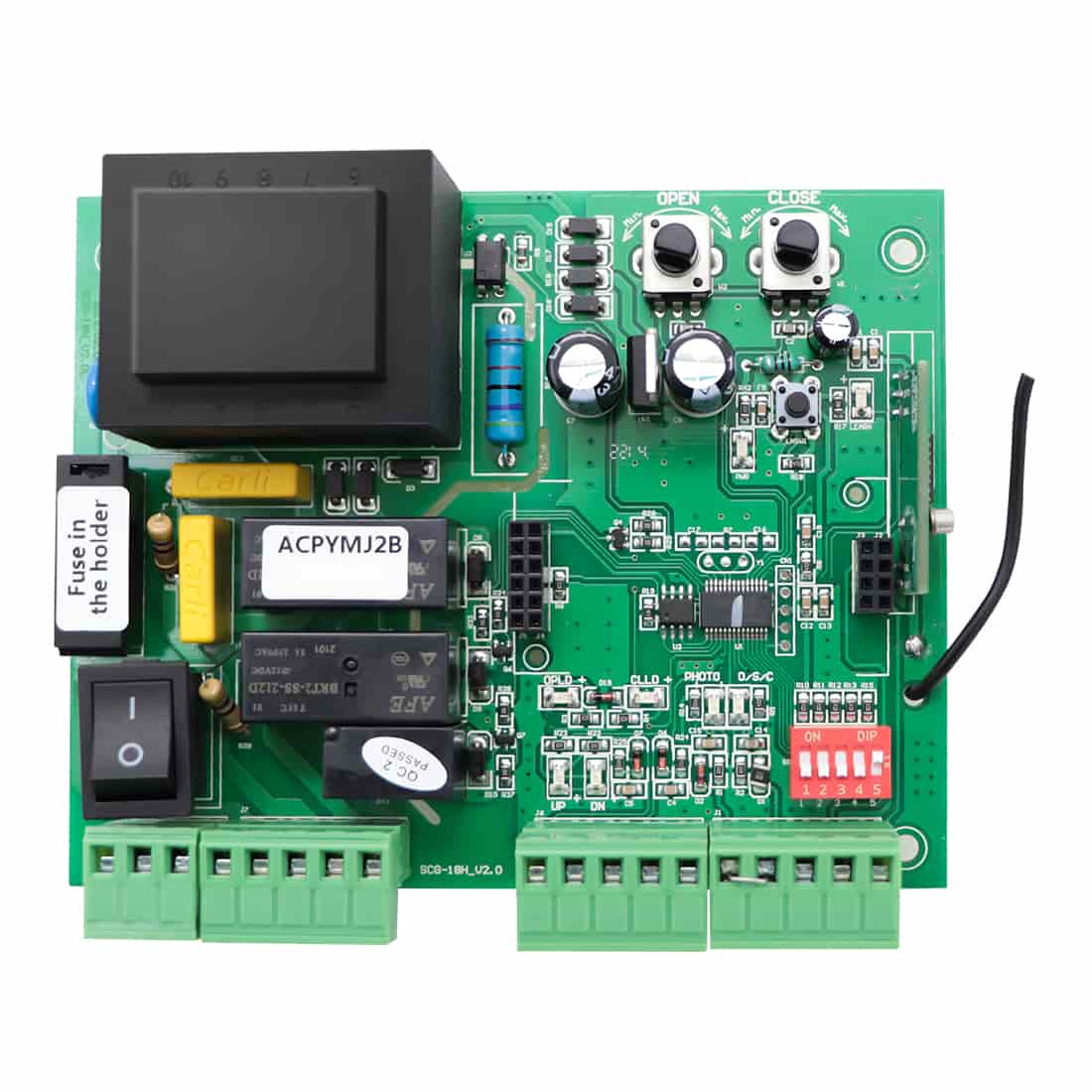
- For most TOPENS sliding gate openers, increase the close stall force by turning the CLOSE potentiometer clockwise.
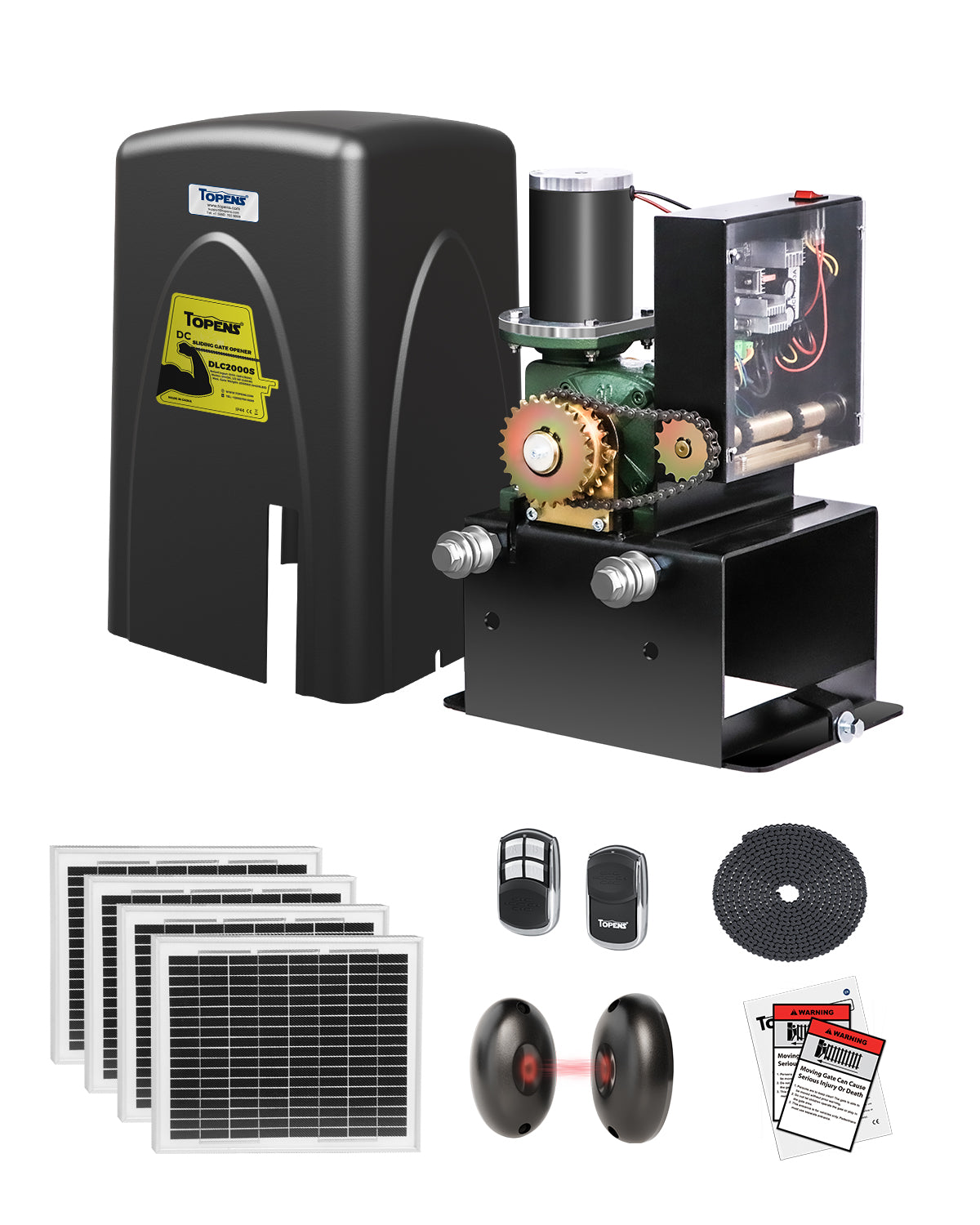
- For DC-powered models (DKR500ST, DKC500S, DK1000S, DKR1100ST, DKC1100S, and DKC2000S), you can also disconnect the power to extend the soft stop period of the motor or reduce the soft stop speed to decrease inertia. Please refer to your opener’s user manual for detailed instructions.
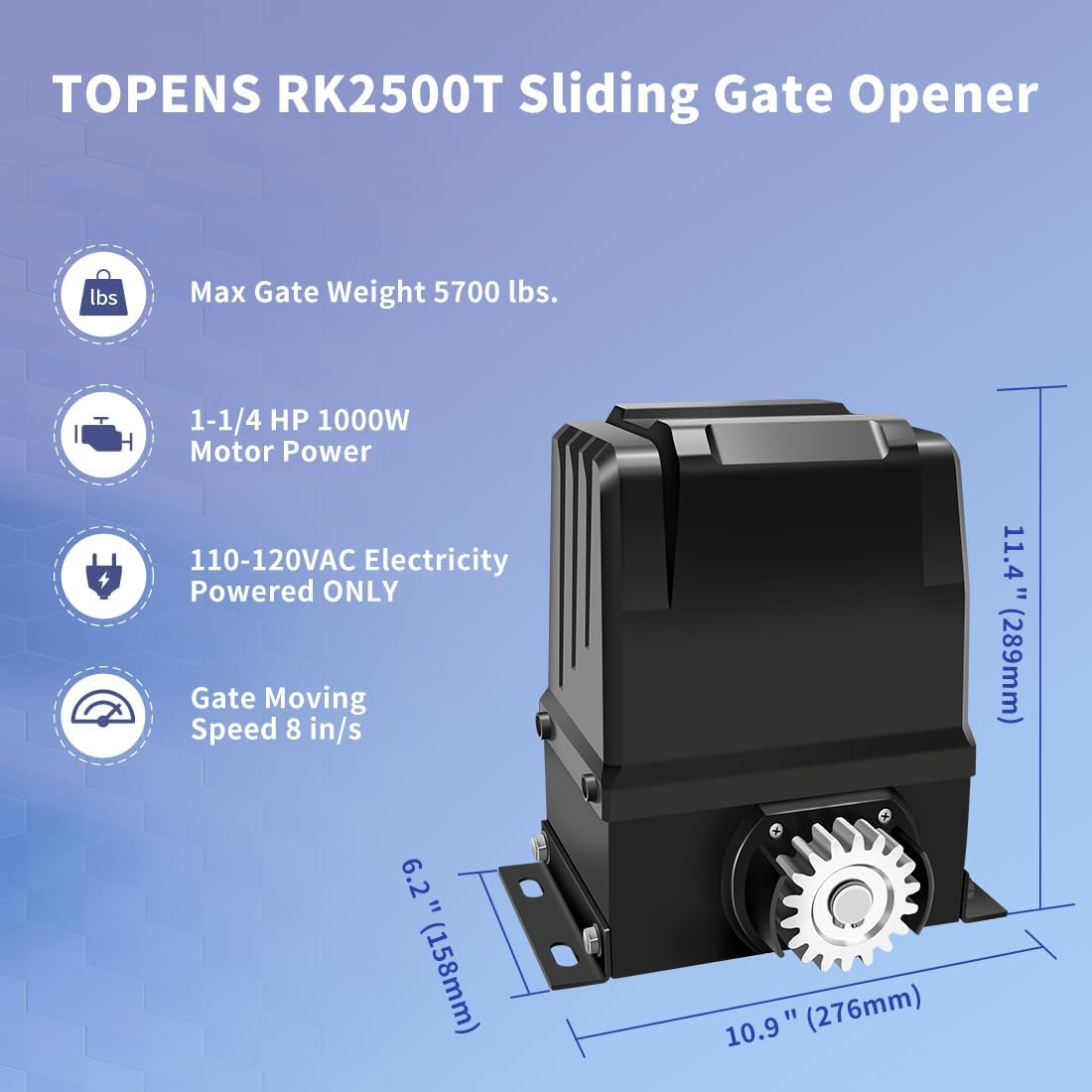
- For RK2500T, CK2500, and CK2600, the stall force cannot be adjusted.

(2) Verify the Magnet Position and Limit Sensing
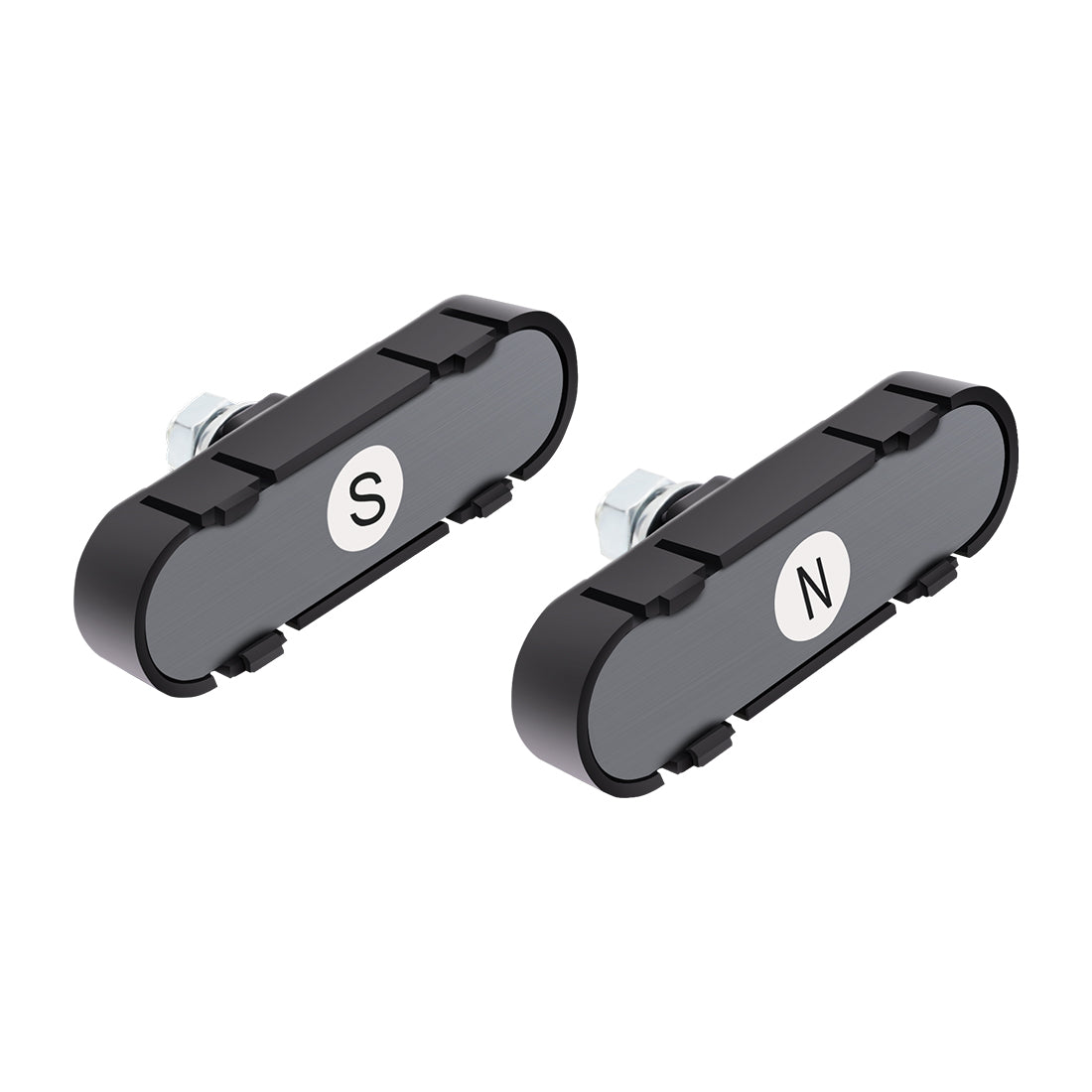
Improper magnet alignment can cause inaccurate limit sensing, which may trigger a rebound.
- For RK990T, RK1200T, CK1200, RK2500T, CK2500, CK2600, DKC2000S, and LC1100: Observe the indicator LEDs (UP/DN, HI/LOW, etc.) on the control board. The corresponding LED should turn ON or OFF when the magnet is detected.

- For other models: Disengage the clutch, press the remote control, and manually move the gate to the fully open and fully closed positions. If the motor stops automatically at each end, the limit switch is correctly detecting the magnet.
- If the limit sensing is correct but the gate still rebounds: Slightly reposition the magnet toward the center of the gate. This prevents the gate from closing too tightly and avoids impact with the gate post or positive stops.
- If the LED does not change or the motor does not stop as expected: Check the magnet’s position and ensure it is installed correctly according to the user manual.
2. Gate Rebounds Midway During Closing
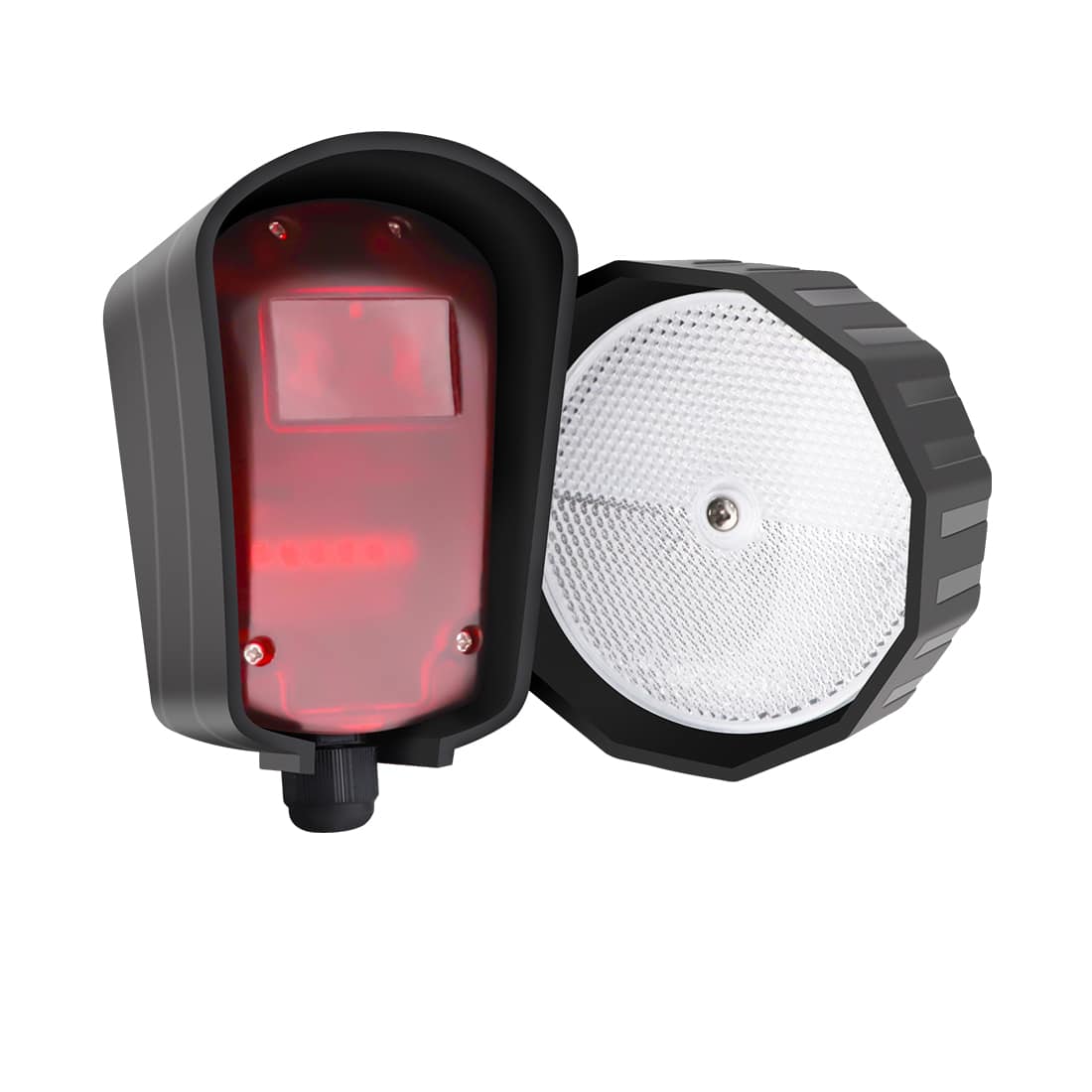
(1) Check the Photocell Sensor
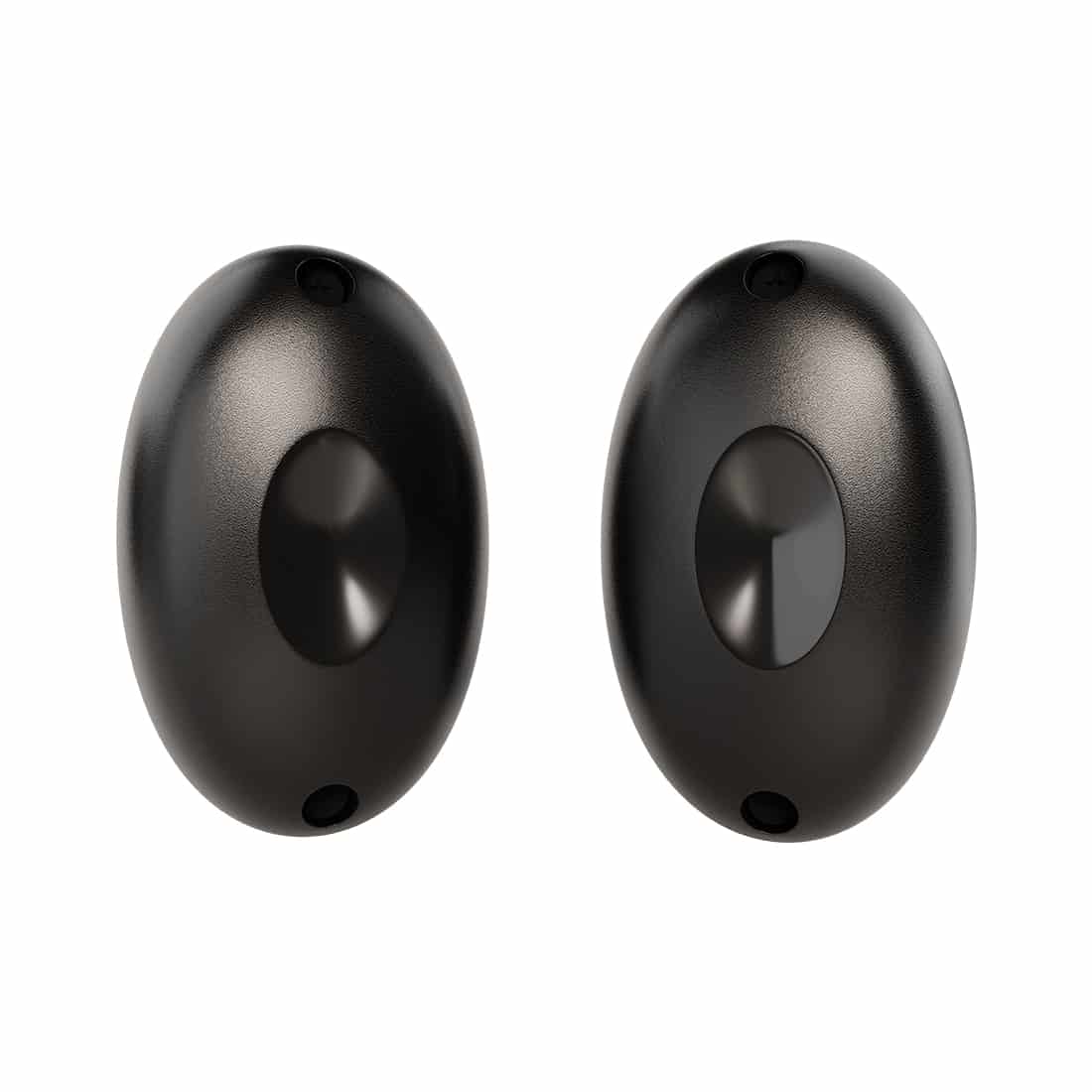
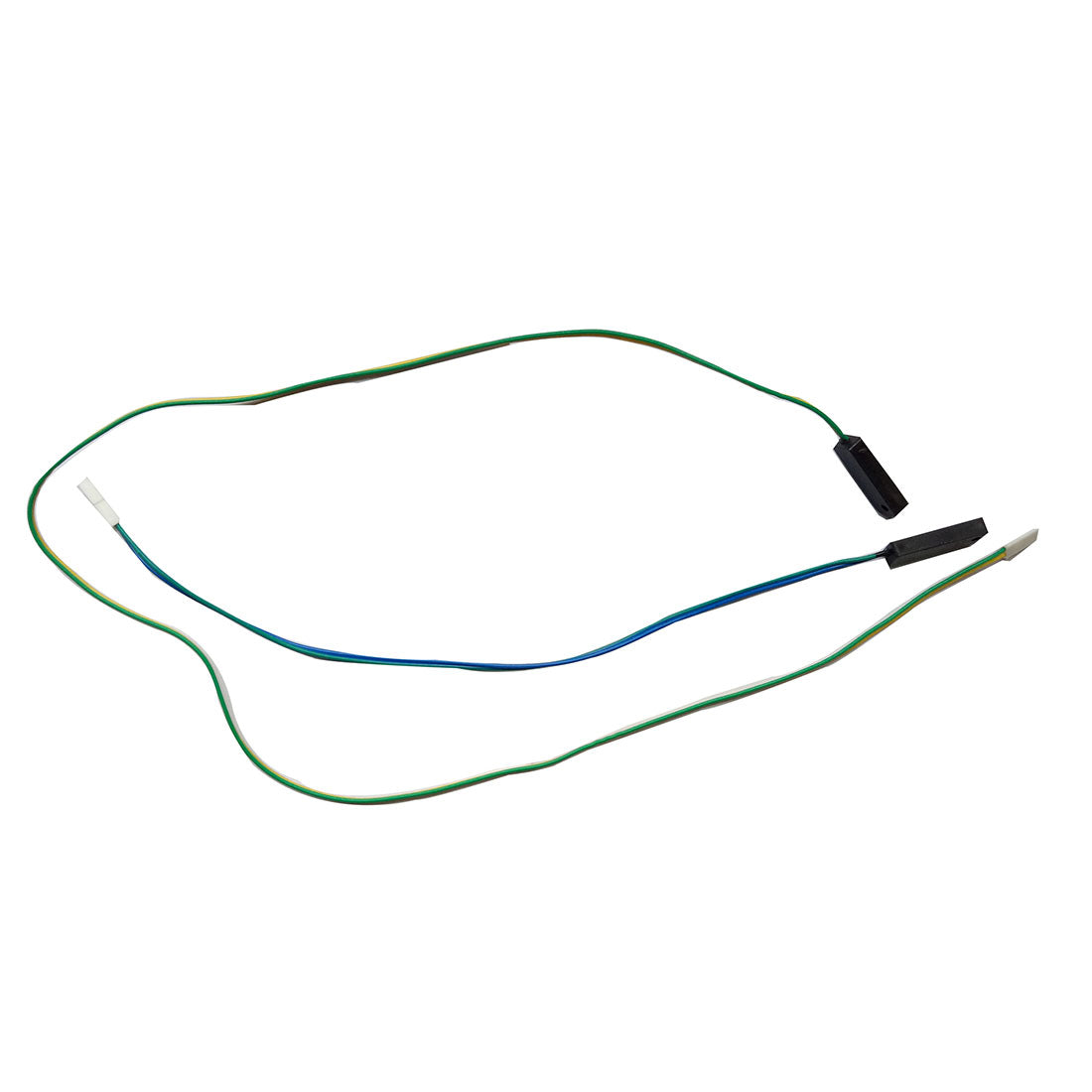
If the gate reverses before fully closing, the photocell sensor may be obstructed, dirty, or misaligned.
- Make sure the wire jumper (if applicable) is properly connected if the photocell sensor is not in use.
- Clear any dirt, debris, or obstacles blocking the sensor beam.
- Realign the photocell according to the user manual.
(2) Adjust the Close Stall Force
A low close stall force can cause the gate to reverse mid-travel.
- For most TOPENS sliding gate openers, increase the close stall force by turning the CLOSE potentiometer clockwise.
- For RK2500T, CK2500, and CK2600, the stall force cannot be adjusted.
(3) Verify the Magnet Position
- Disengage the clutch and manually move the gate to the middle of its travel.
- Re-engage the clutch and operate the opener using the remote control.
- If the gate closes normally without rebounding, adjust the magnet to its correct position as described in the user manual.
(4) Check Gate Movement and Motor Function
1) Inspect gate movement manually
- Disengage the clutch and slide the gate by hand.
- If movement feels tight or rough, inspect the track, rollers, and gate alignment for obstructions or unevenness.
- If the gate moves smoothly, proceed to motor testing.
2) Test the motor
- Keep the clutch disengaged and operate the opener with the remote control. The motor should run smoothly and continuously in both directions.
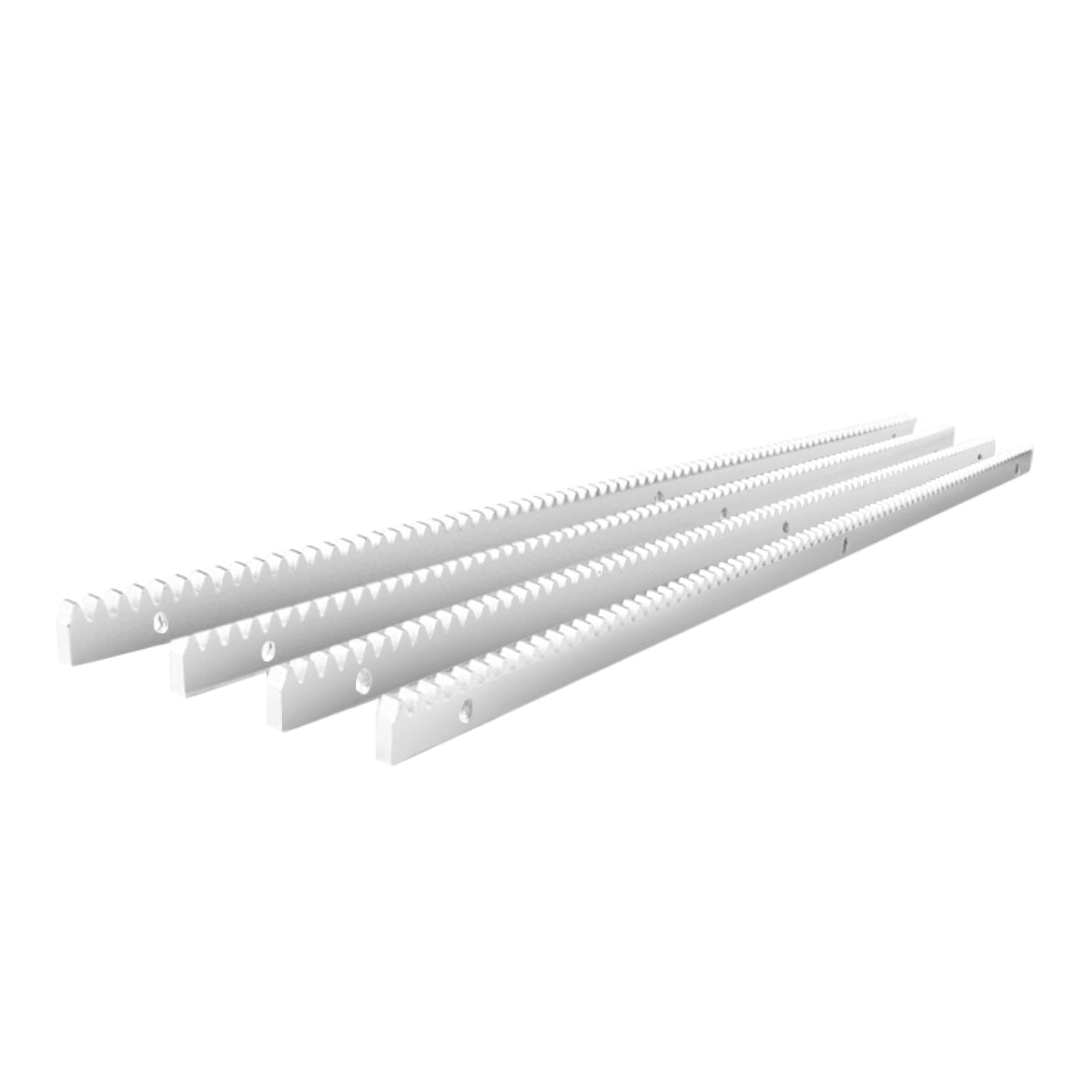
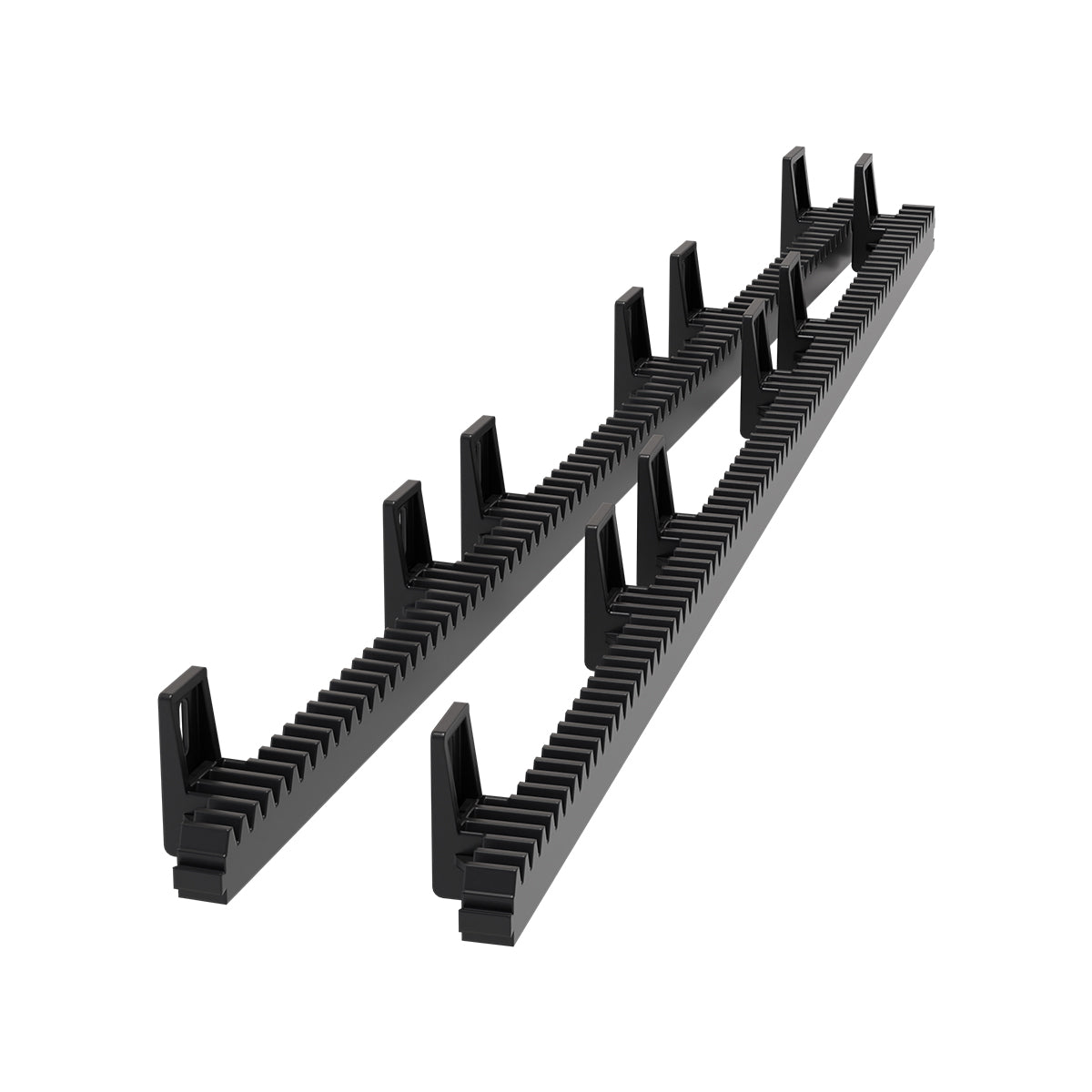
- If the motor operates normally, re-engage the clutch, then remove the rack or chain and test the opener by itself again.
- If the opener functions properly without the gate connected, inspect the system installation and ensure that the gate and the opener are properly aligned and installed.
(5) Inspect the Hall Sensor Board (If Equipped)
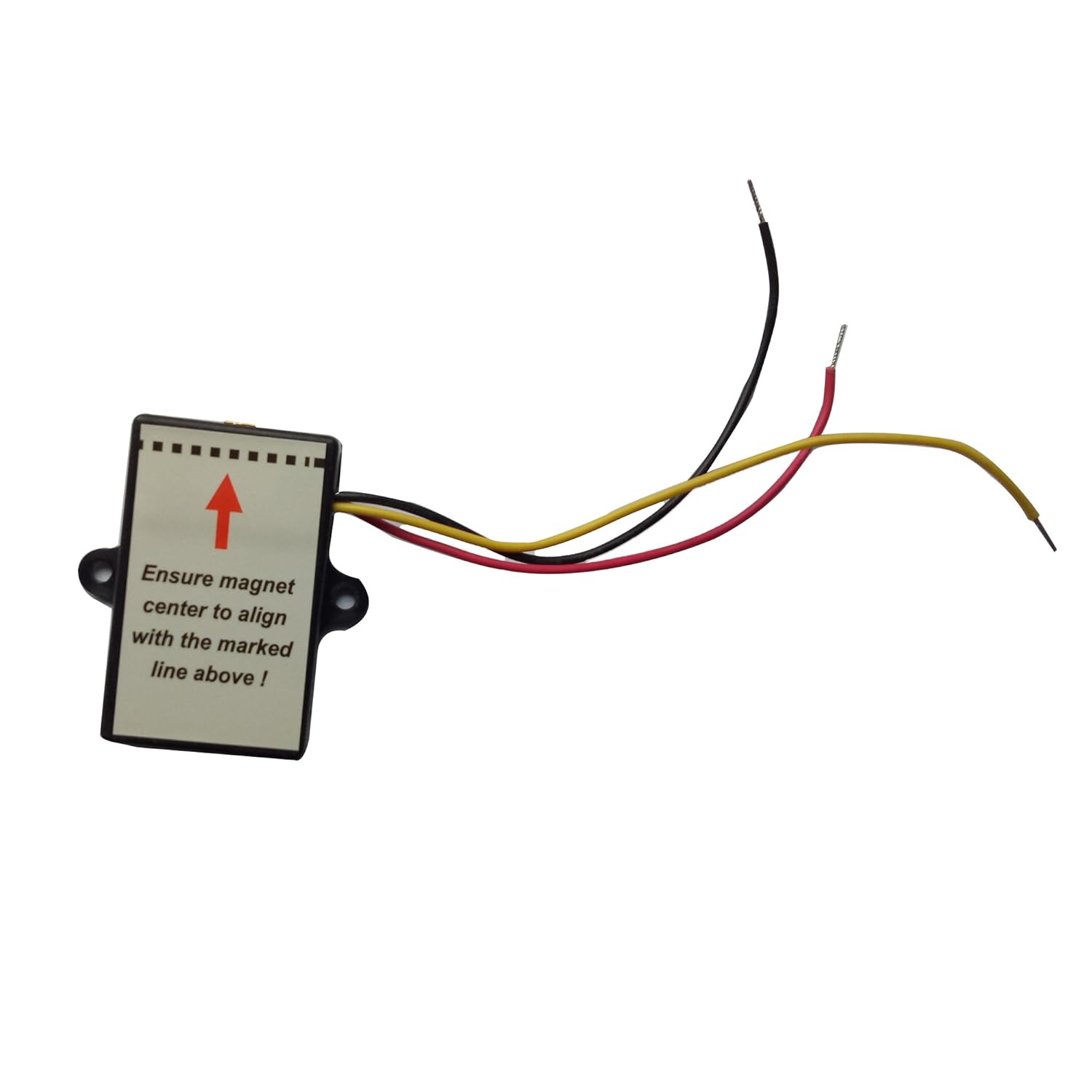
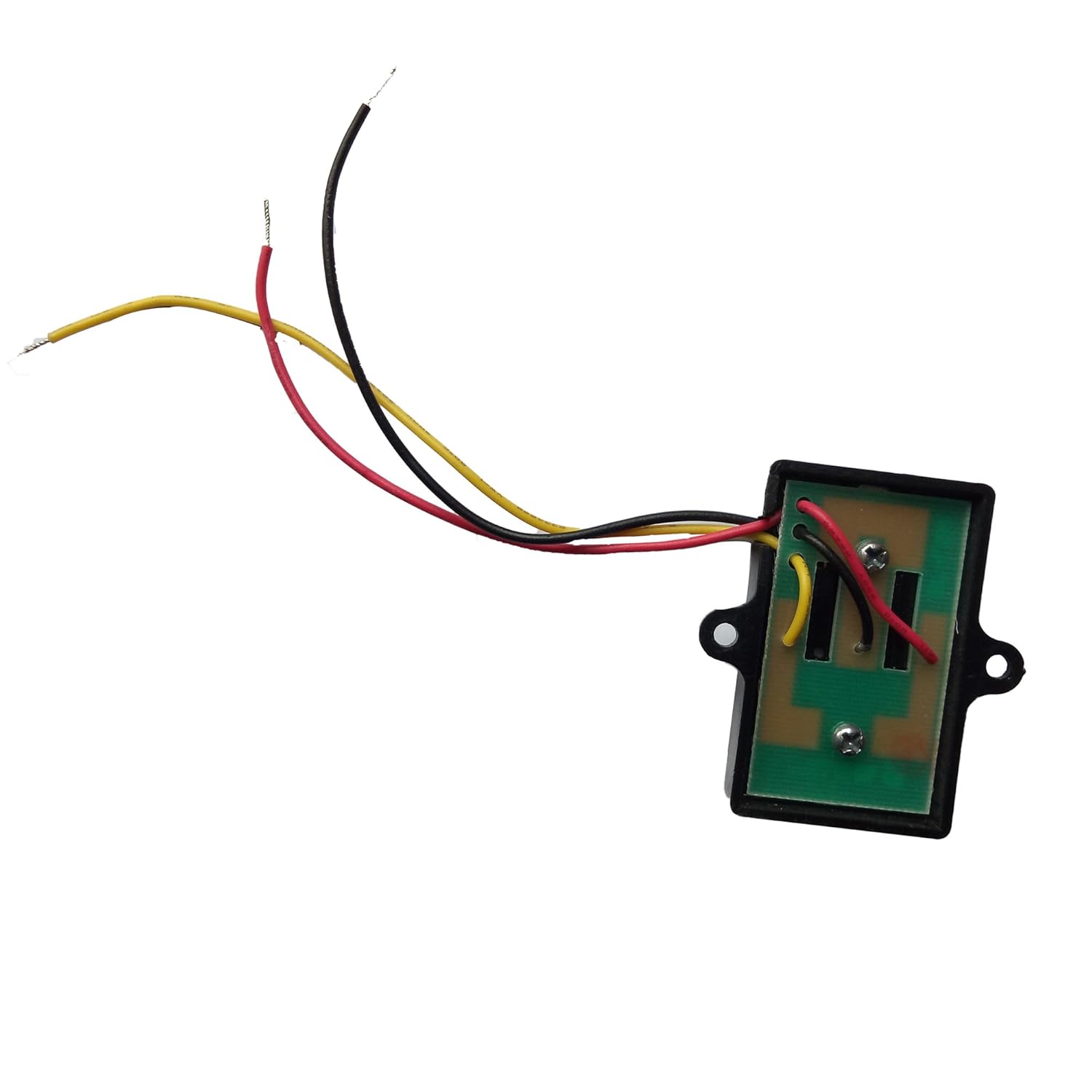
For models equipped with a Hall sensor board (DKR500ST, DKC500S, DKR1100ST, DKC1100S, DK1000S, RK500T, RK700T, CK700, RK1100T, CK1100, BF800, CF800):
- Ensure that the black Hall sensor and the magnetic column are parallel to each other when they are at their closest point (approximately 2mm).
- Misalignment can cause incorrect feedback signals, resulting in rebound or irregular operation.

By following the troubleshooting steps above, you can restore smooth and reliable gate operation.
Regular inspection of the gate track, rollers, and opener components will help prevent future issues.
If the problem continues after completing all steps, please contact our qualified customer support team for further assistance.