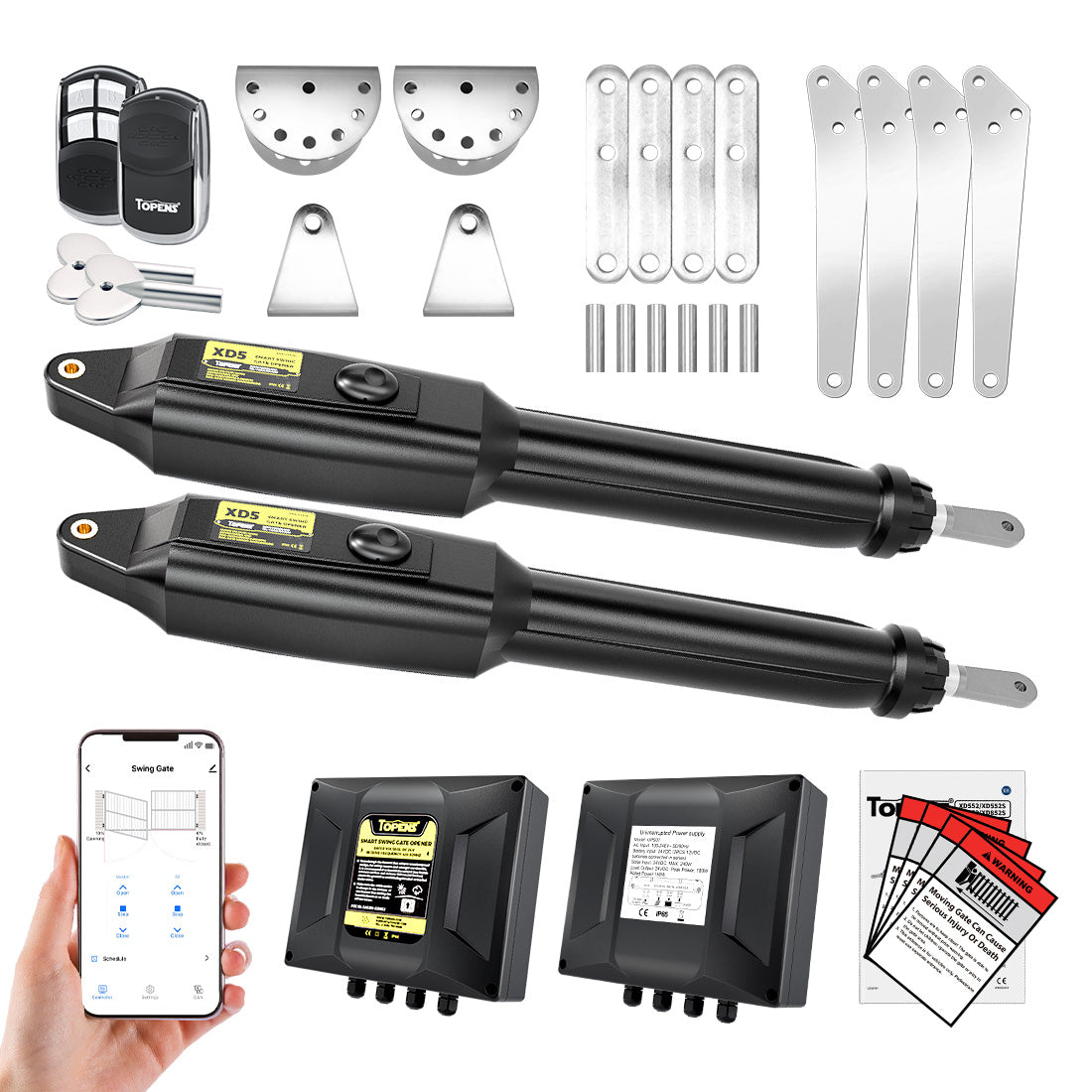
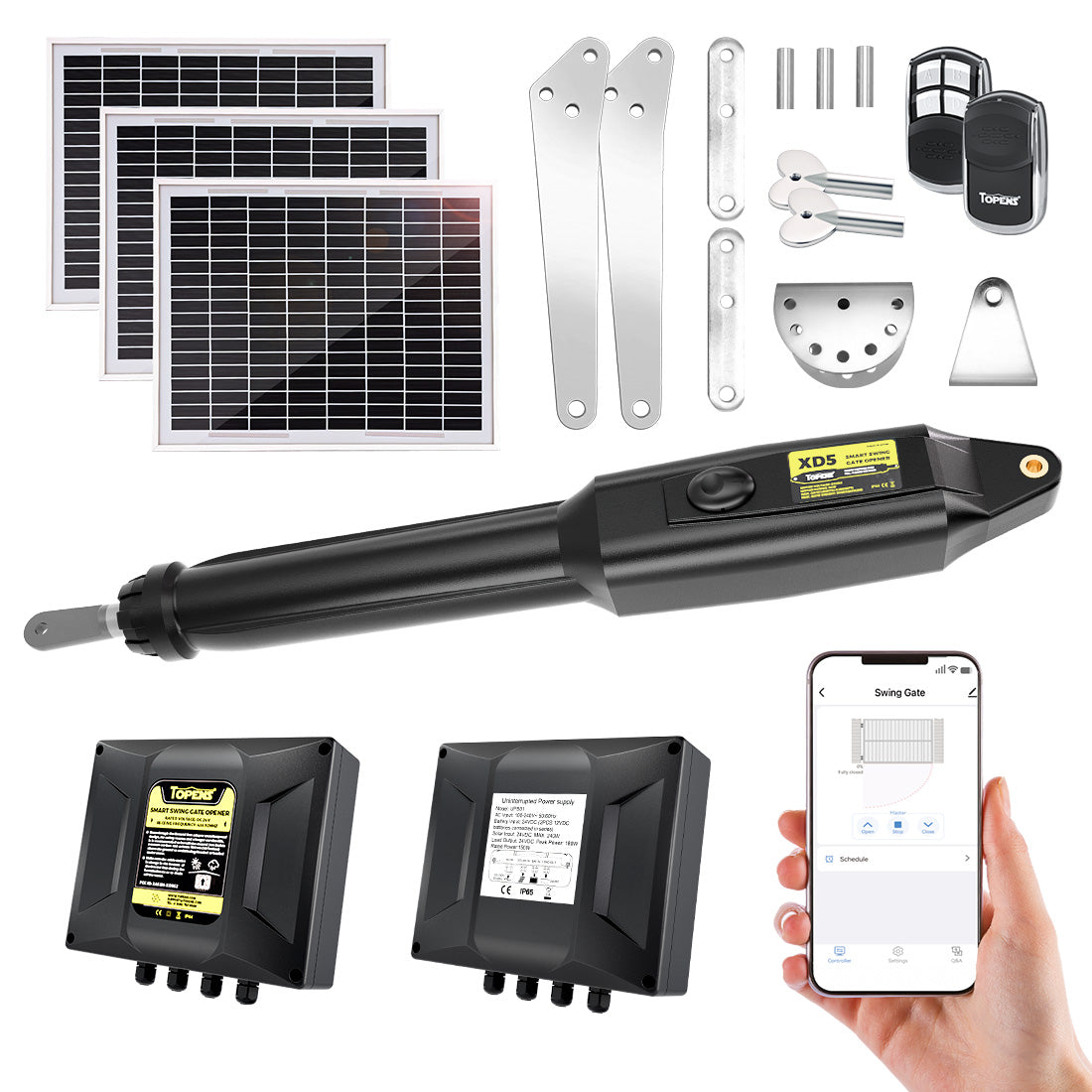
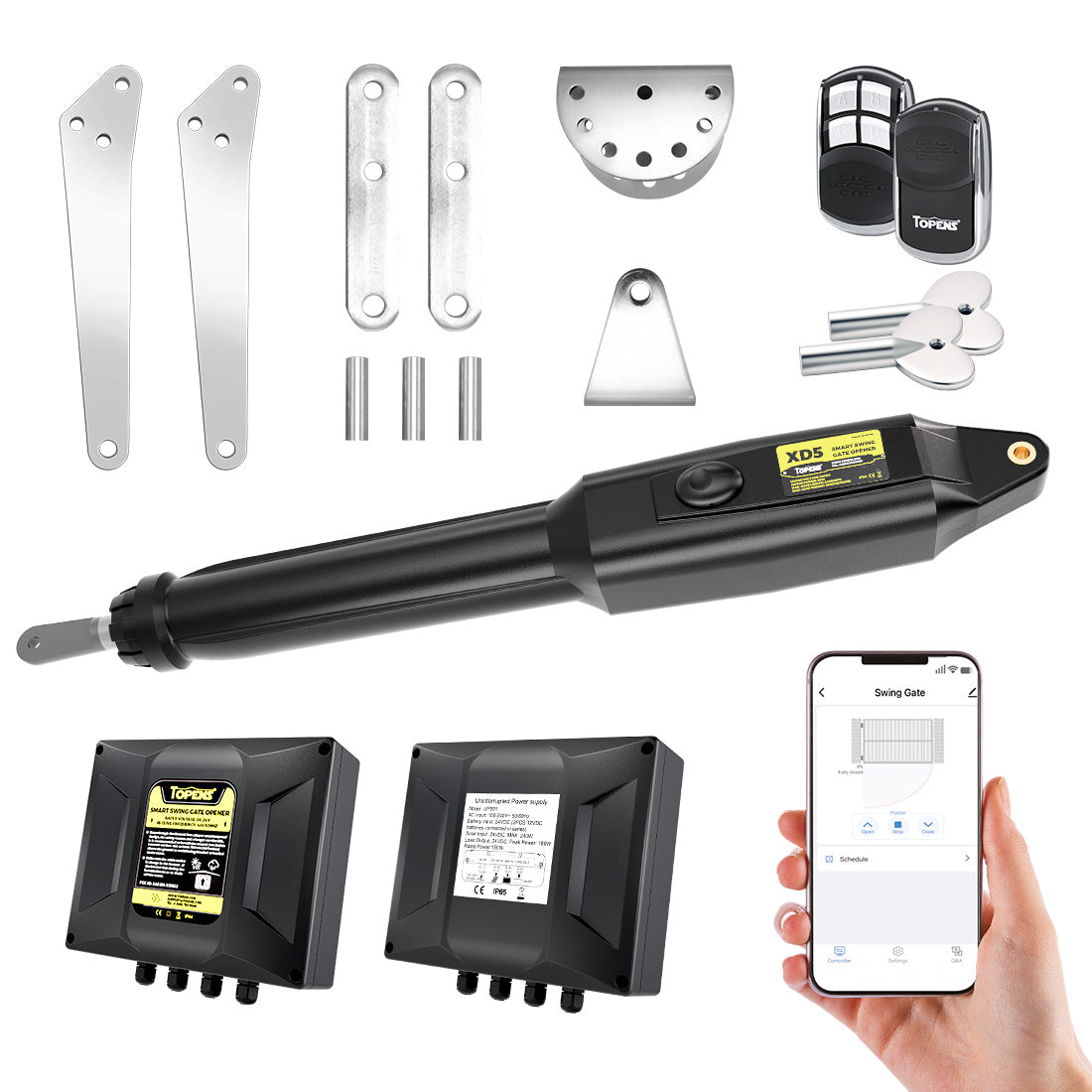
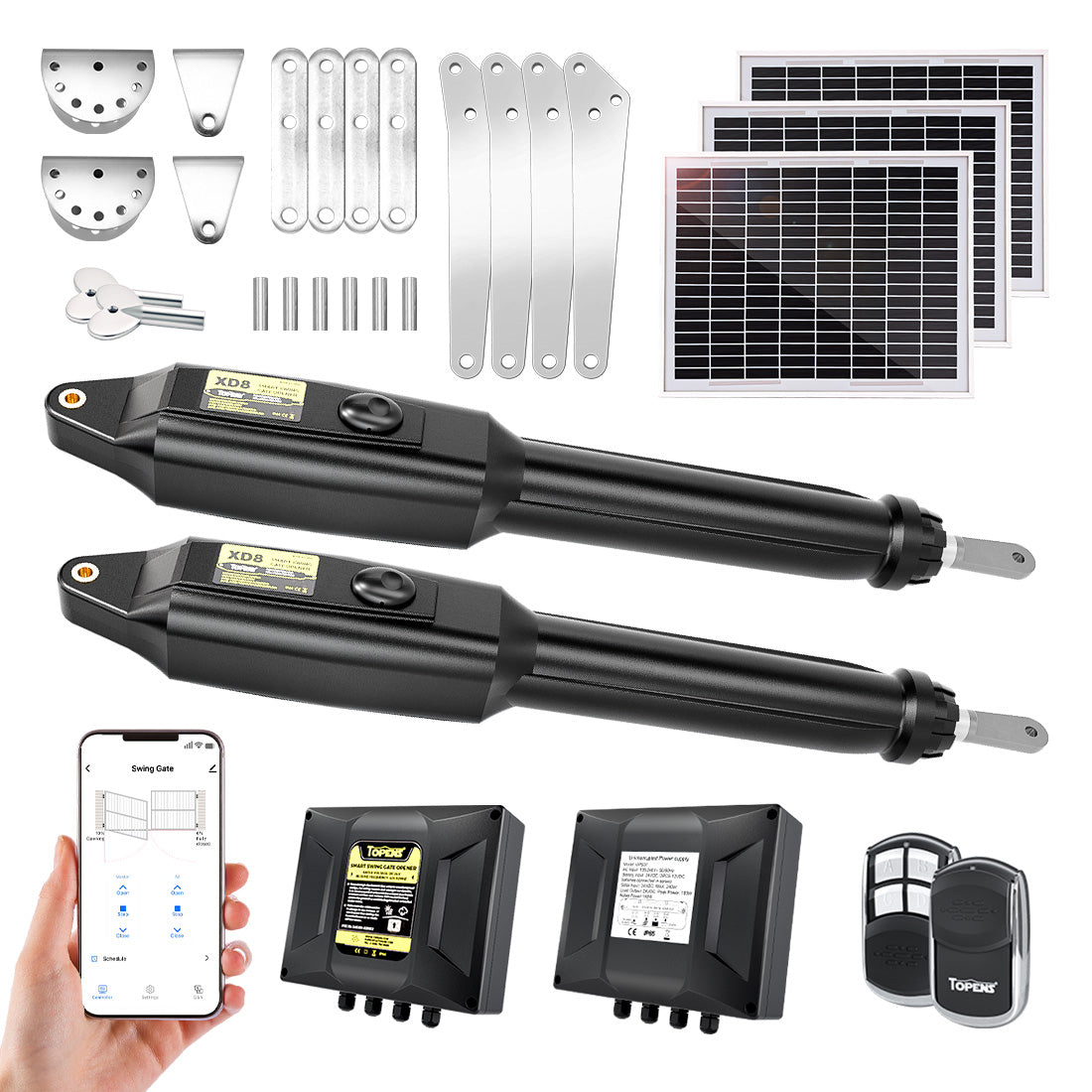
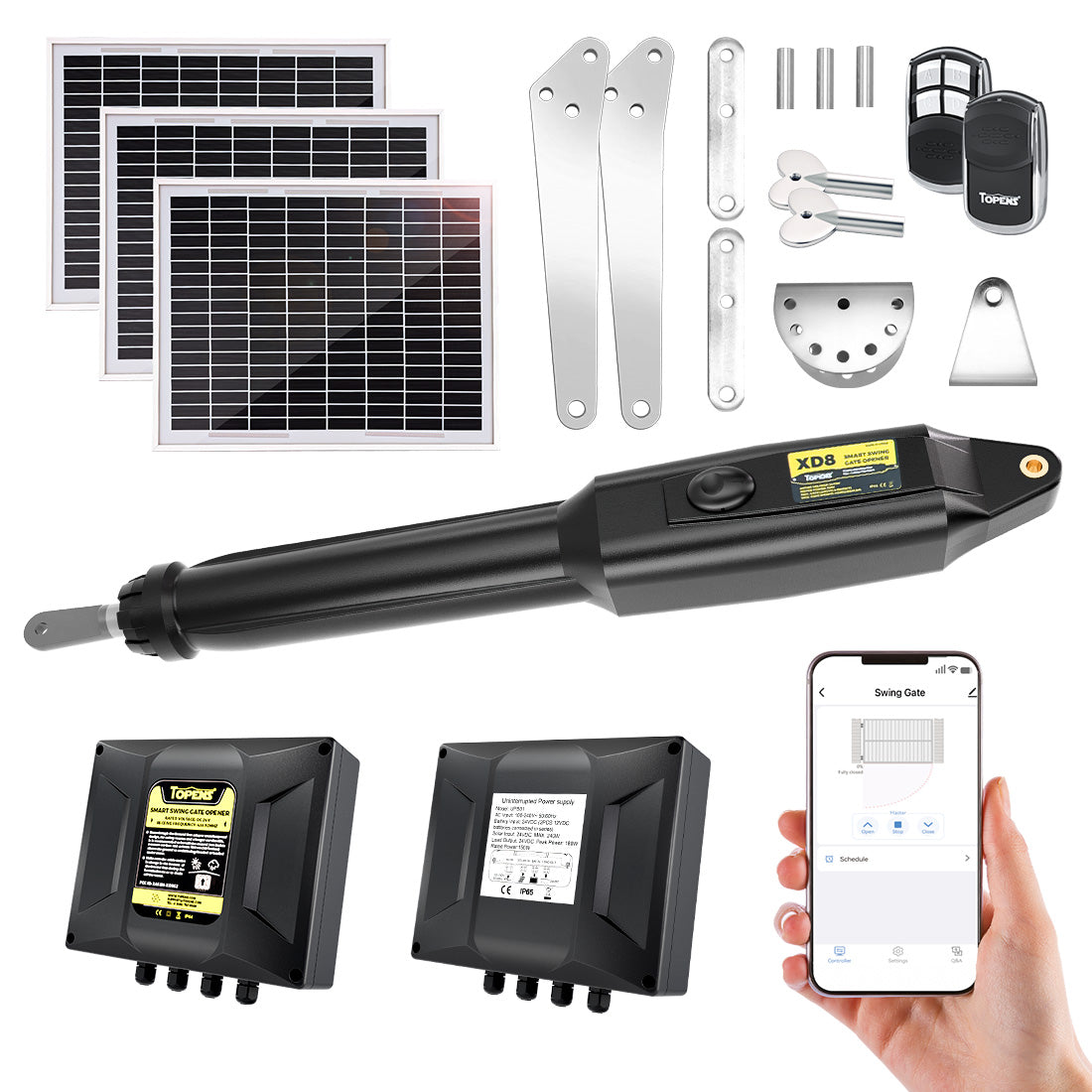
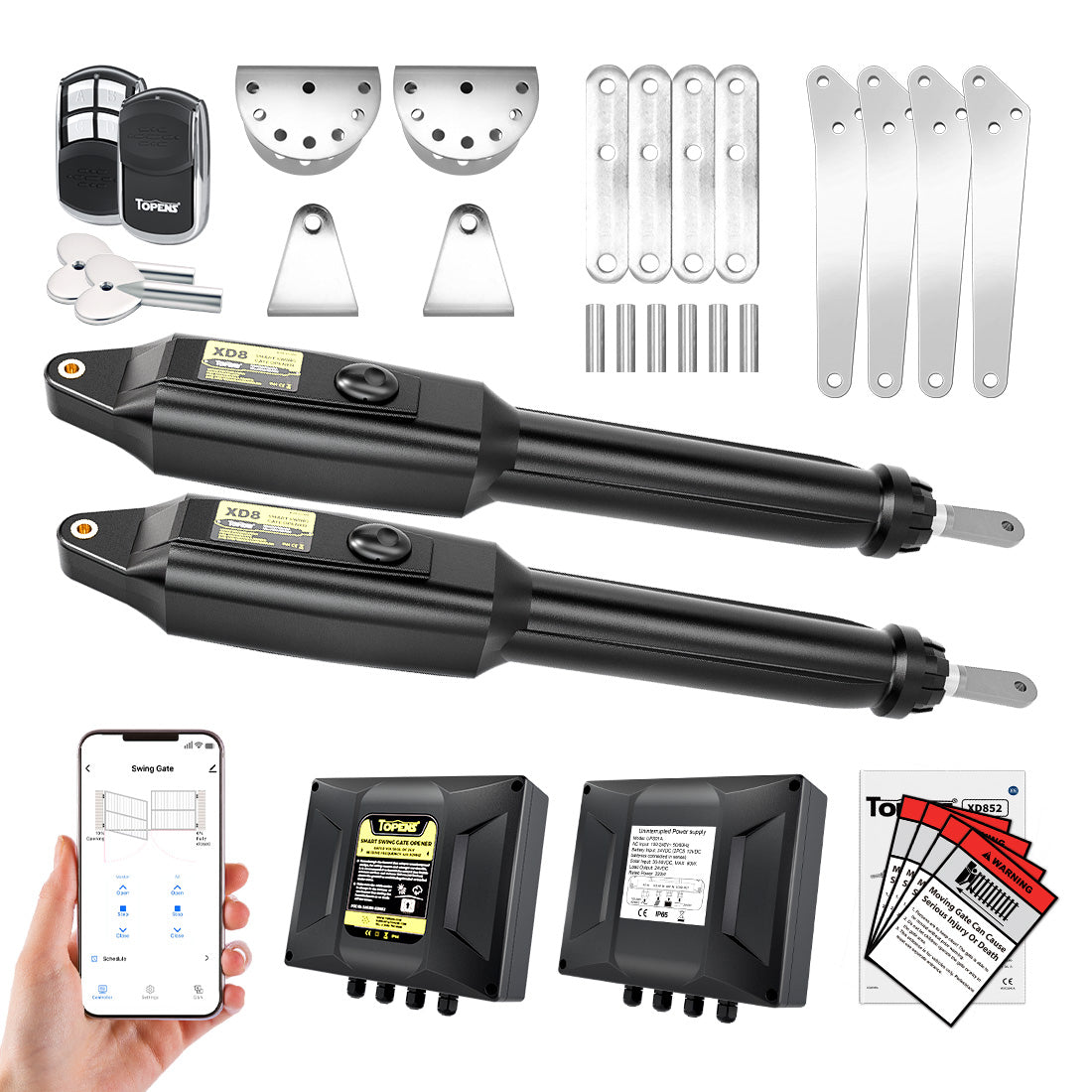
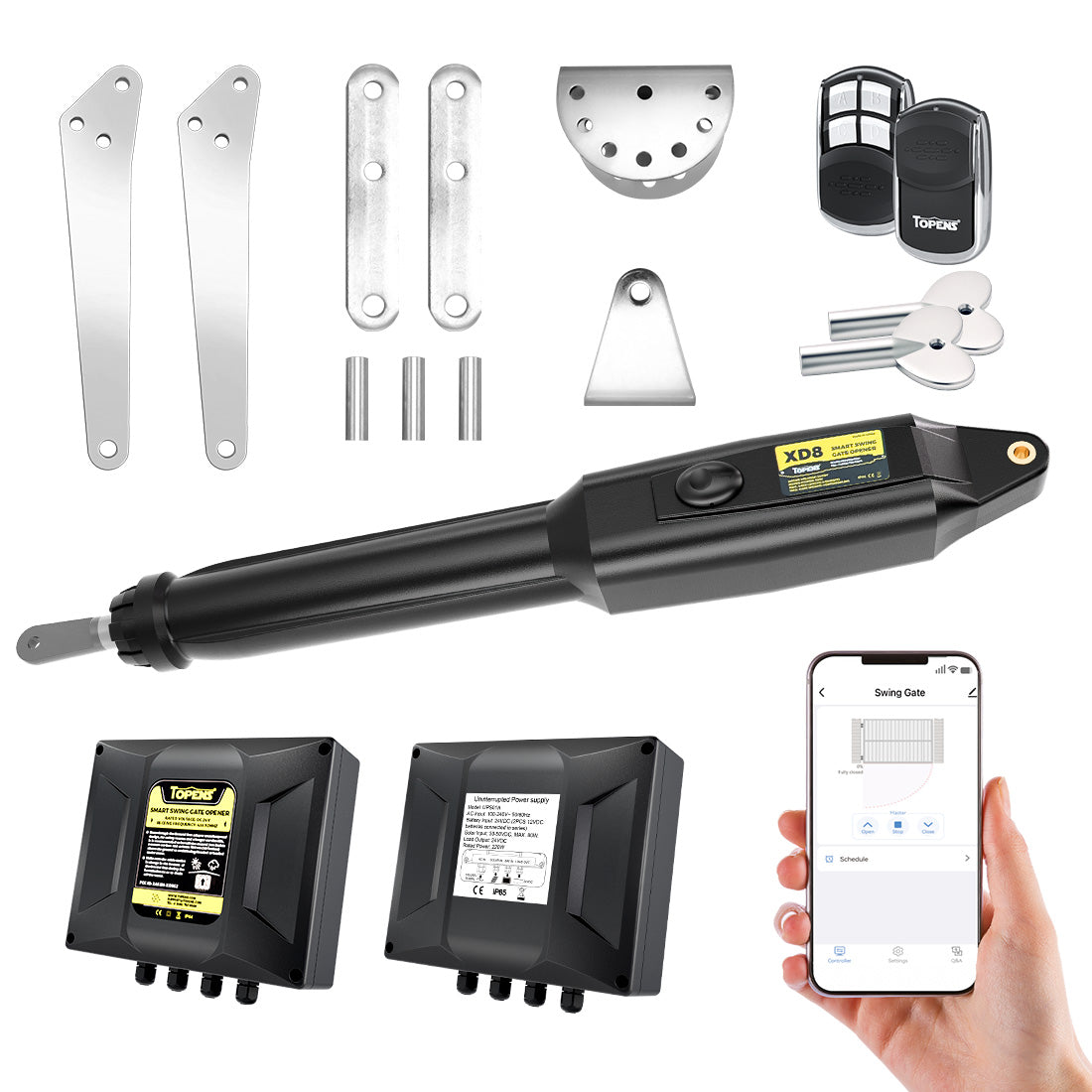
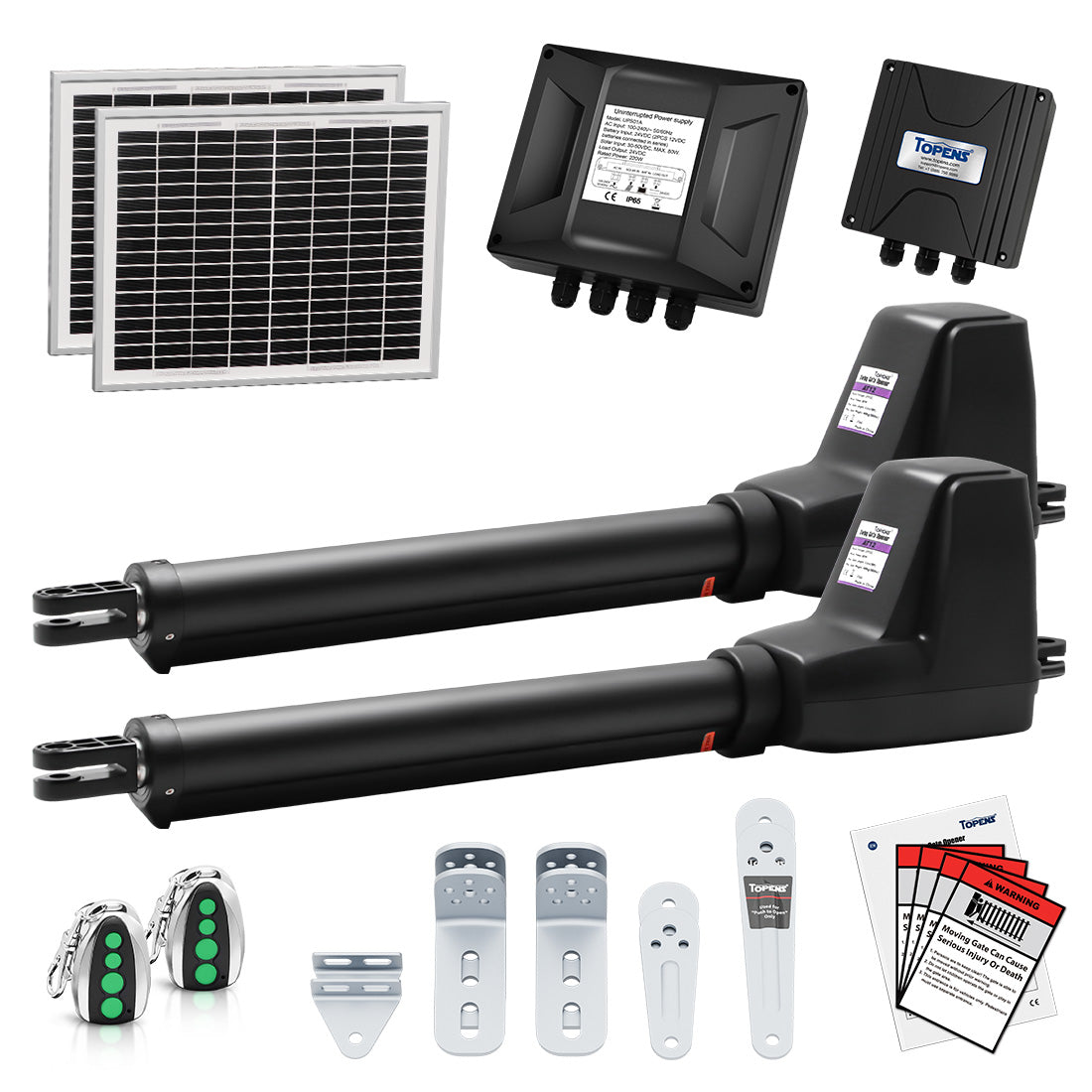
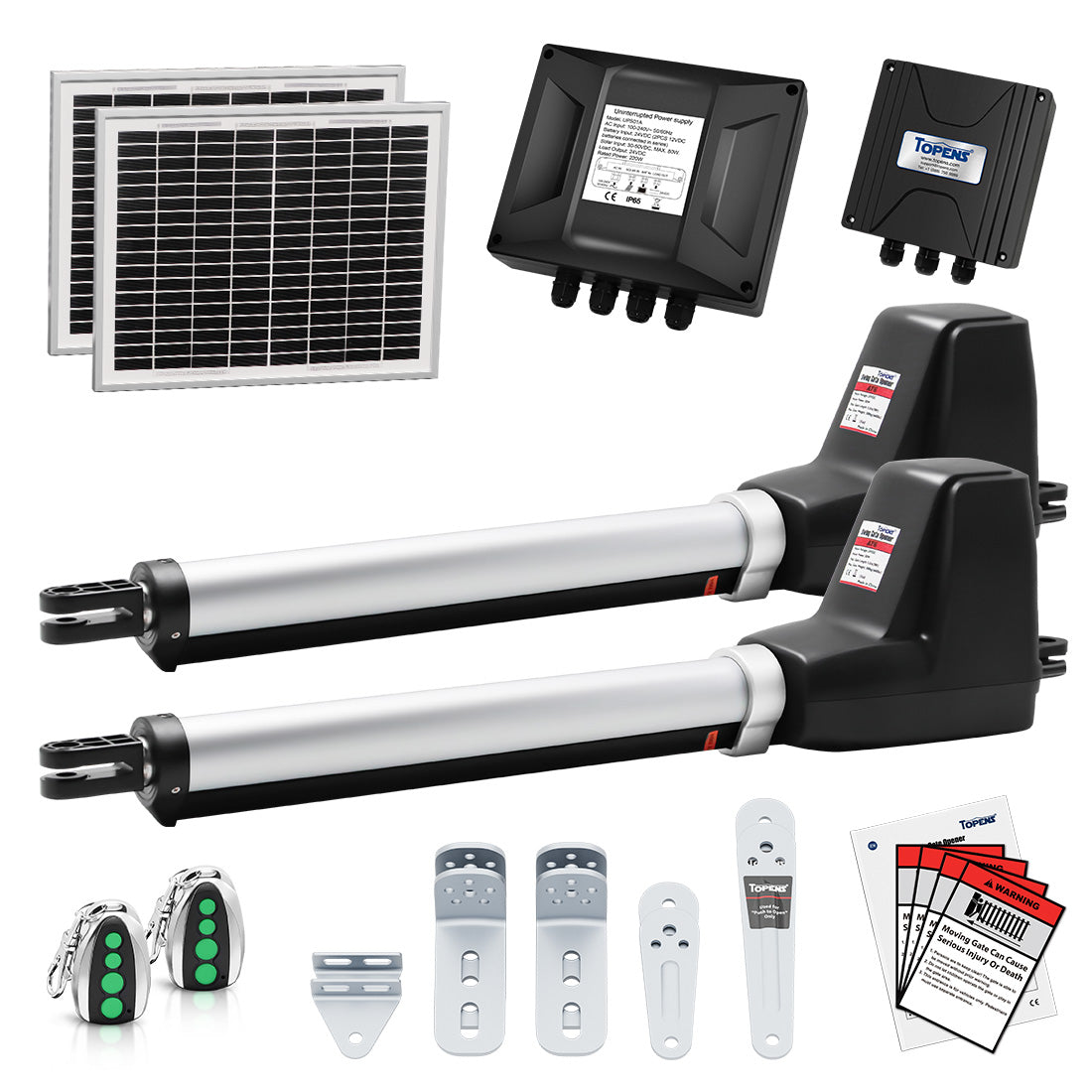
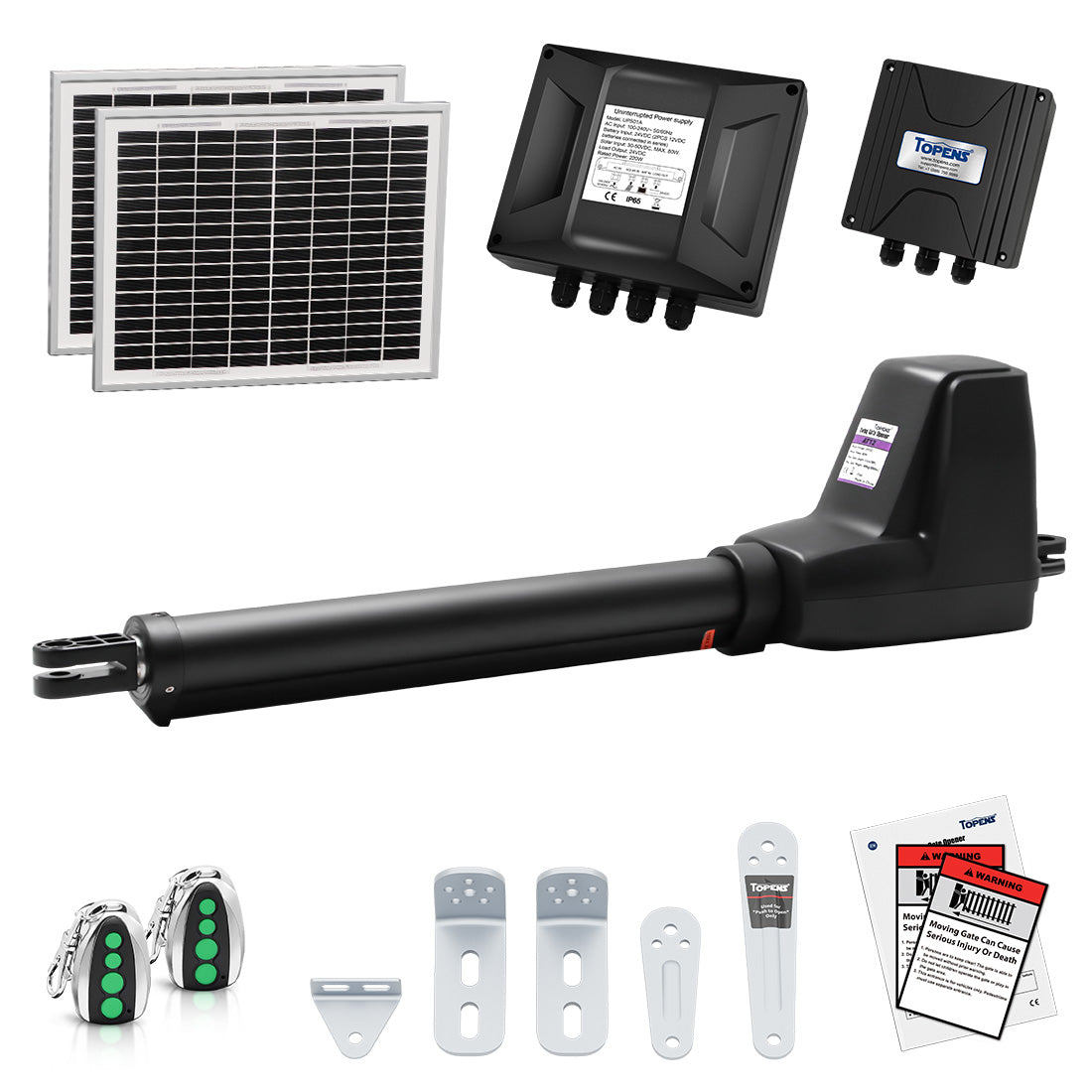
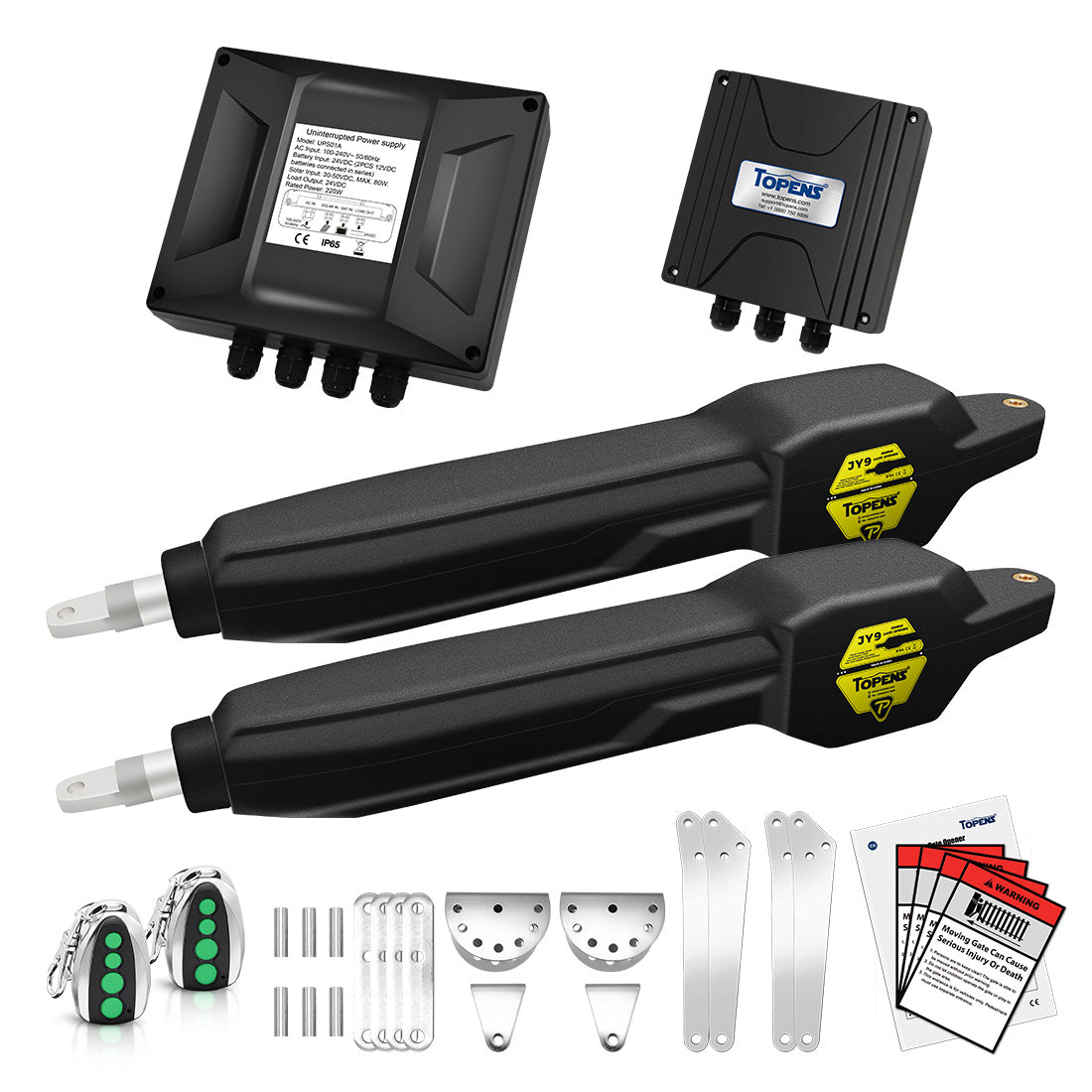
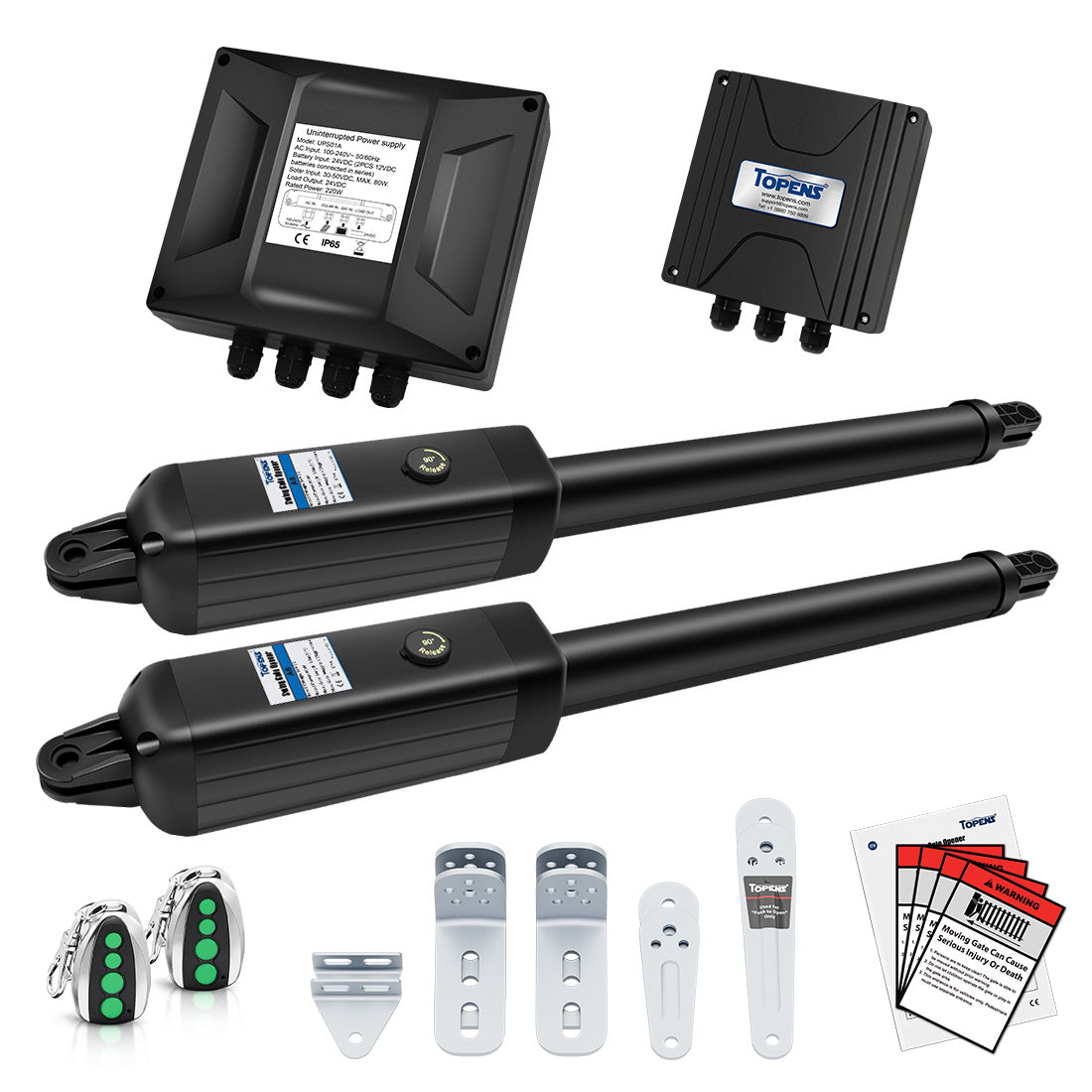
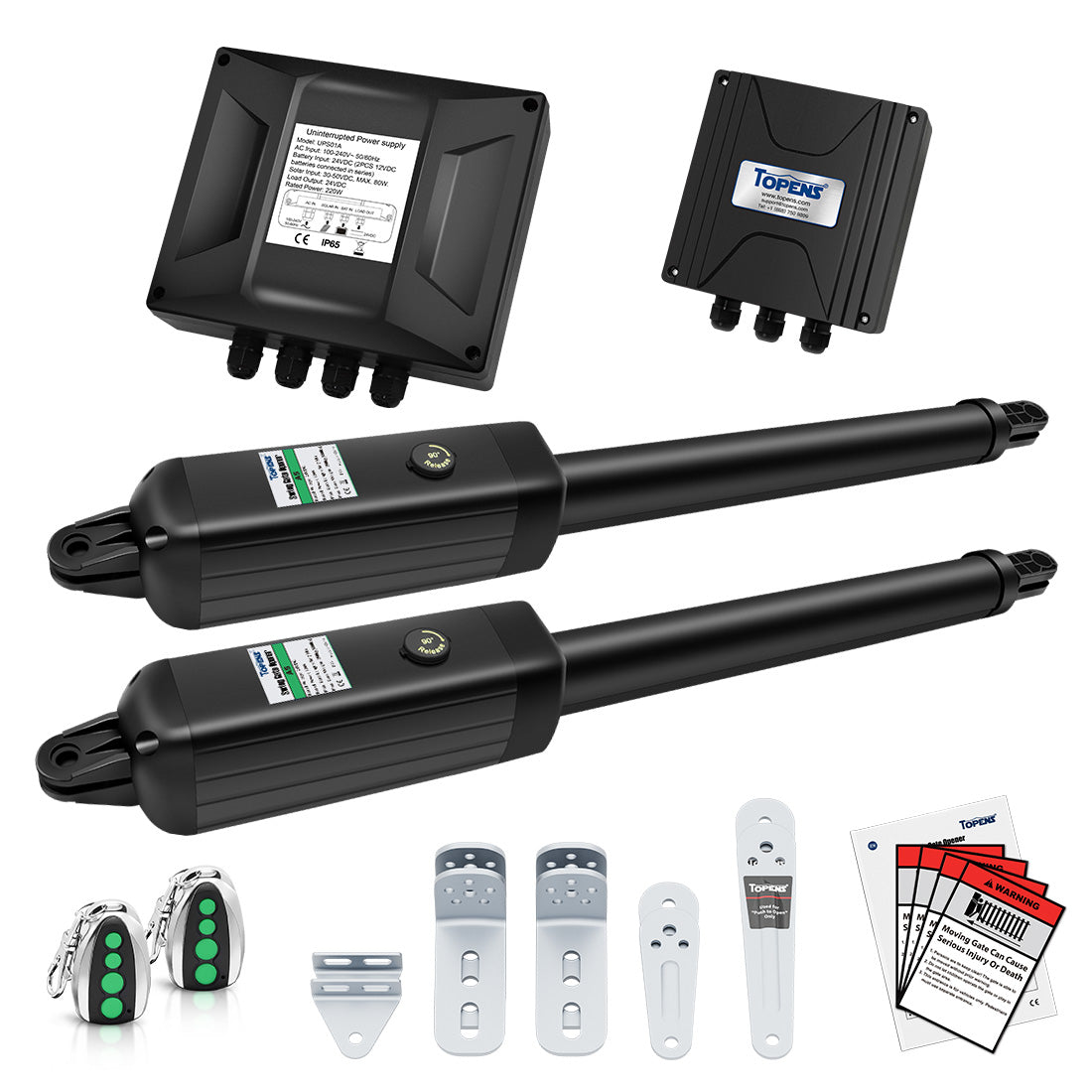
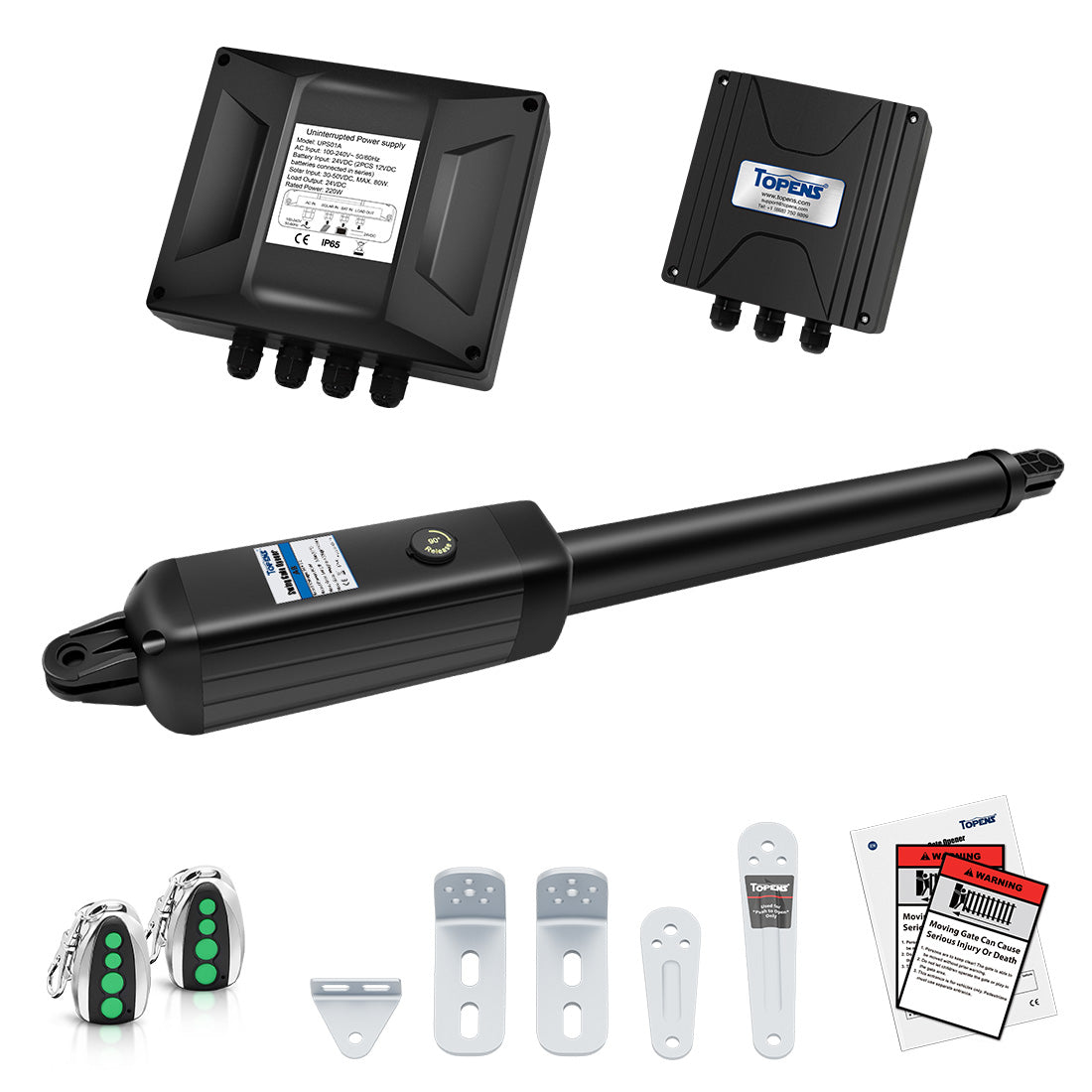
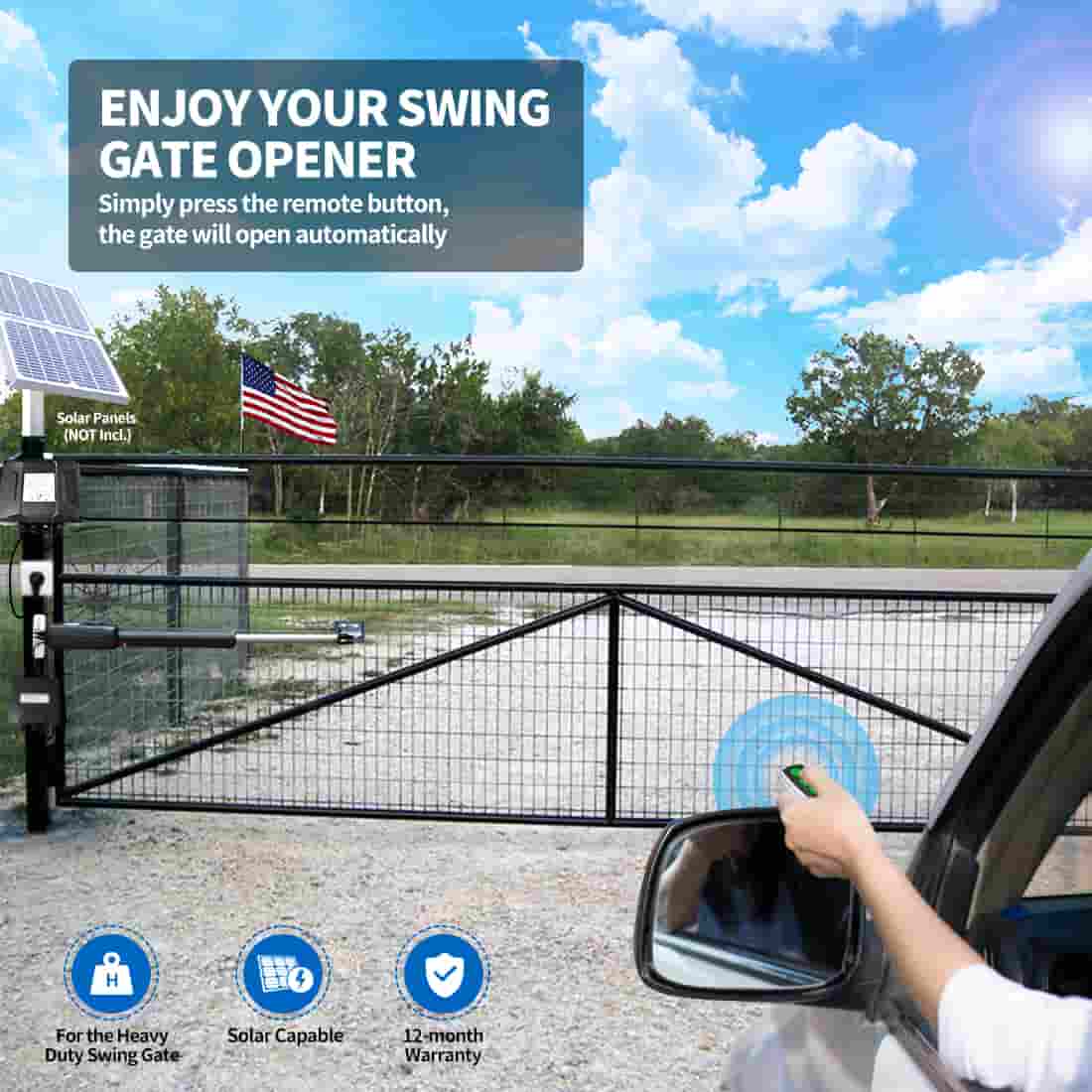
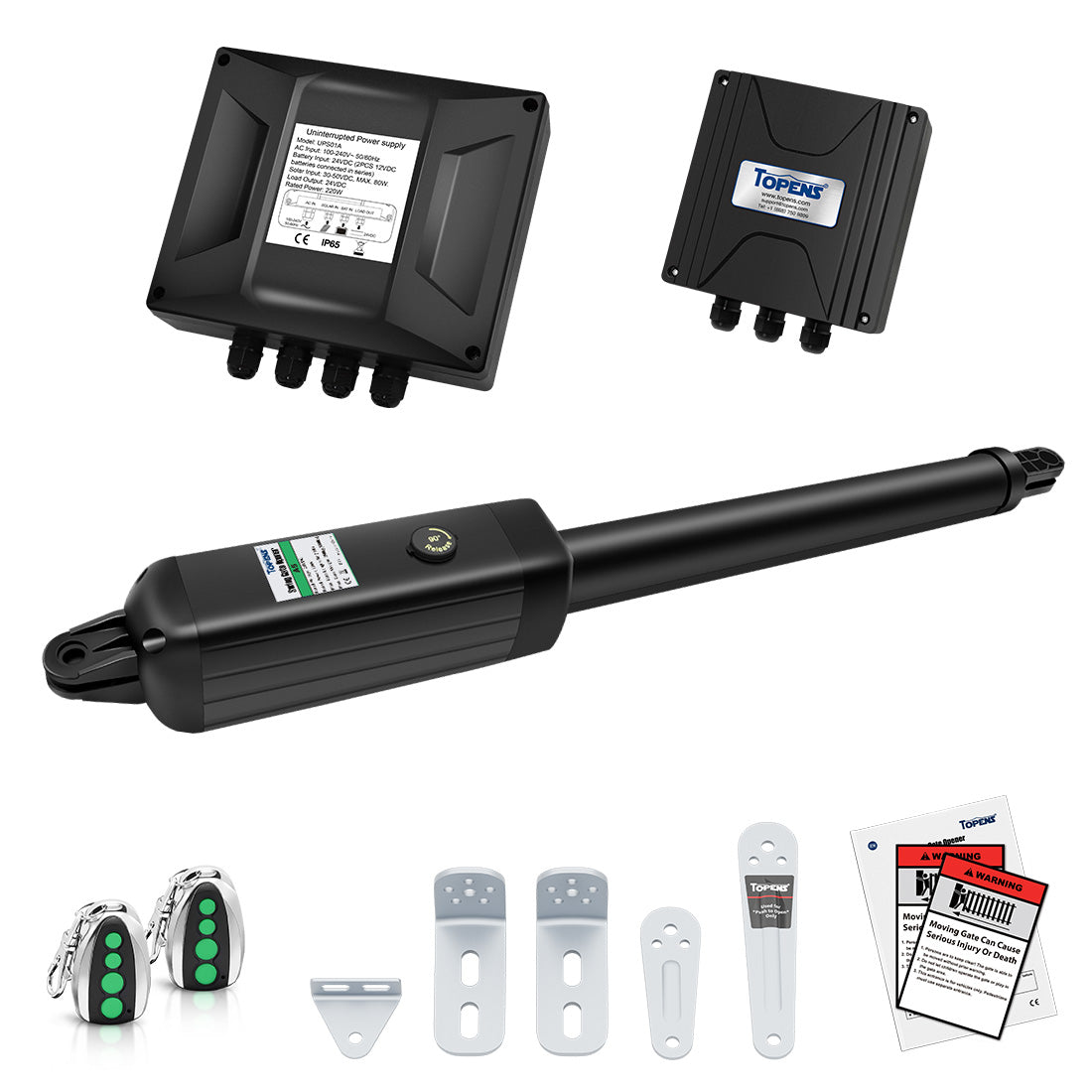
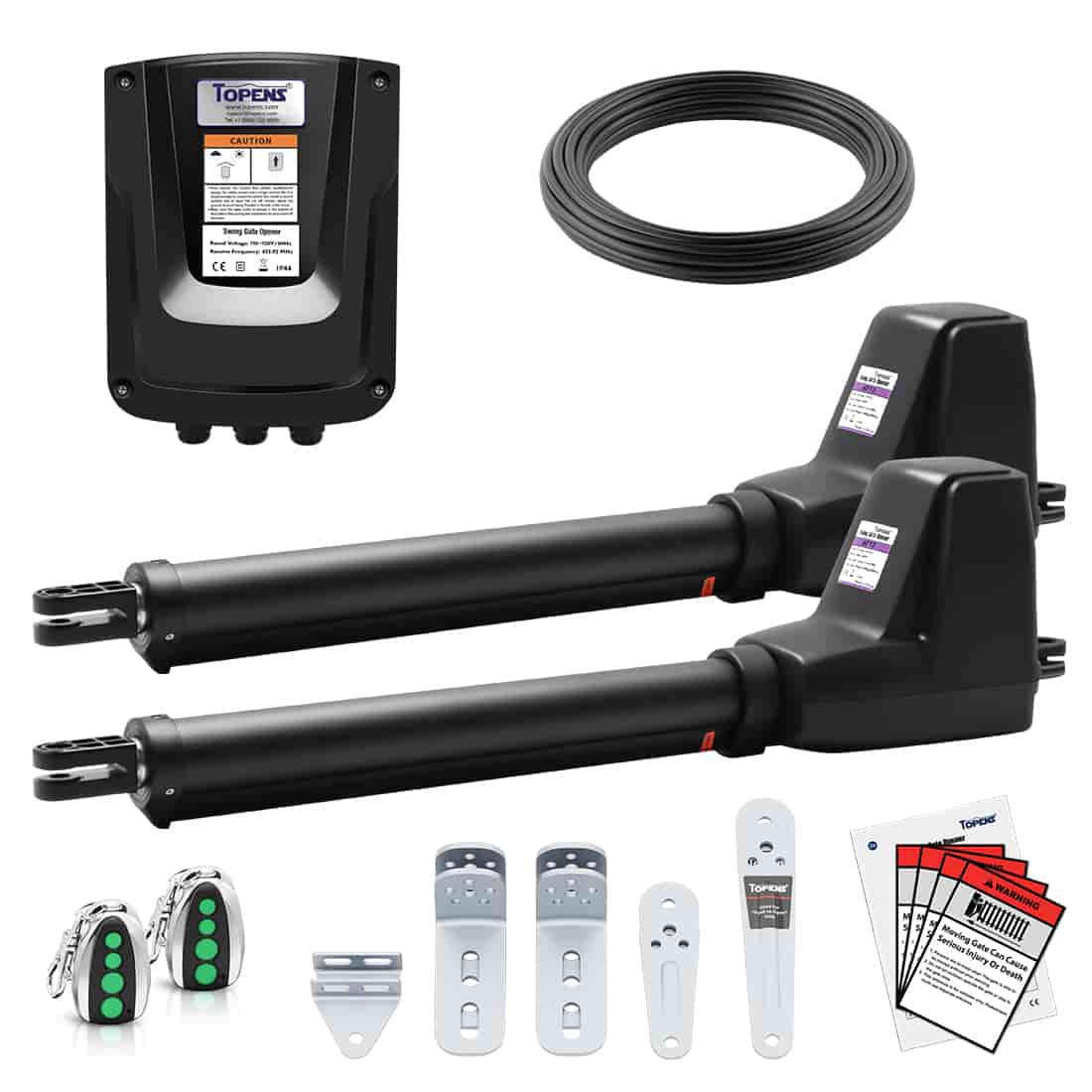
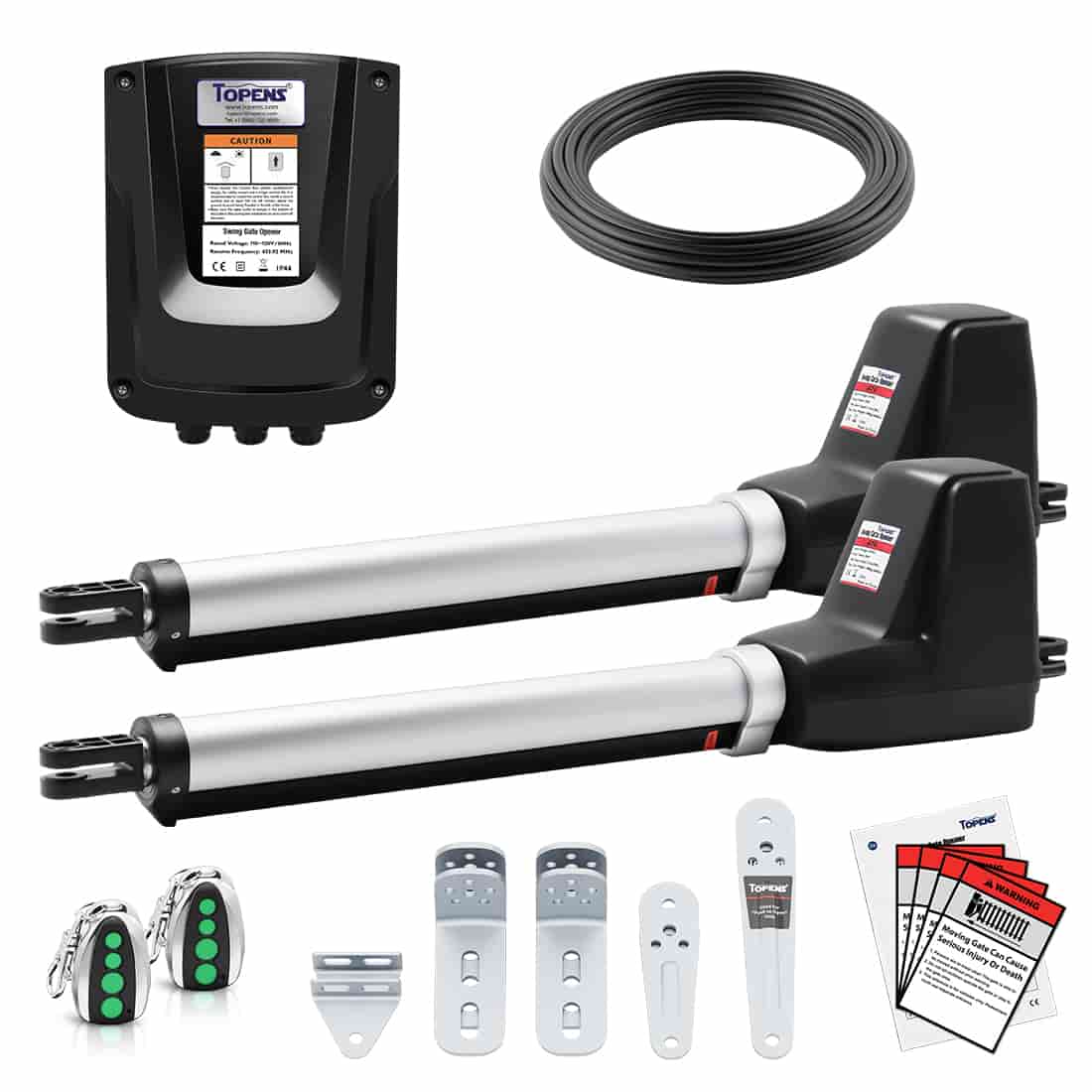
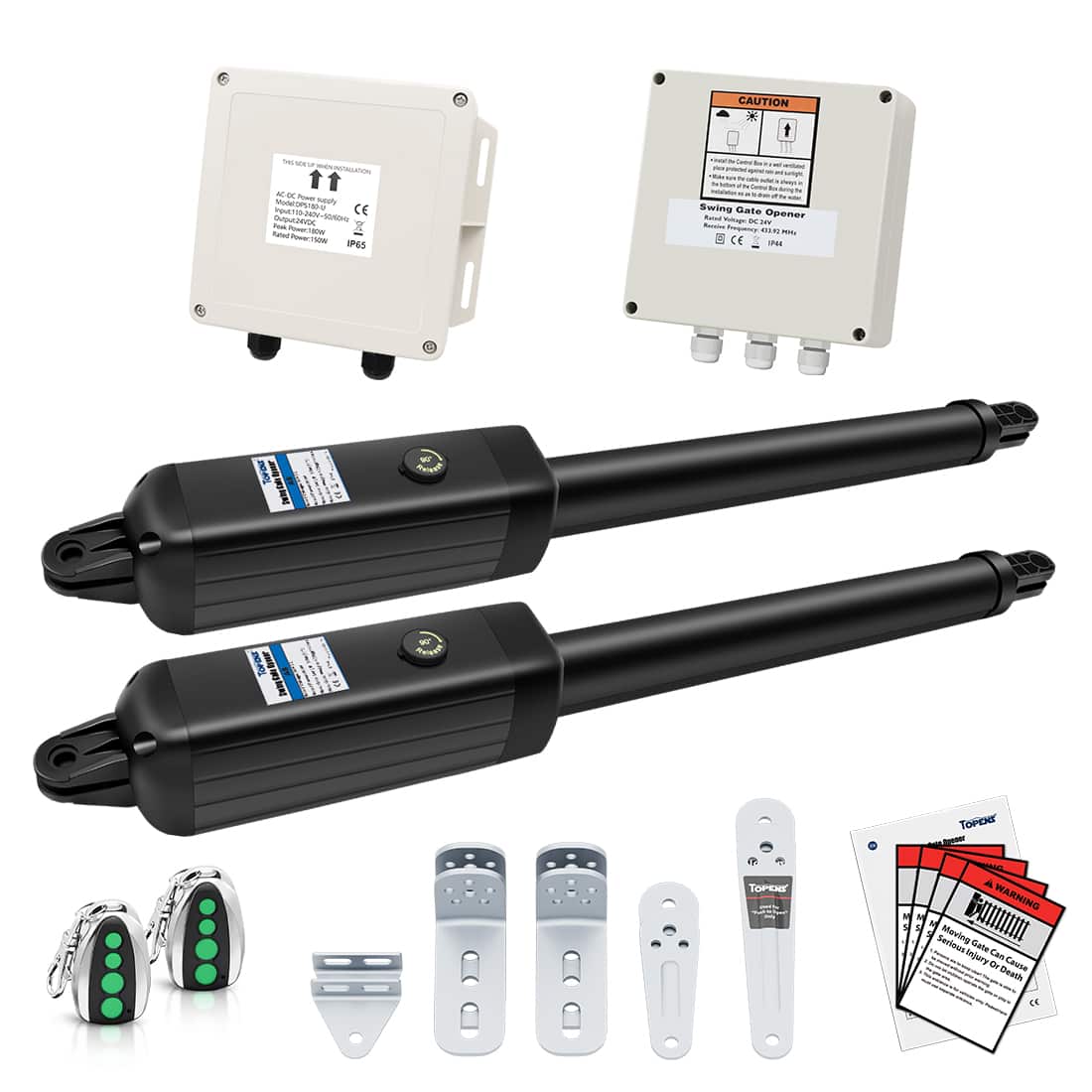
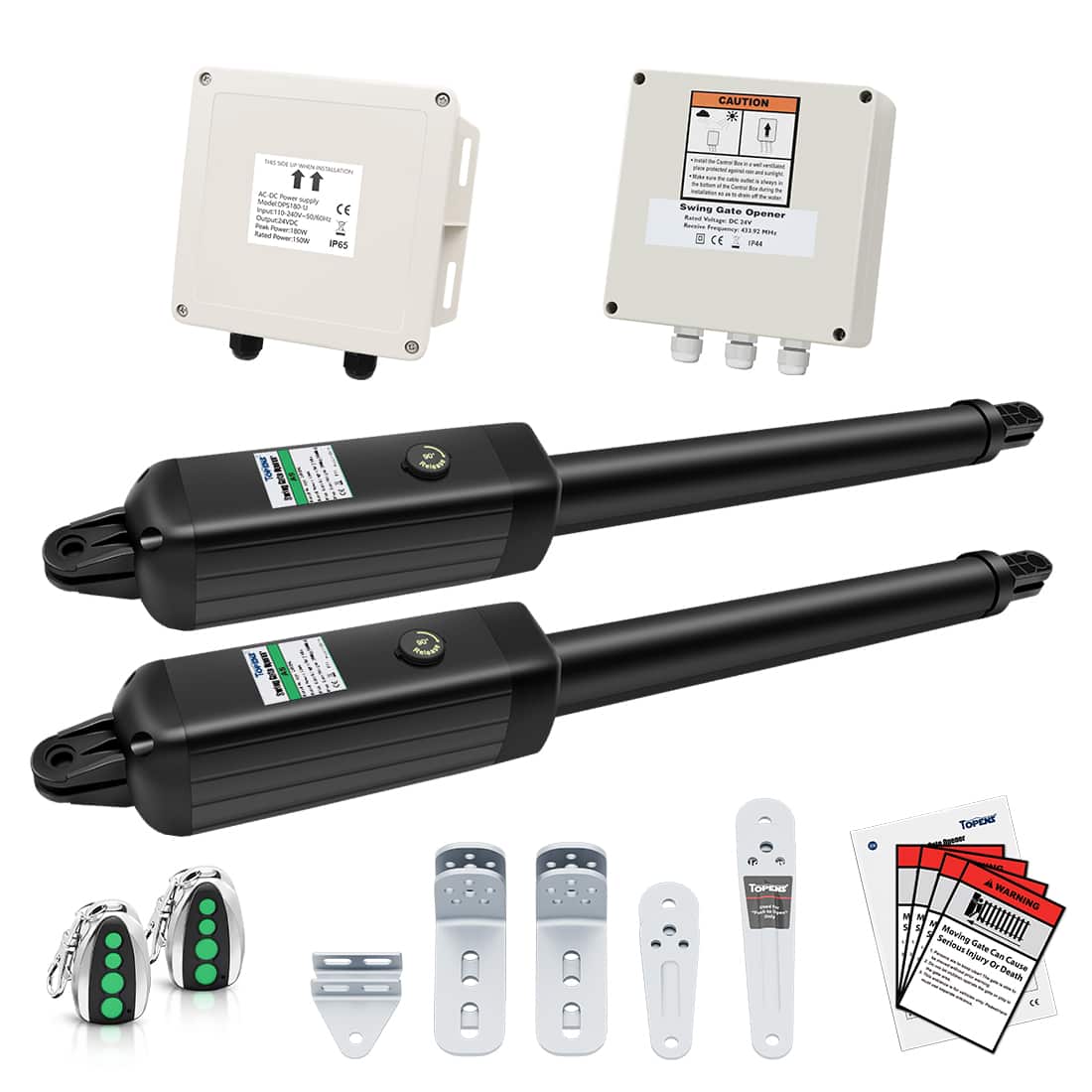
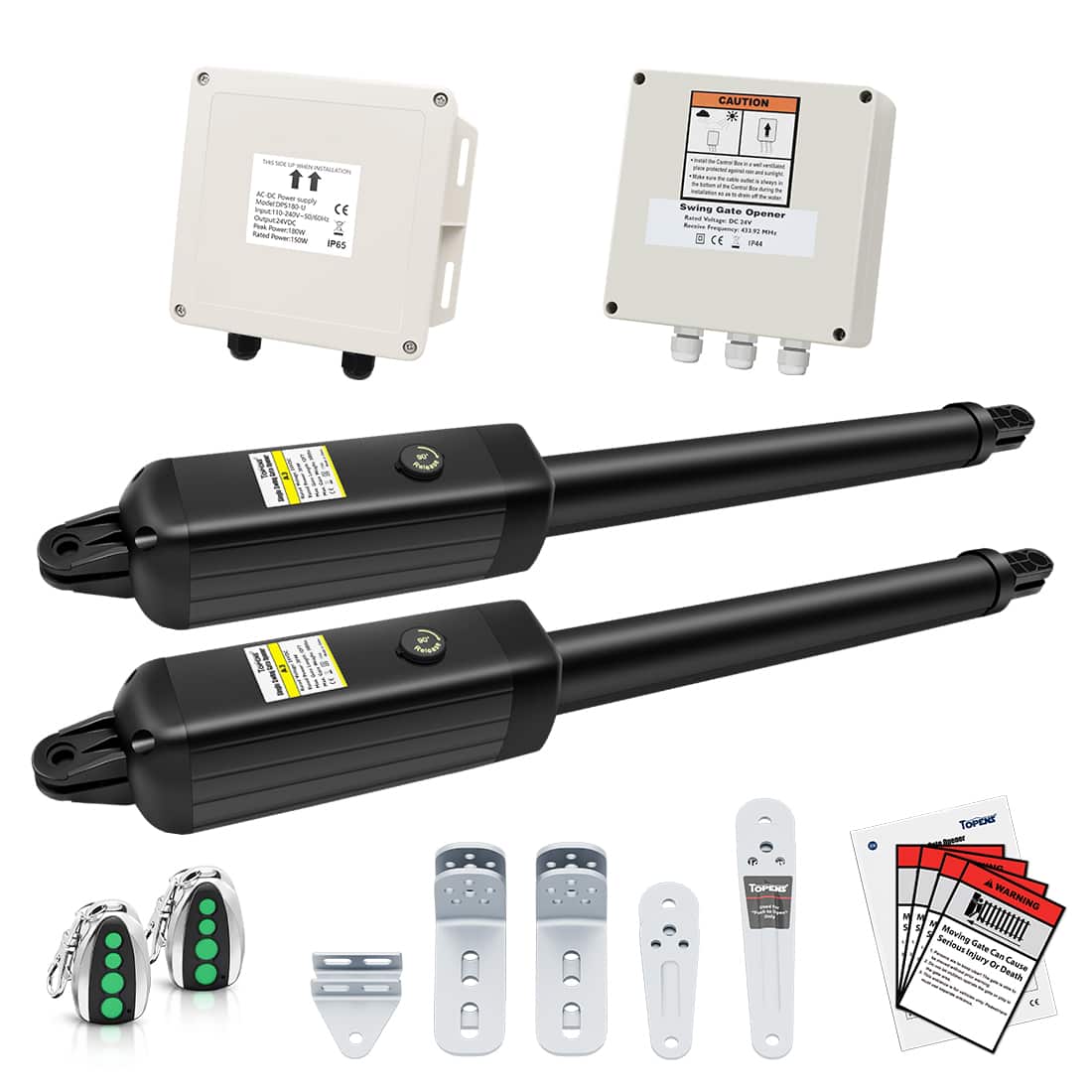
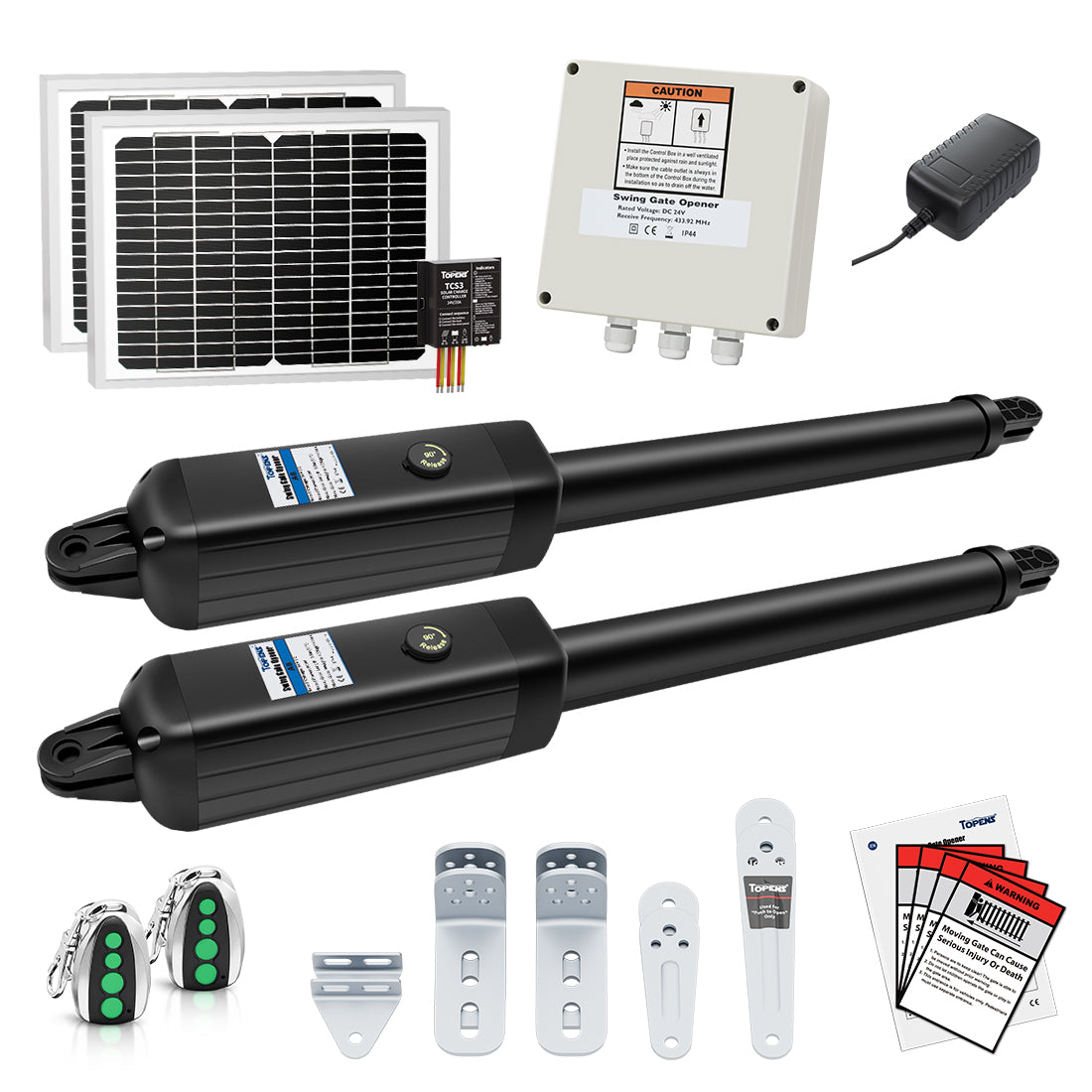
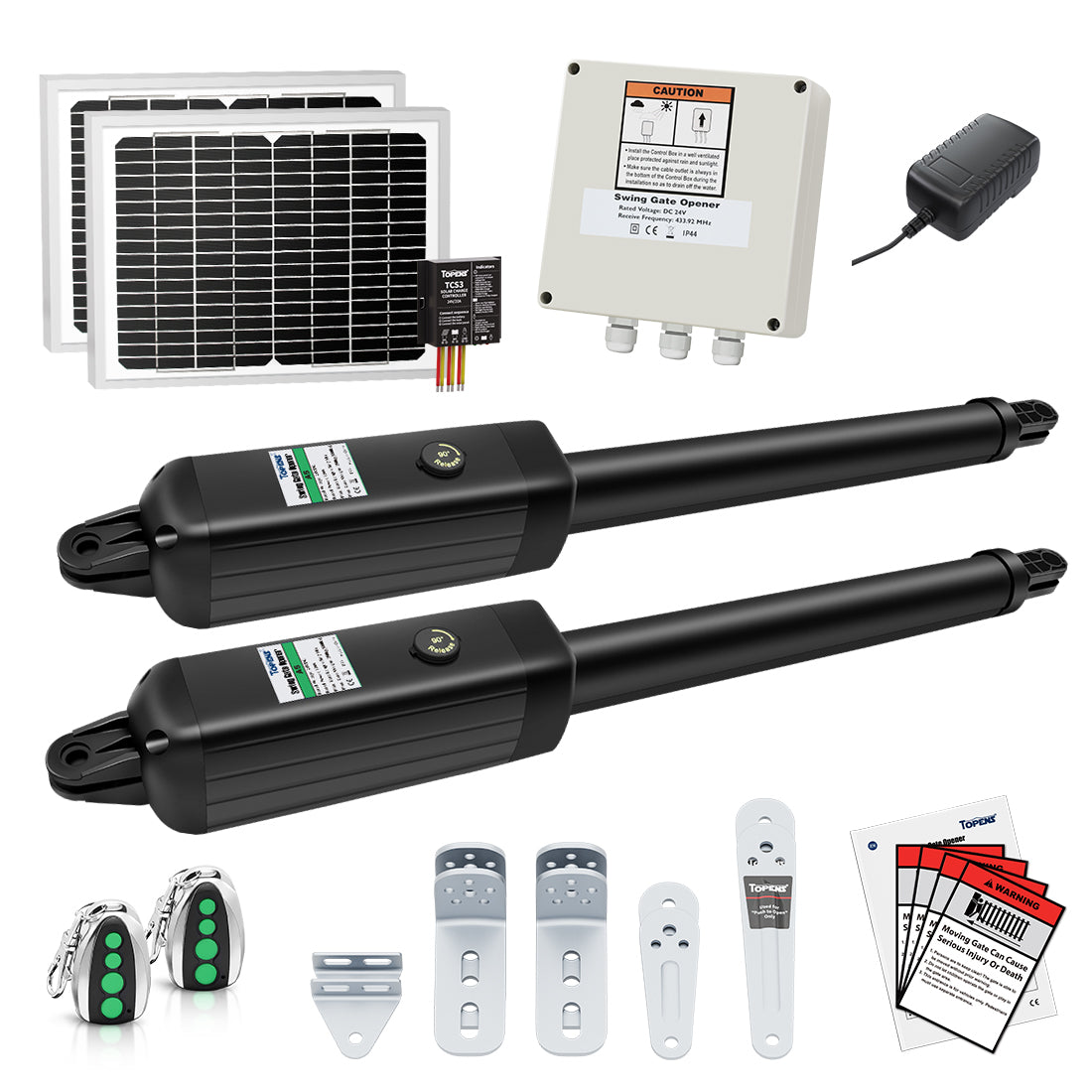
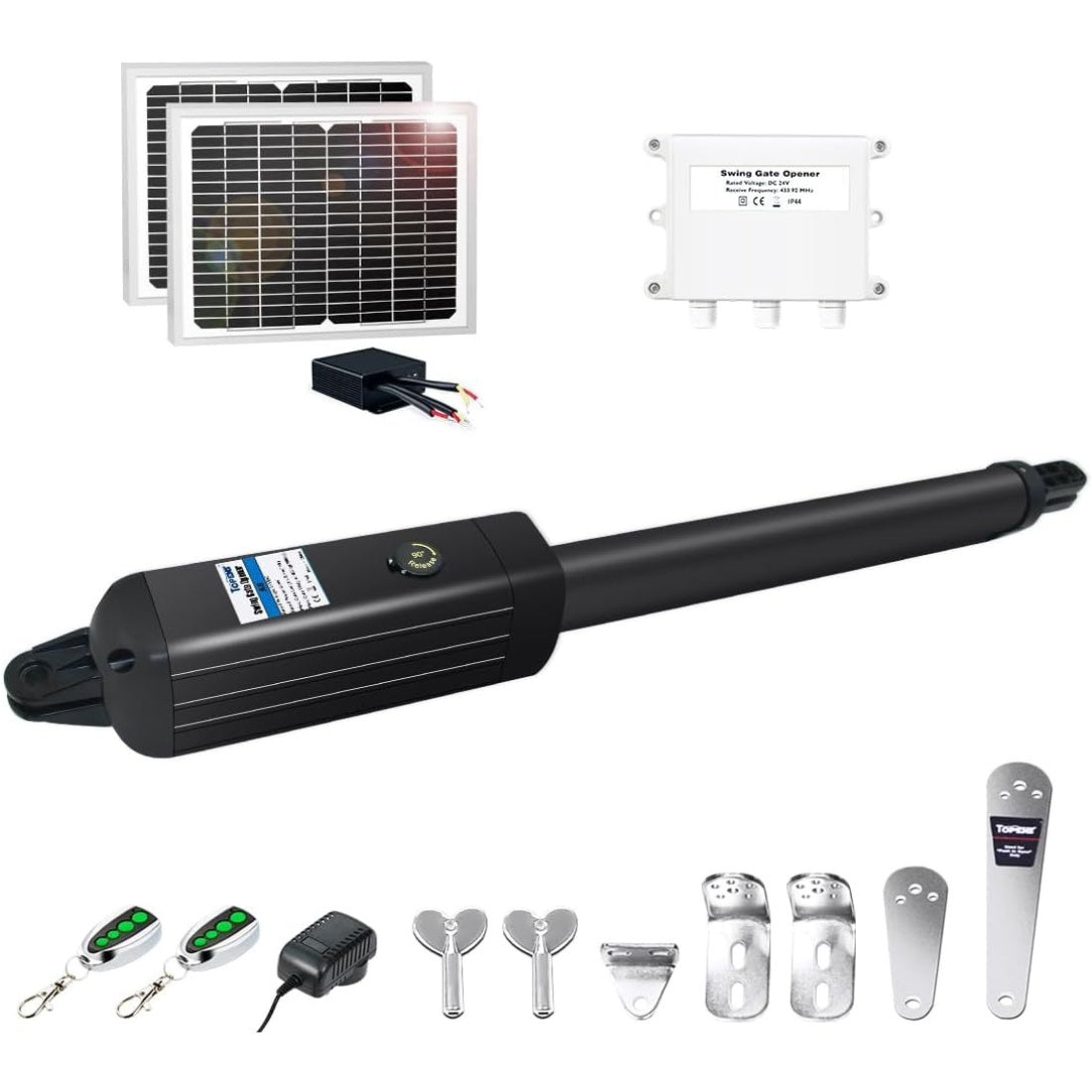
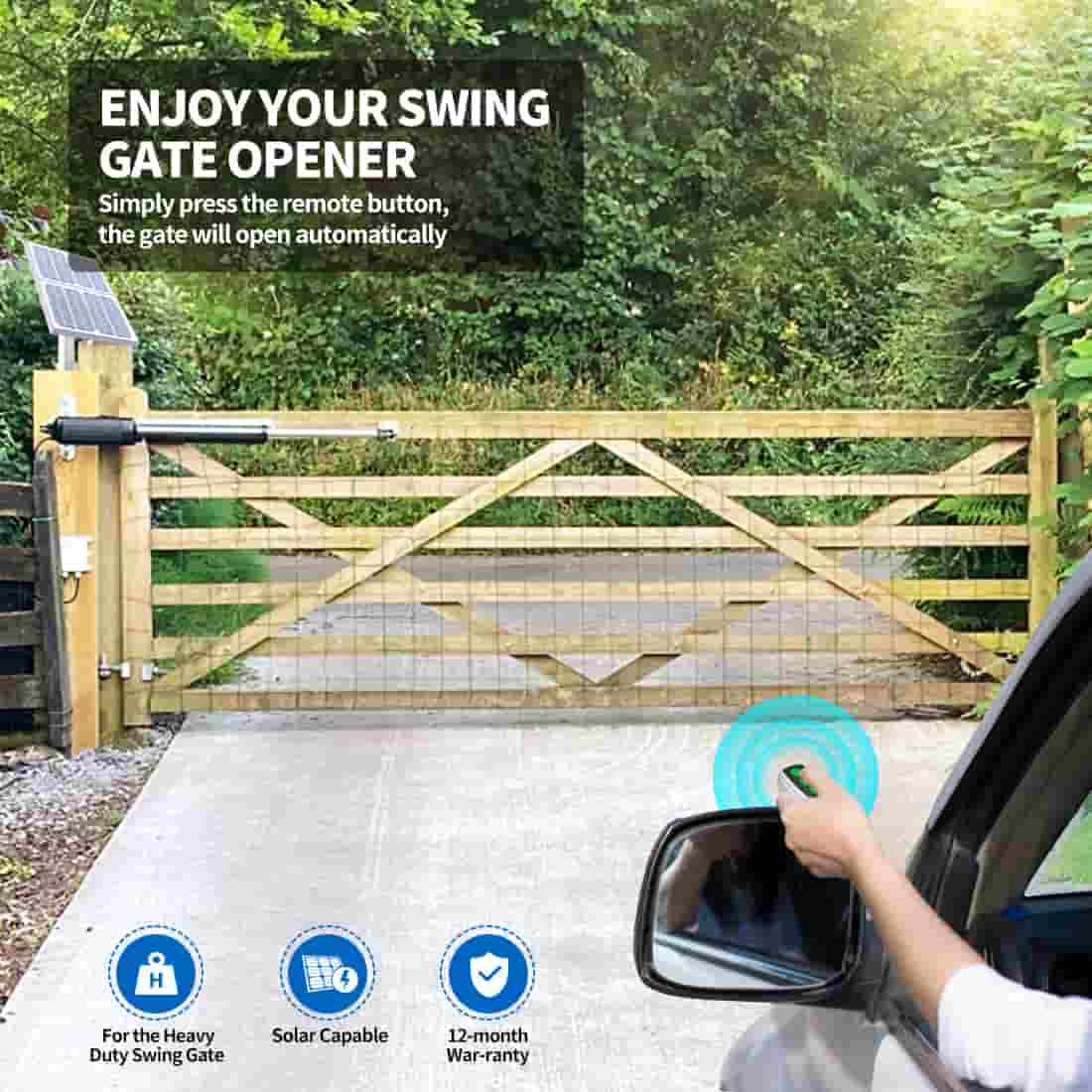
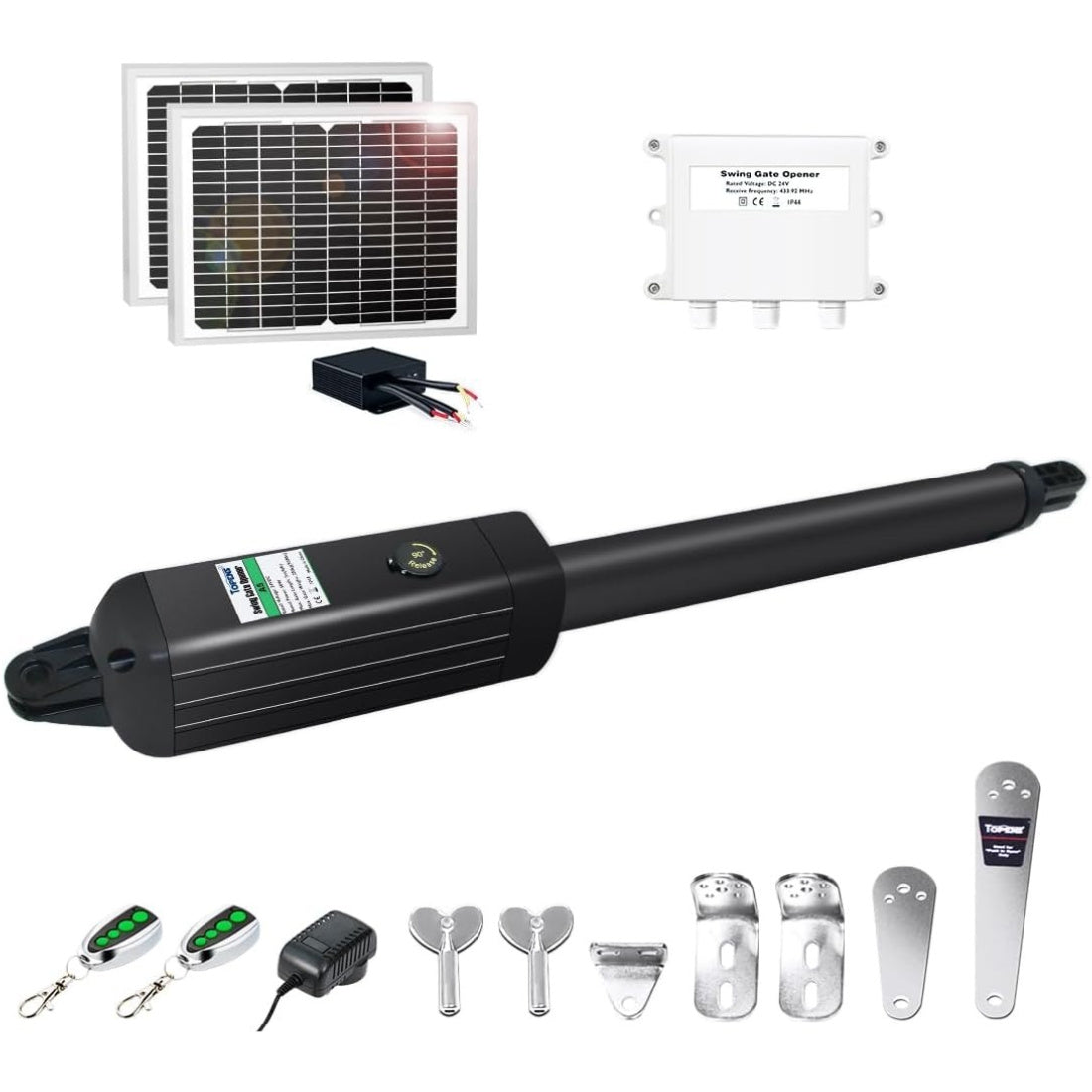
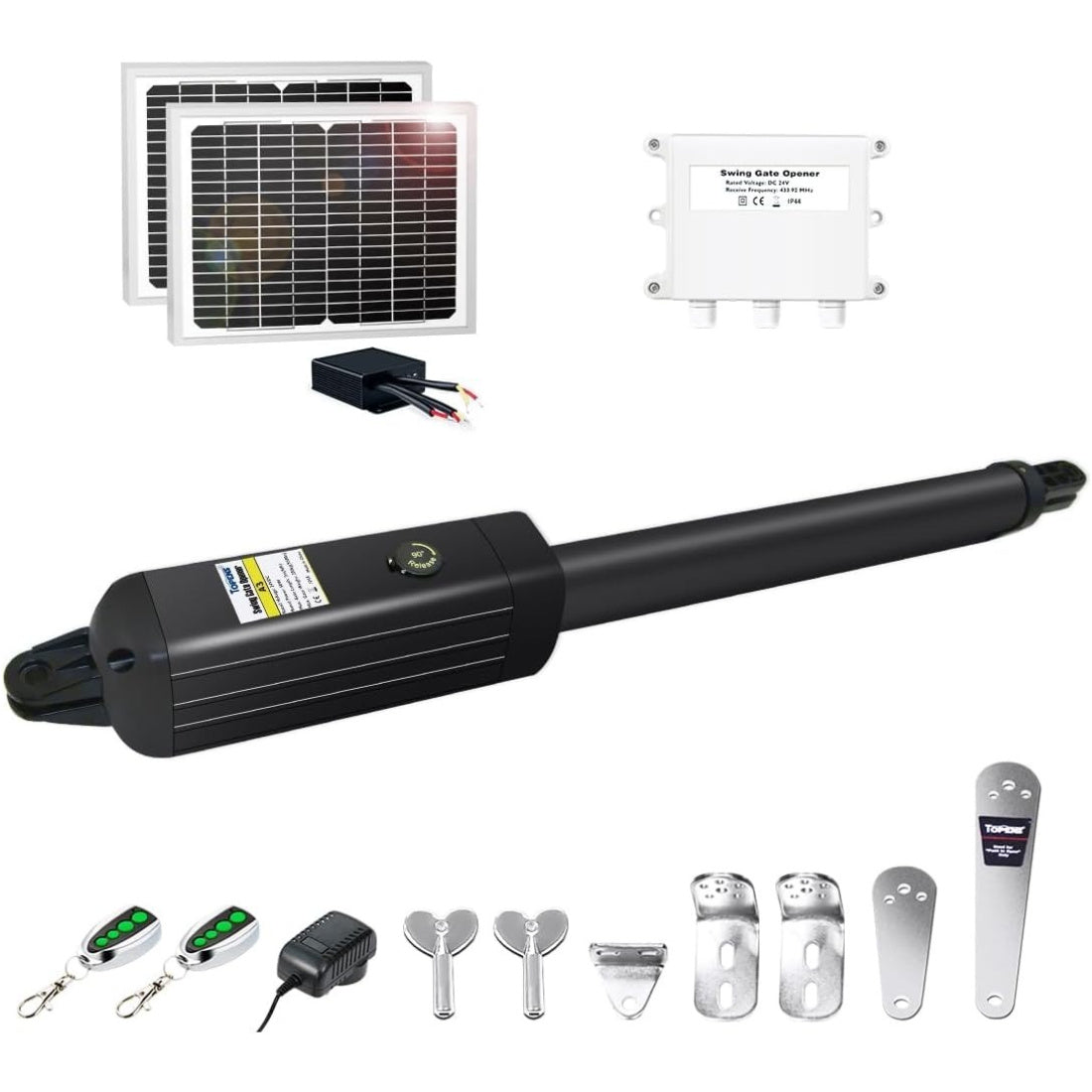
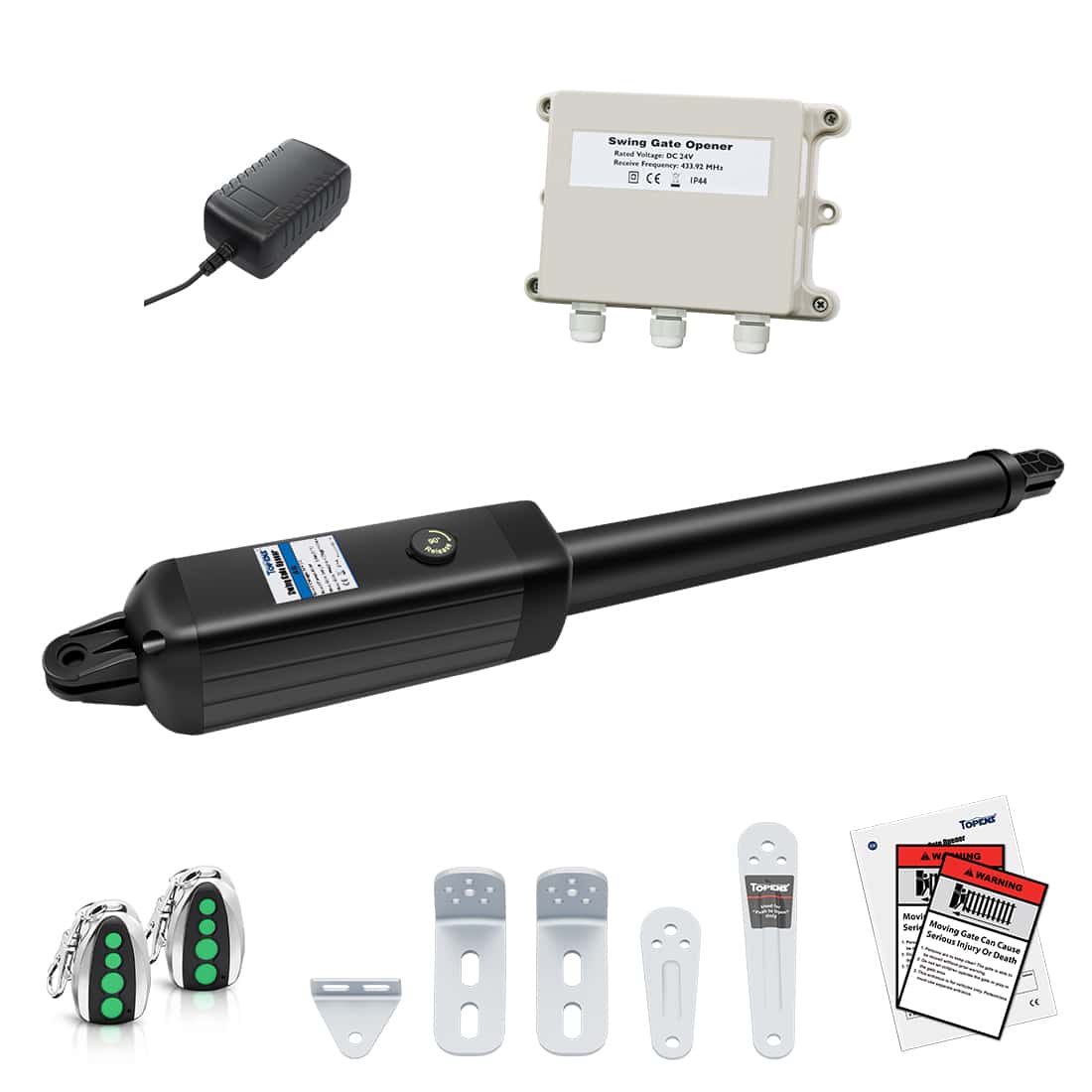
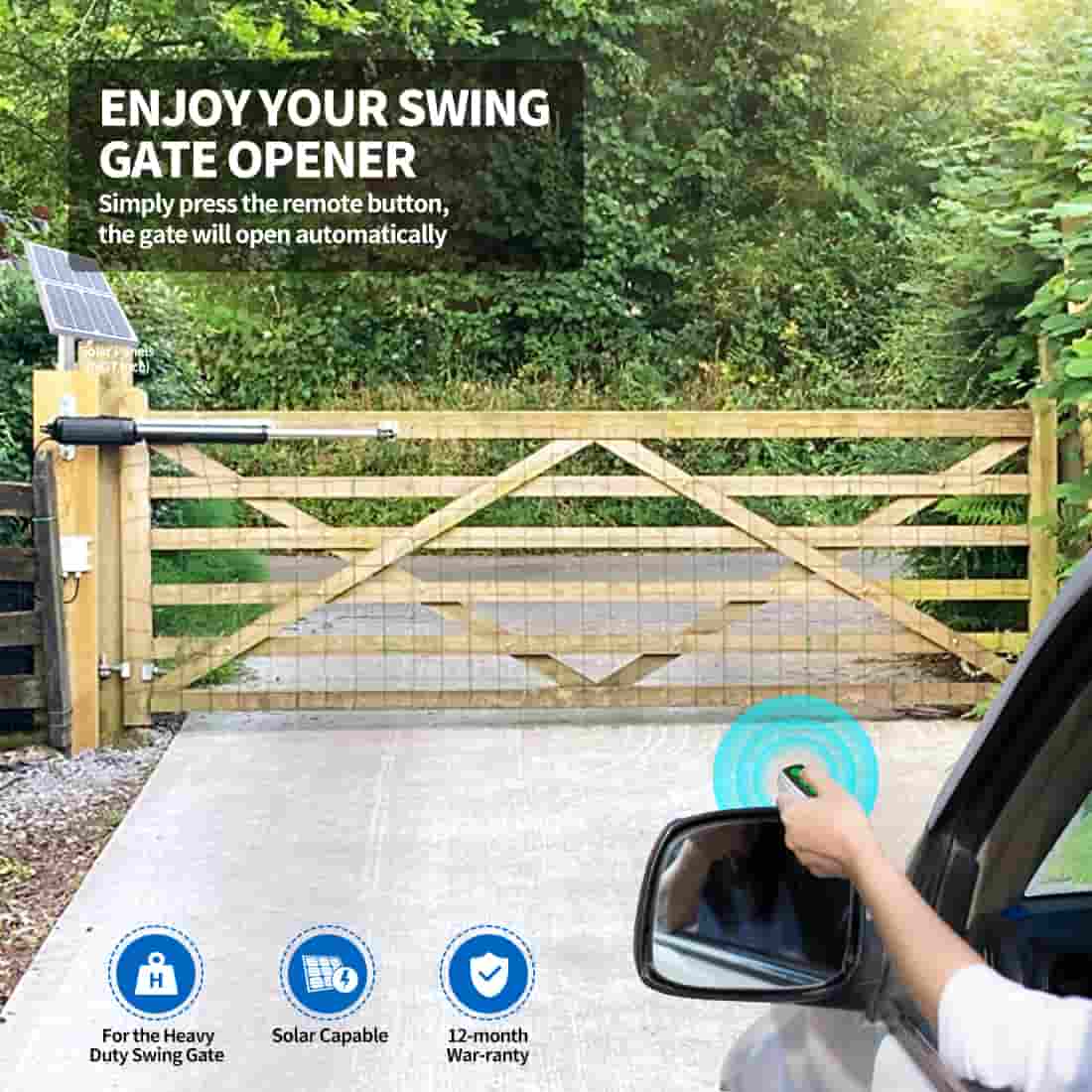
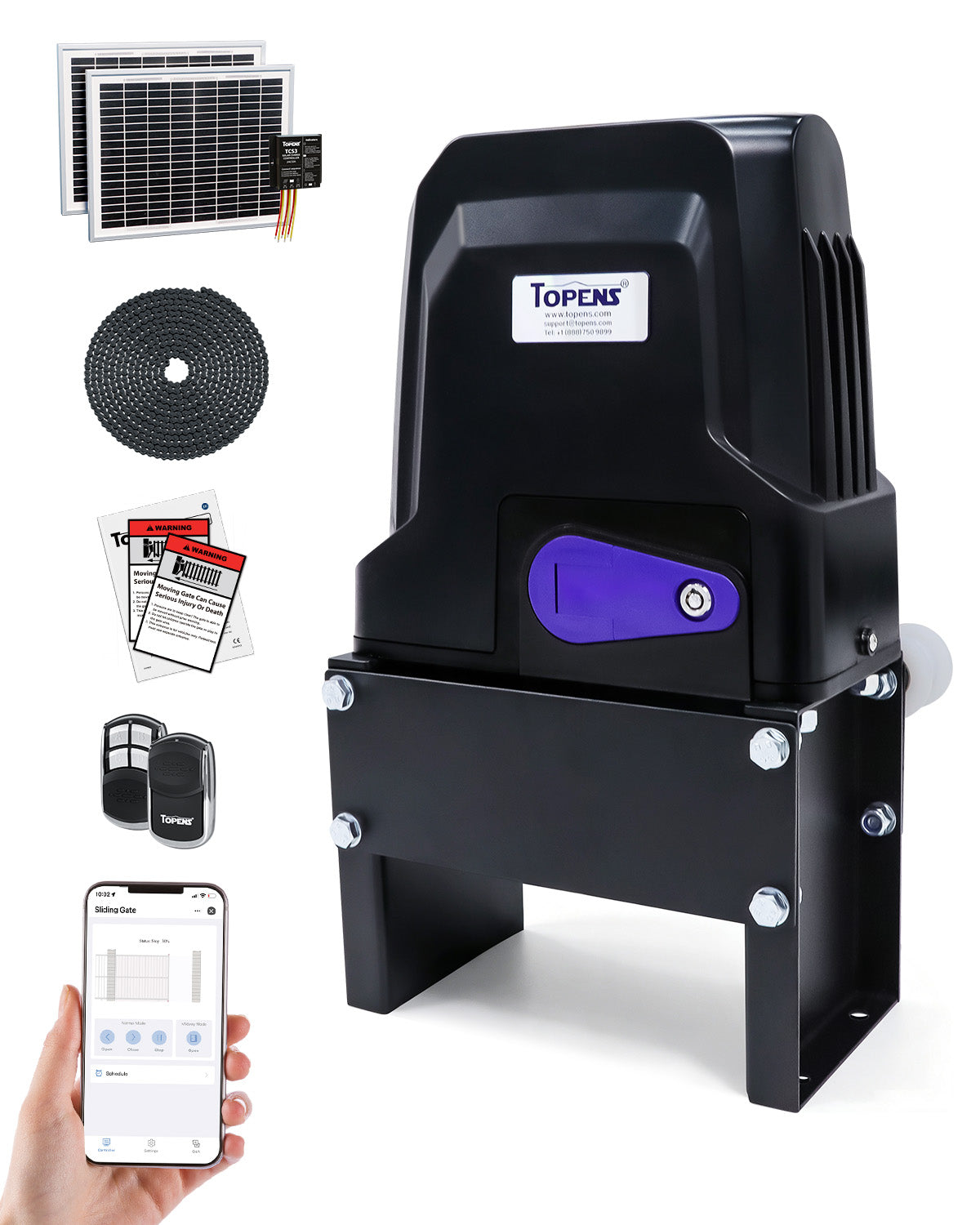
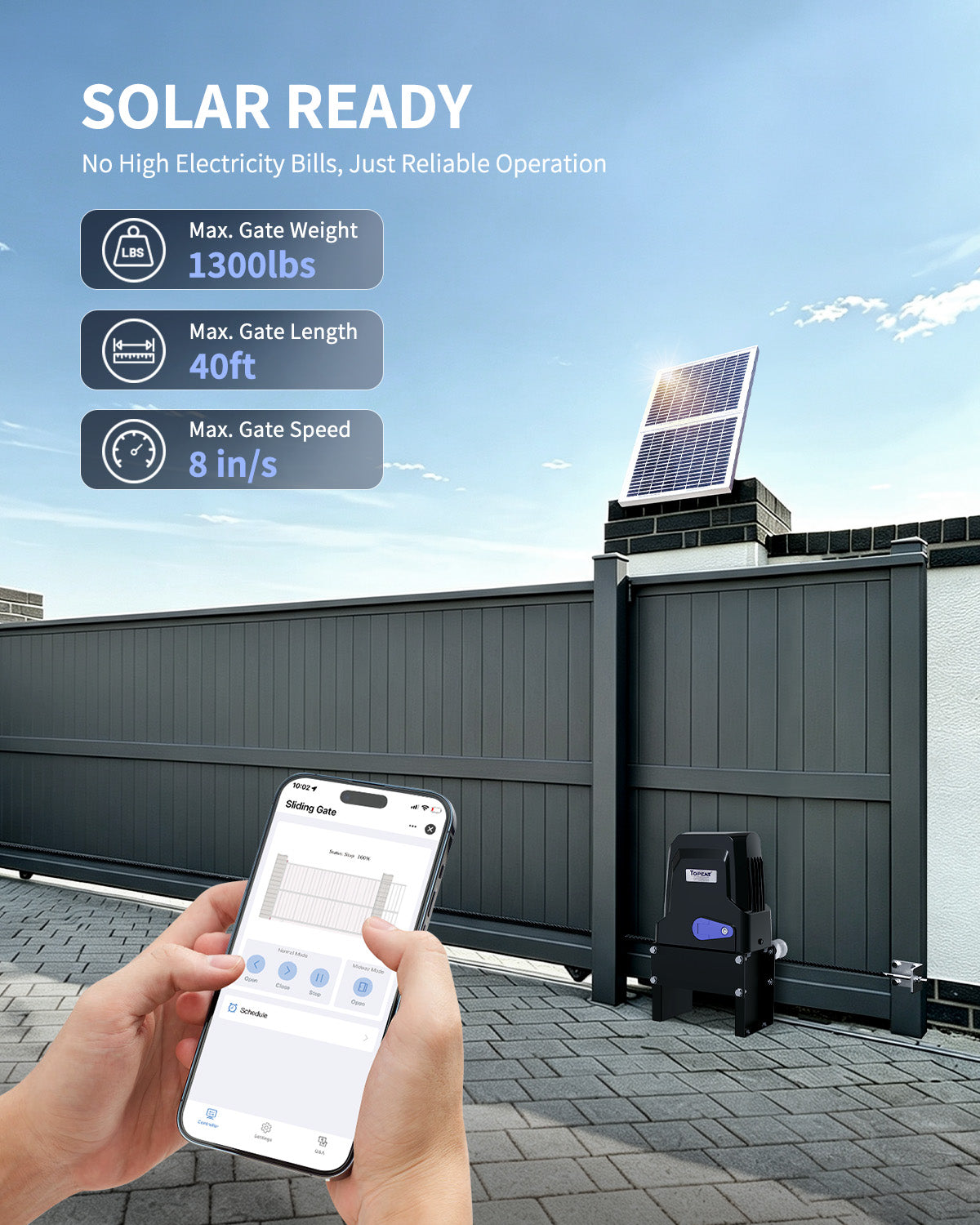
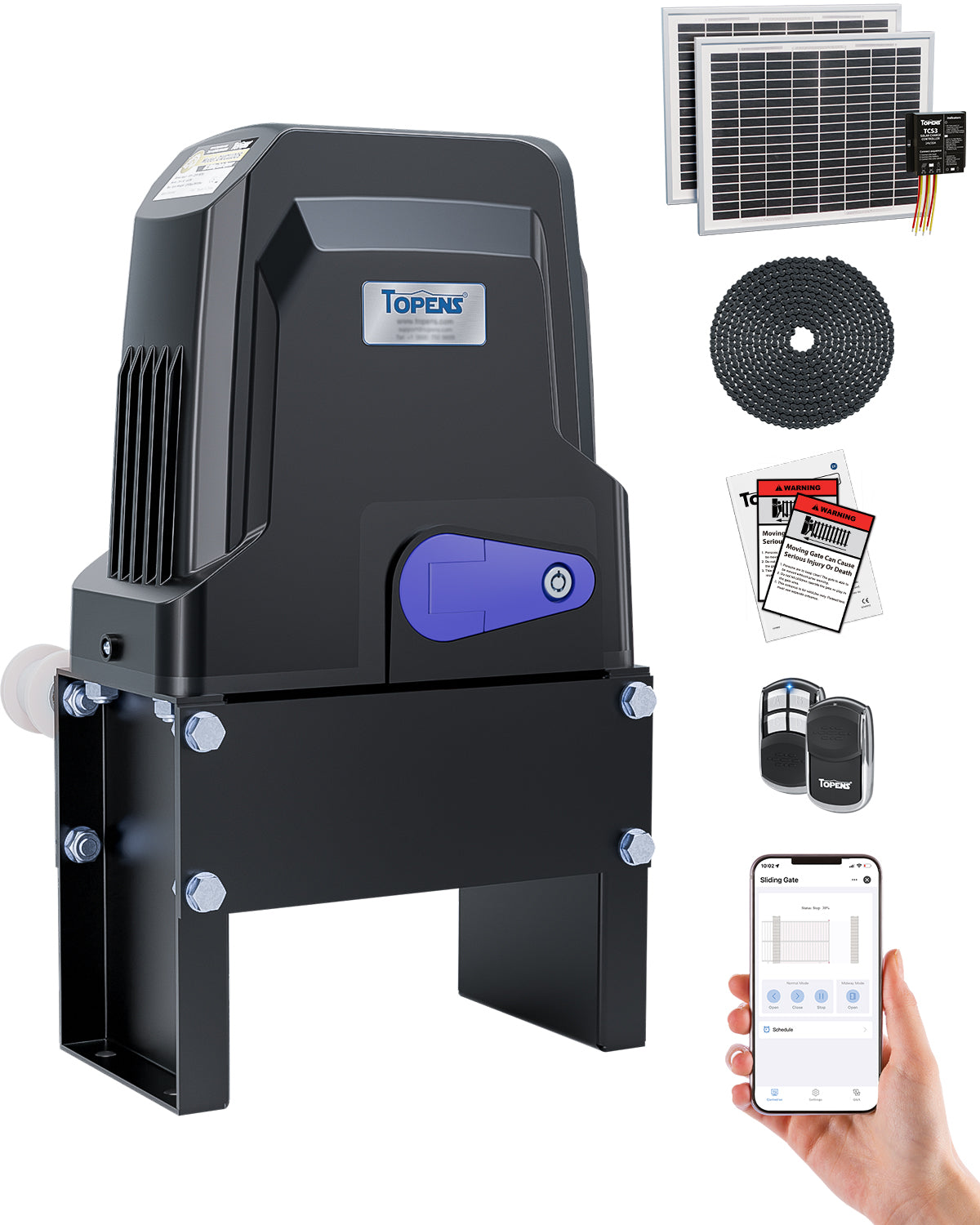
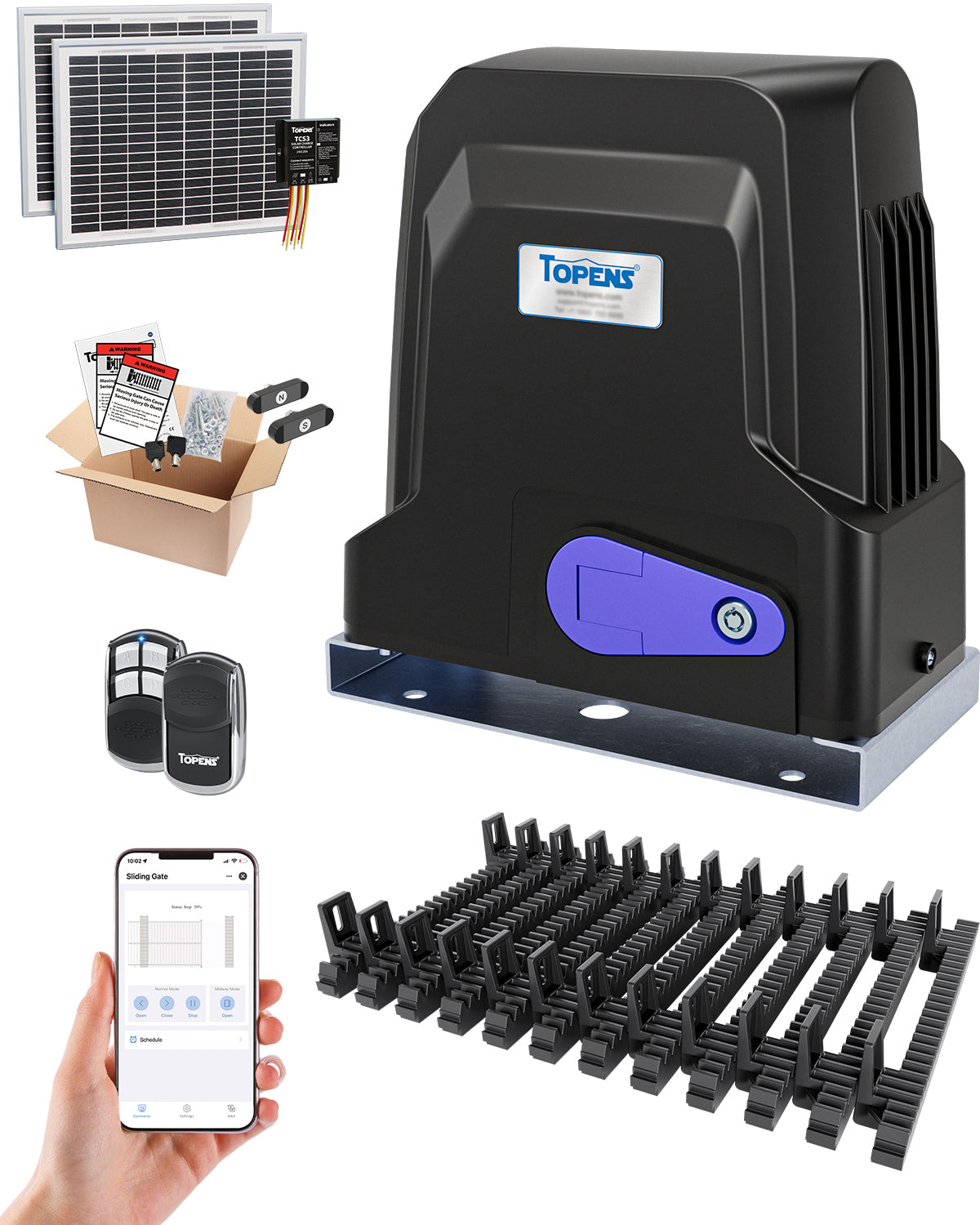
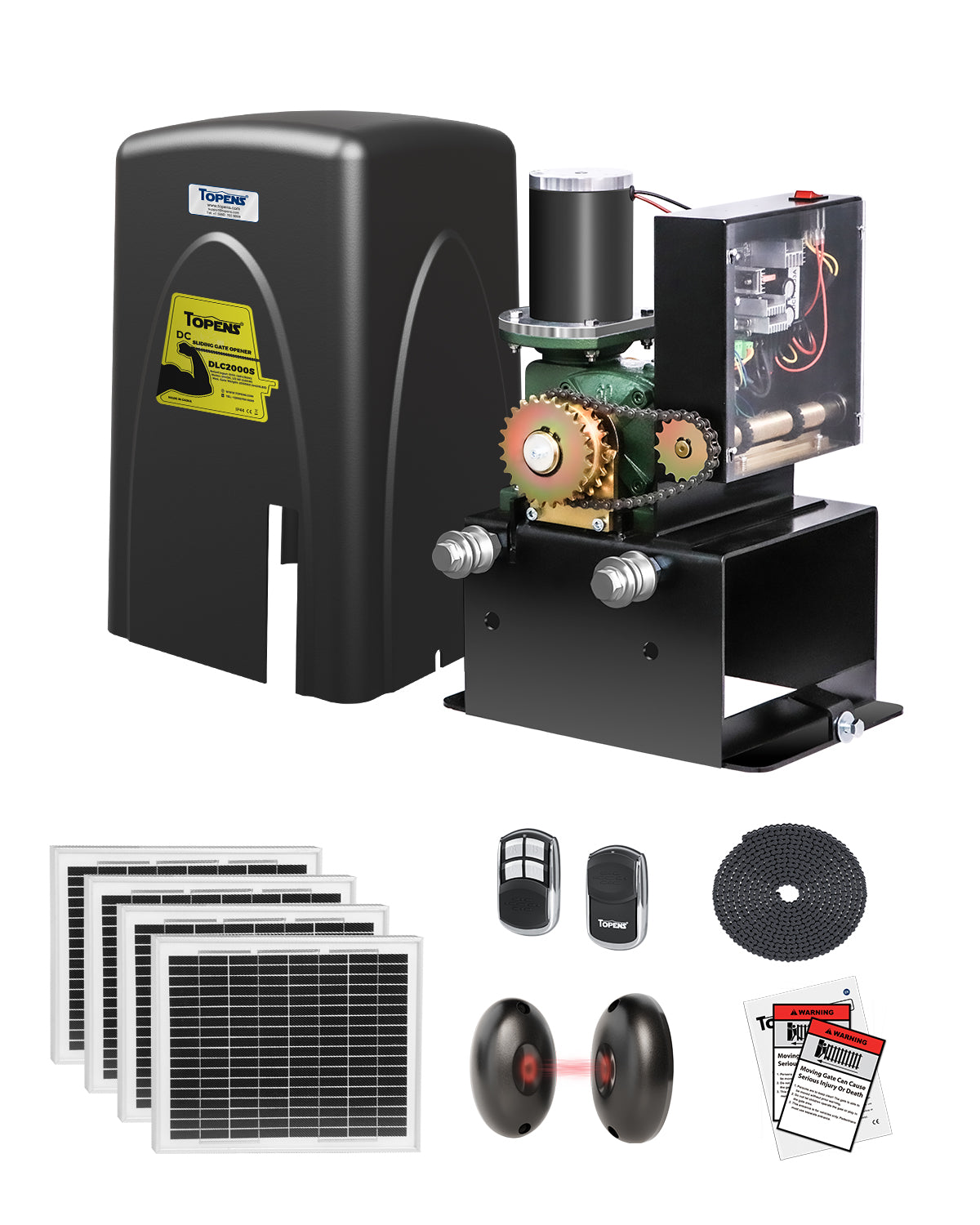
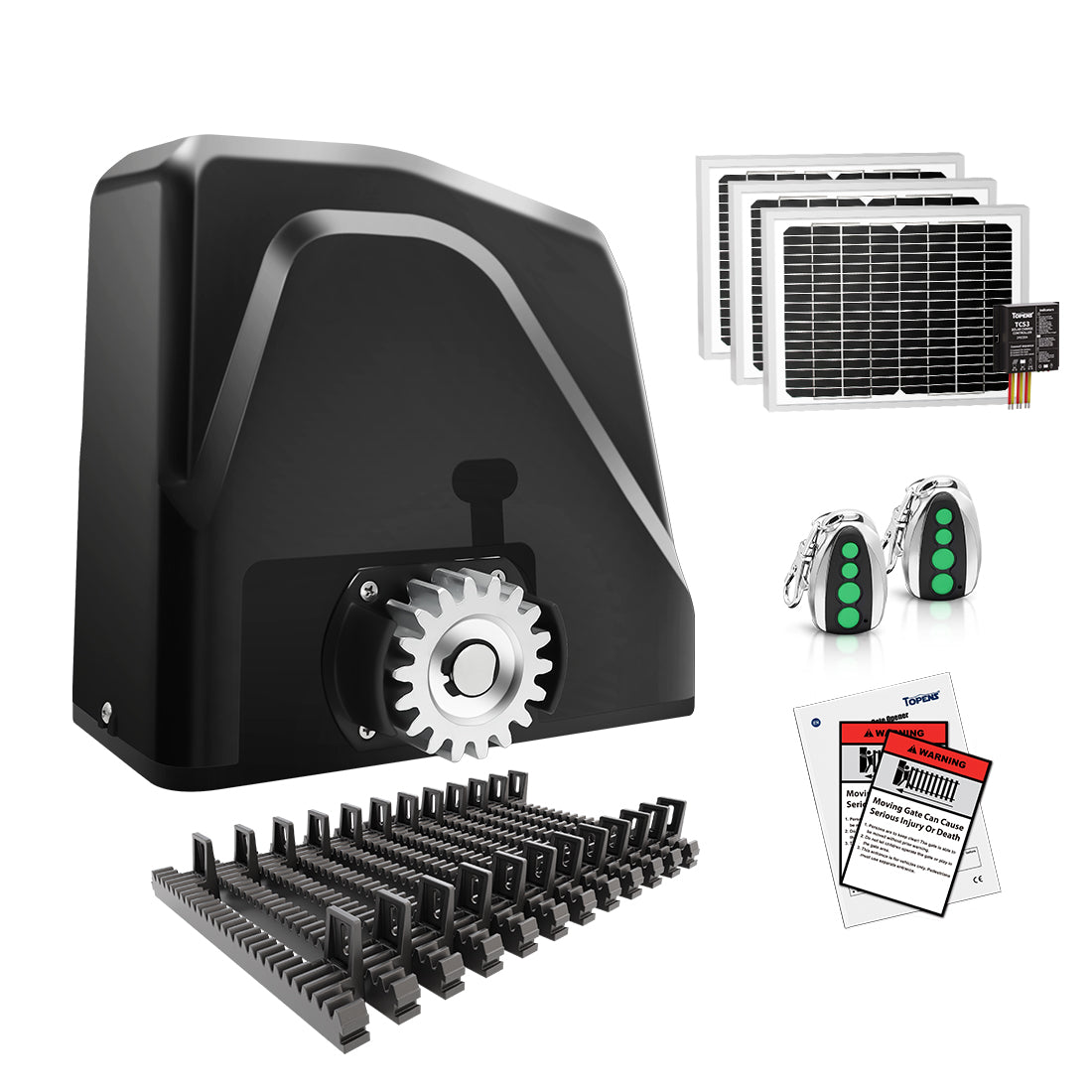
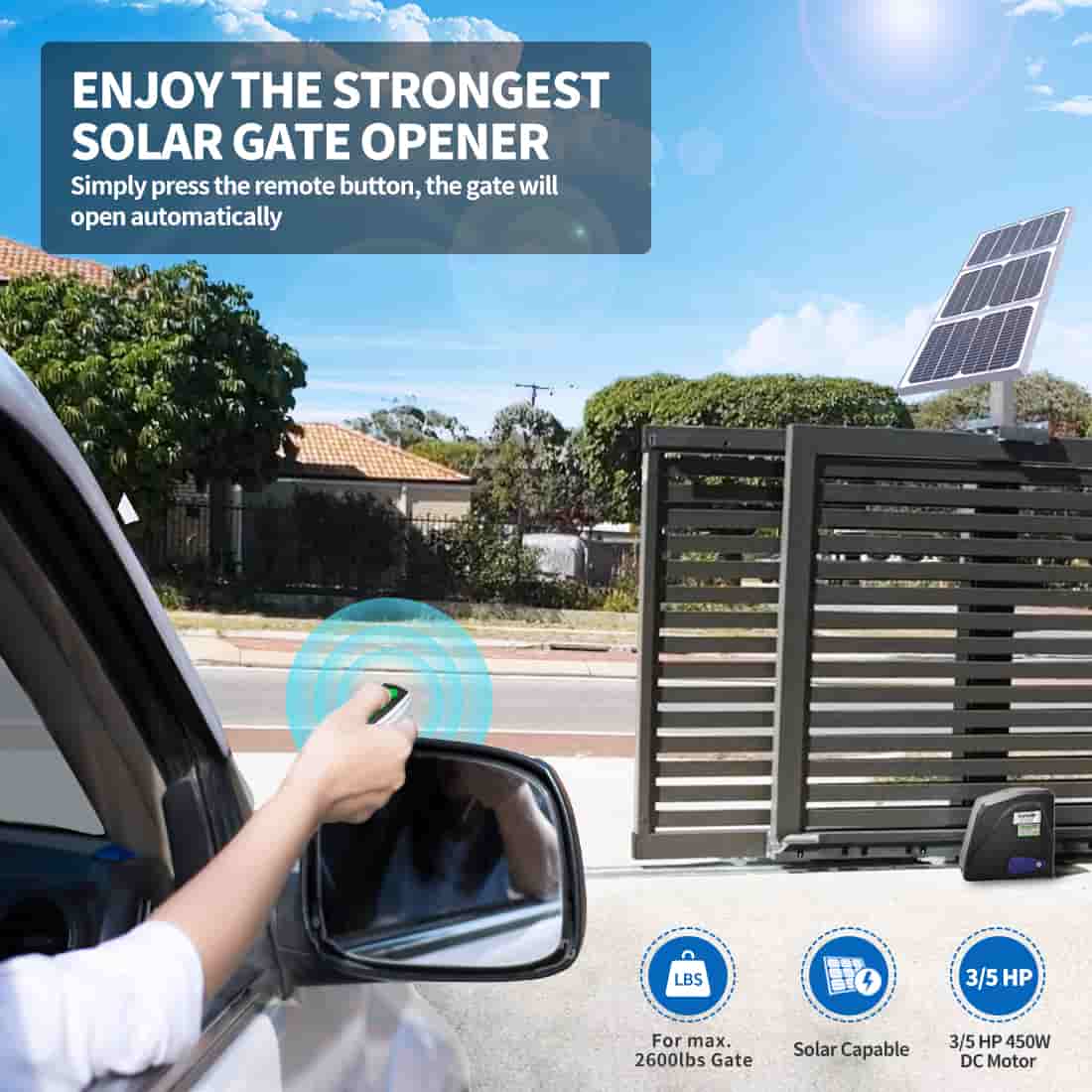
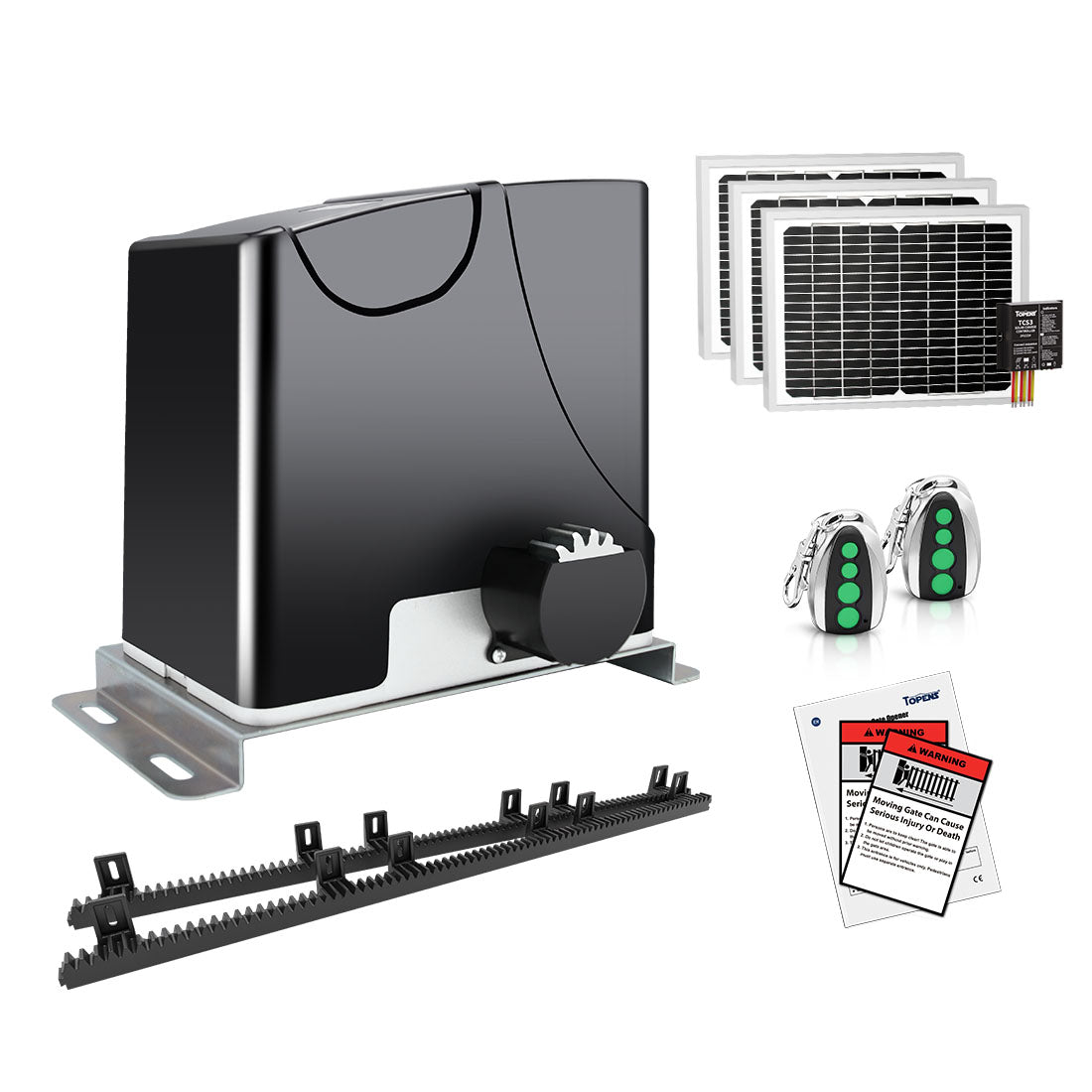
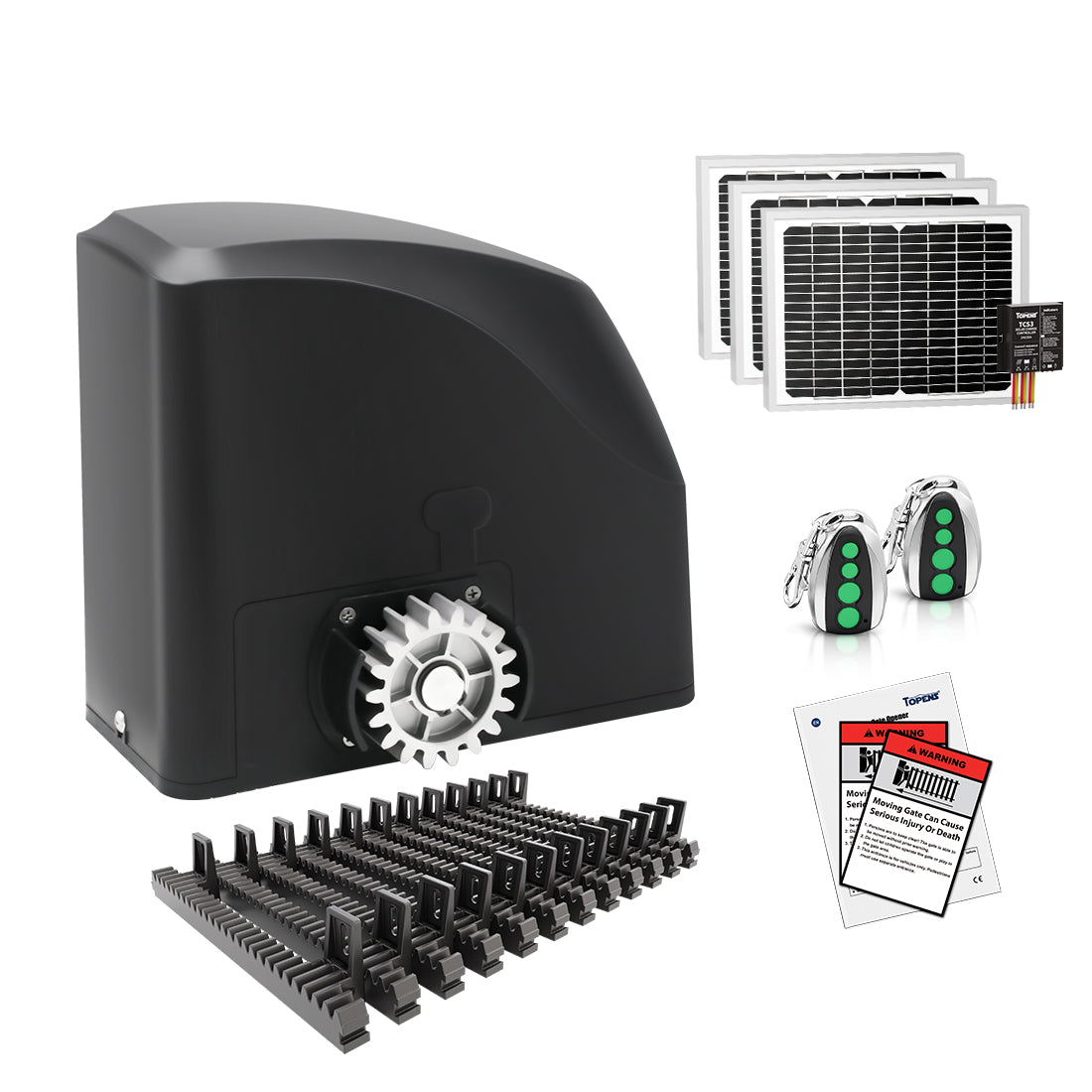
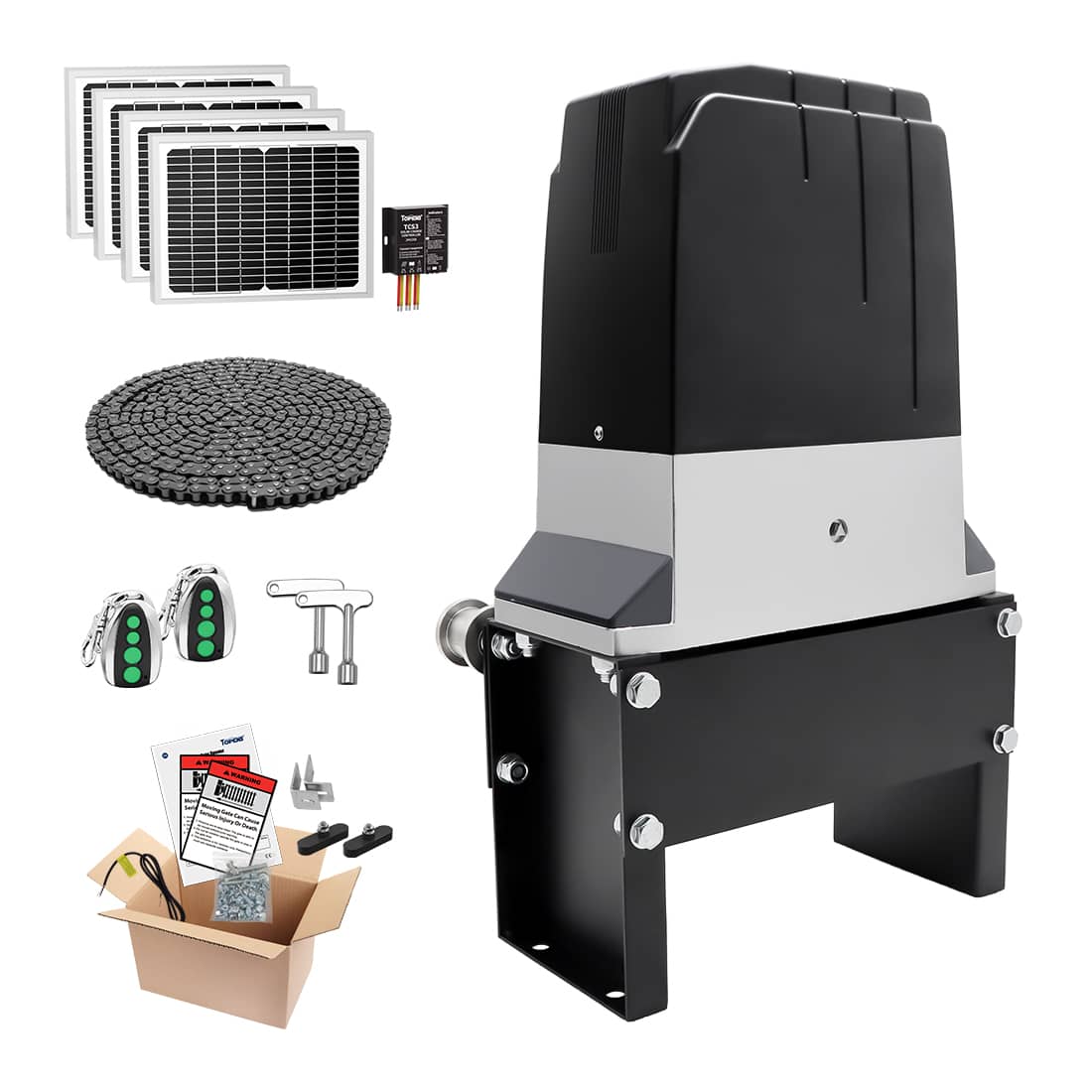
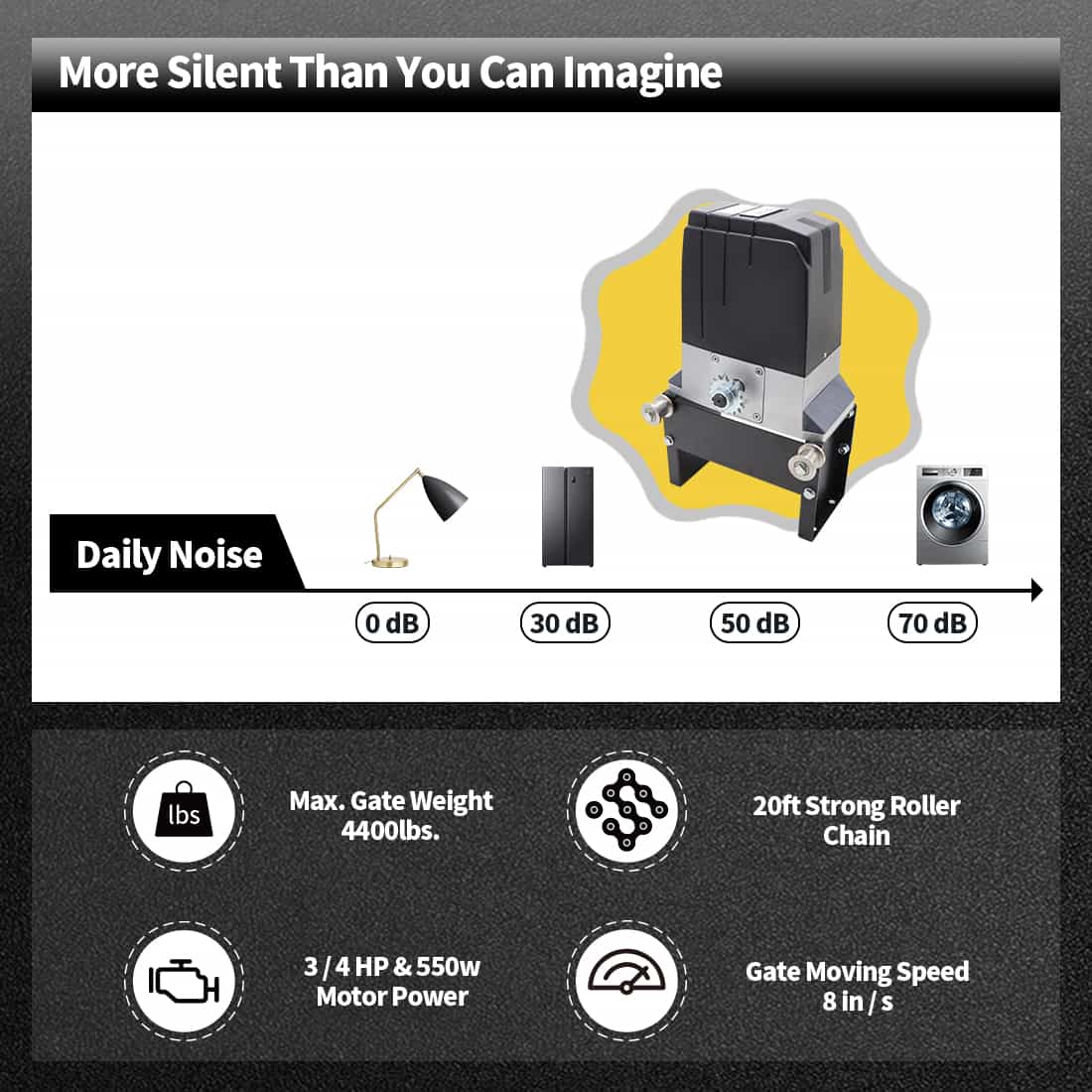
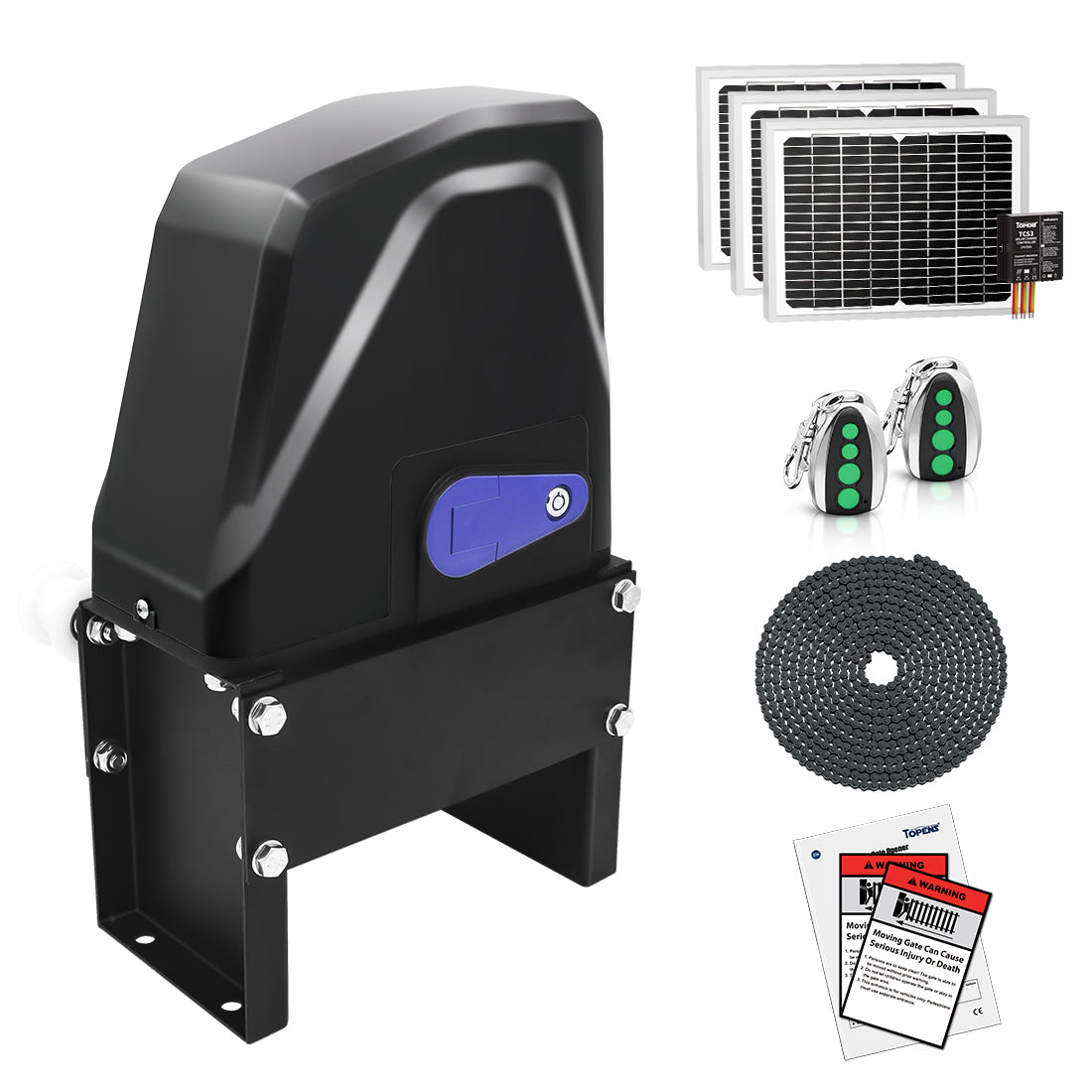
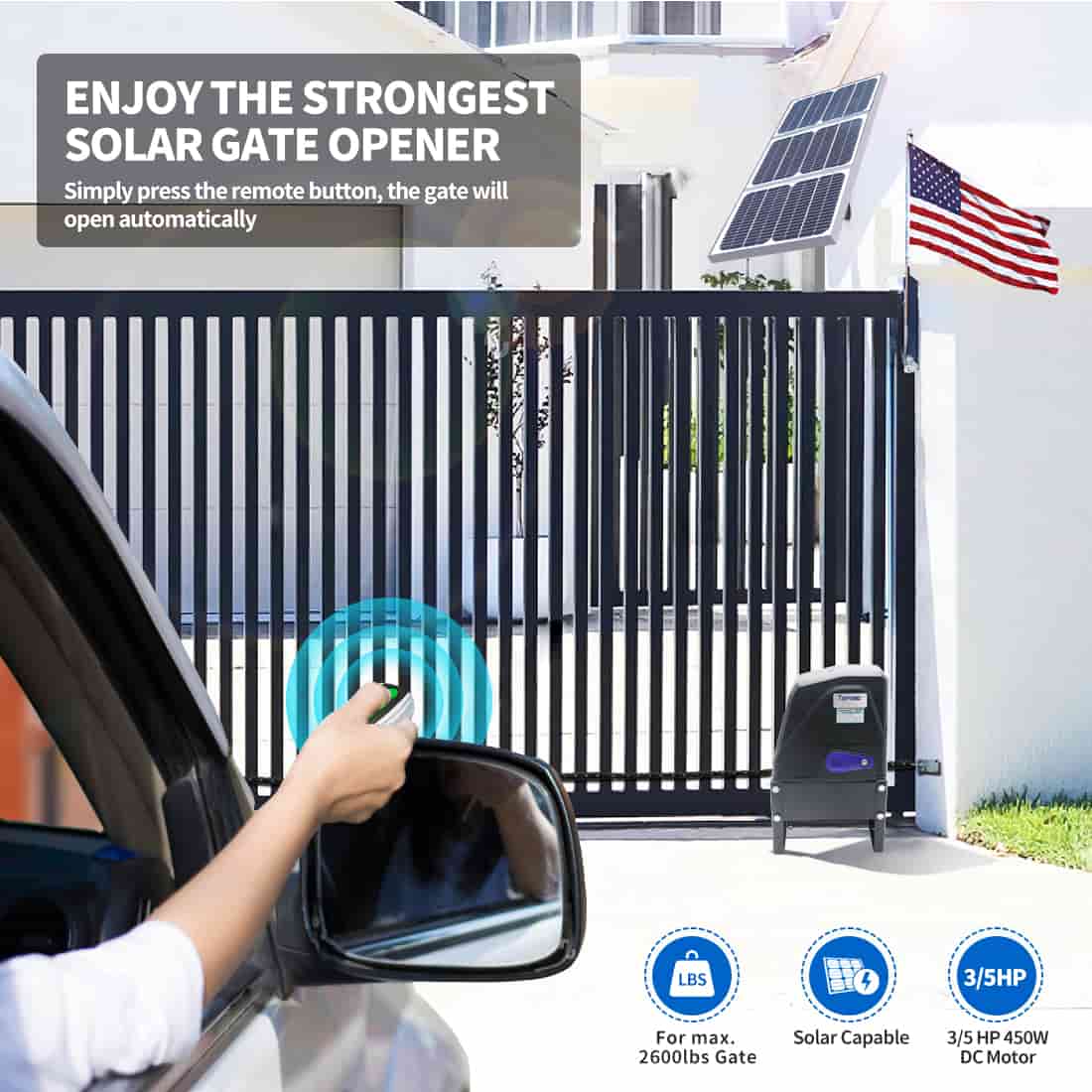
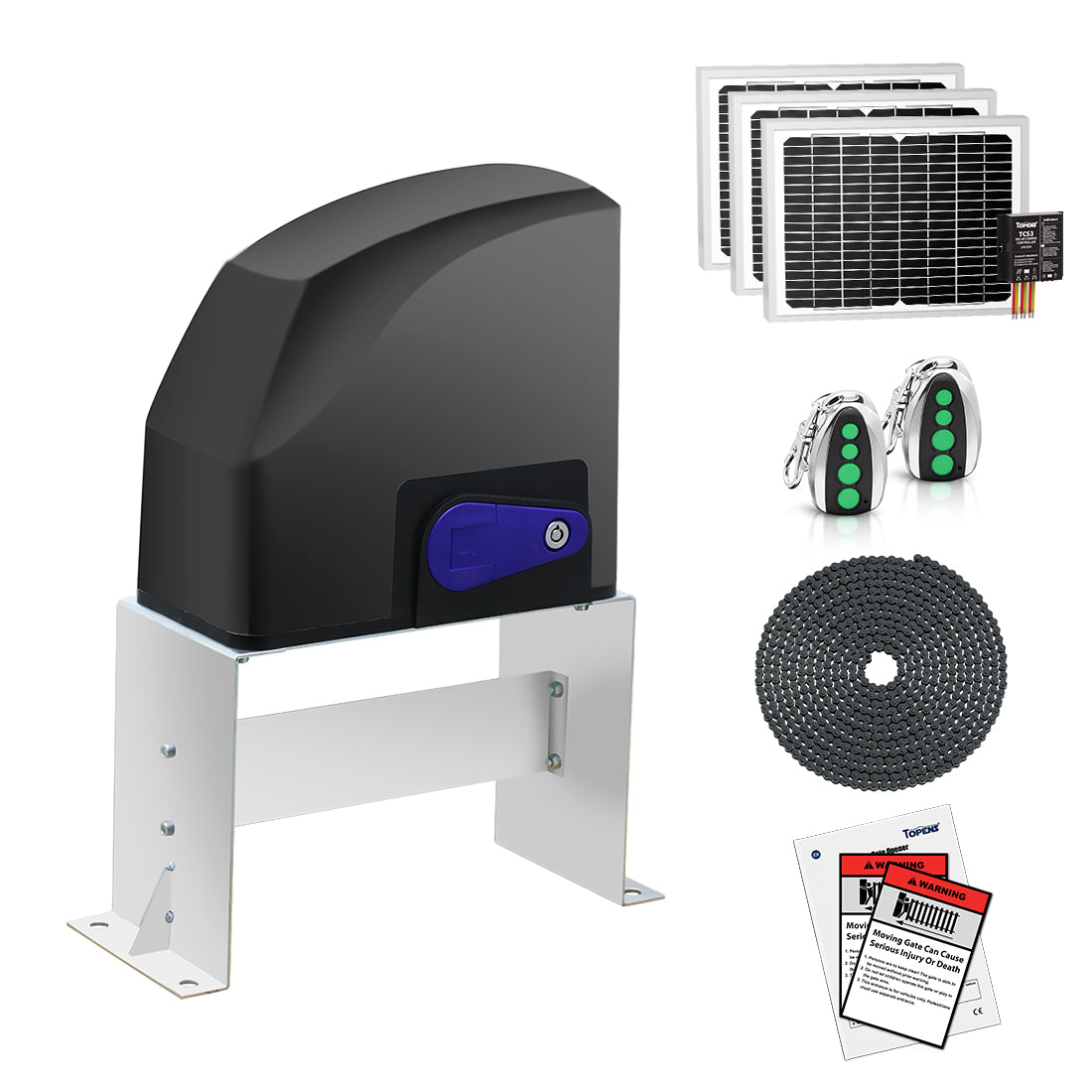
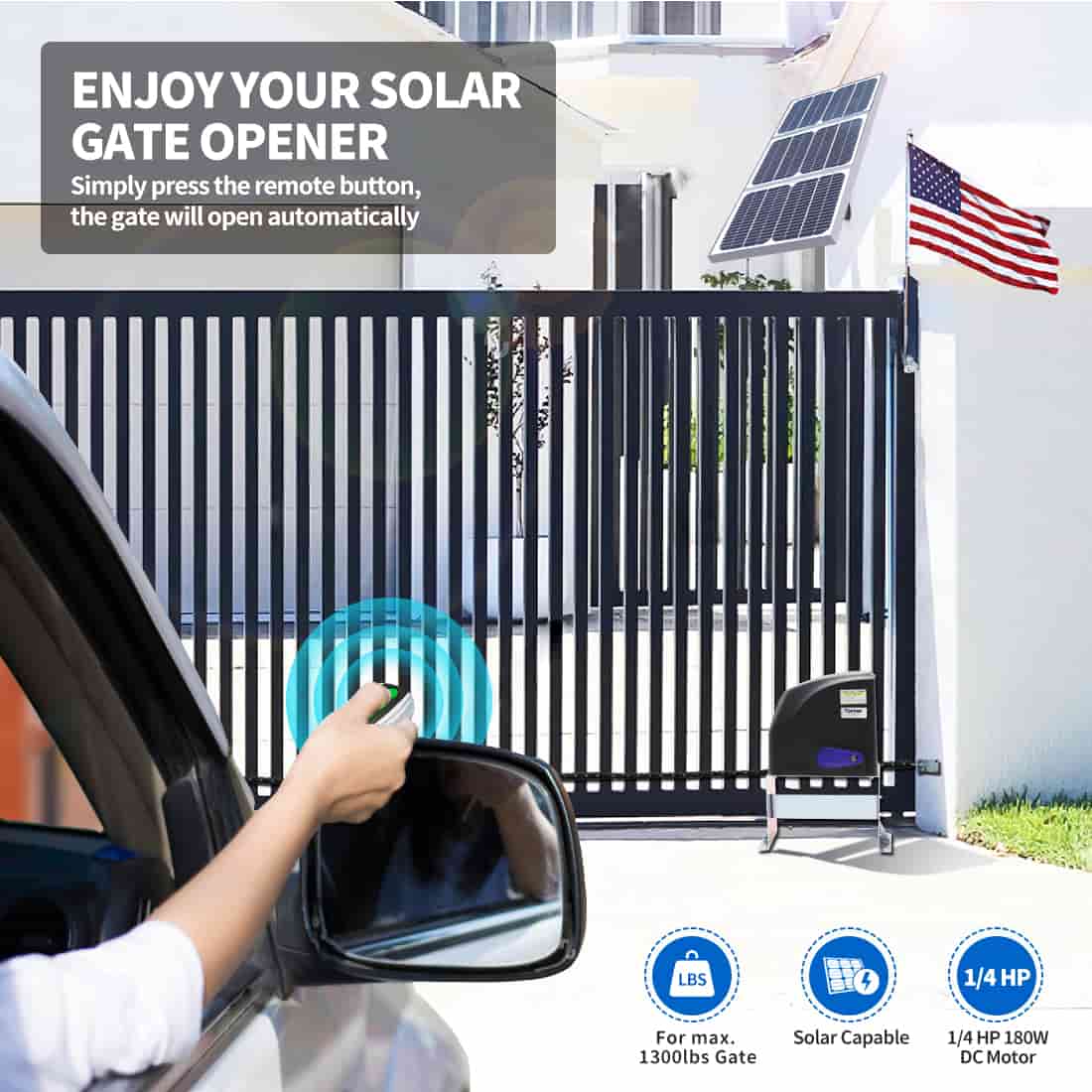
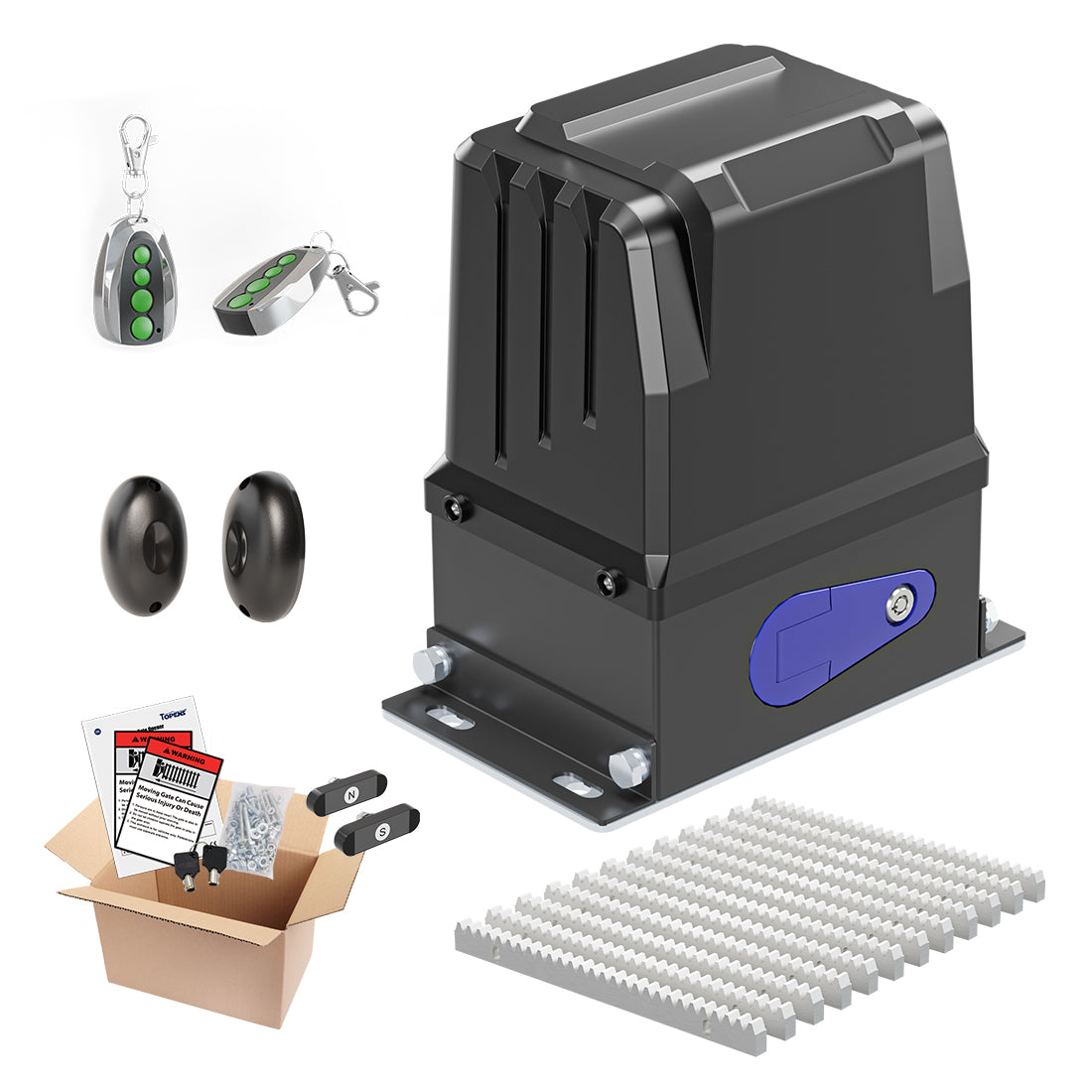
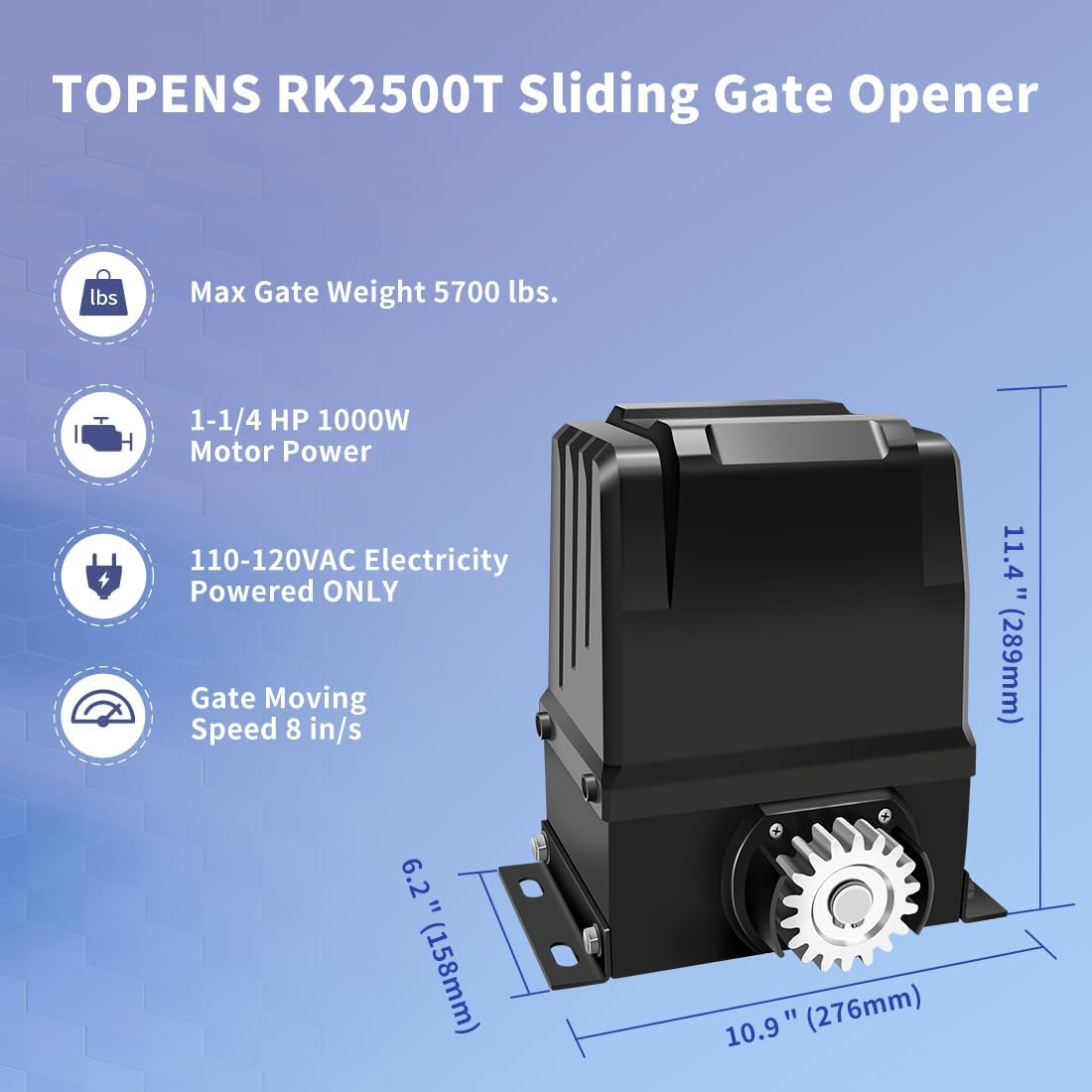
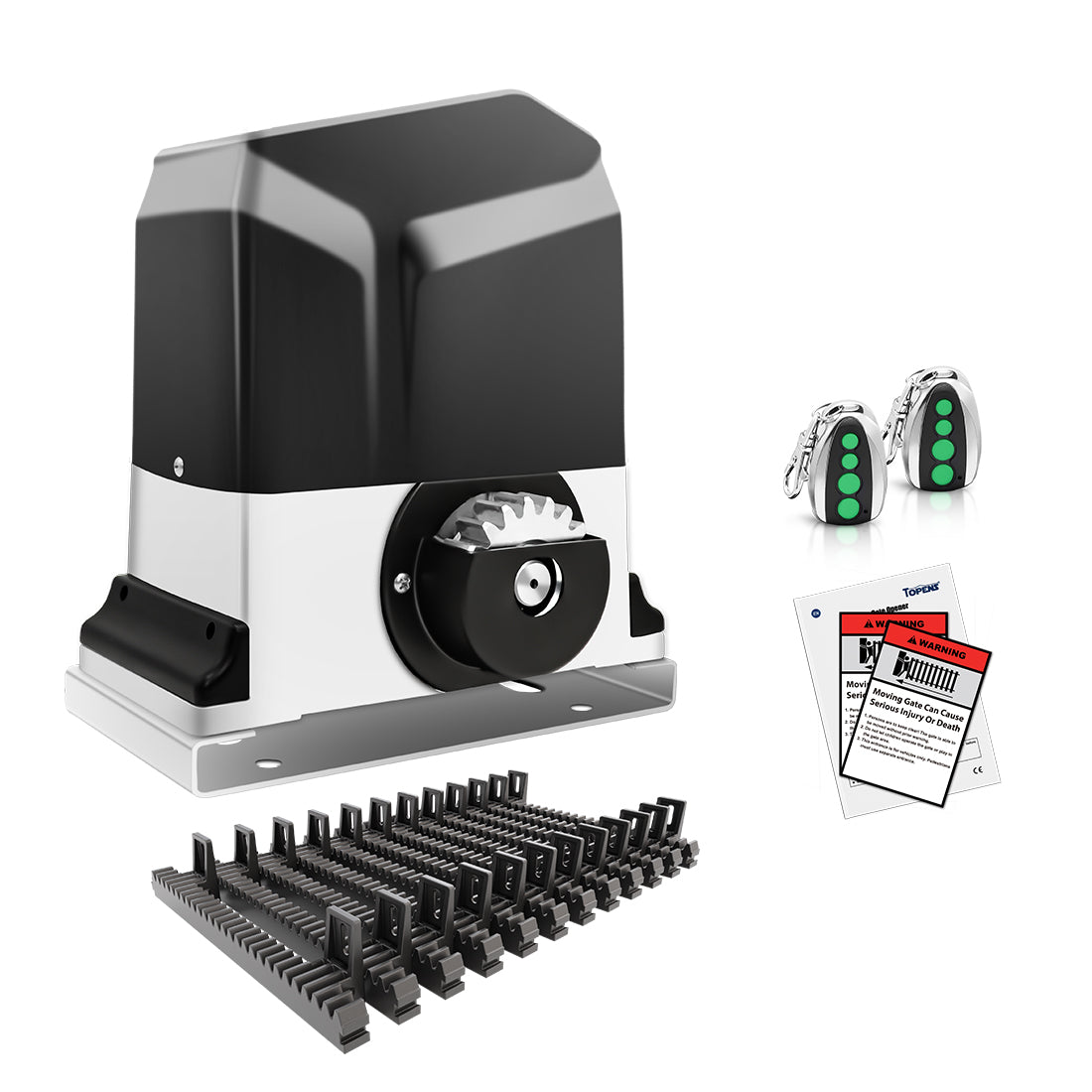
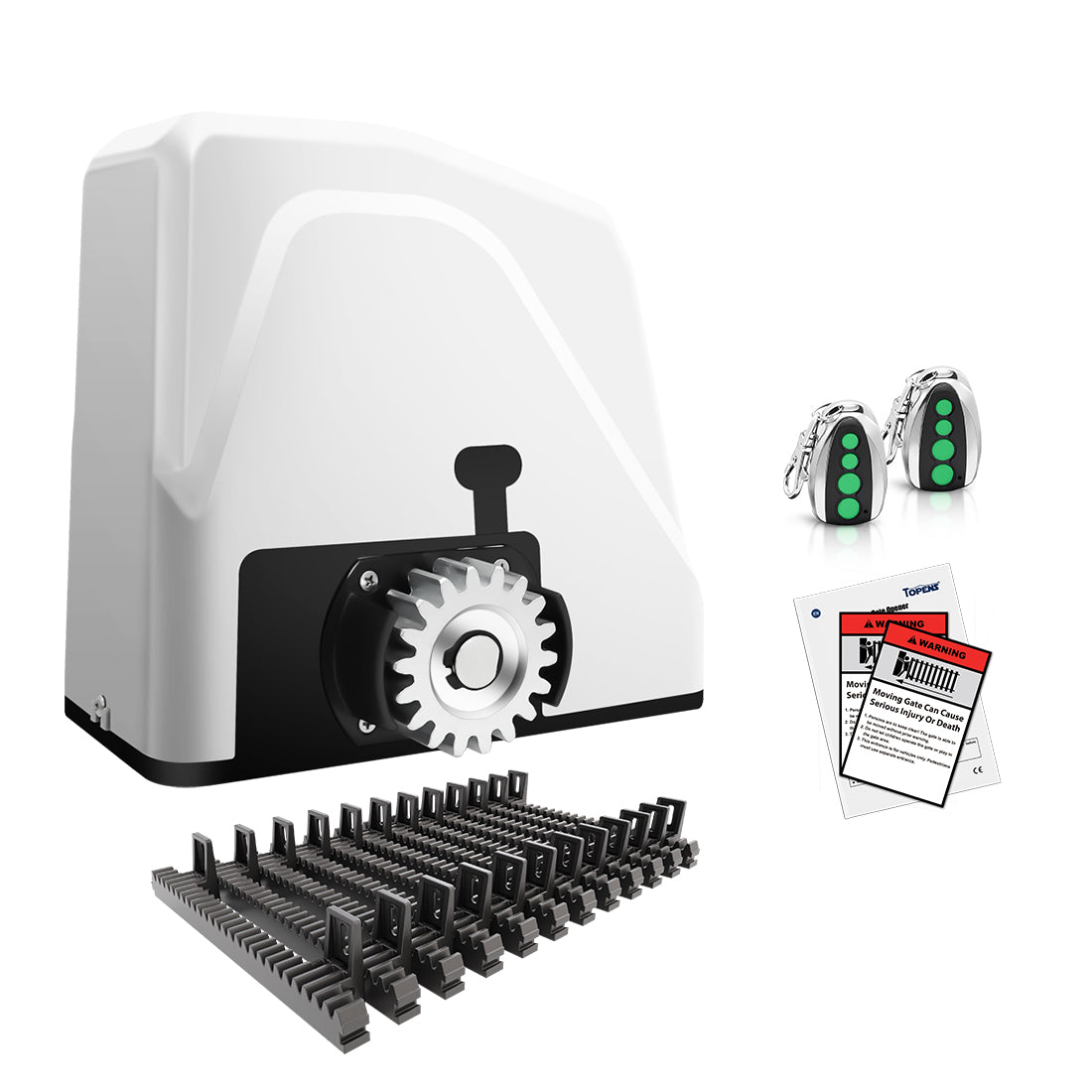
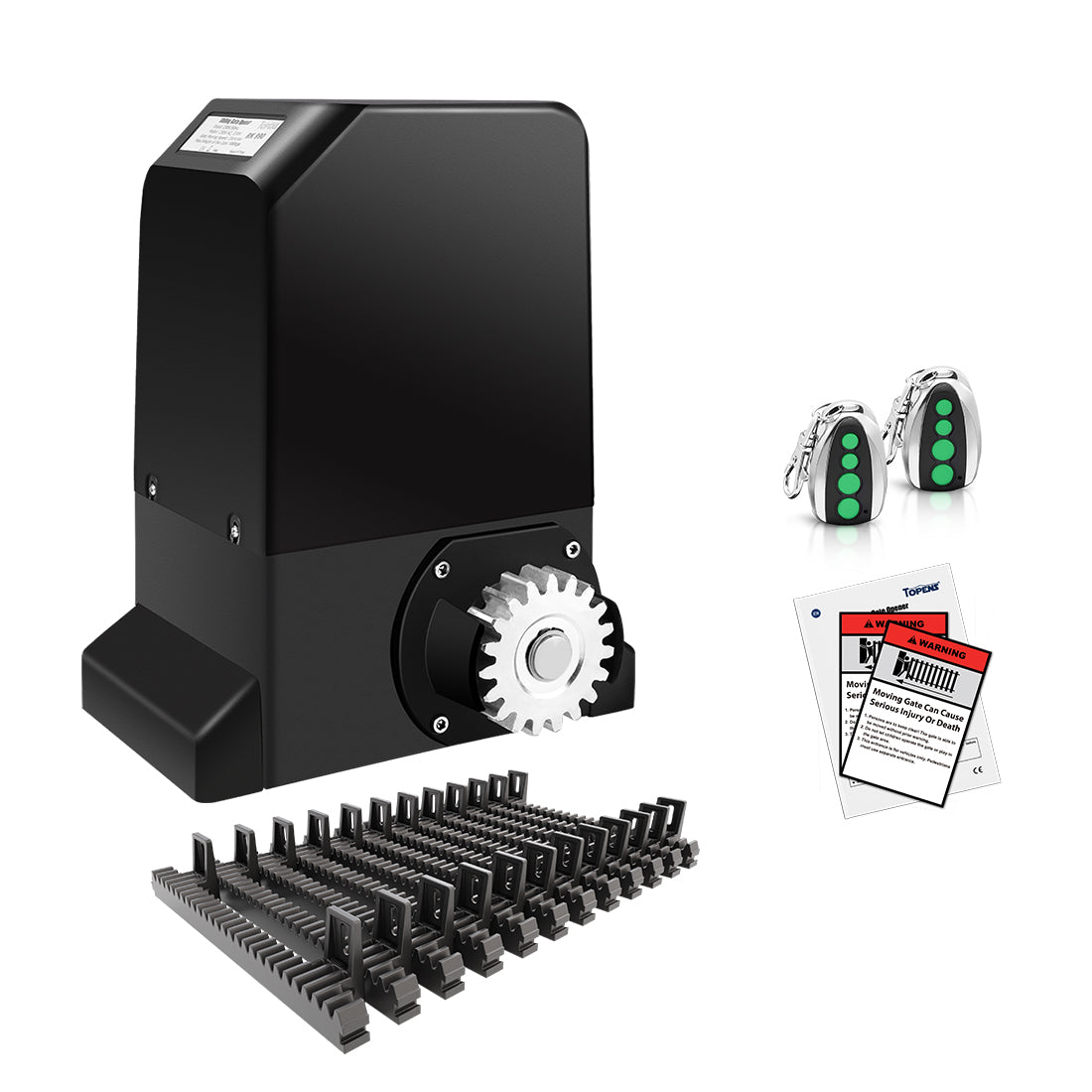
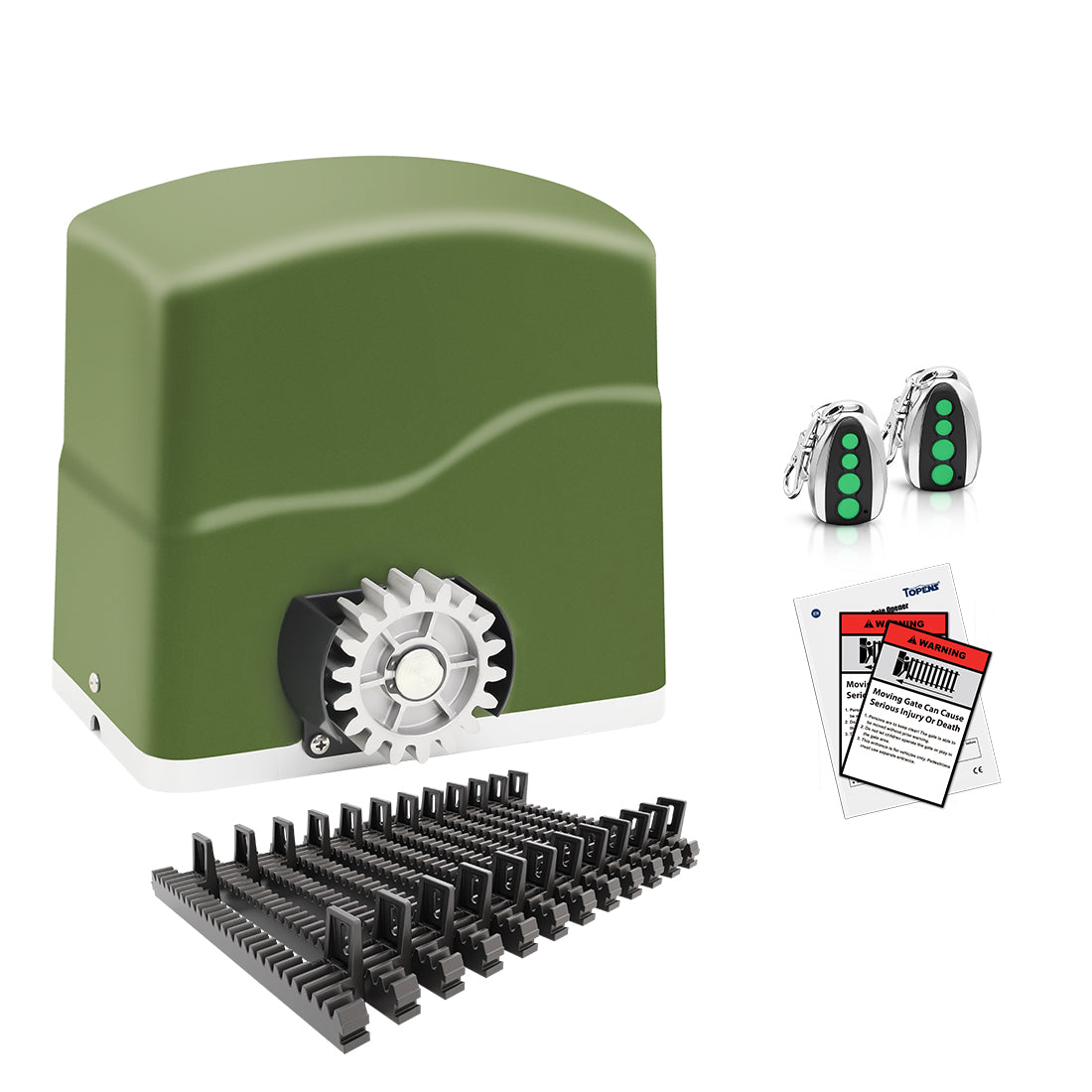
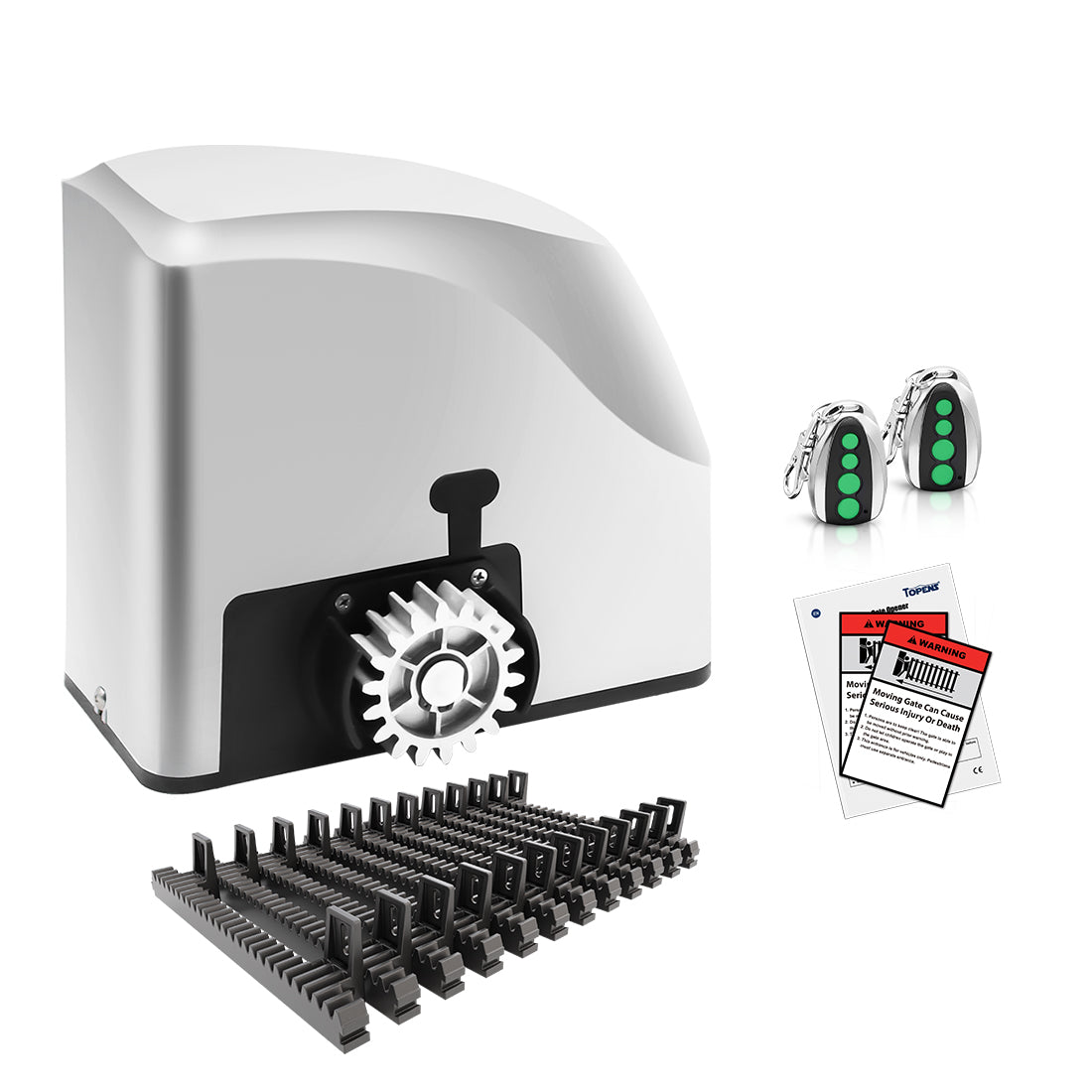
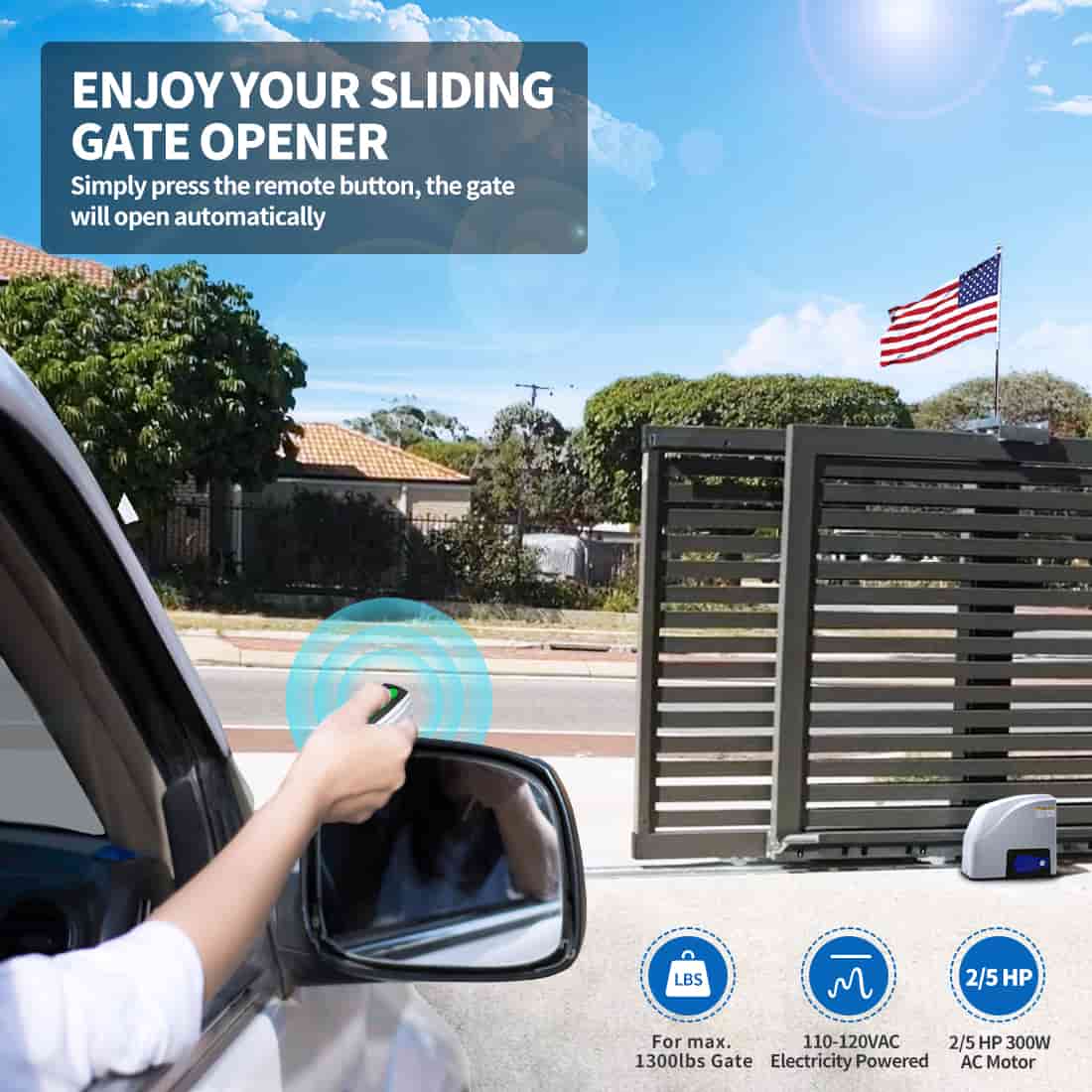
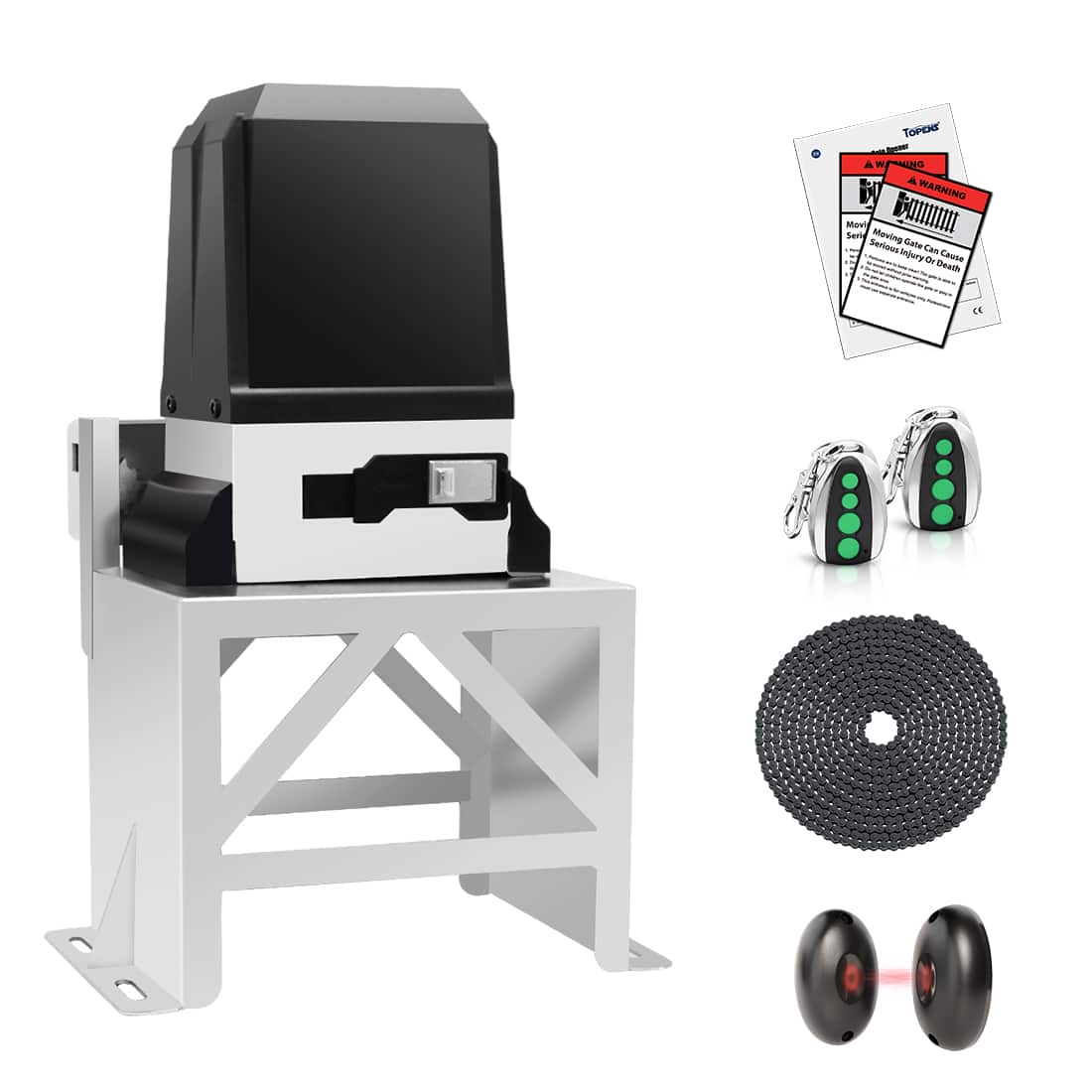
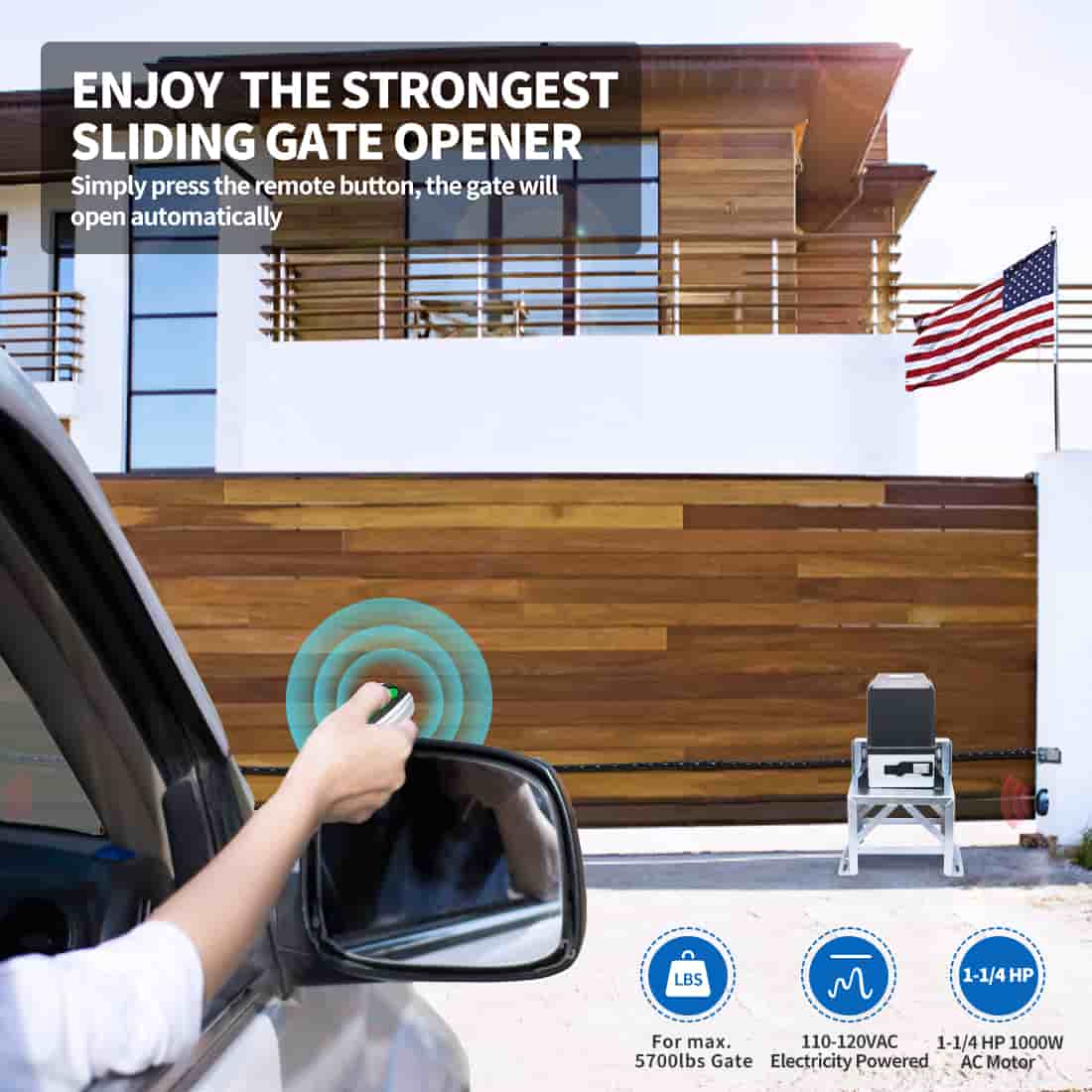
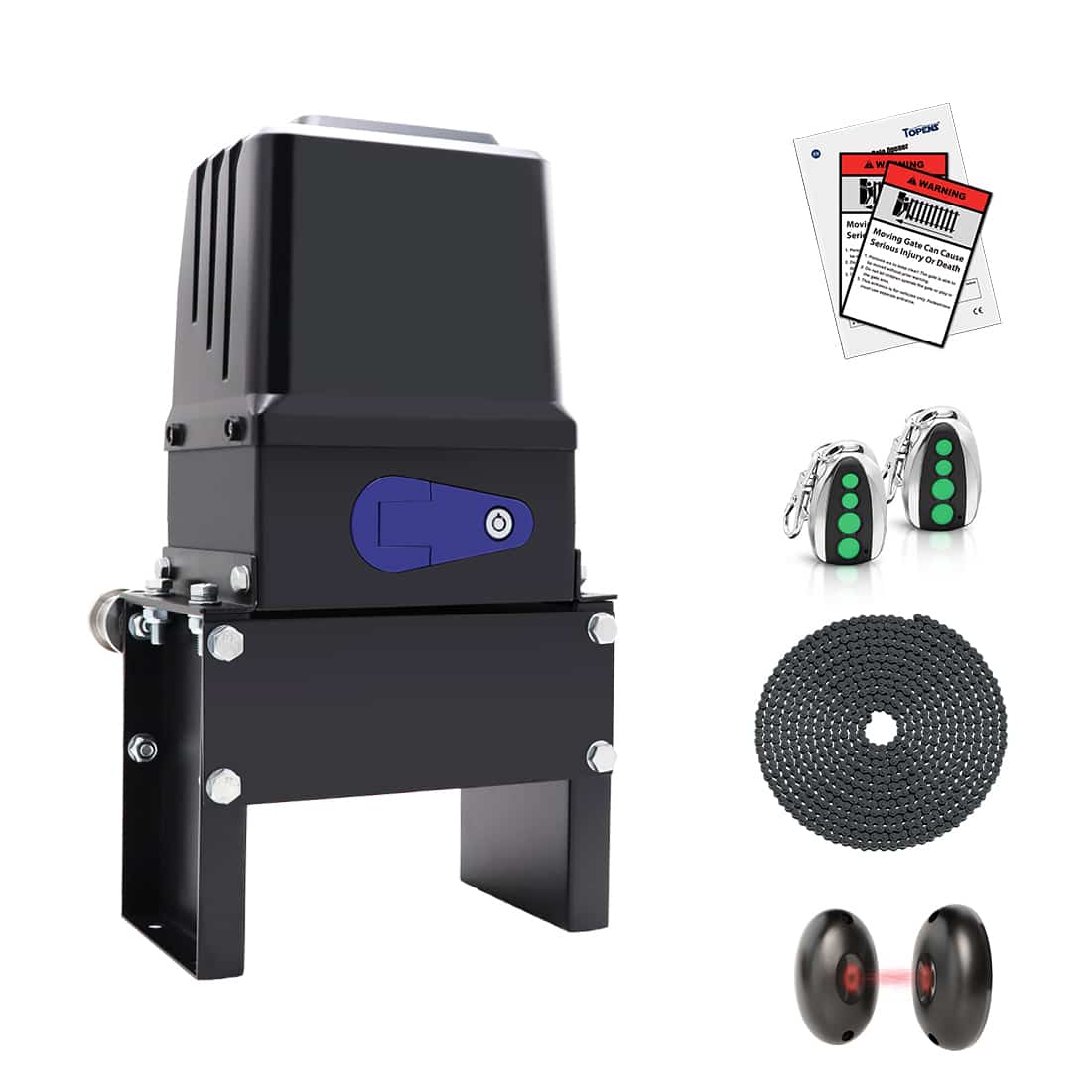
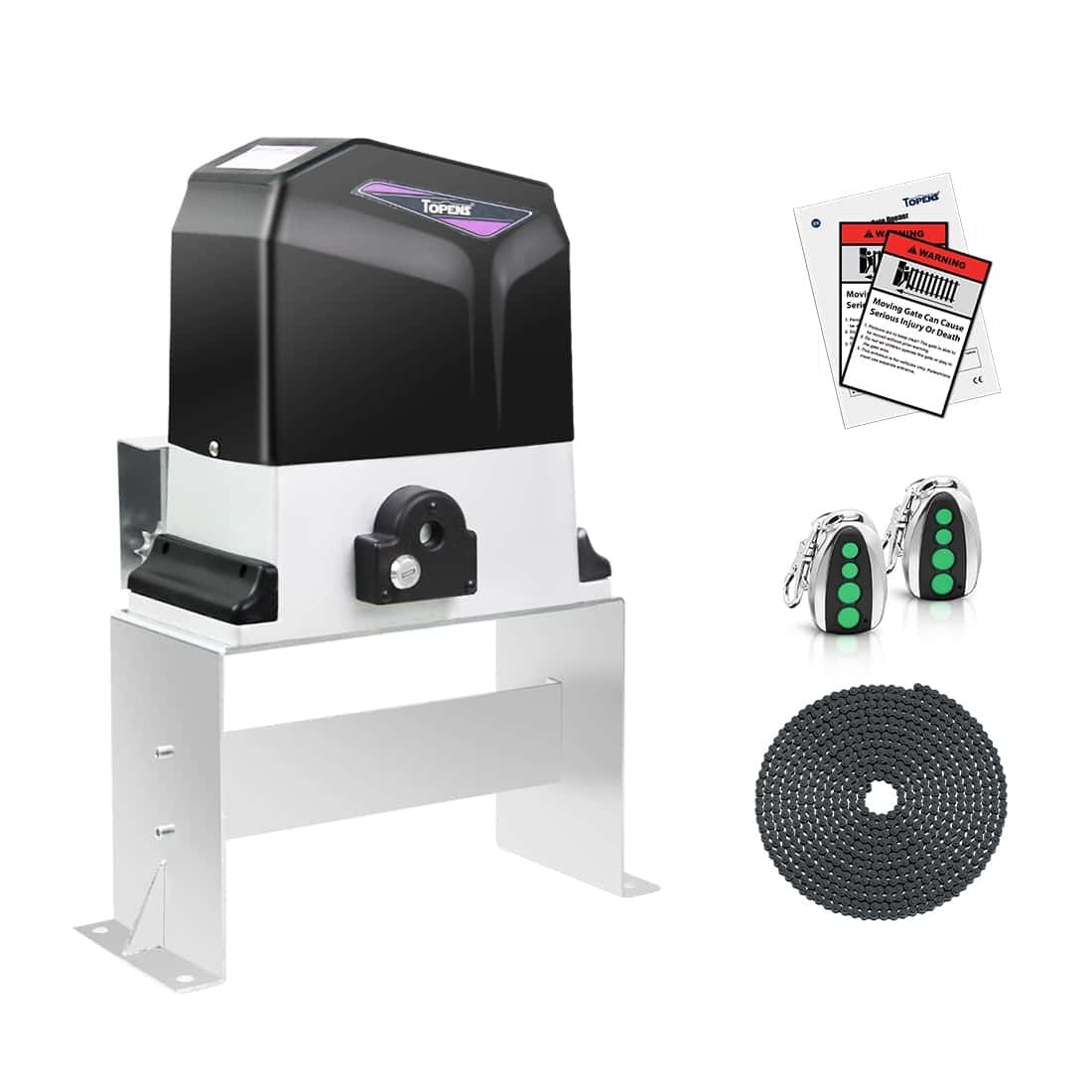
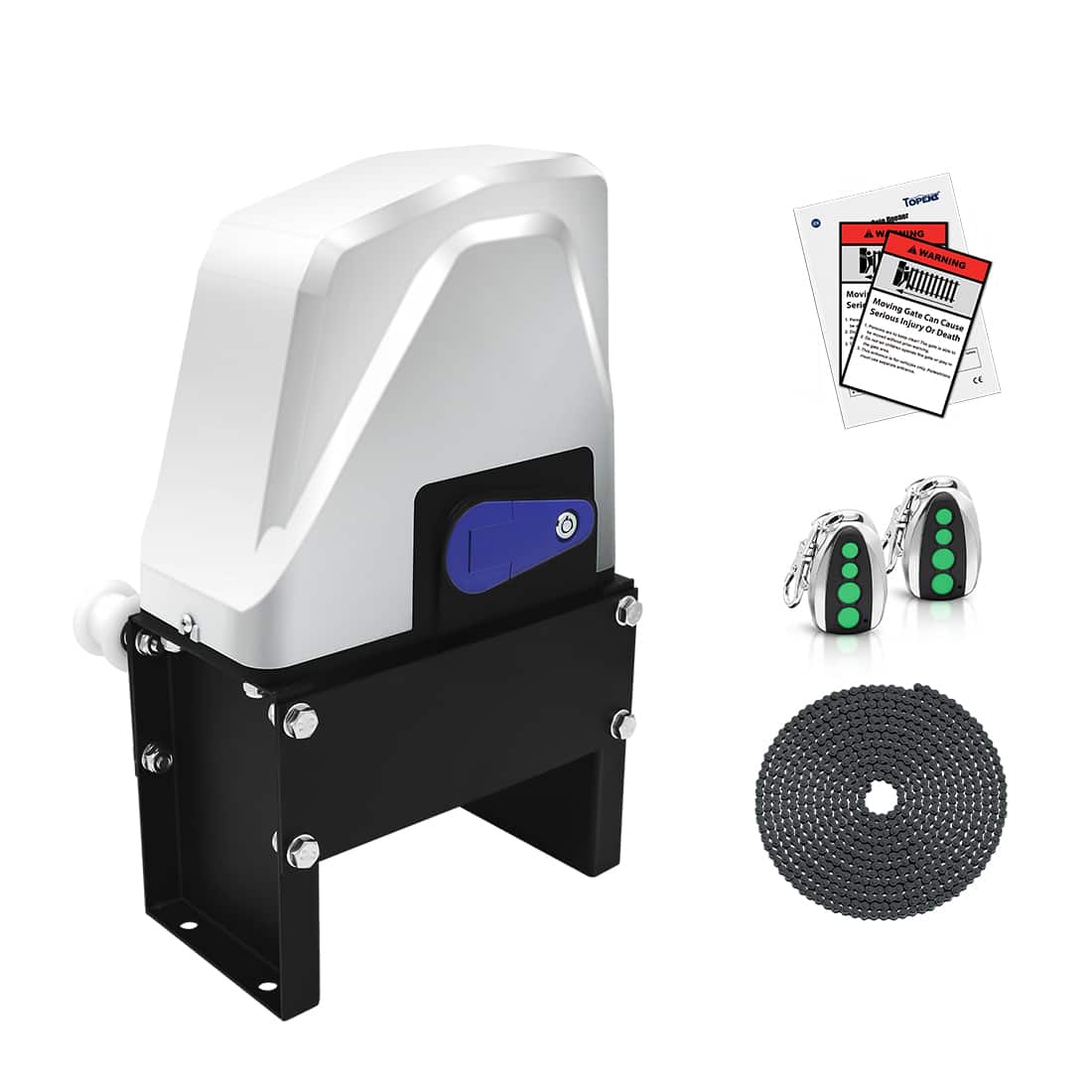
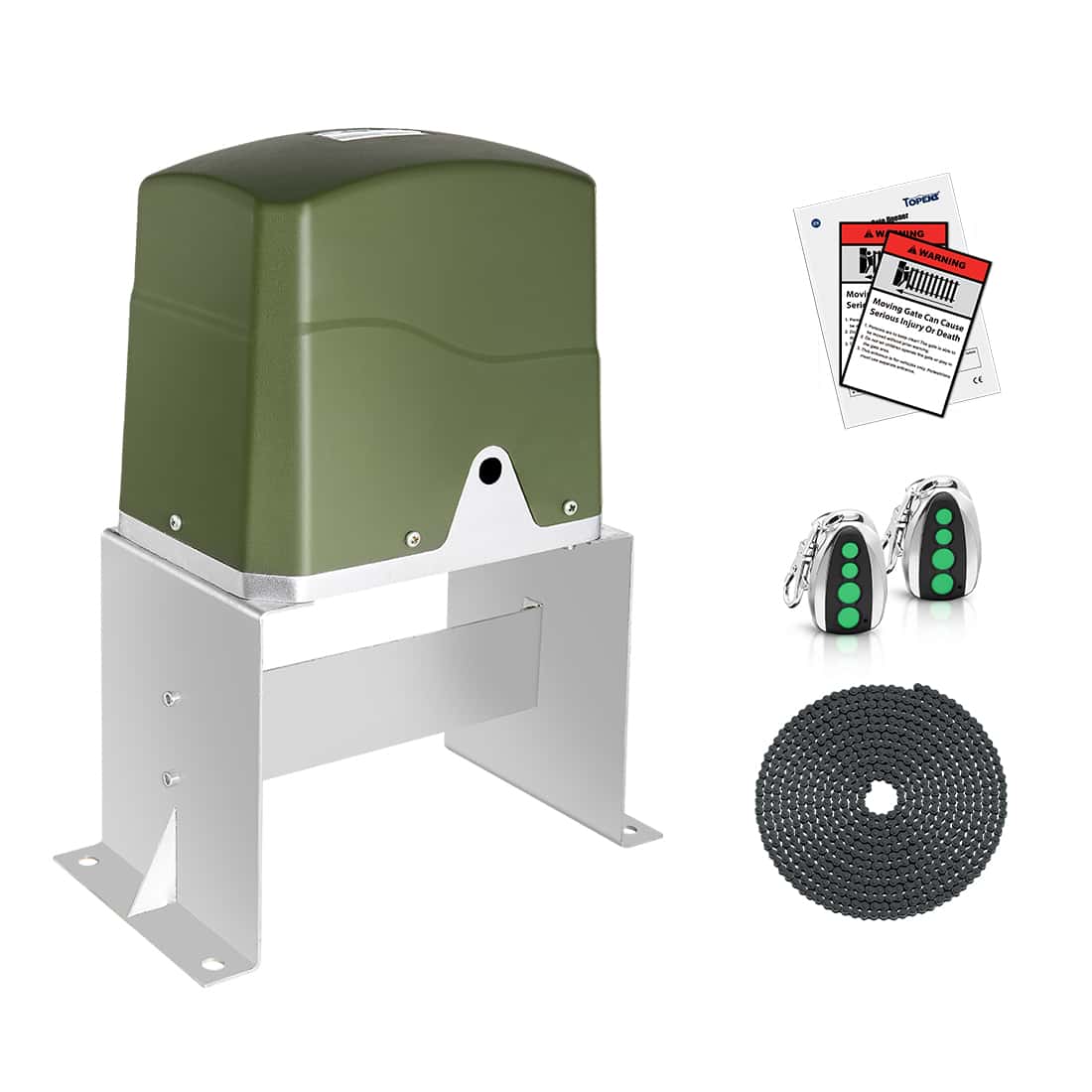
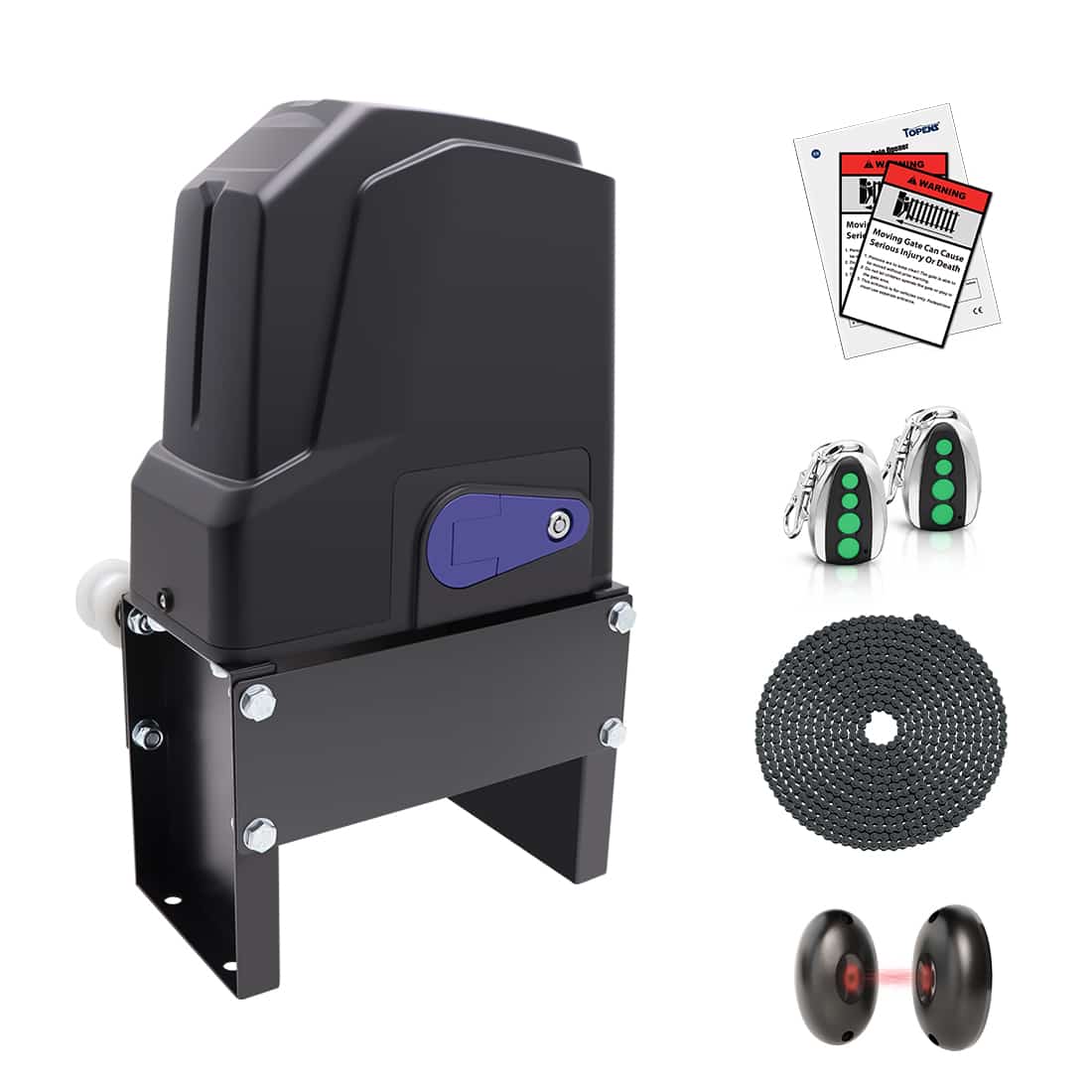
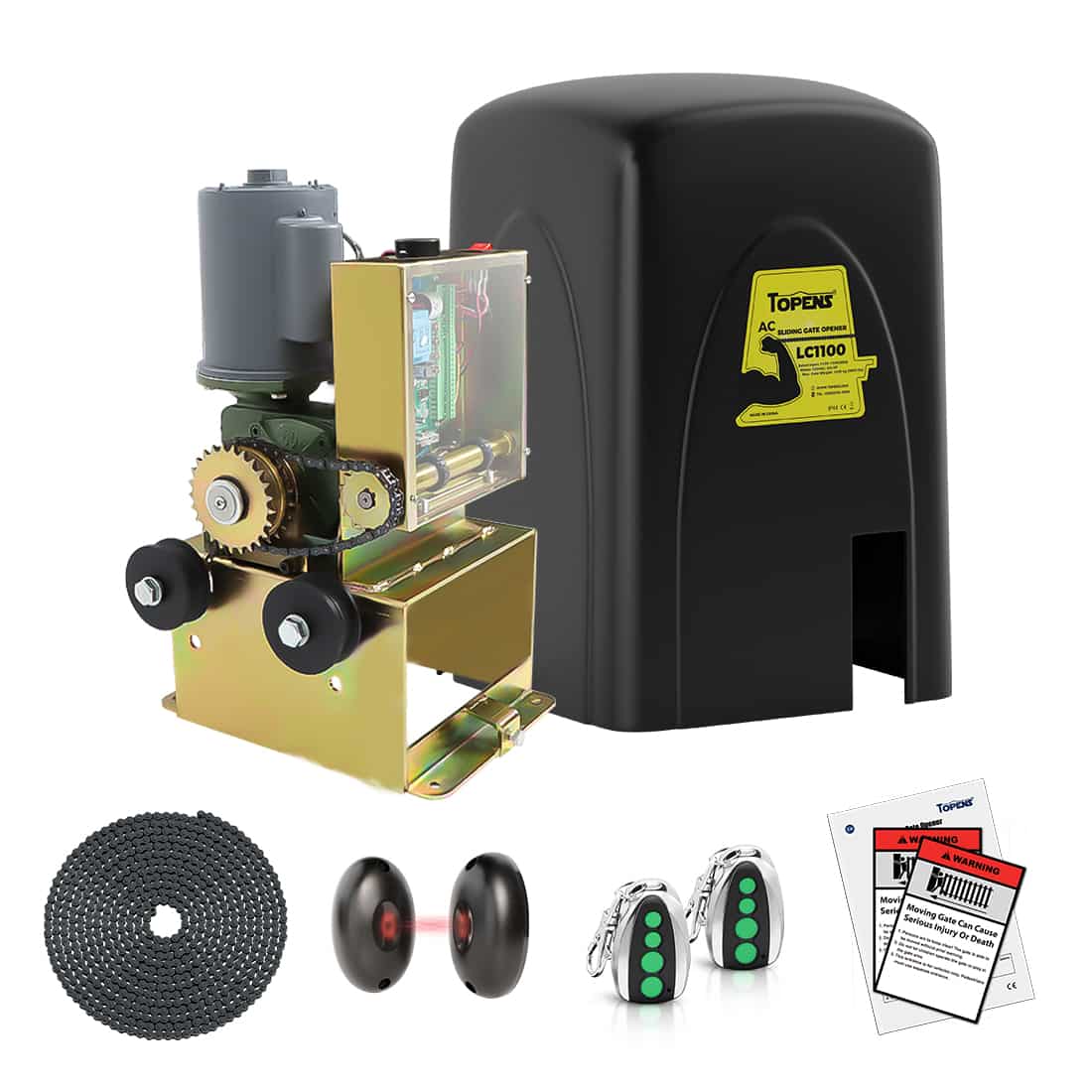
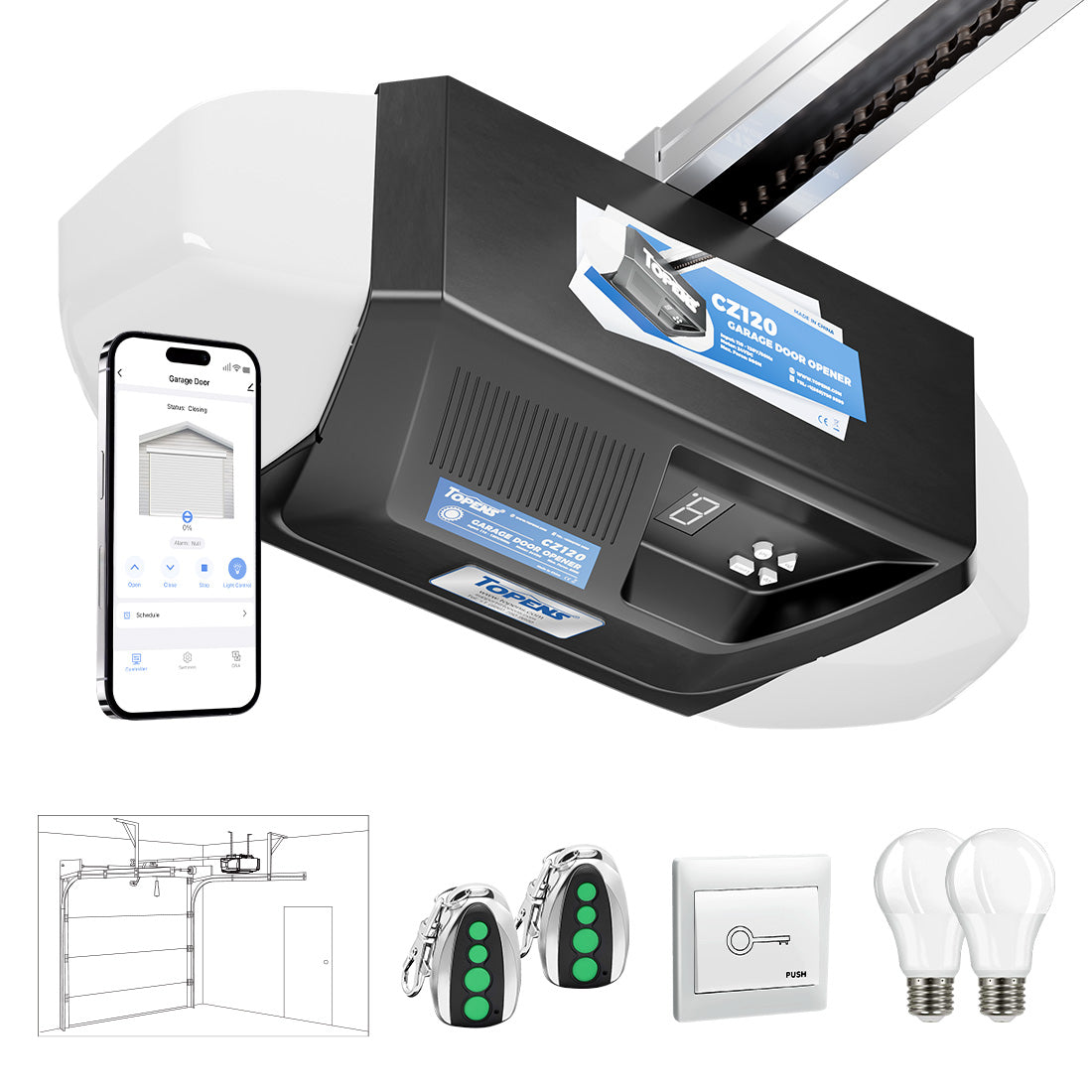
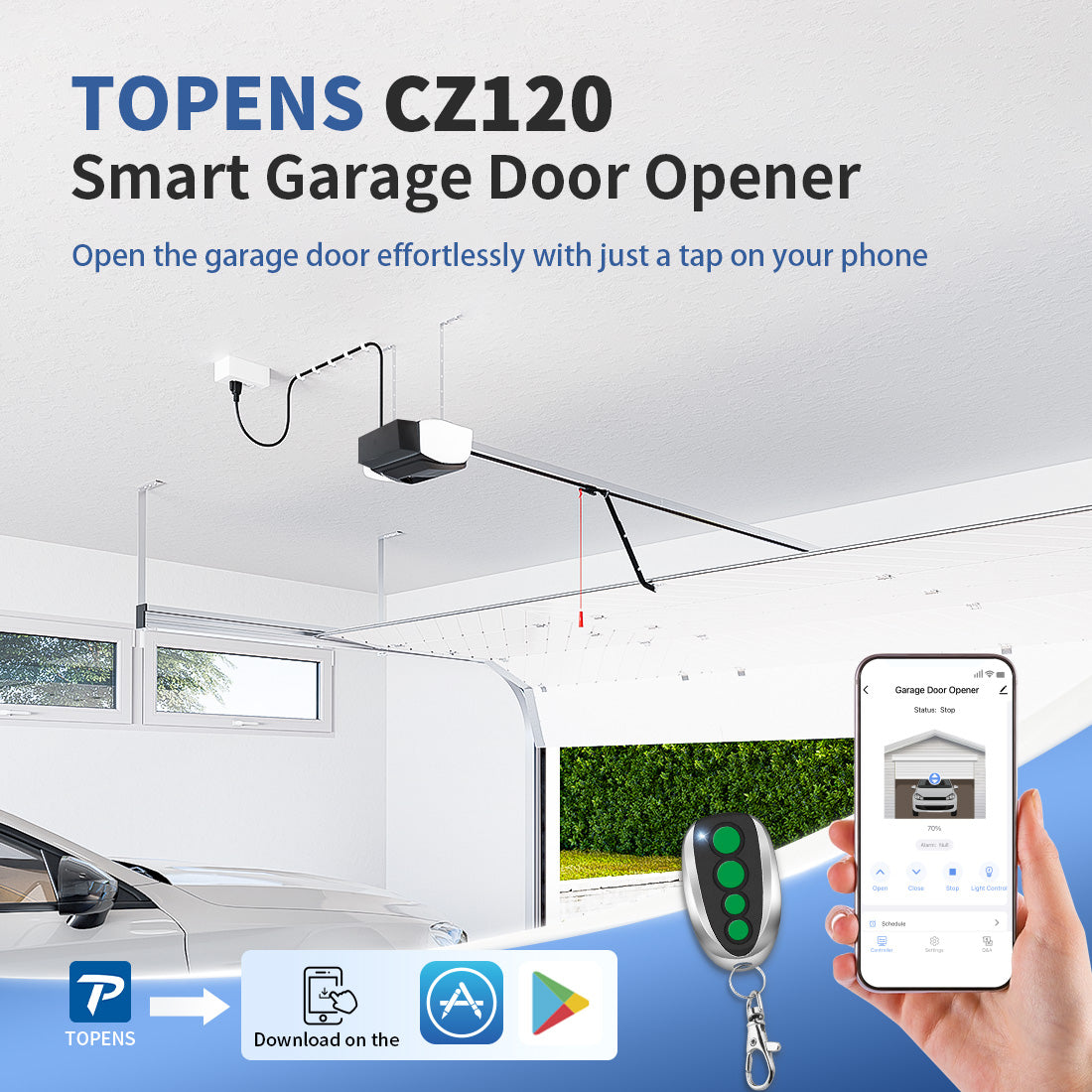
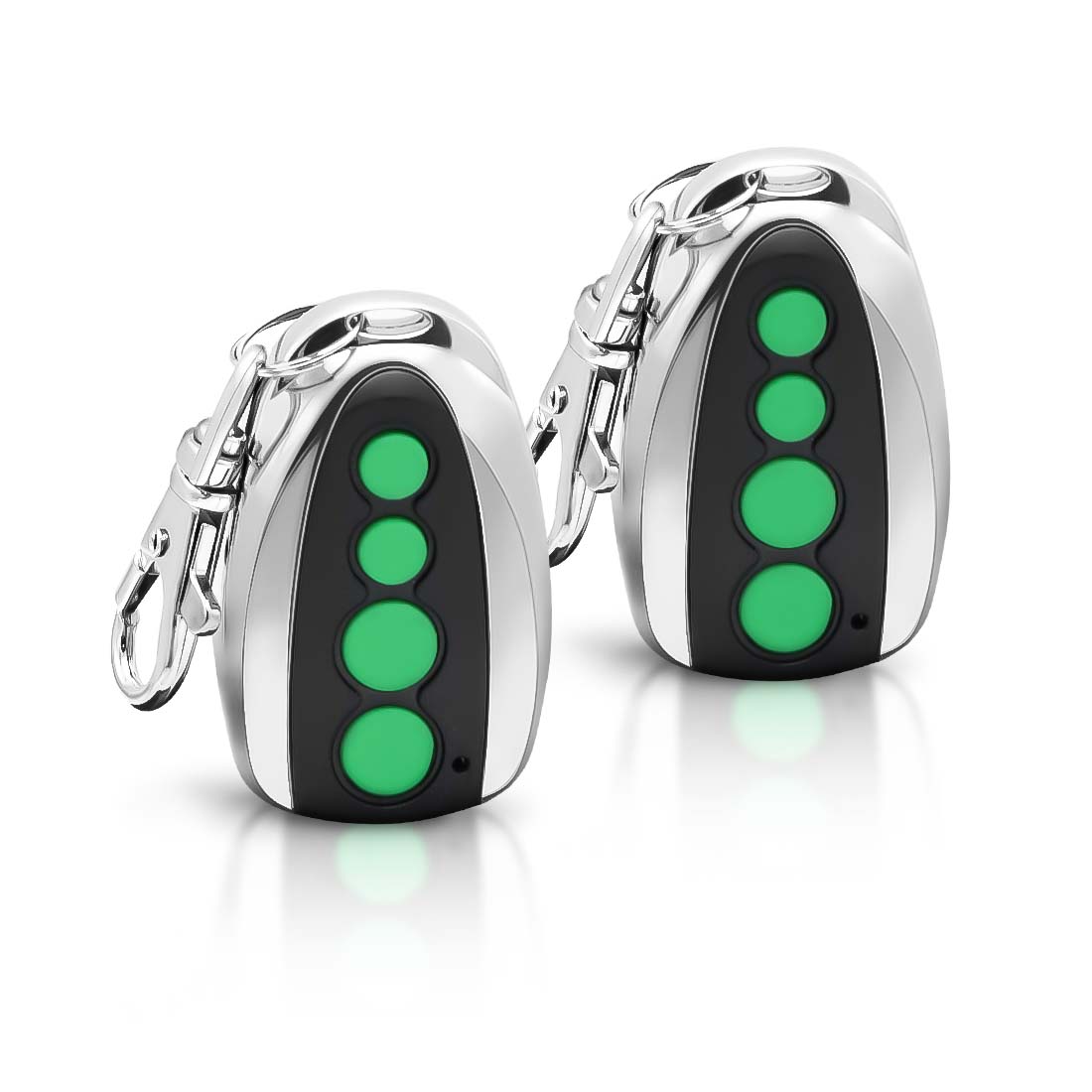
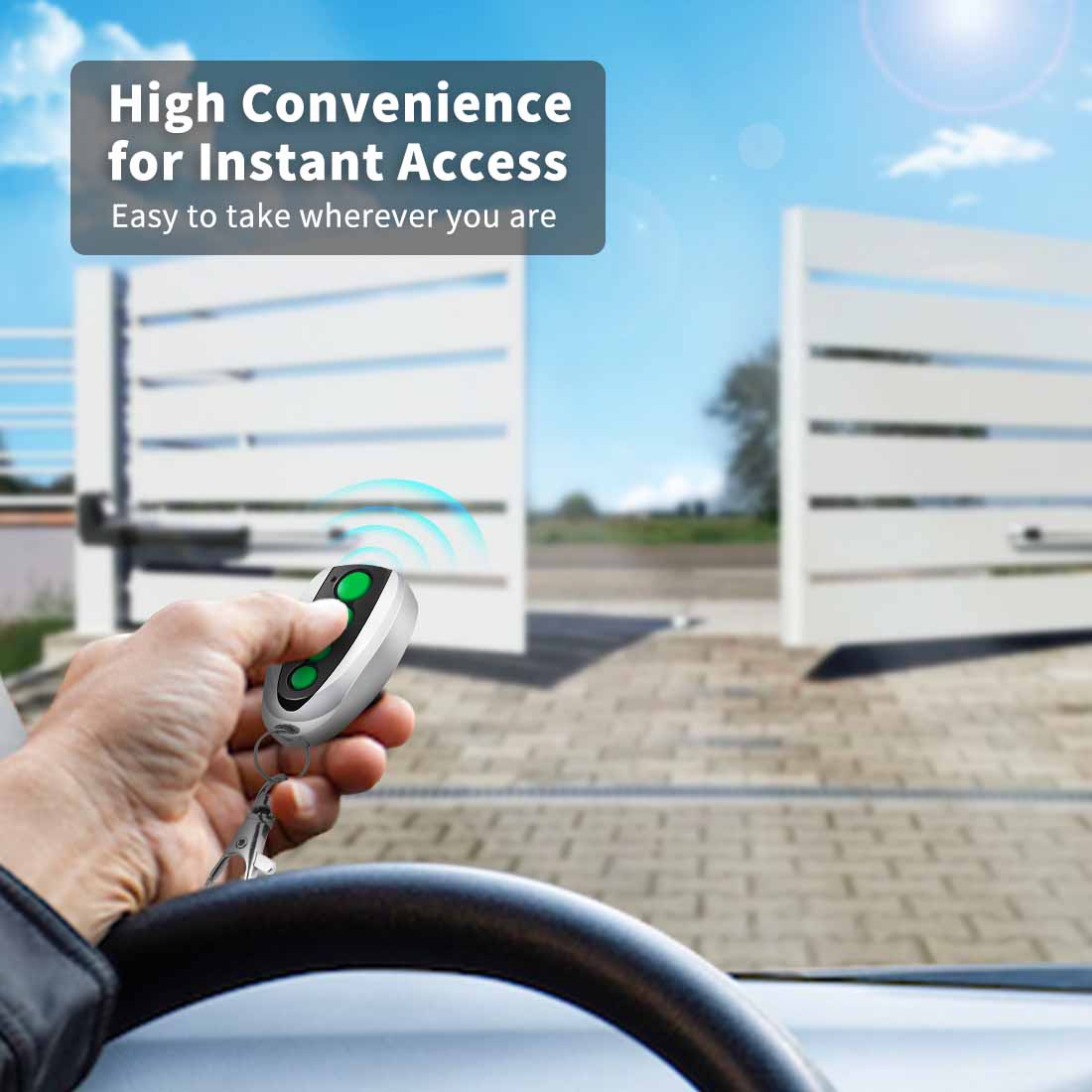
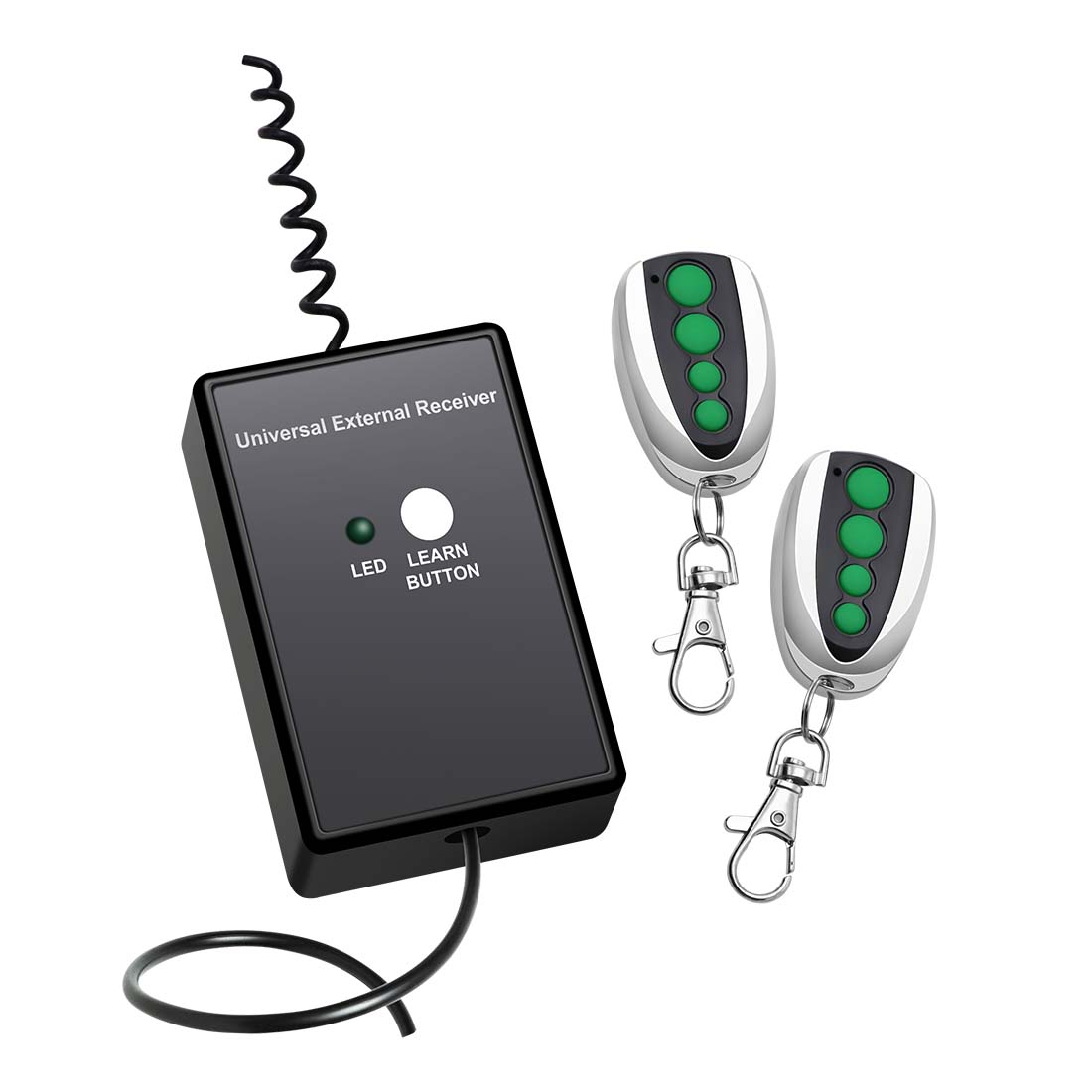
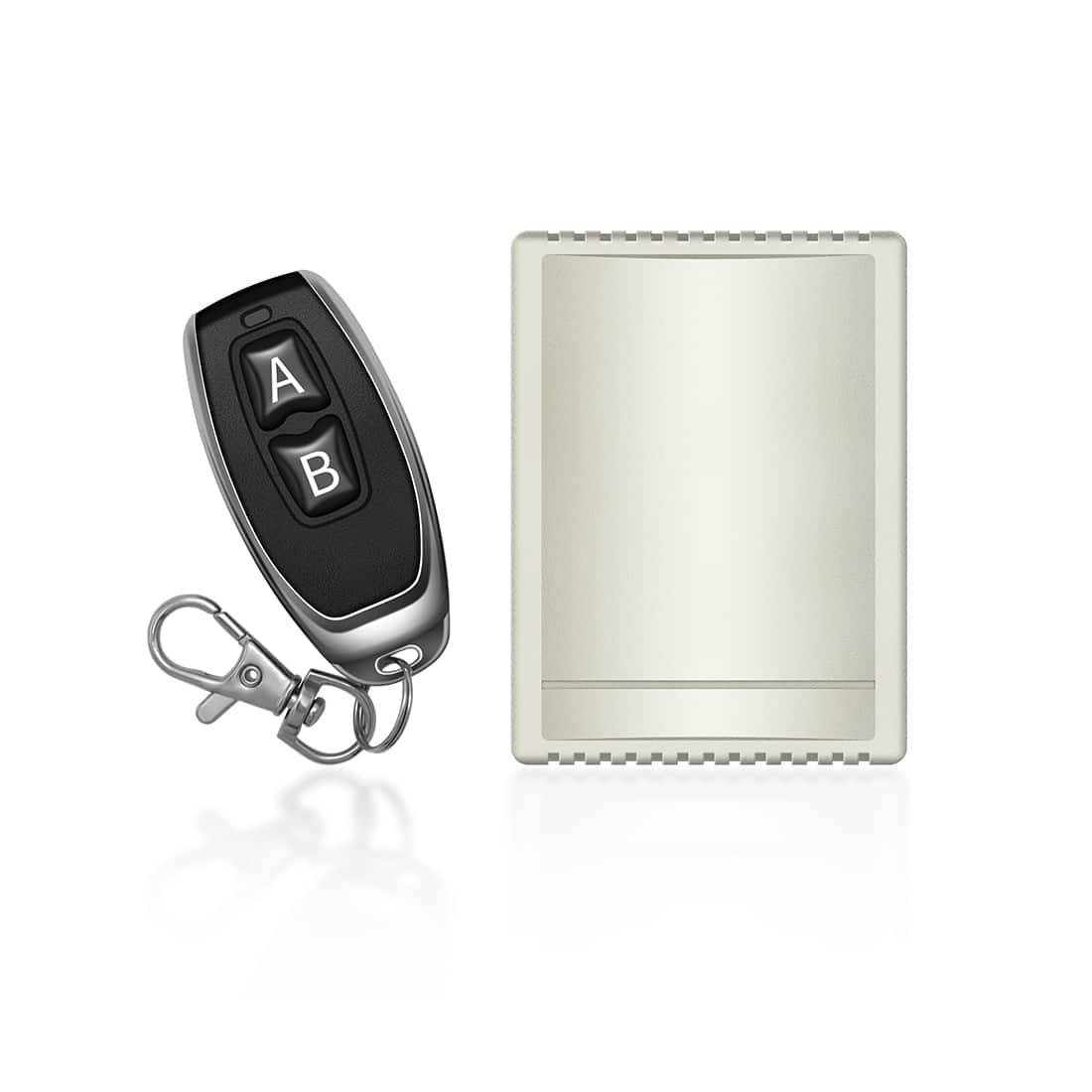
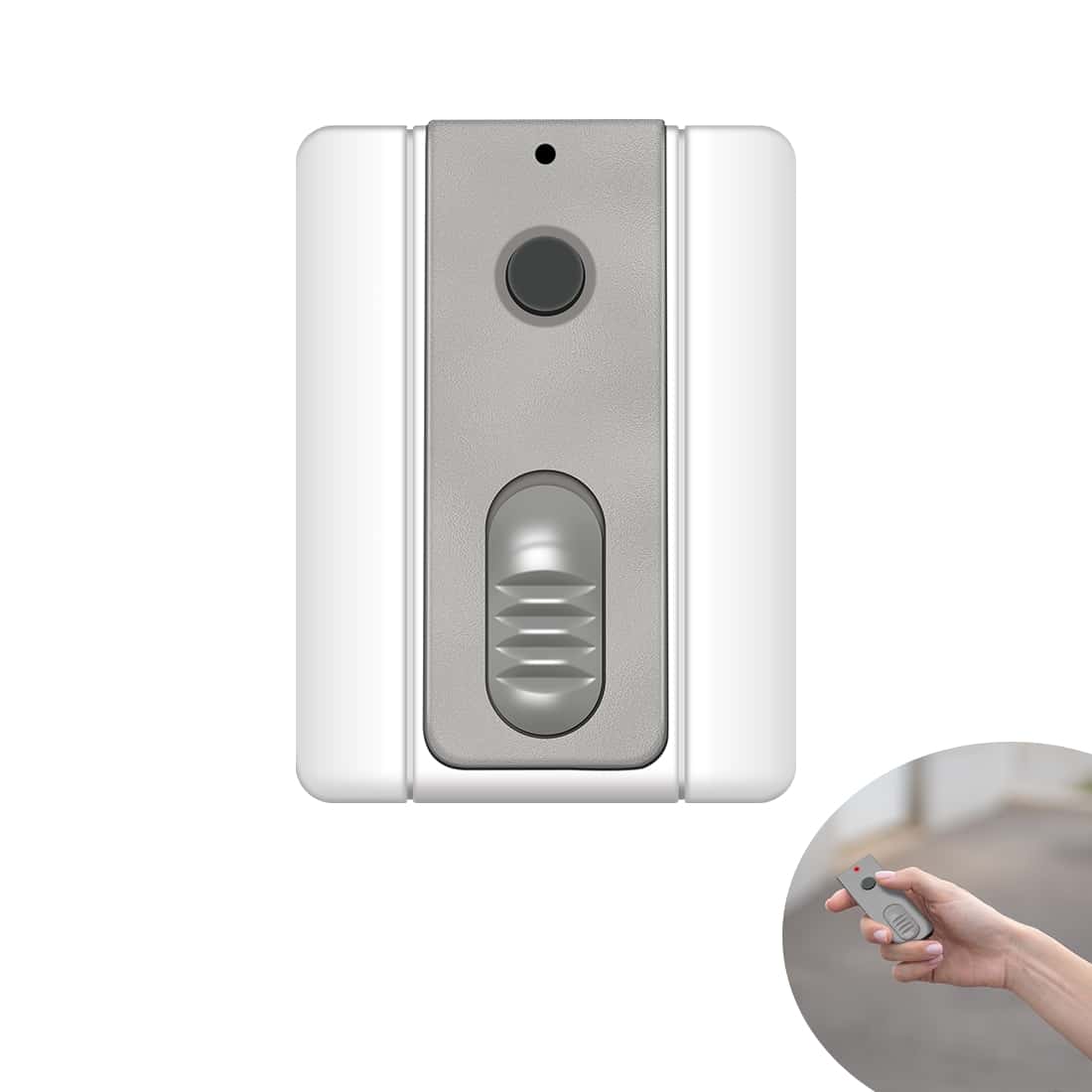
TOPENS automatic gate openers are designed for convenience, reliability, and ease of use. Each opener kit includes two pre-programmed remote controls, making setup quick and hassle-free.
If you purchase additional M12 remotes, or if an existing one stops working, you can manually program them to your opener. The process is straightforward and only takes a few steps.
Remote Control Button Functions
The functions of the remote control buttons vary depending on the type of TOPENS opener:
Swing Gate and Garage Door Openers
-
- All four buttons perform the same function. Any button can be programmed with the opener. Each press cycles the opener through open → stop → close → stop → open.
- For TOPENS smart gate openers, the buttons support two working modes. Please refer to the user manual for detailed instructions.
Sliding Gate Openers
-
- Button A: Programs standard operation (open → stop → close → stop → open).
- Button B: Automatically activates midway mode (partial opening) if enabled. If midway mode is disabled, it functions the same as Button A.
- Buttons C and D: Can be programmed to operate additional sliding gate openers when paired with separate ERM12 External Receivers, providing standard operation without midway mode.
Programming with TOPENS Gate / Door Openers
Step 1: Enter Programming Mode
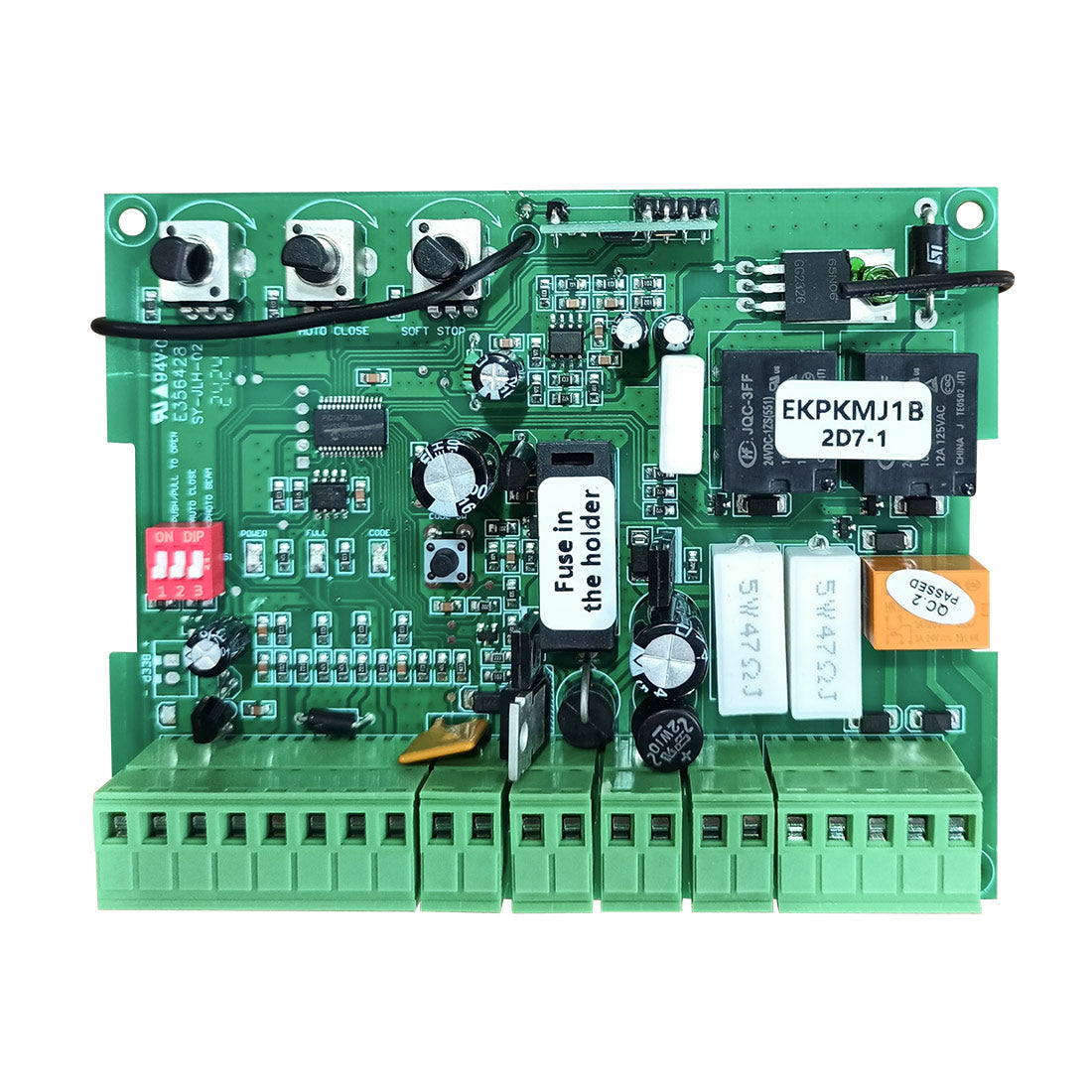
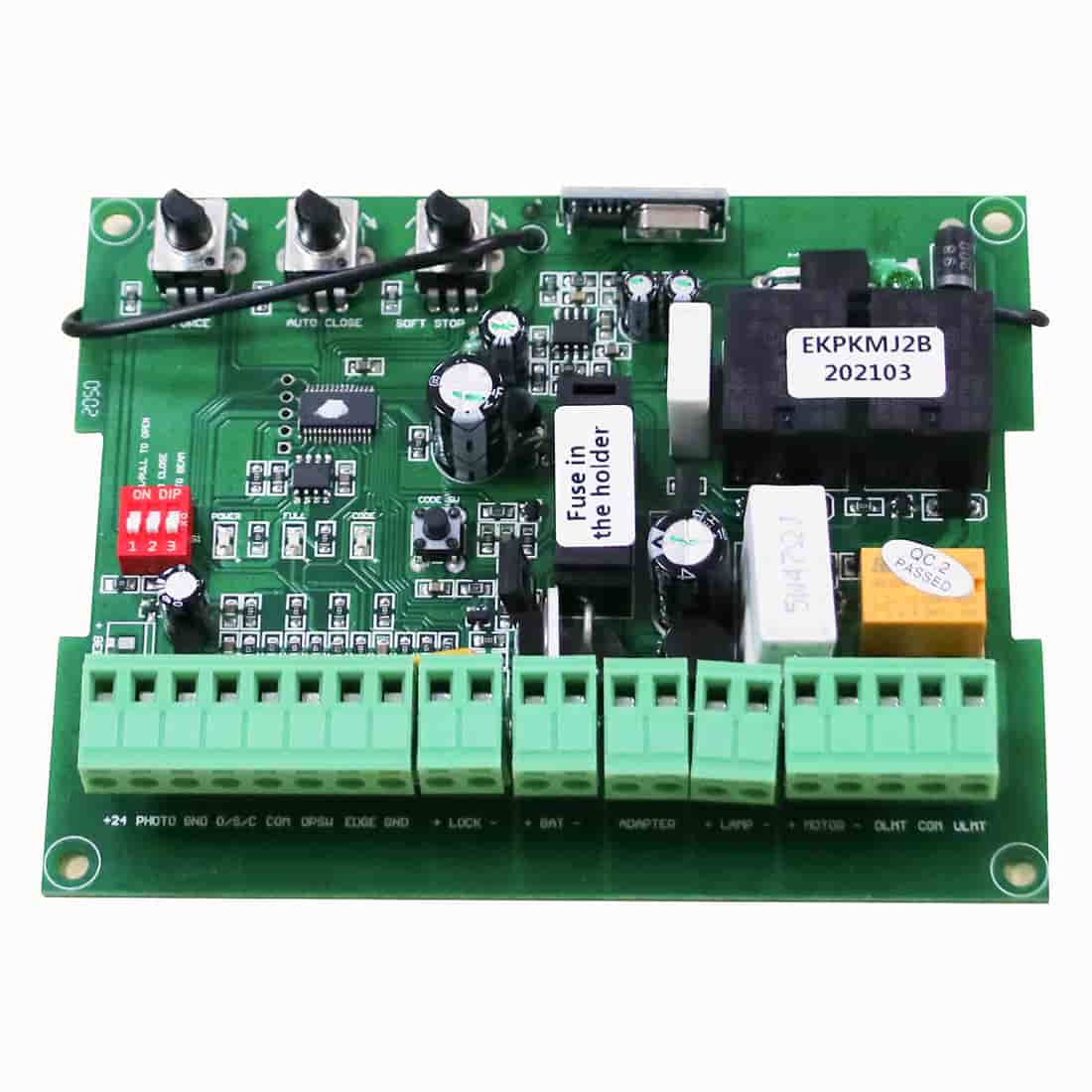
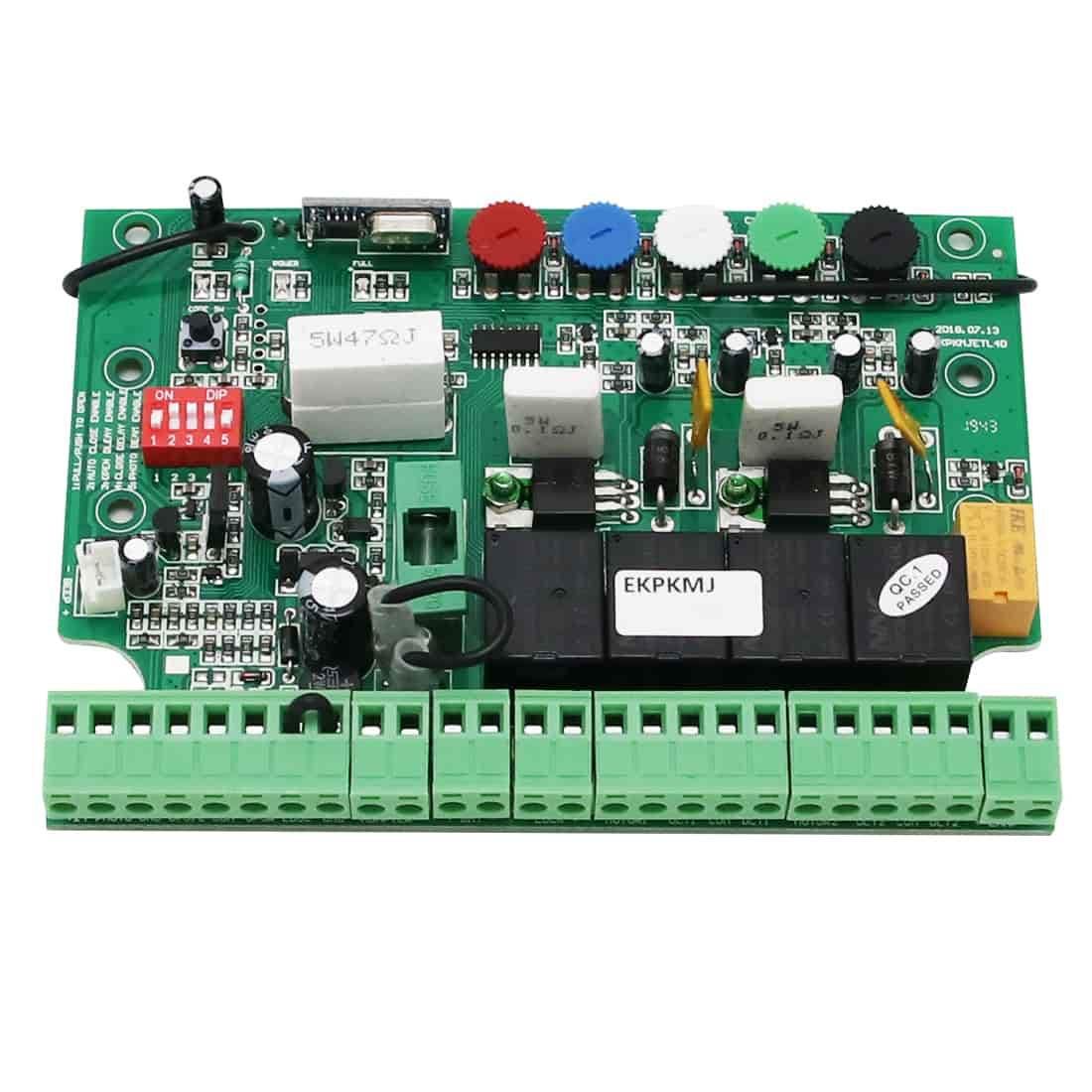
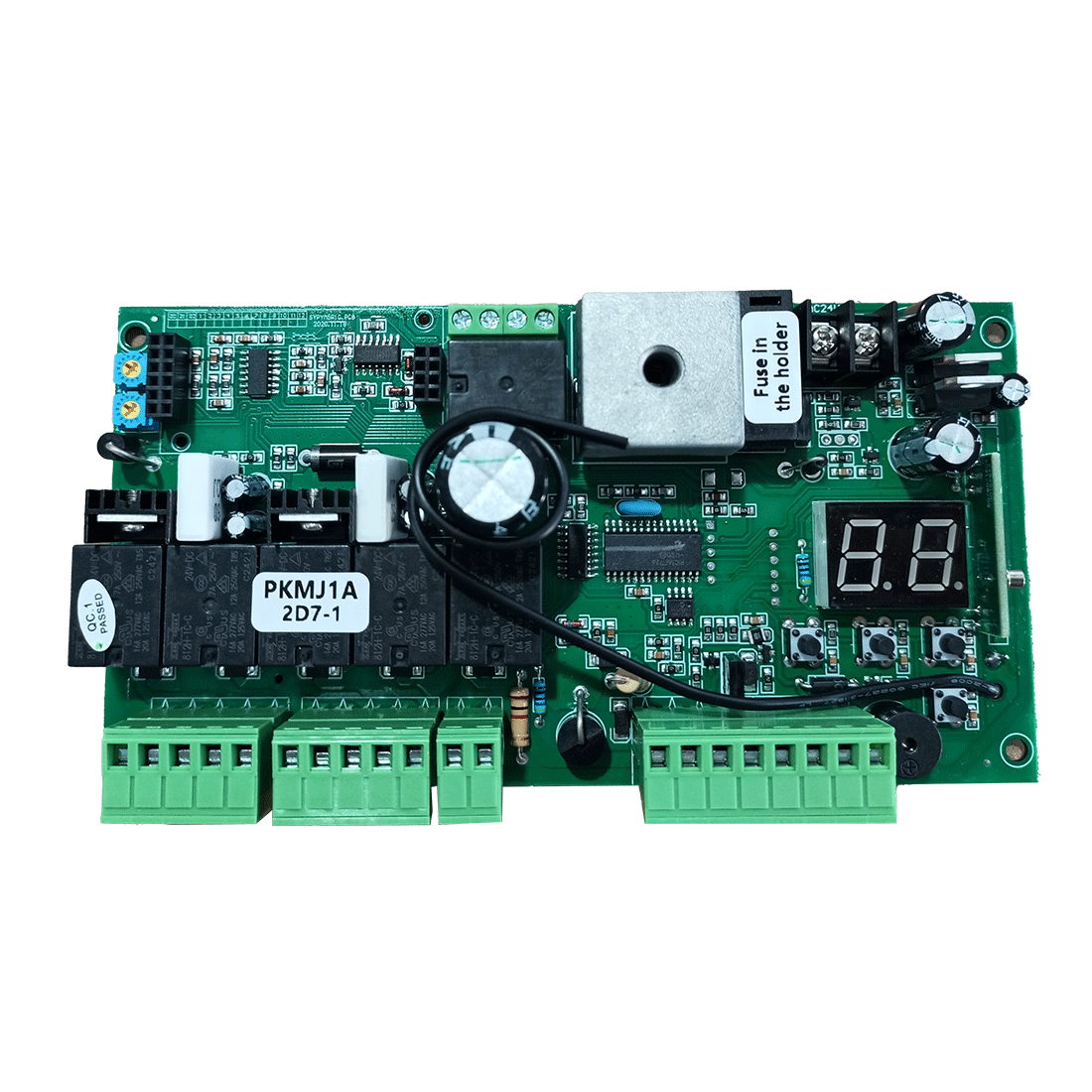
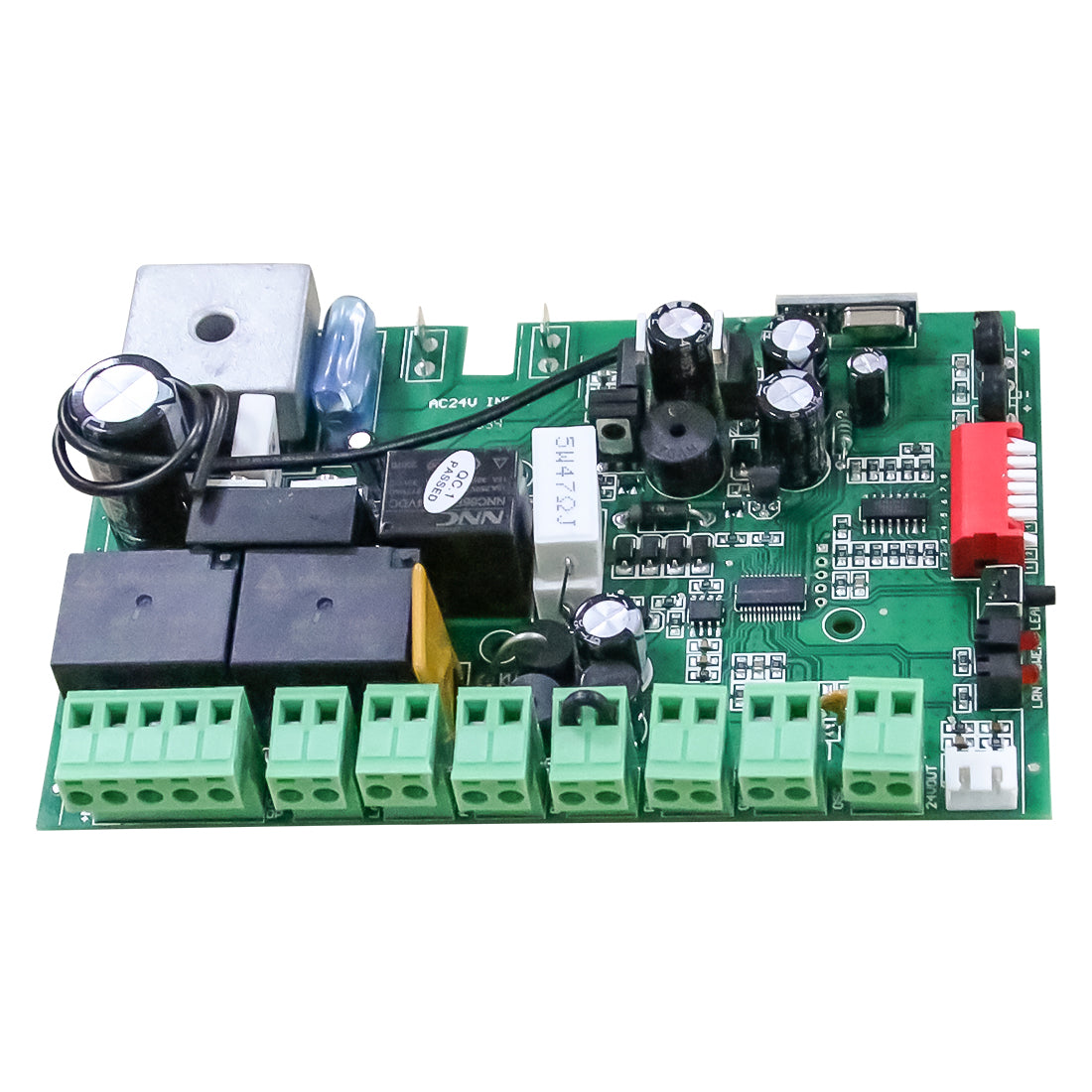
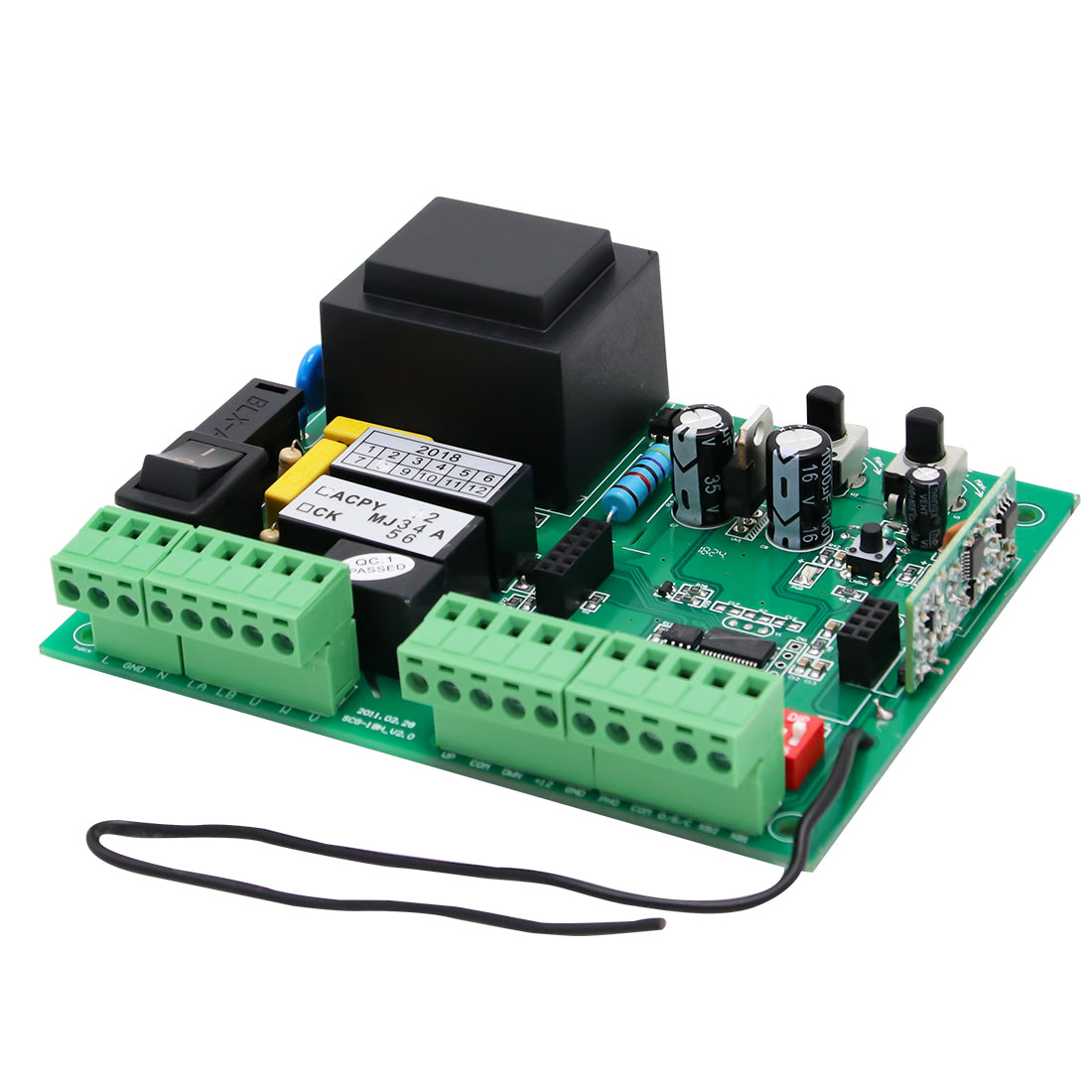
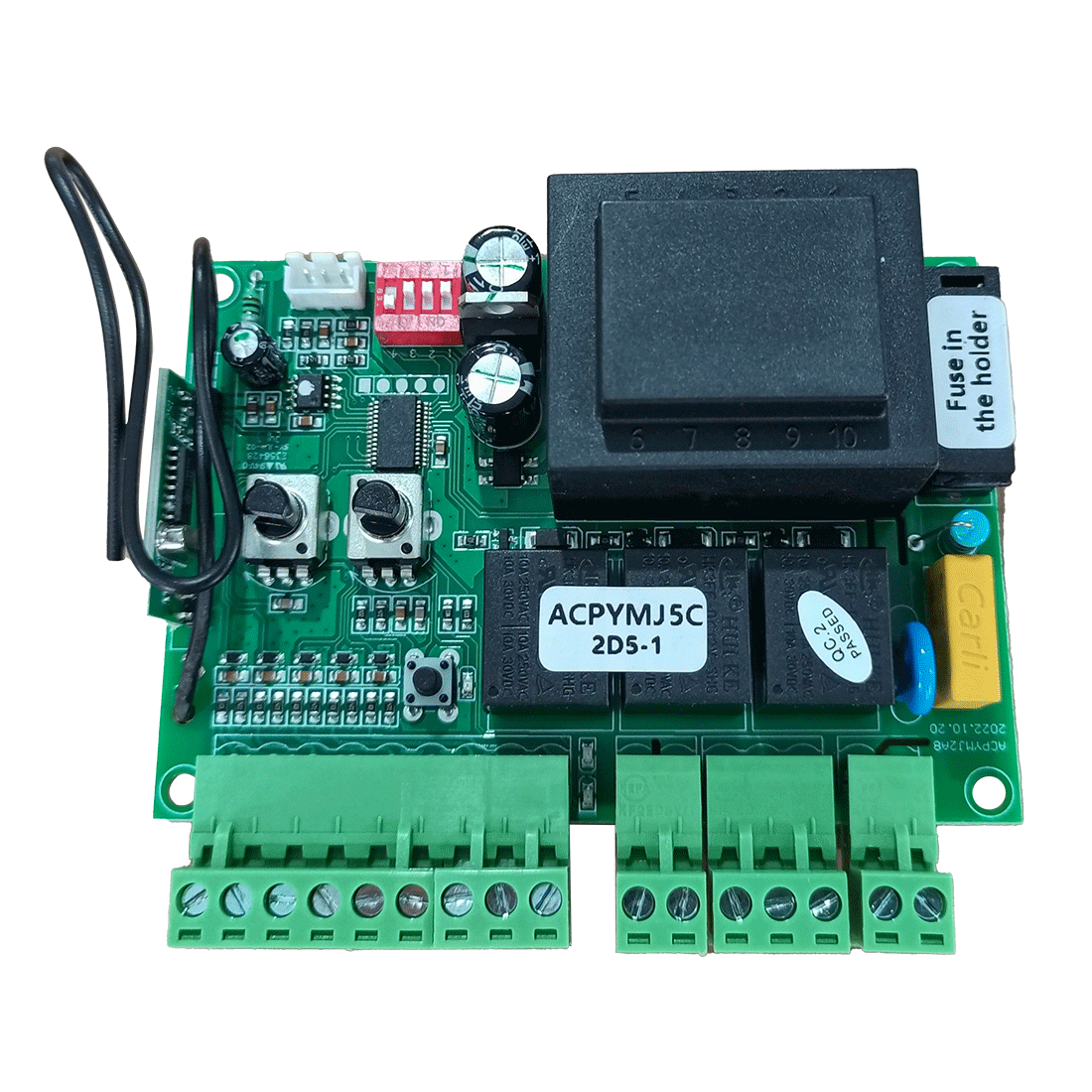
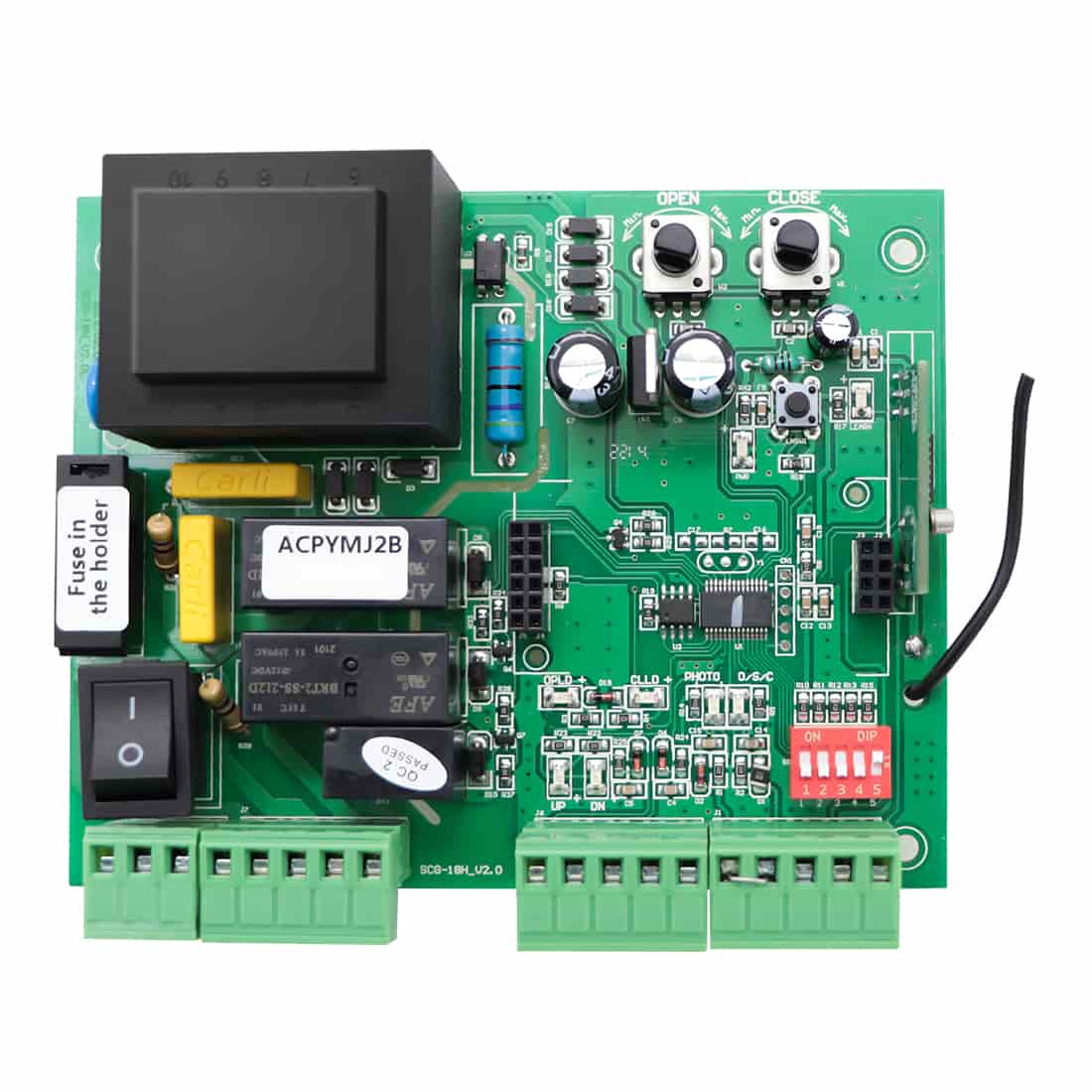
1) Locate the programming button on the control board. It may be labeled CODE SW, LEARN, or LNSW, depending on the model.
2) Press and release the button. The opener will enter programming mode, indicated by one of the following:
-
- The programming LED turns on;
- The gate opener’s digital display shows “Ln”;
- The garage door opener’s display shows “.”;
- The LCD screen shows “REMOTE CONTROL LEARNING...”.
Step 2: Program the Remote Control
1) Press the remote control button you want to program once, then press it again after the LED on the remote turns off.
2) Programming is successful when one of the following occurs:
-
- The programming LED flashes for approximately 3 seconds and then turns off;
- The gate opener’s display flashes “Ln” and then returns to “- -”;
- The garage door opener’s display flashes “·” and then returns to “H” or “h”;
- The LCD shows “LEARNING SUCCESSFUL” and then returns to standby mode.
Step 3: Test the Remote
Press the programmed button on the M12 remote to confirm that the opener responds. If the gate or door opens or closes as expected, programming is complete.
Programming Reference Chart
Use the chart below to identify the correct programming button and indicator for your model:
Swing Gate Openers
|
Model |
Programming Button |
Indicator |
| JY9132, AT6132S, AT12132S, A5132, A8132, PW302, PW502, PW802, AD5S, AD8S |
CODE SW |
CODE LED |
| AT6131(S), AT12131(S), A5131, A8131, A3S, A5S, A8(S) |
CODE SW |
CODE LED |
| AT602, AT1202, KD702 |
LEARN |
Digital Display |
| XD851, XD852 |
LEARN |
LCD |
Sliding Gate Openers
|
Model |
Programming Button |
Indicator |
| CF800, BK800, RK500T, RK700T, RK1100T, CK700, CK1100 |
Learn |
Learn LED |
| DKR500ST, DKR1100ST, DKC500S, DKC1100S, DK1000S |
LEARN |
REM LED |
| RK990T, RK1200T, RK2500T, CK1200, CK2500, CK2600 |
LNSW |
LEARN LED |
| LC1100 |
LEARN |
RF LED |
| DKC2000S |
LEARN | RUN LED |
Garage Door Opener
|
Model |
Programming Button |
Indicator |
| CASAR800 |
LEARN |
Digital Display |
Note: On some models (e.g., CF800, BK800, RK500T, RK700T, RK1100T, CK700, CK1100), the learn button and LED are not clearly labeled. Refer to the diagram below for their location.

Programming with the ERM12 External Receiver
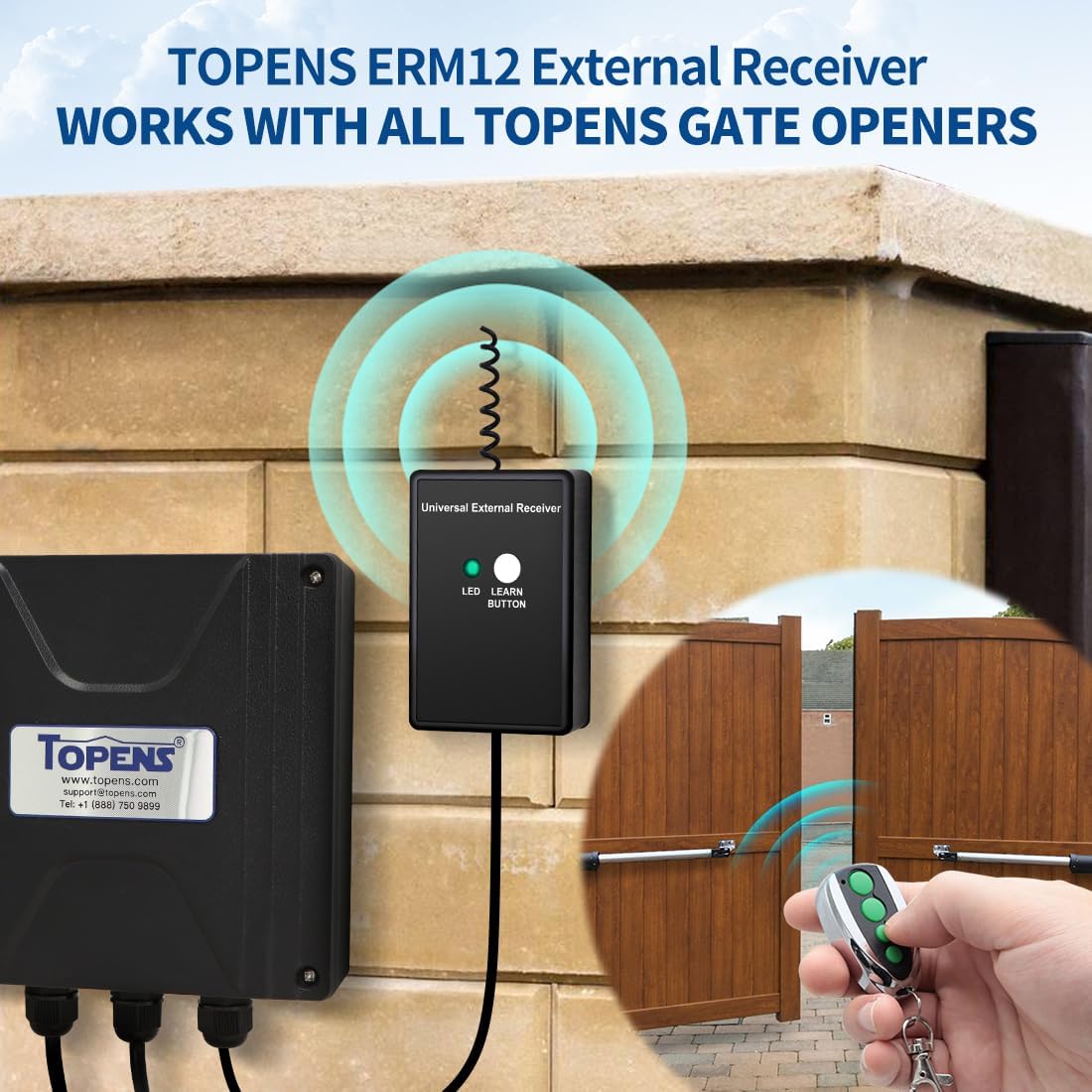
The TOPENS ERM12 External Receiver enhances your gate opener system by expanding remote programming capacity, extending the operating range, and enabling compatibility with other brands’ gate openers whose control boards accept a “Normally Open Dry Contact” signal. Once the ERM12 is connected to your opener, you can easily program your remote control through the receiver.
- Press and release the LEARN button on the receiver. The LED light will turn on.
- Press the remote control button you want to program once, then press it again after the LED on the remote turns off.
- The LED light on the receiver will flash for approximately 3 seconds and then turn off, indicating successful programming.
- Test the remote to ensure proper operation.
Note: The remote control cannot be paired with both the control board and the ERM12 simultaneously. If you need to program the remote with the ERM12, make sure it is disconnected from the control board first to avoid conflicts.

The TOPENS M12 remote control is quick to program and reliable in use. By following the steps above, you will enjoy instant and secure access to your property.