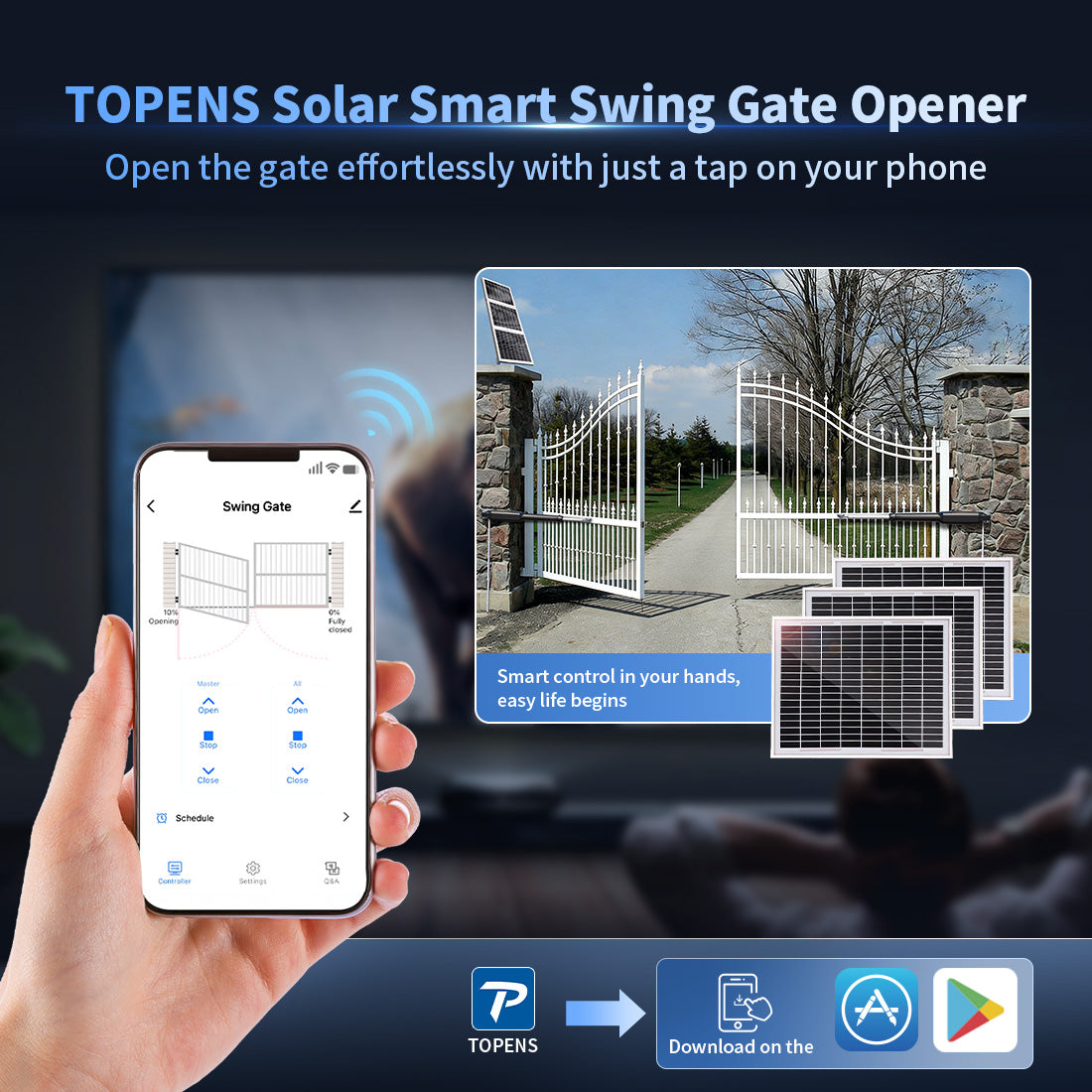
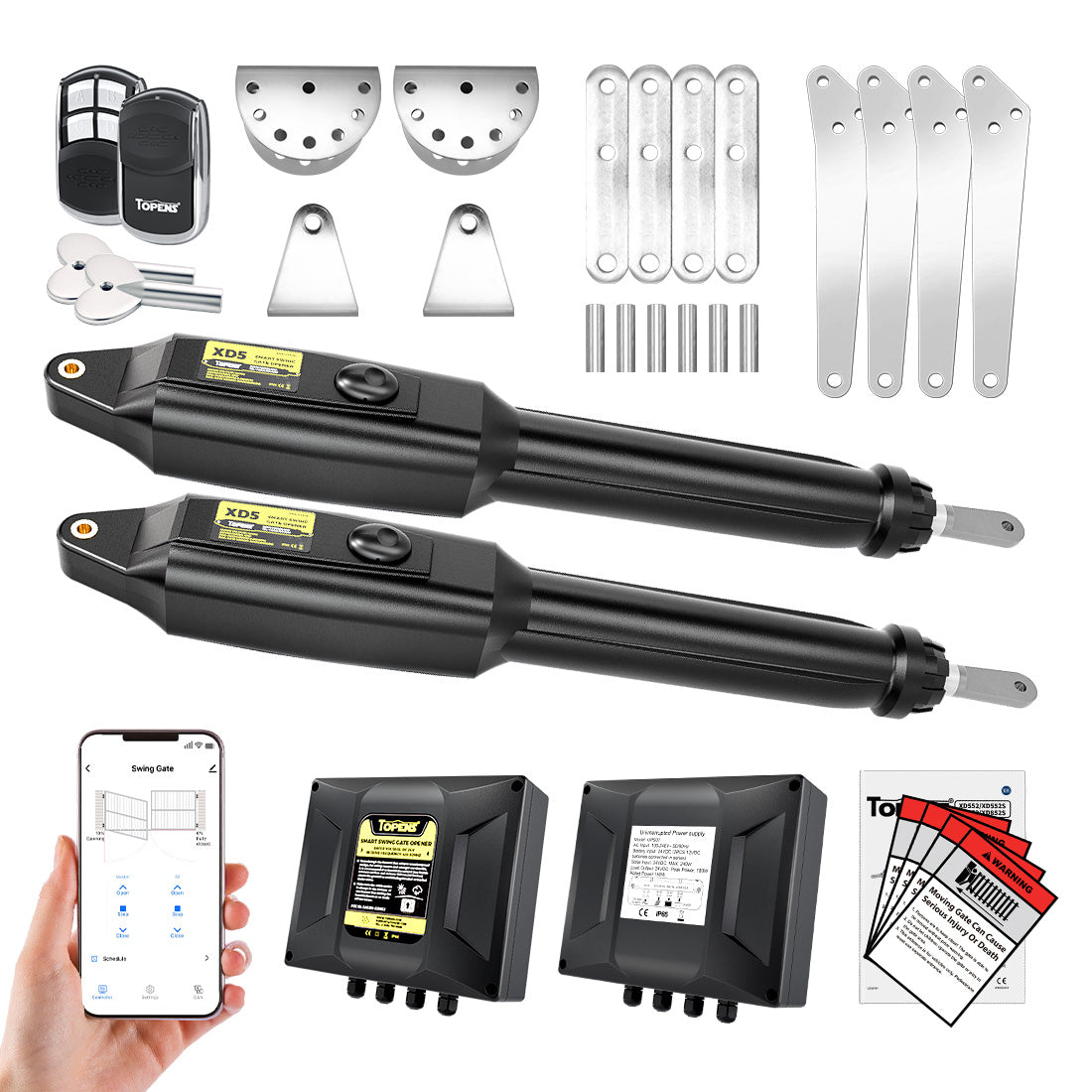
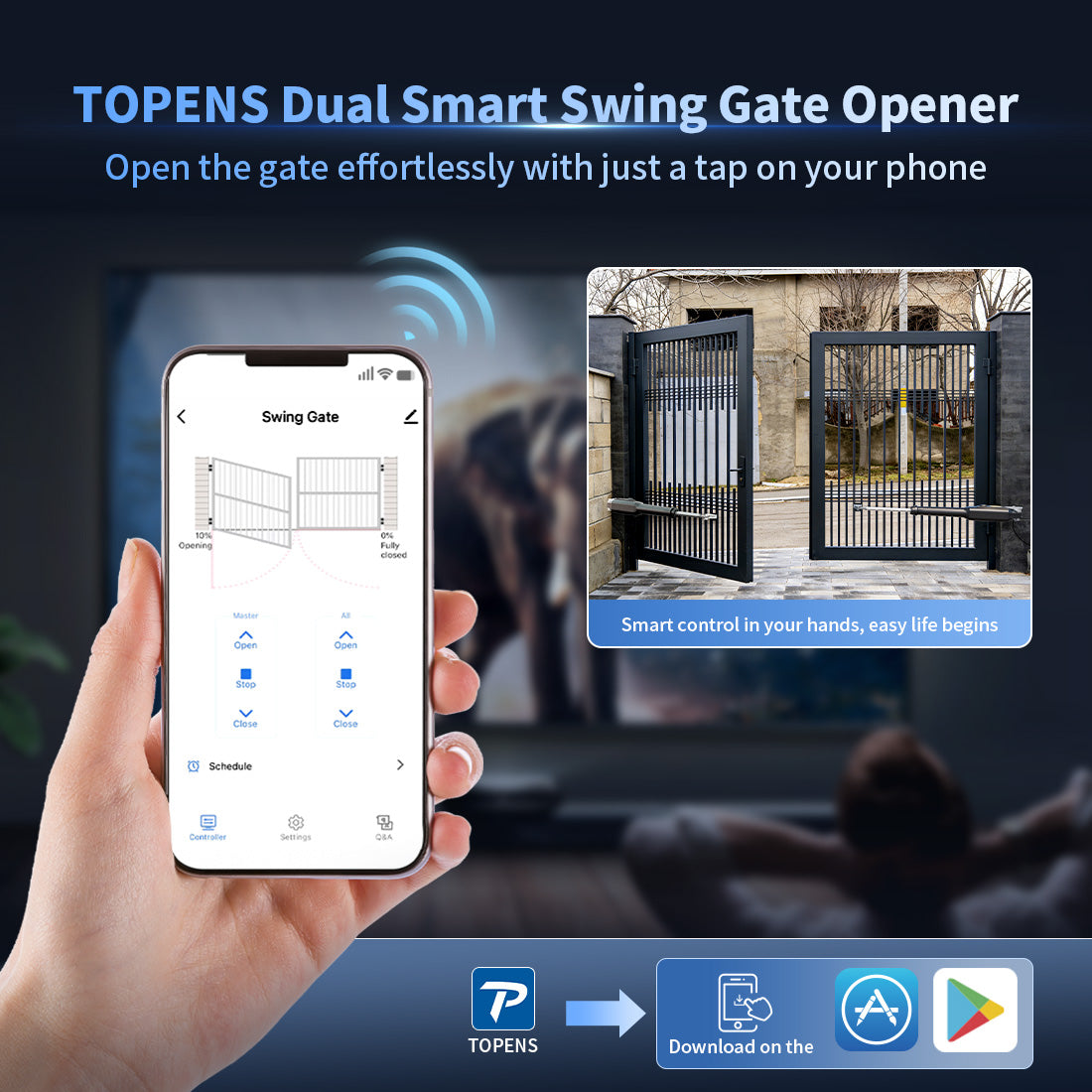
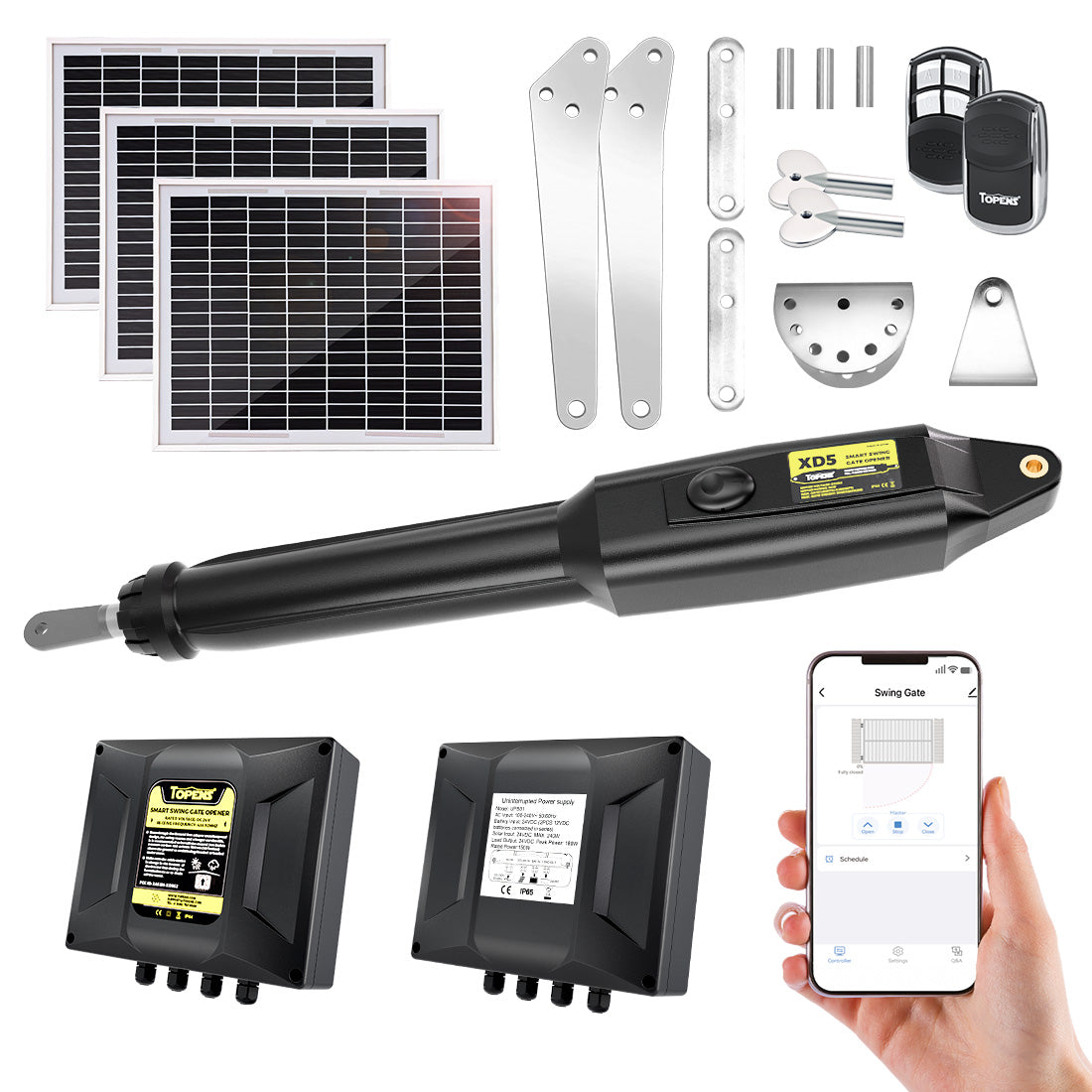
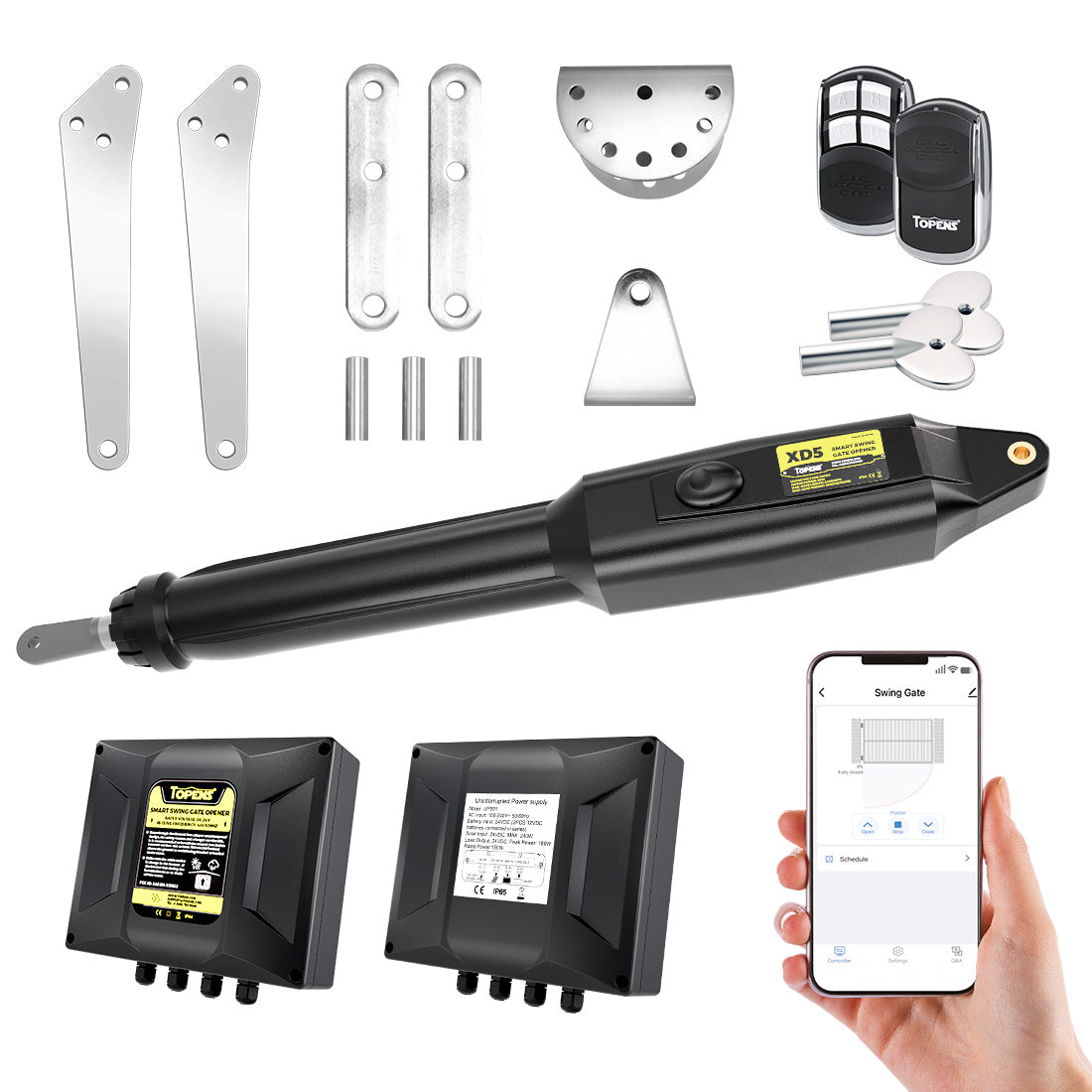
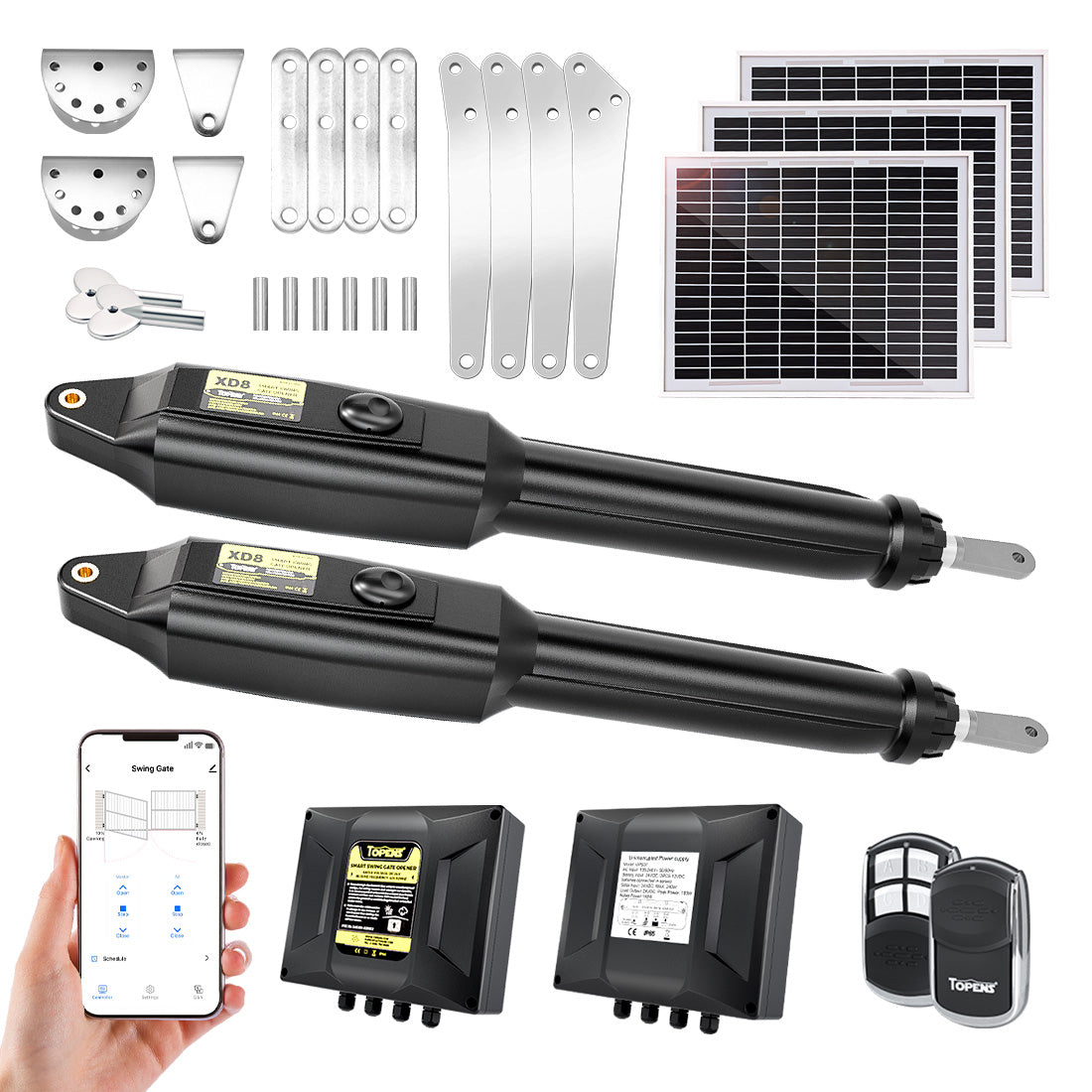
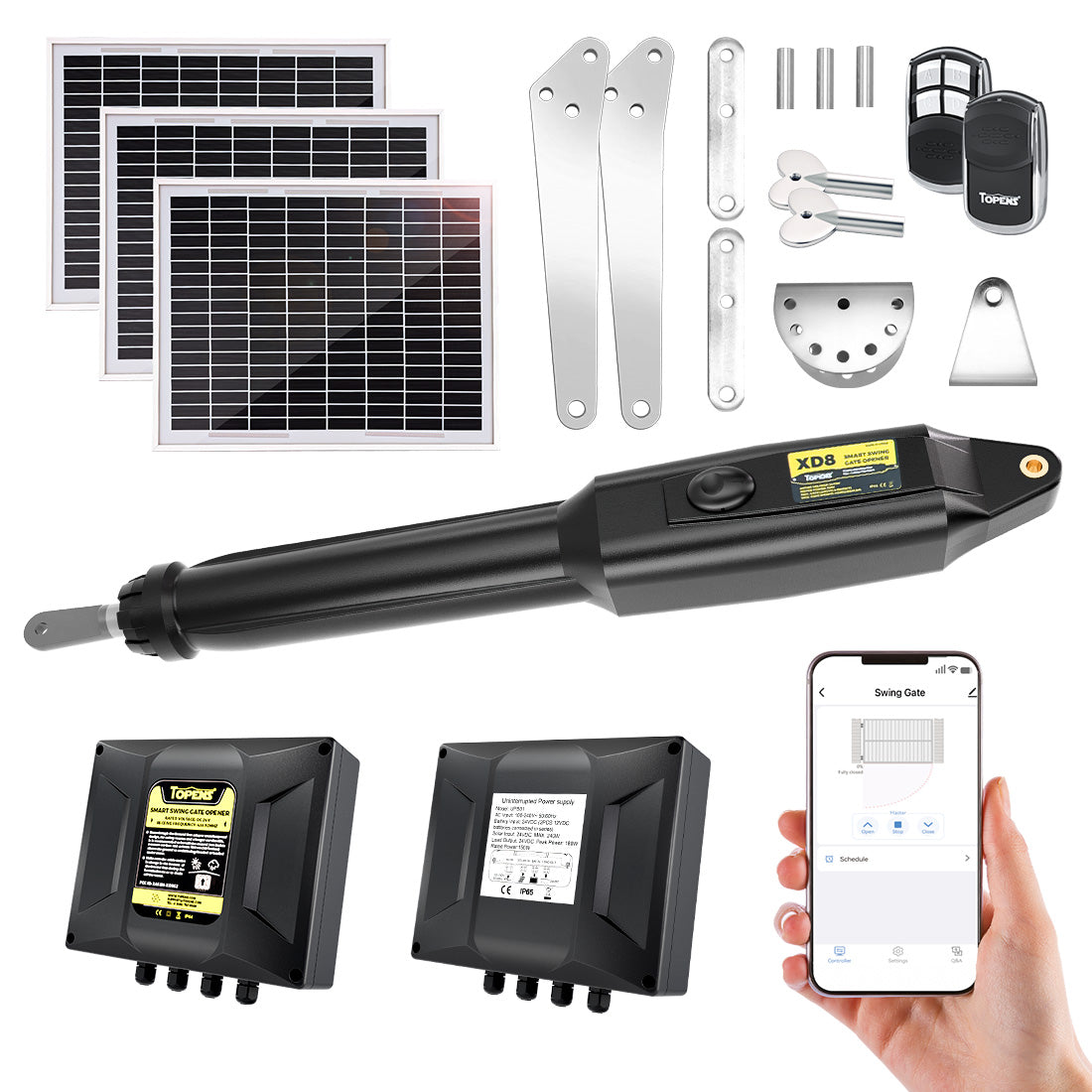
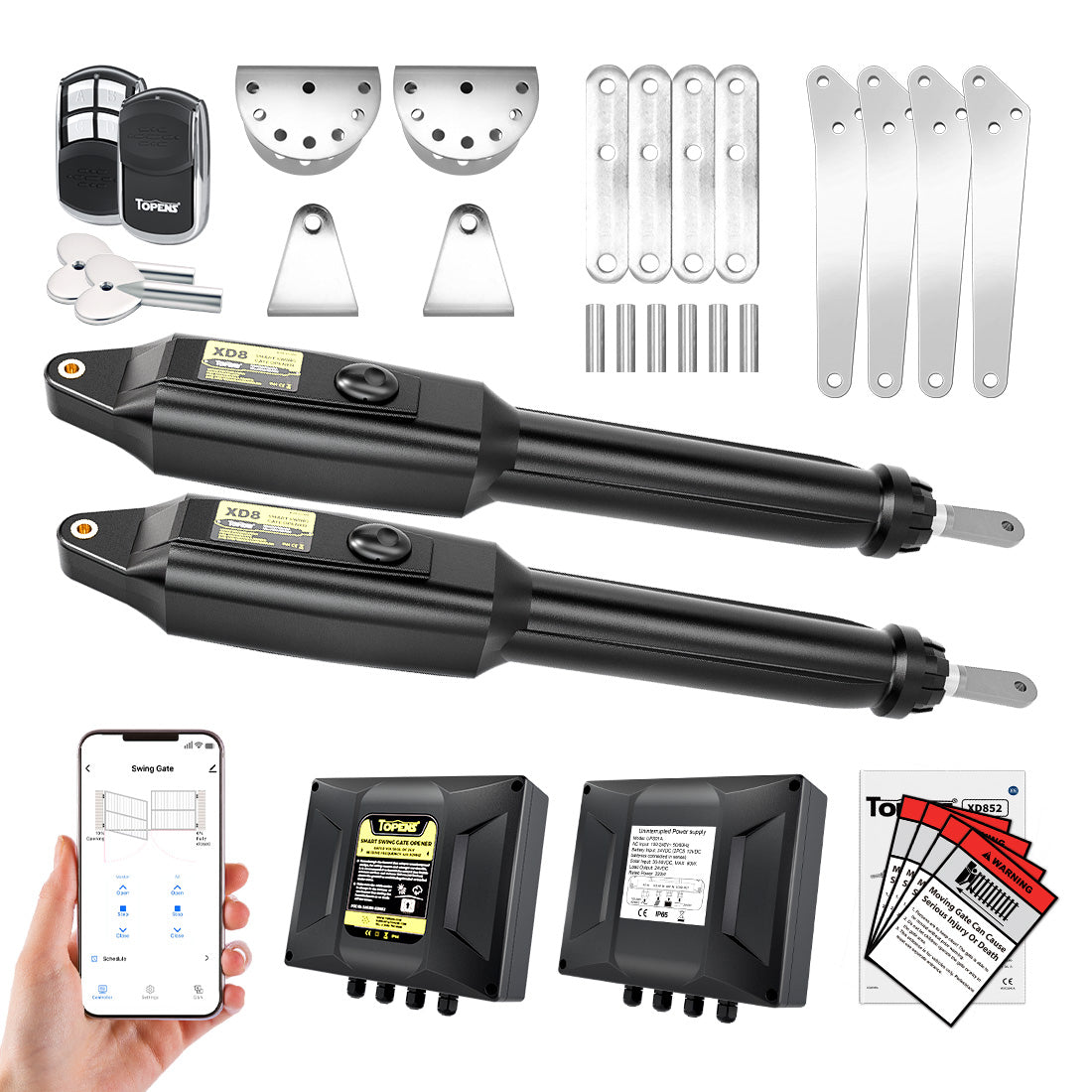
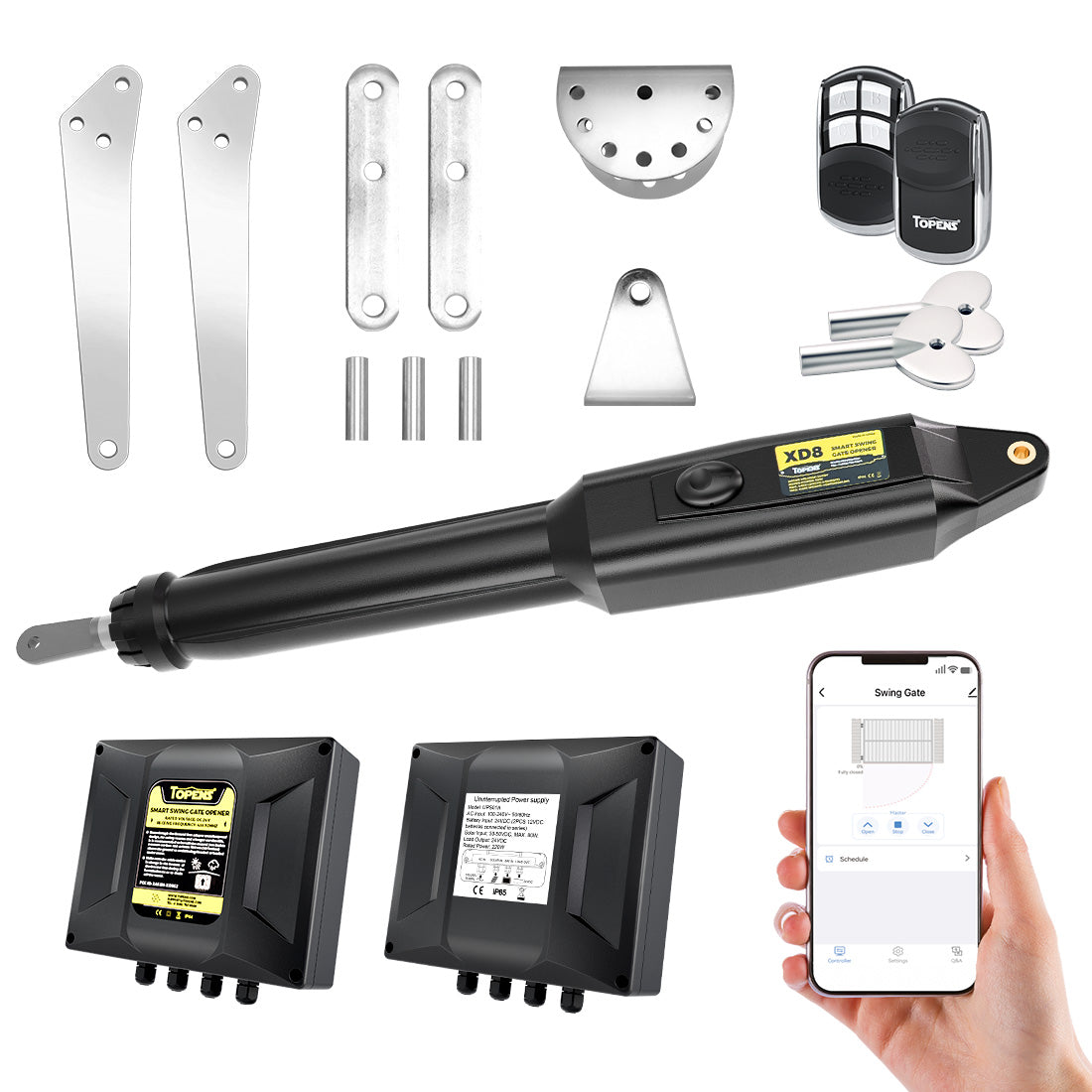
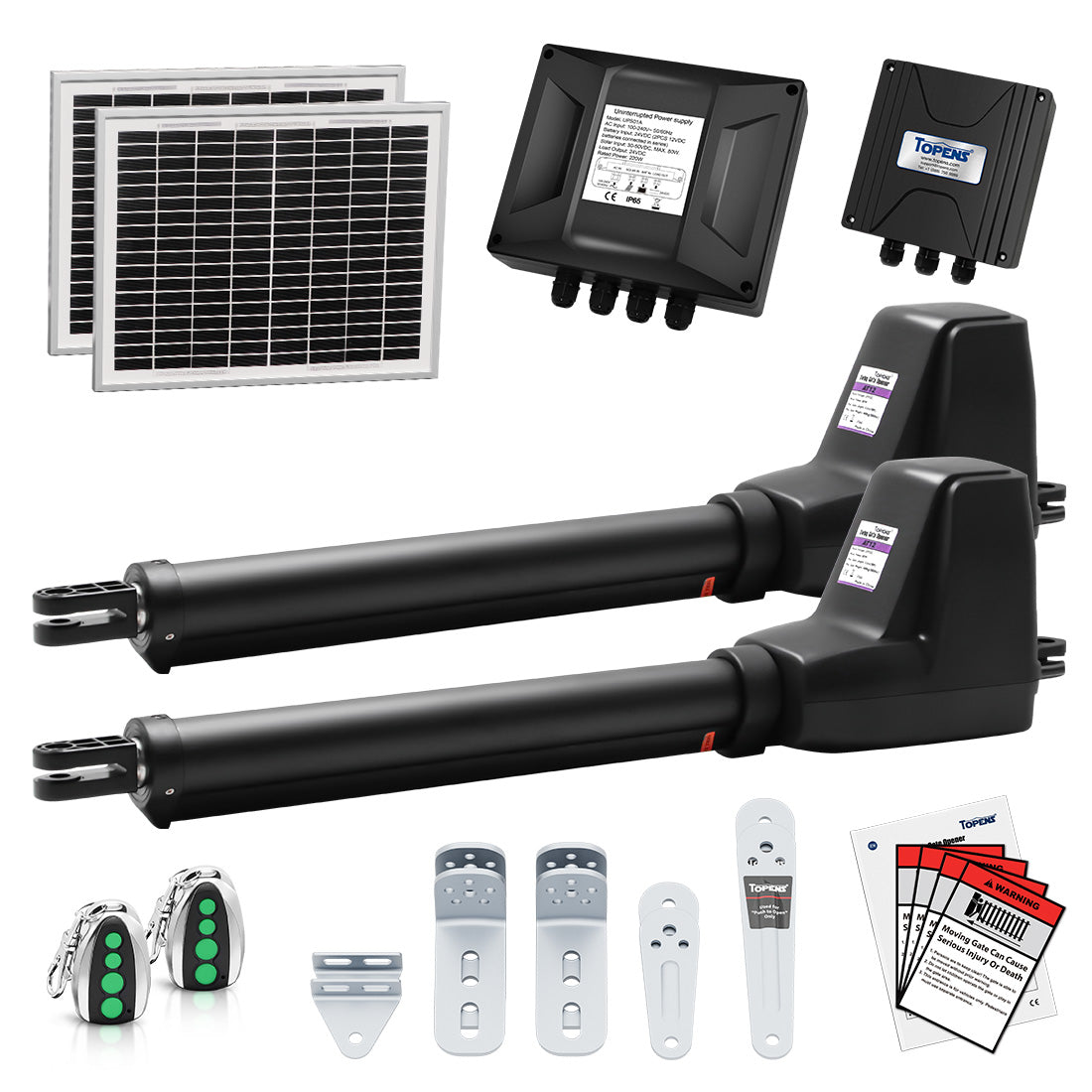
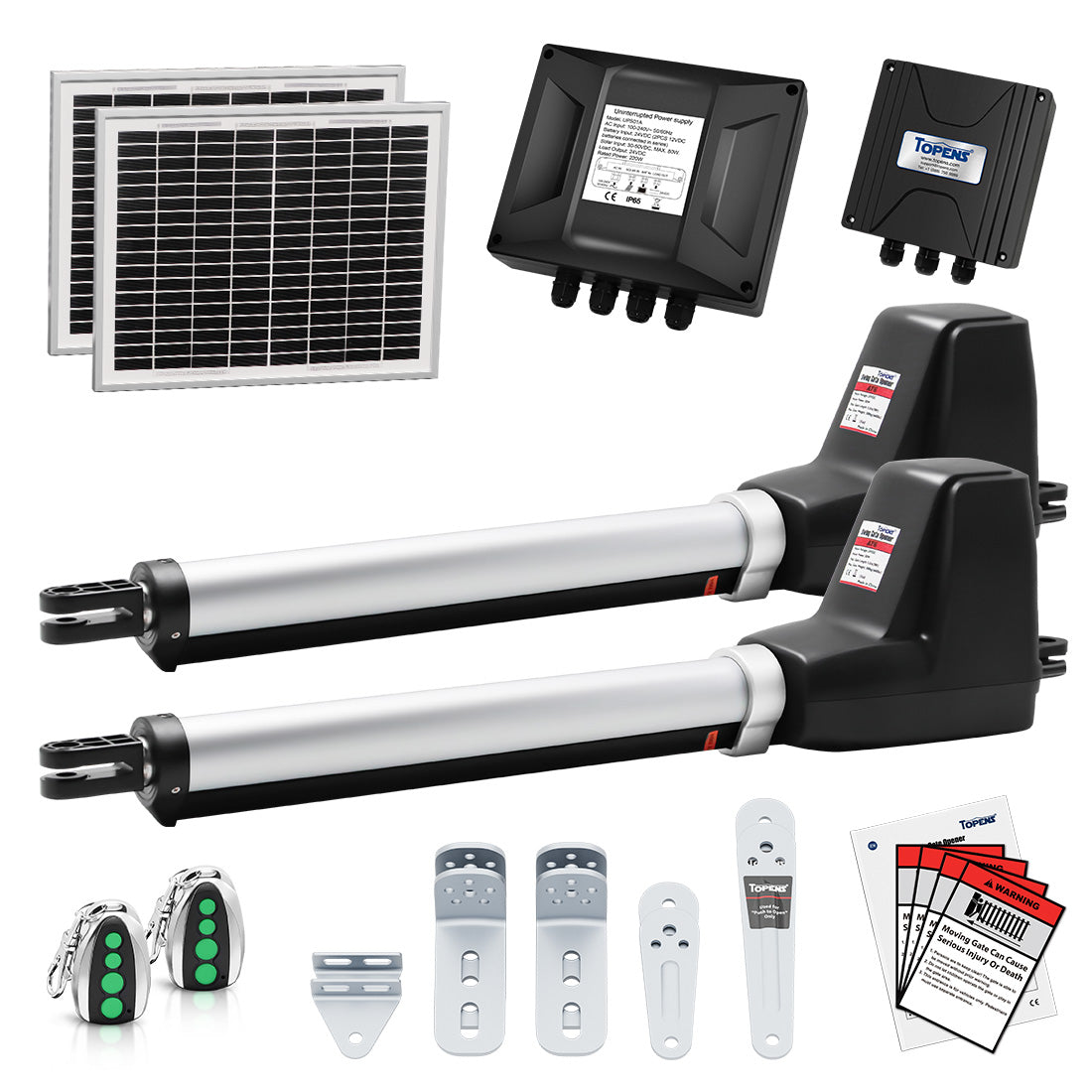
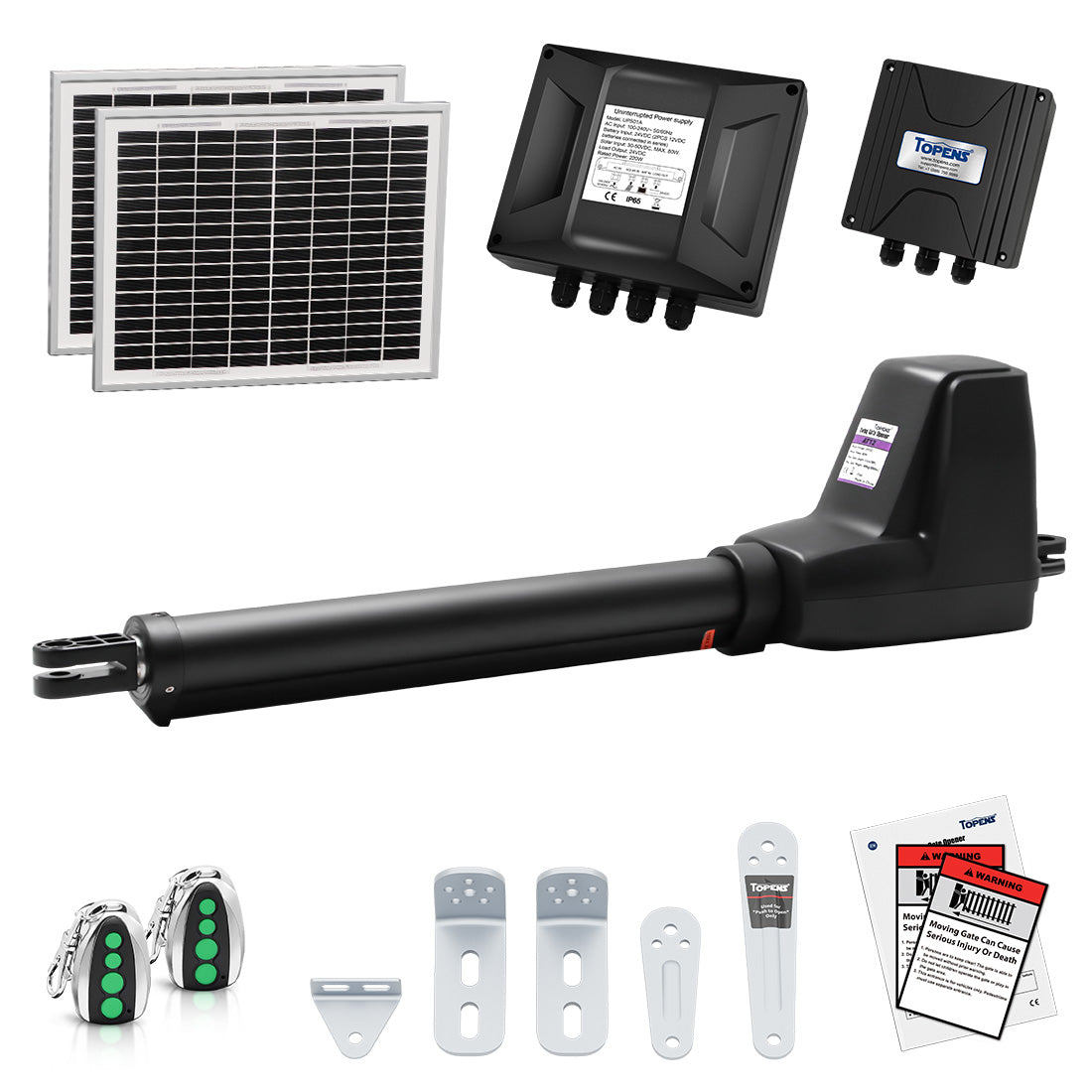
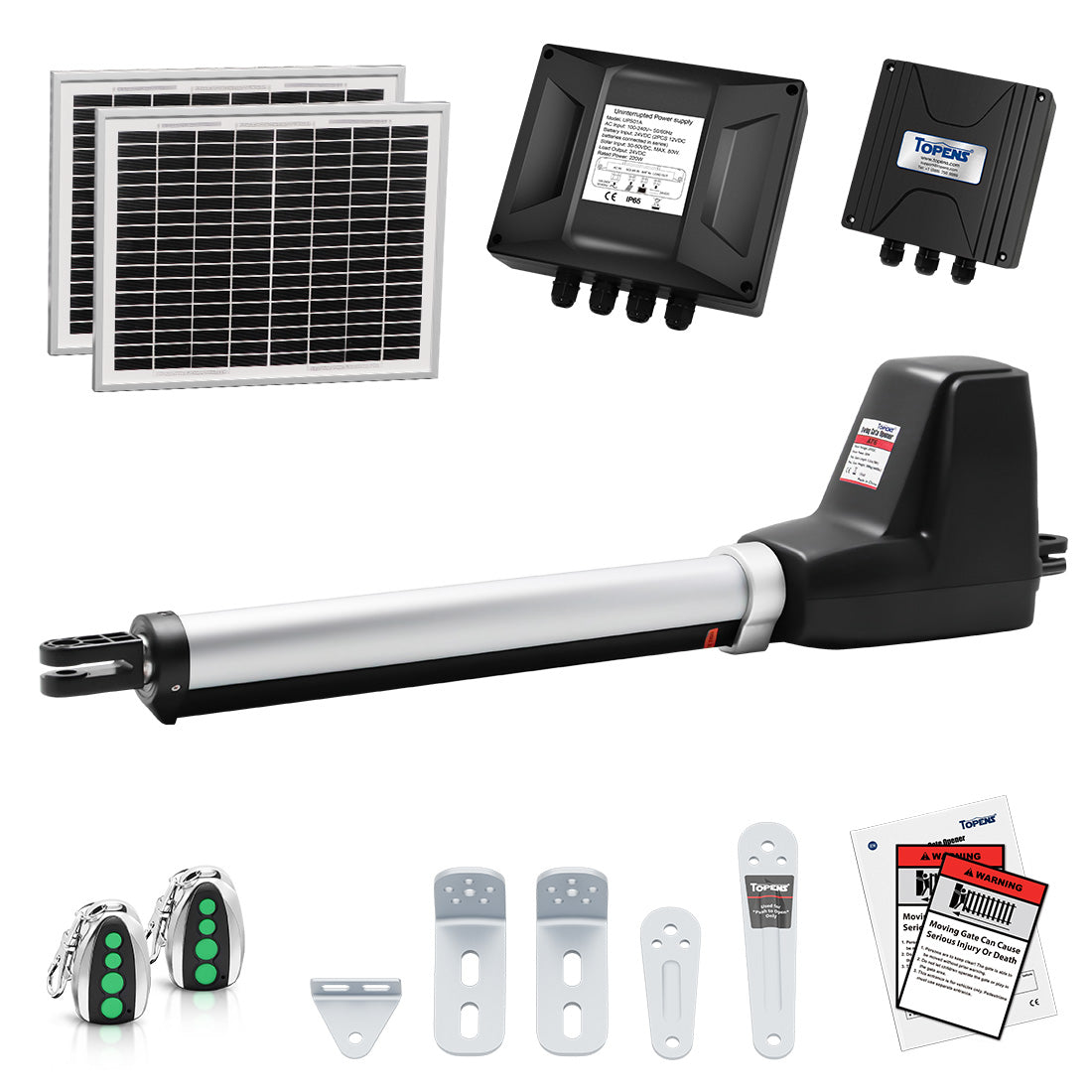
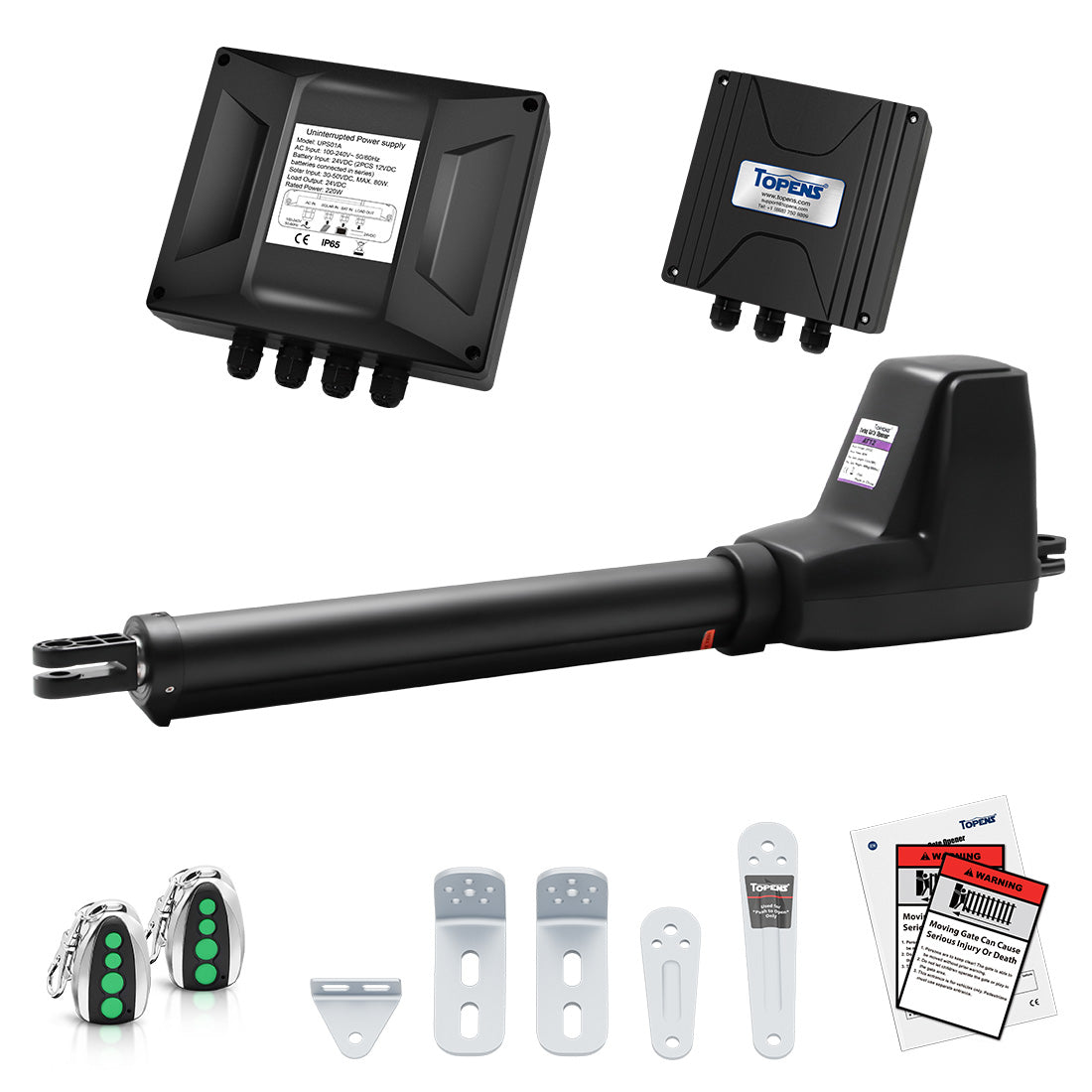
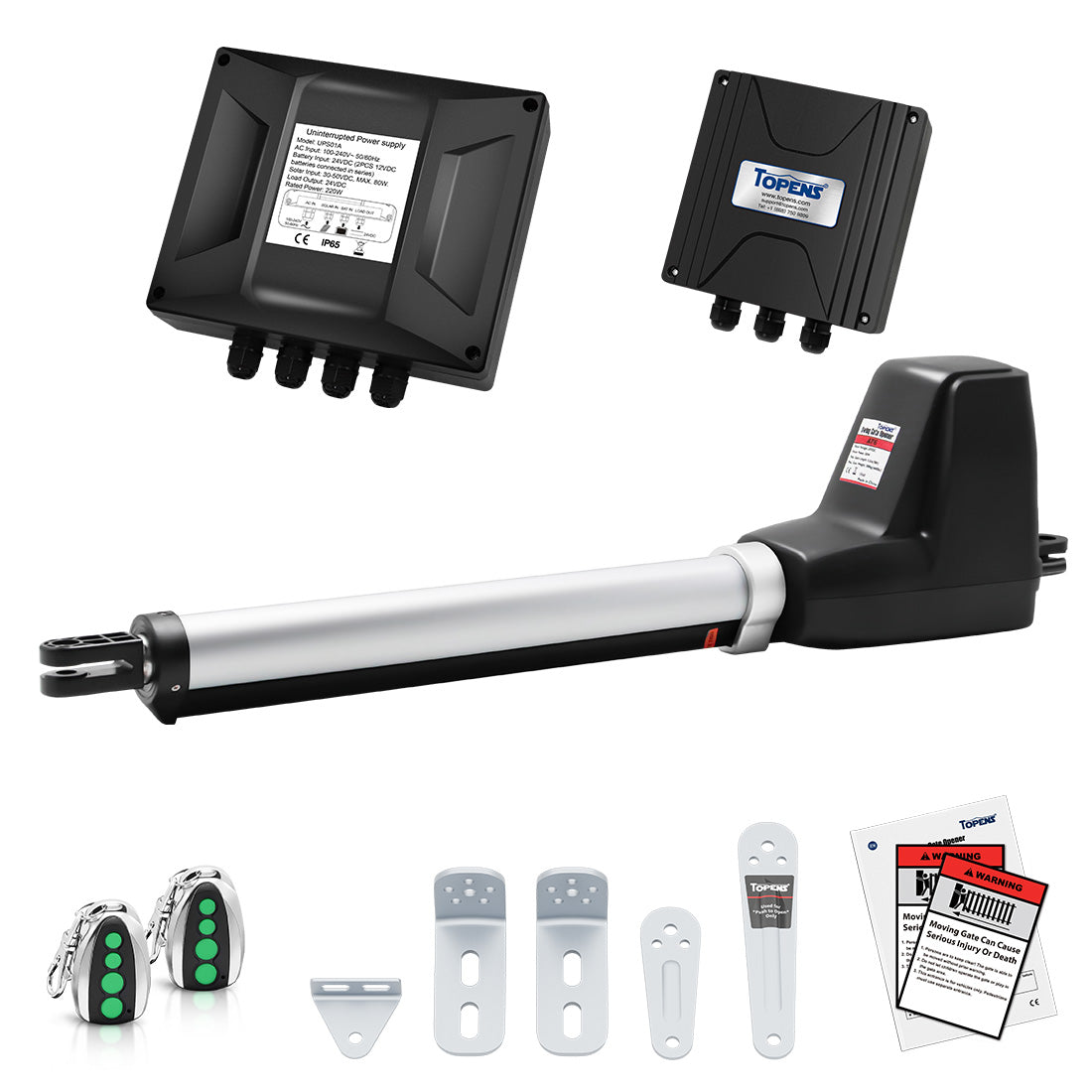
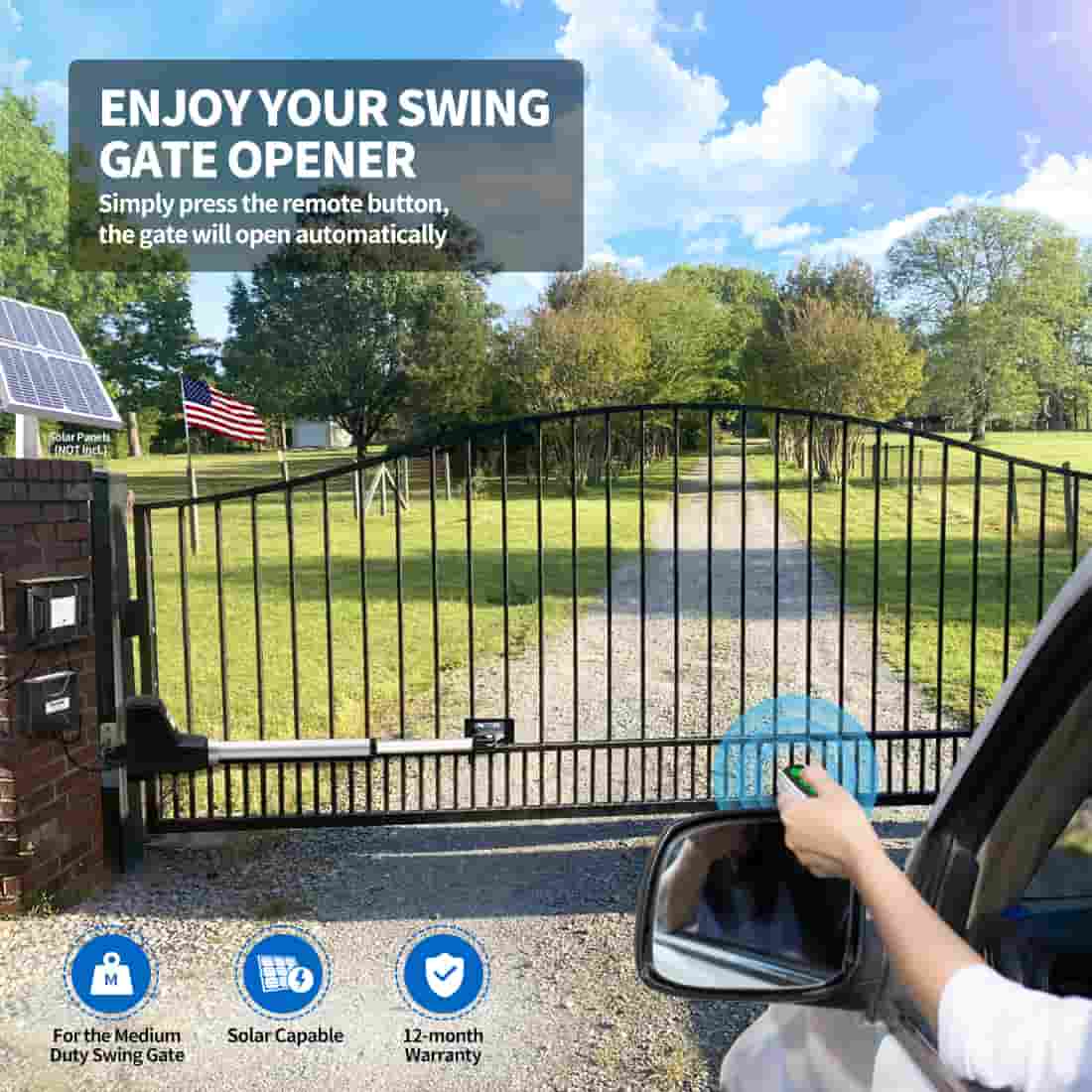
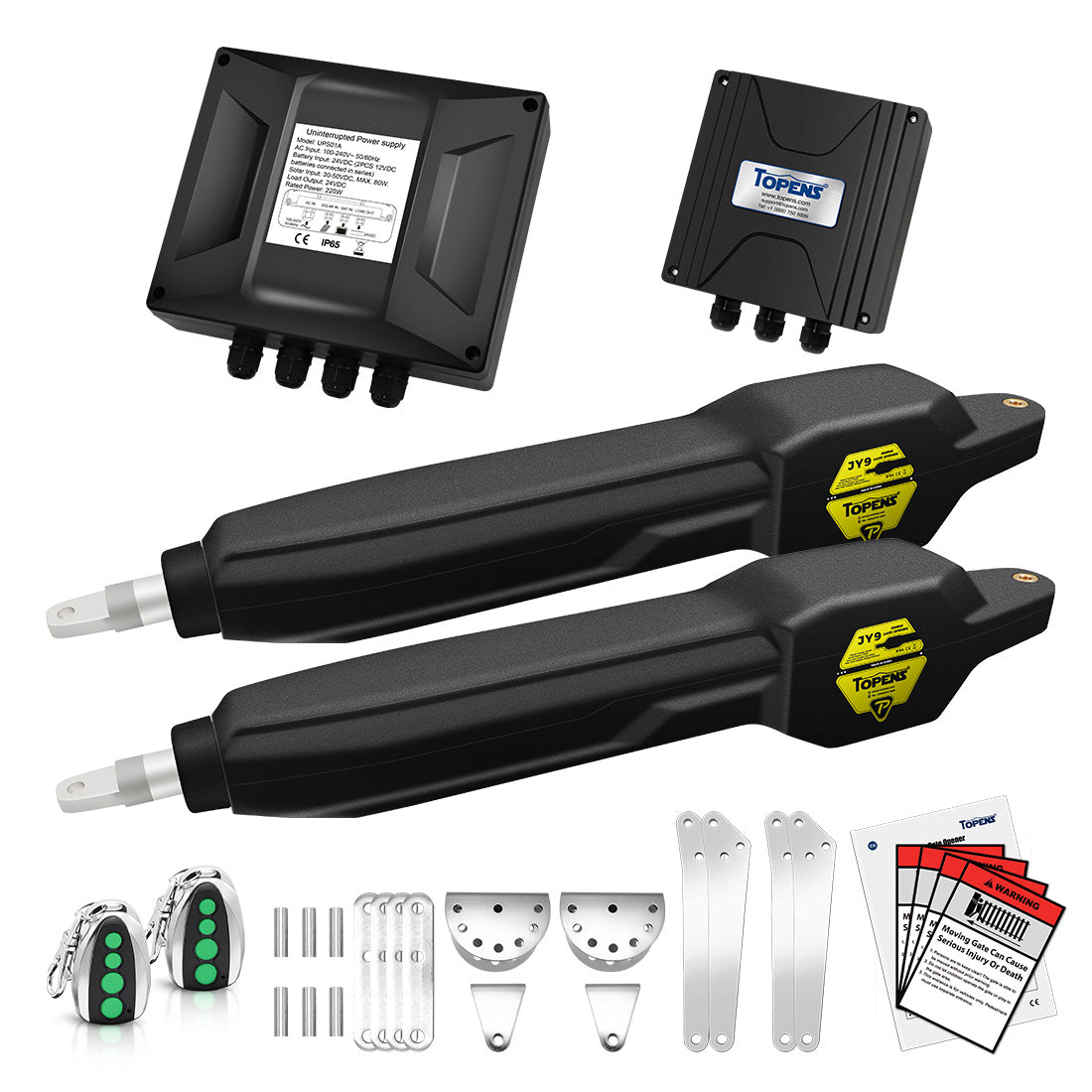
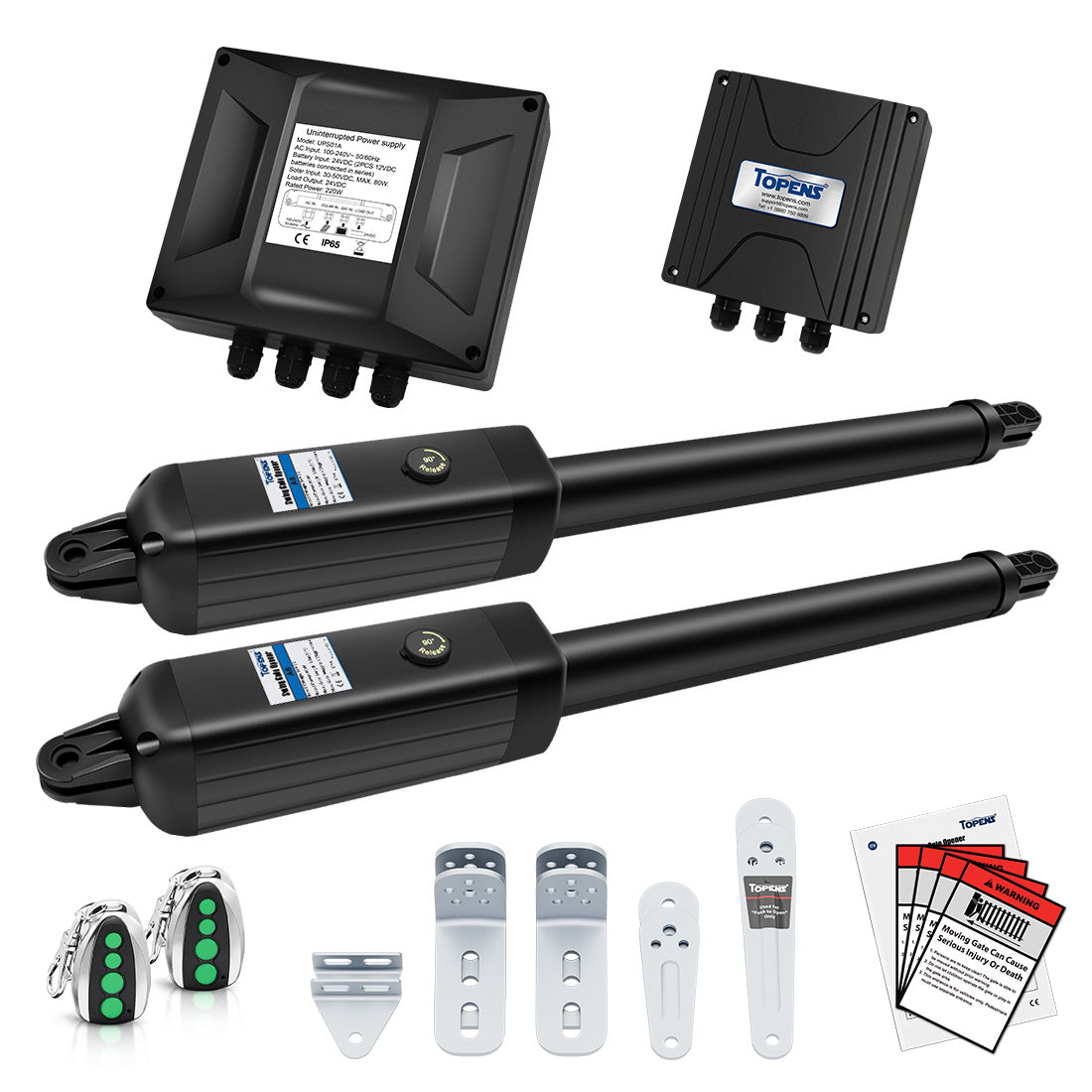
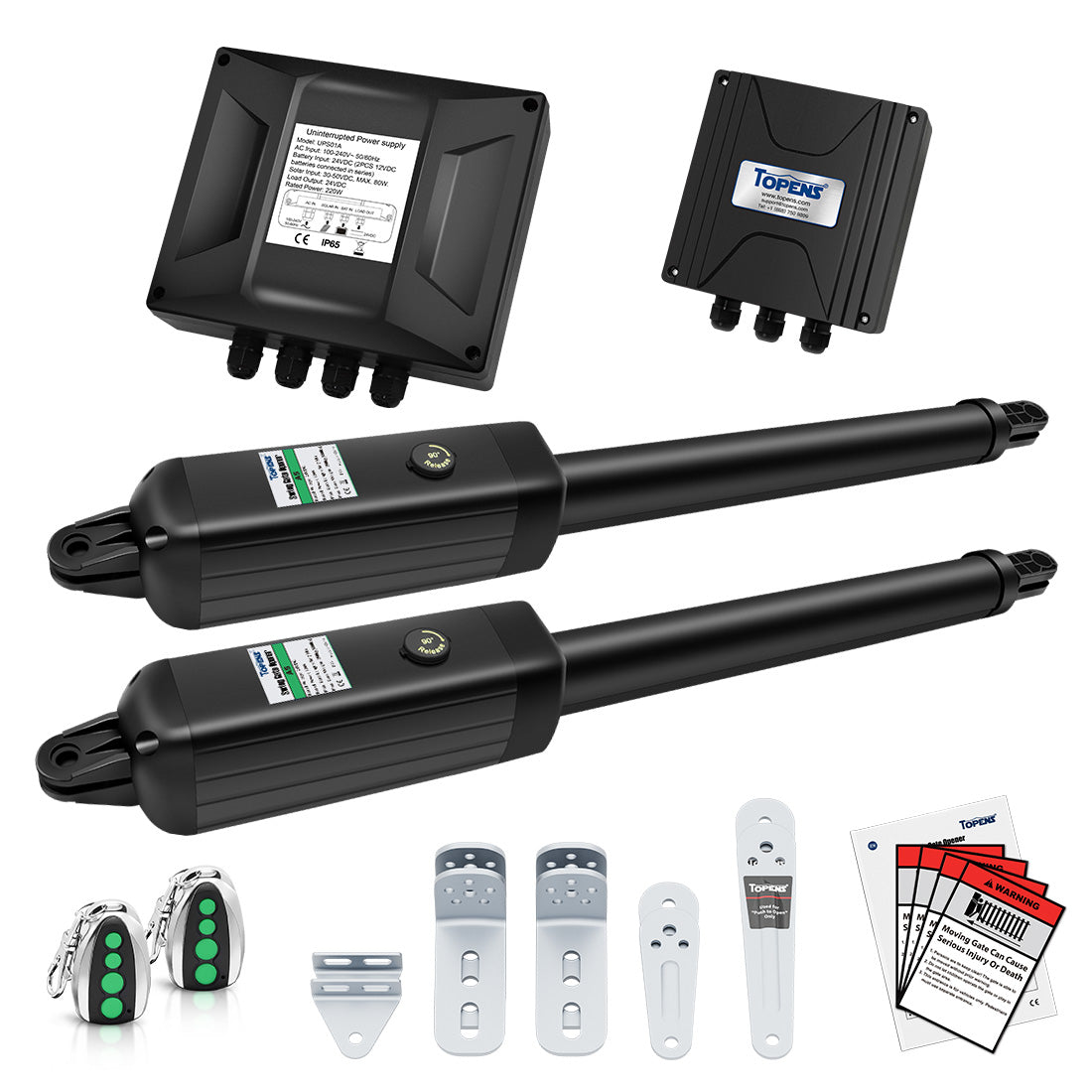
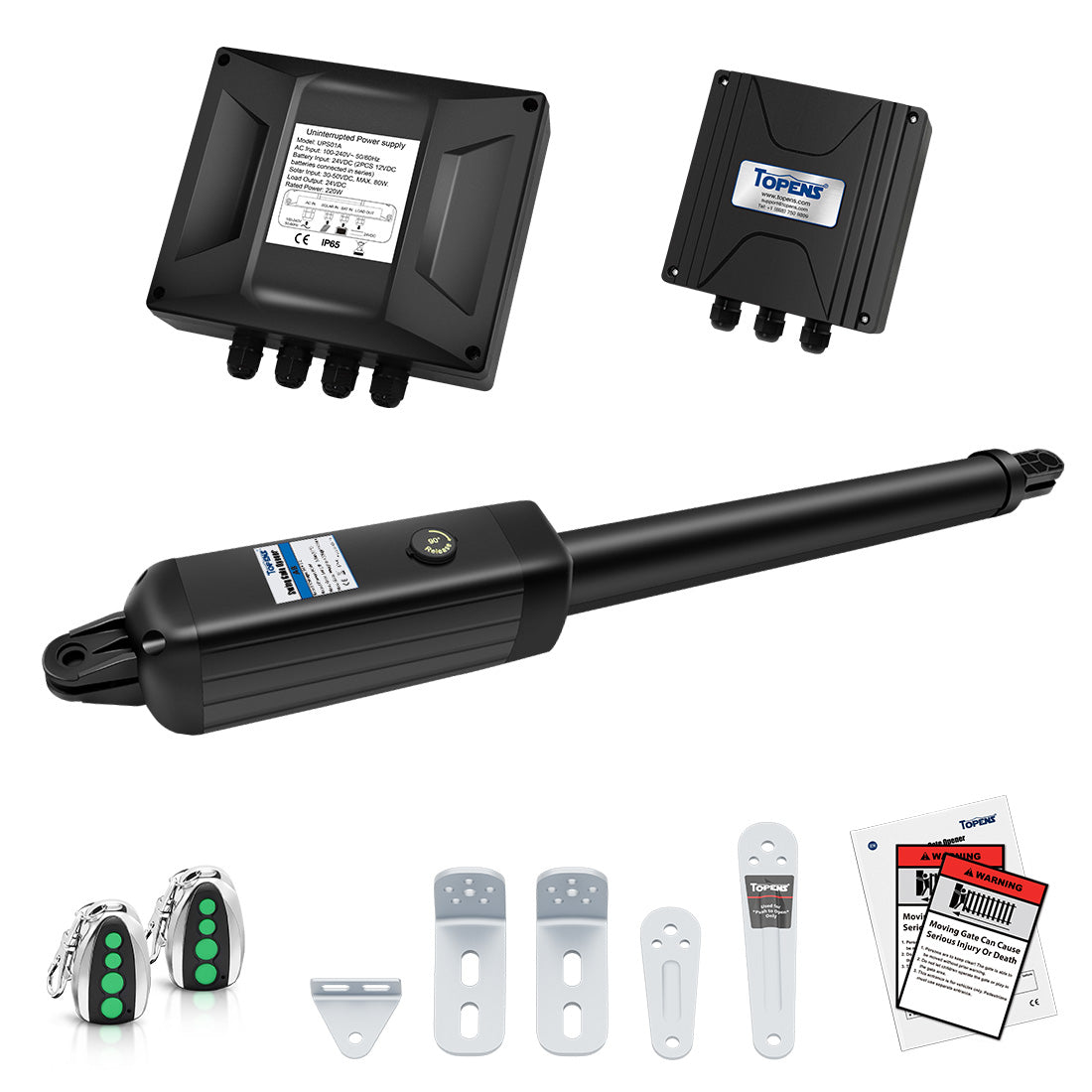
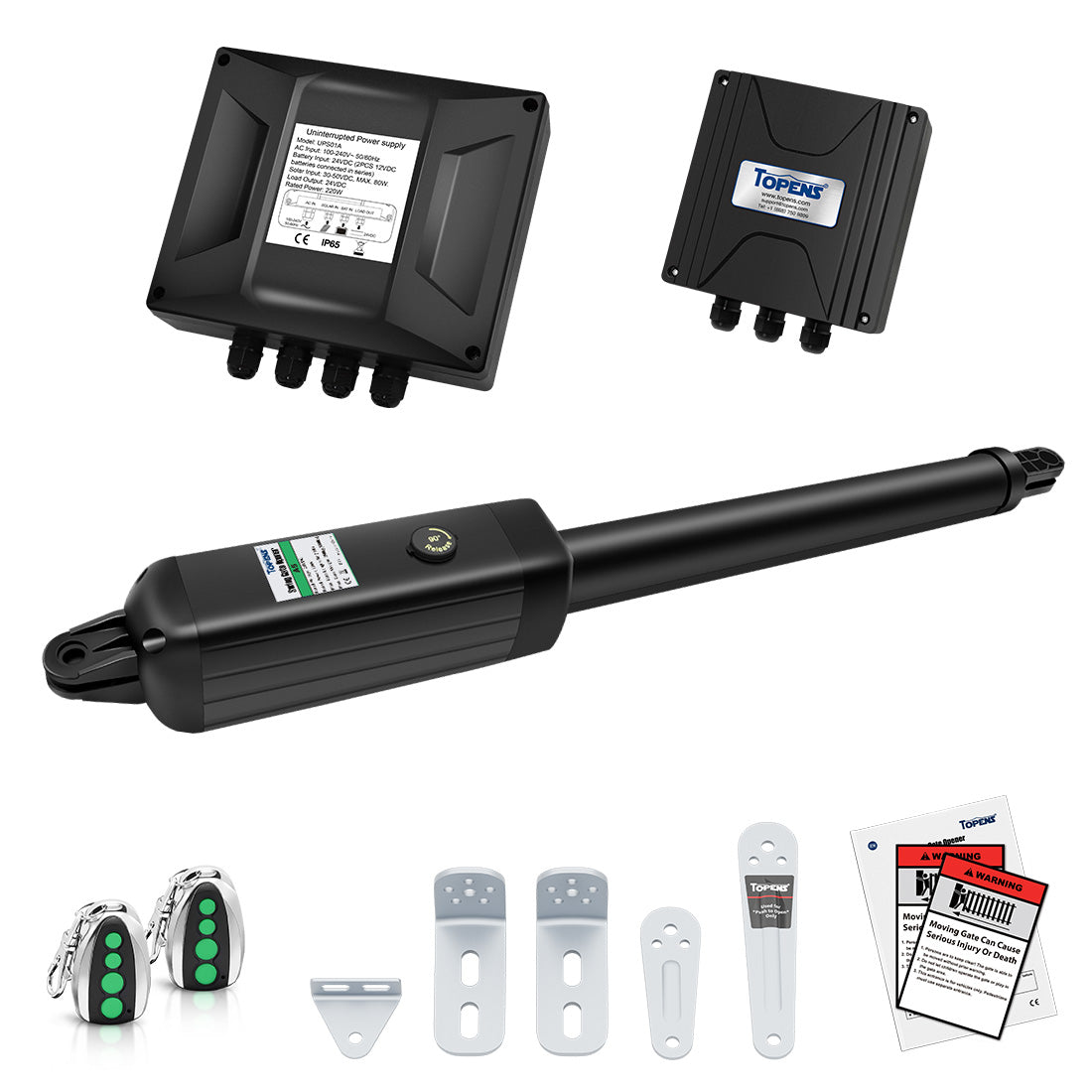
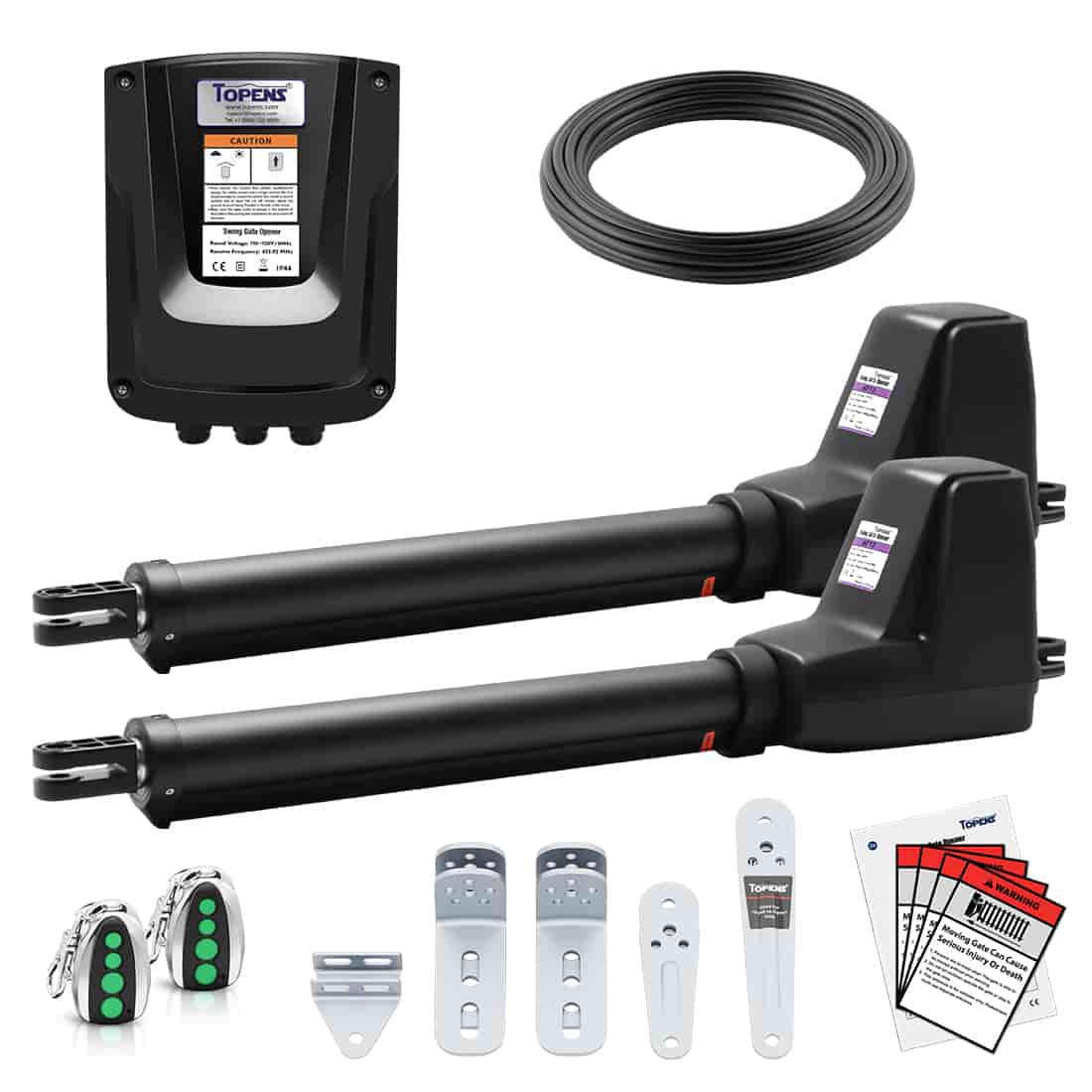
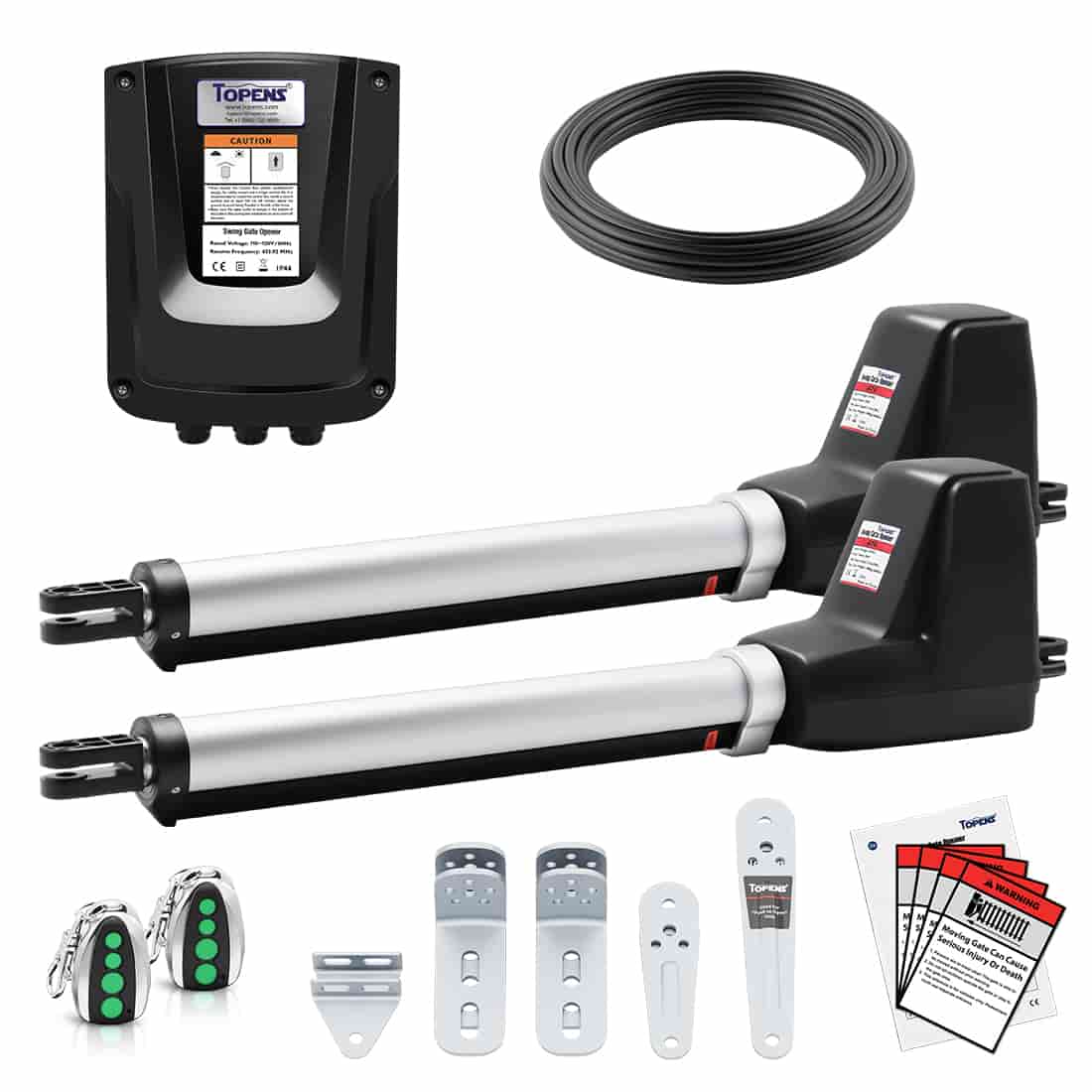
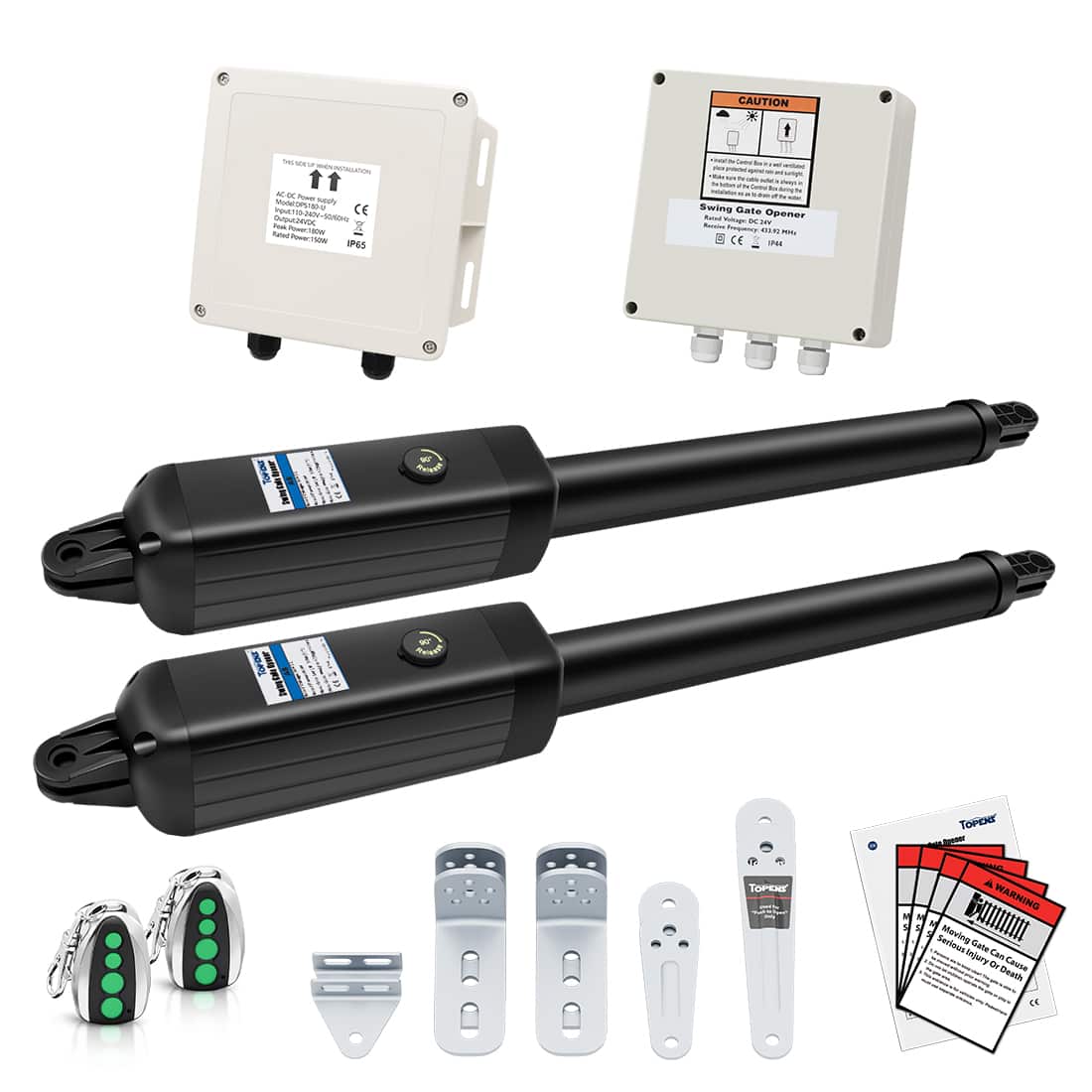
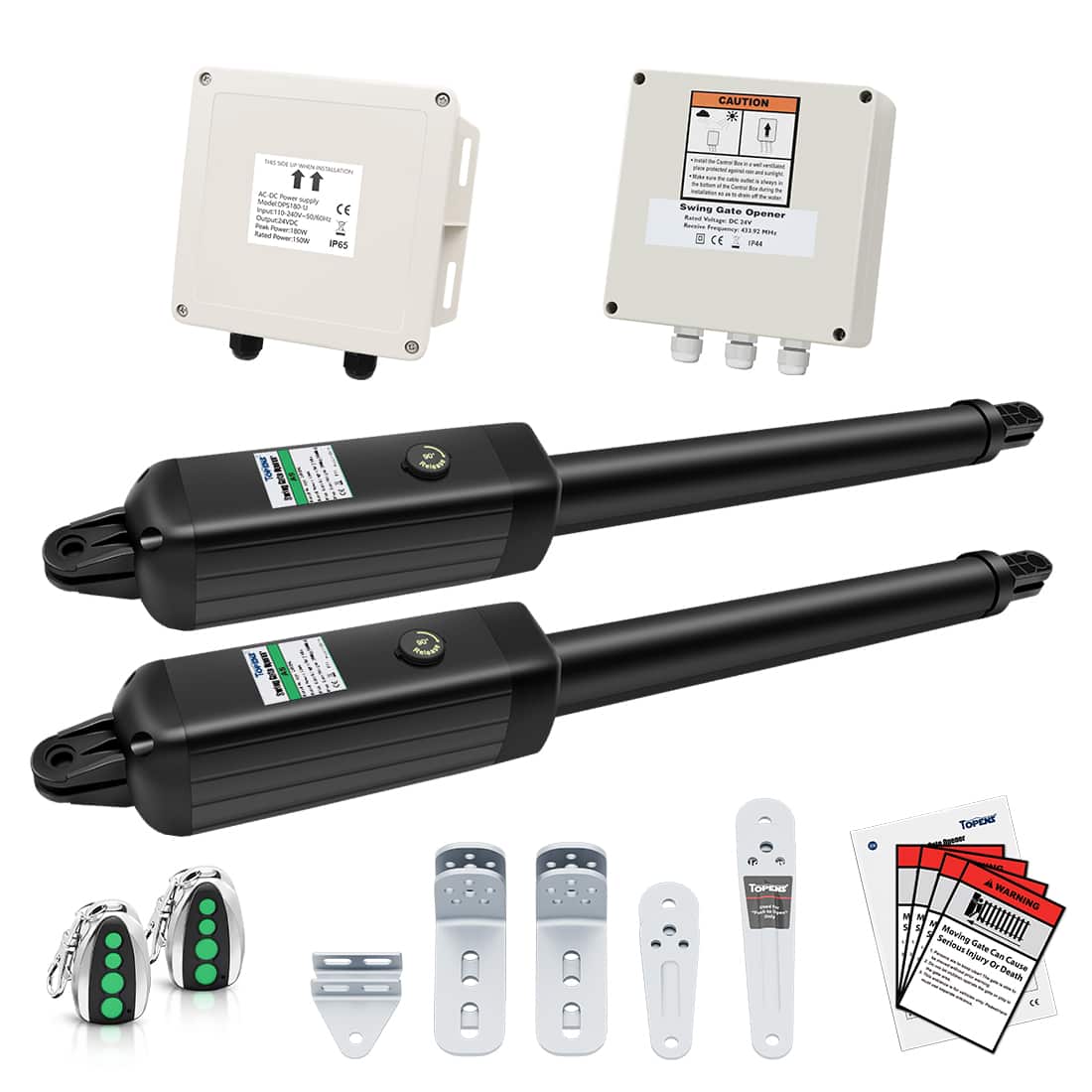
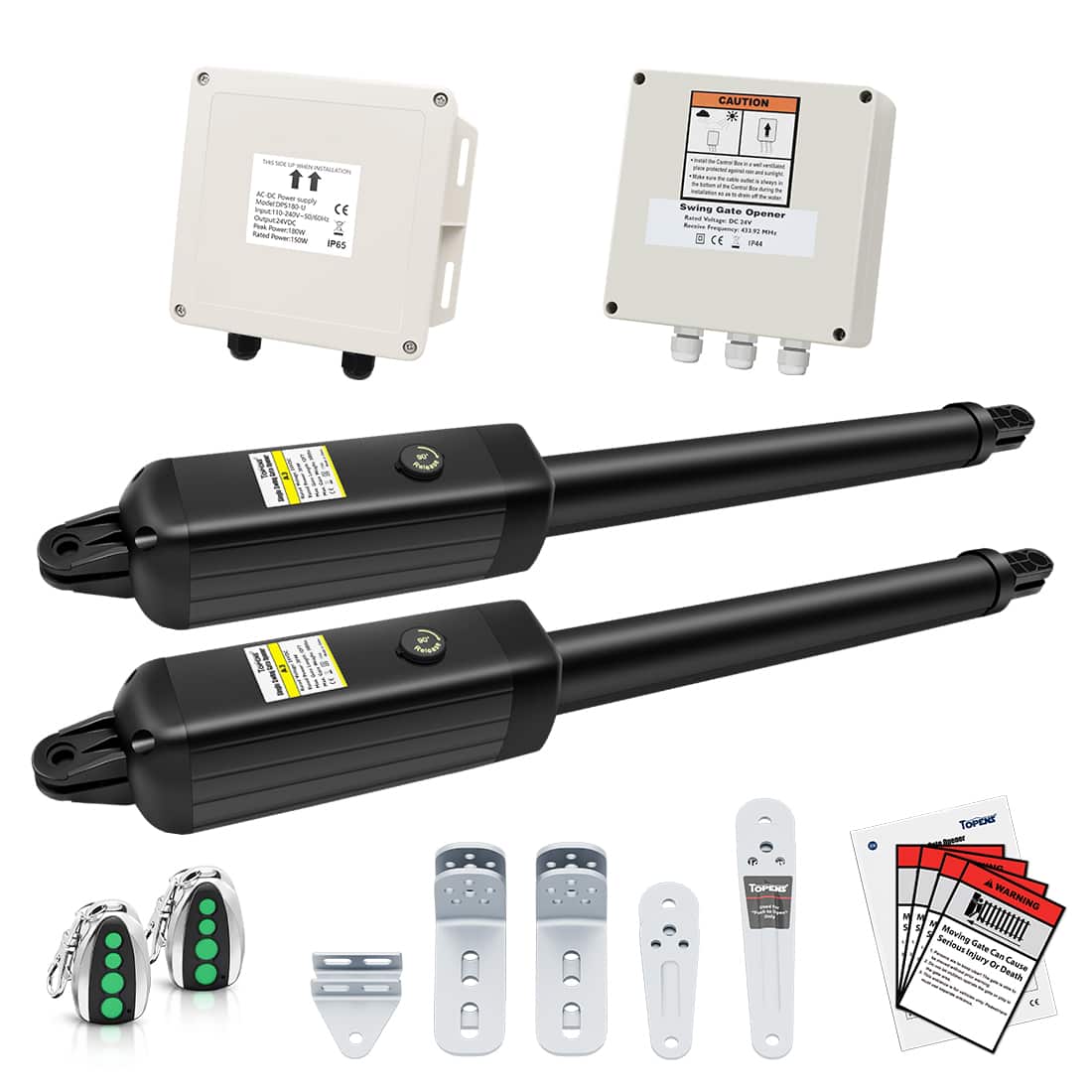
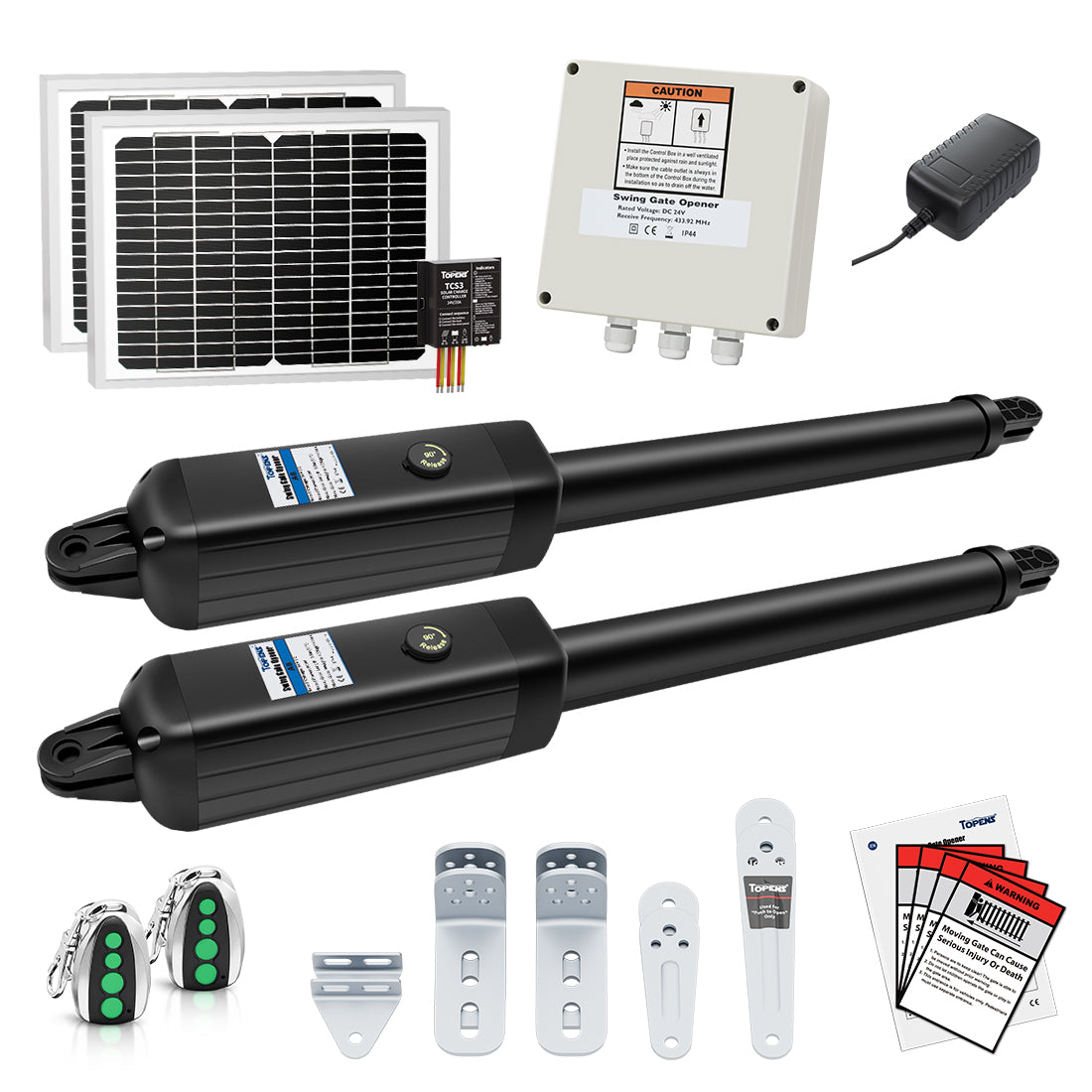
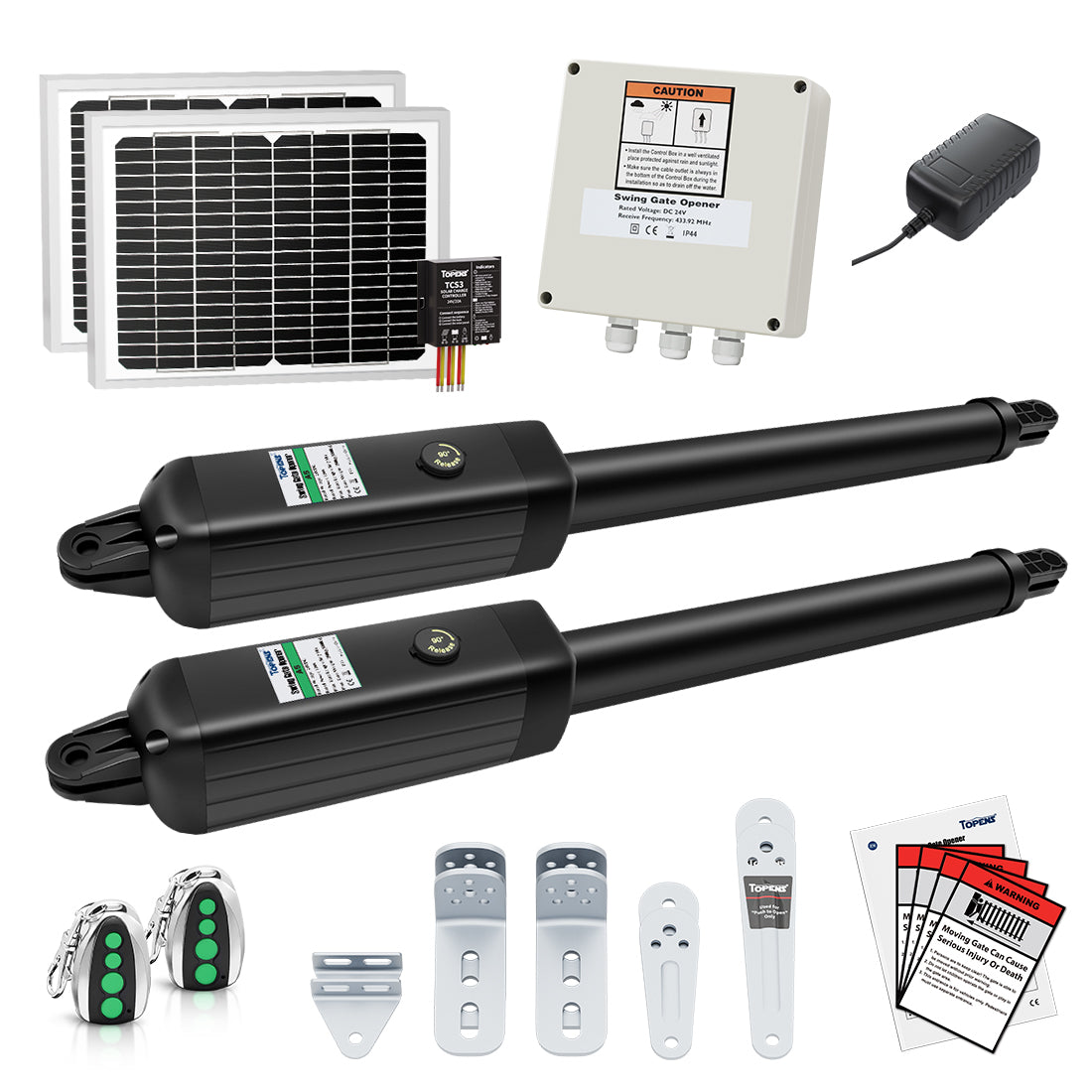
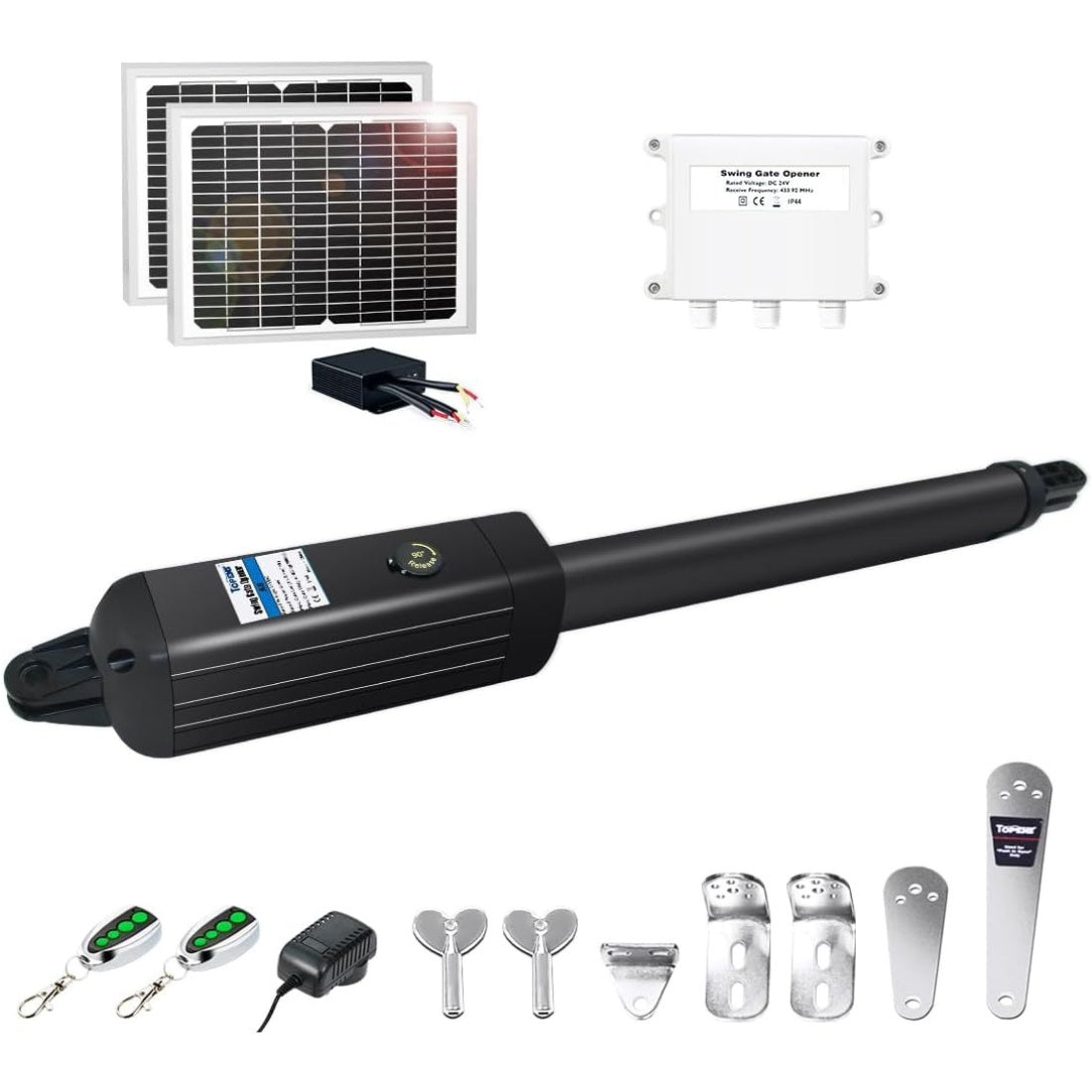
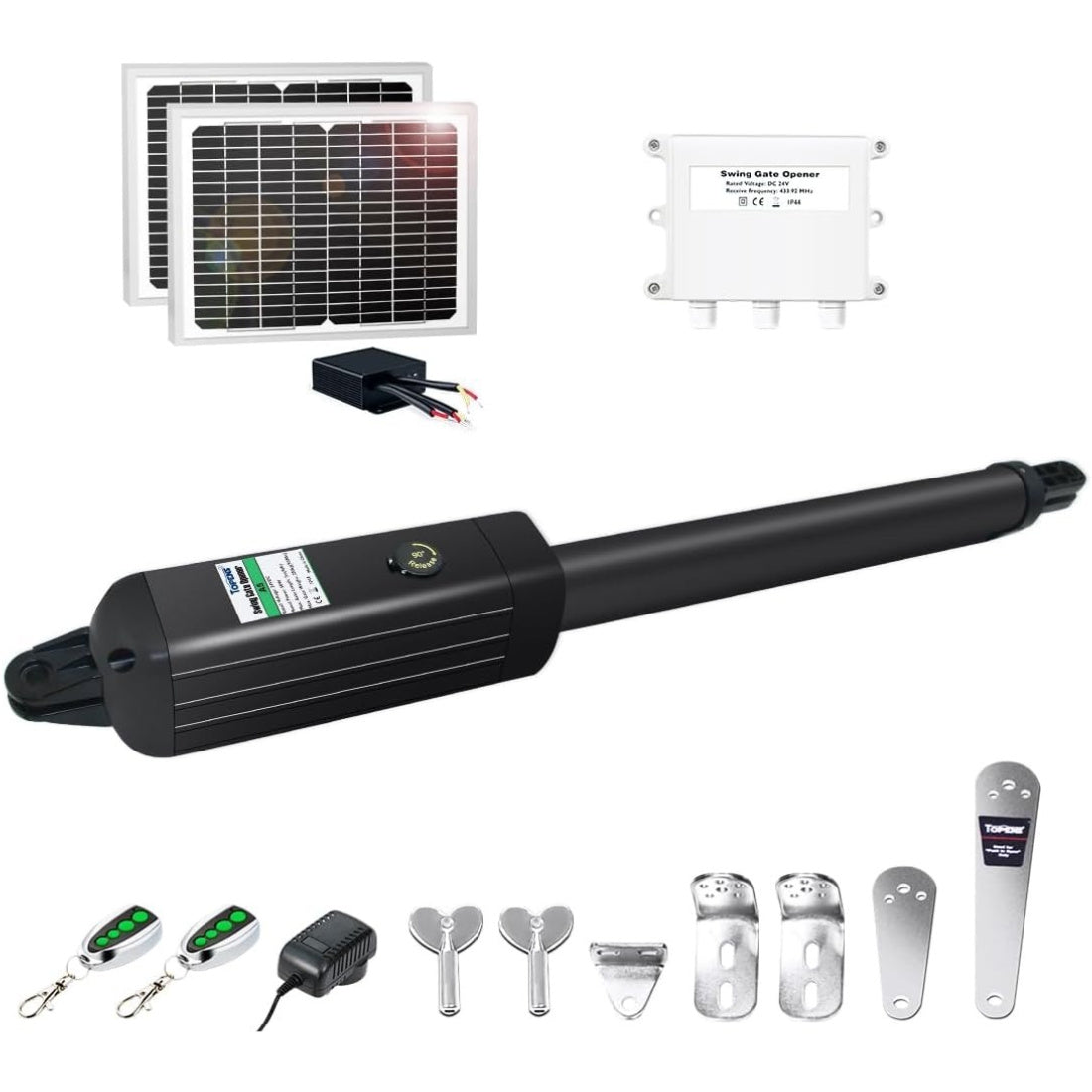
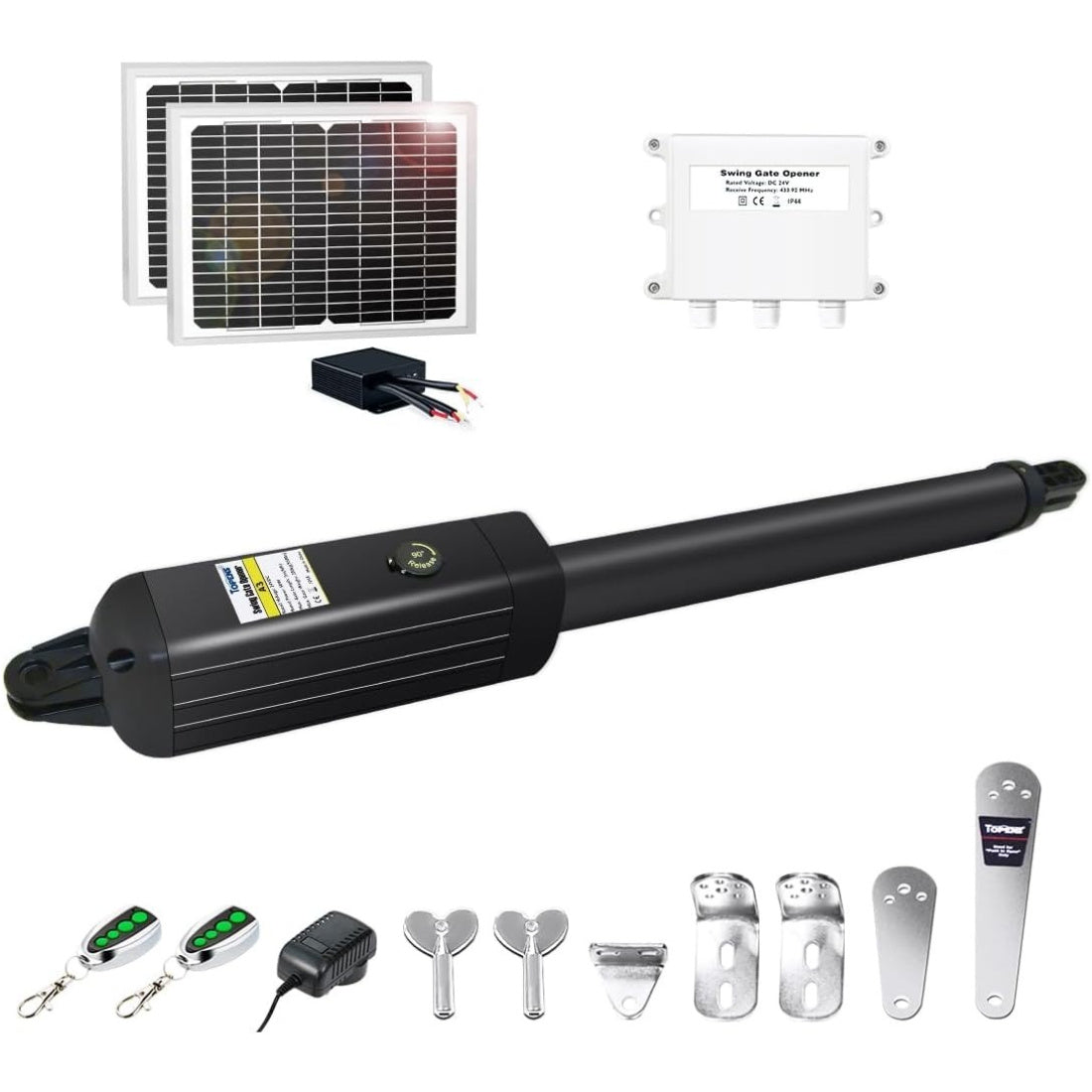
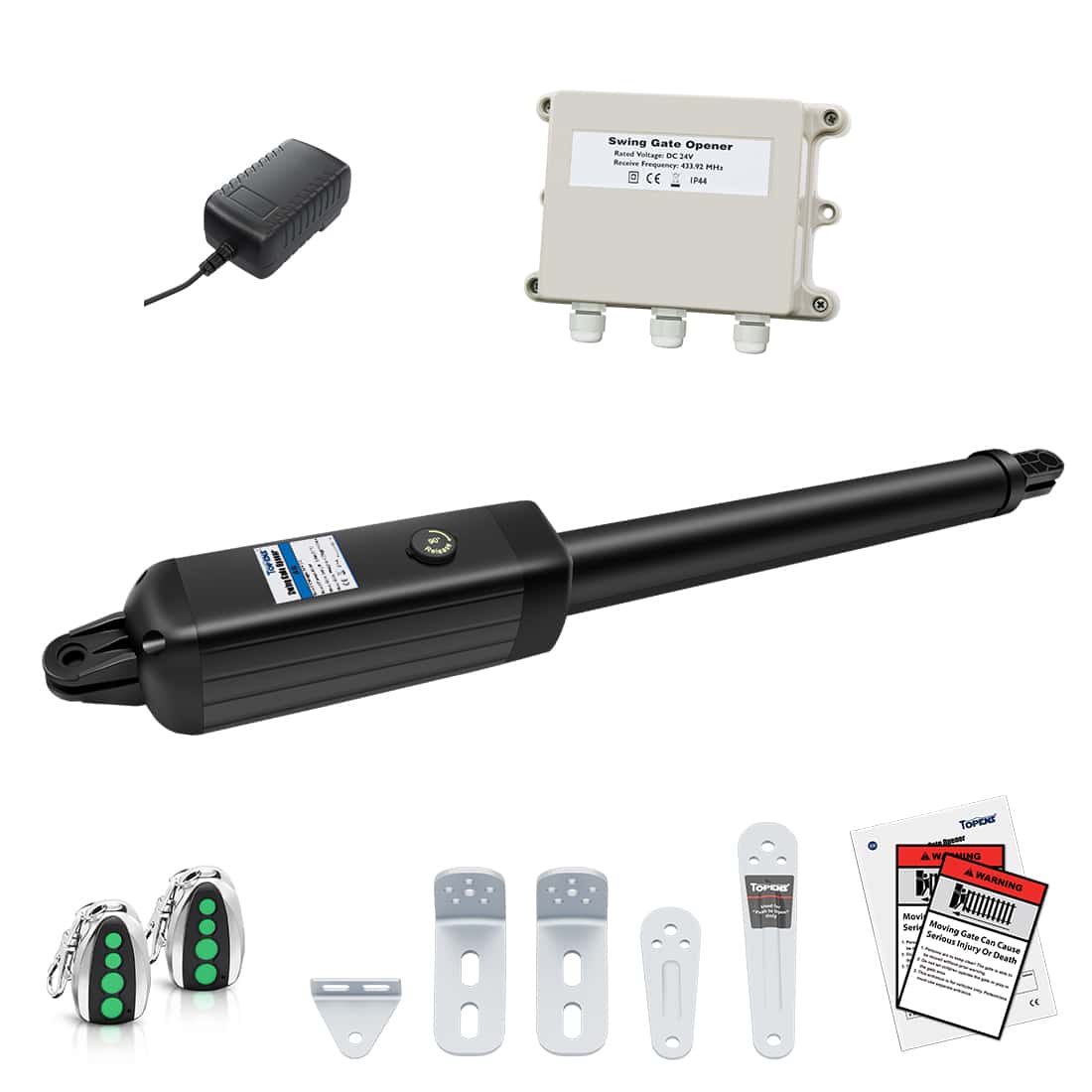
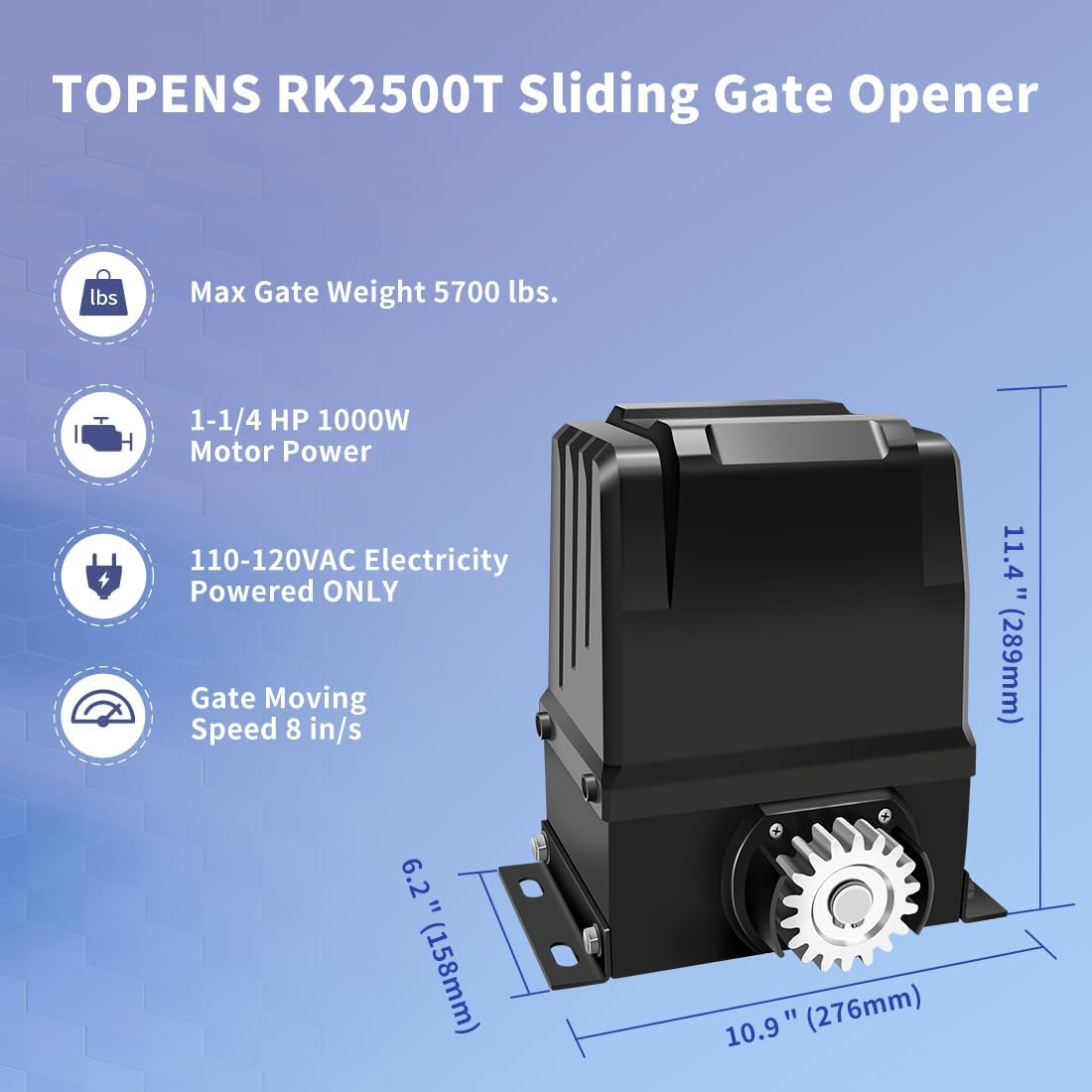
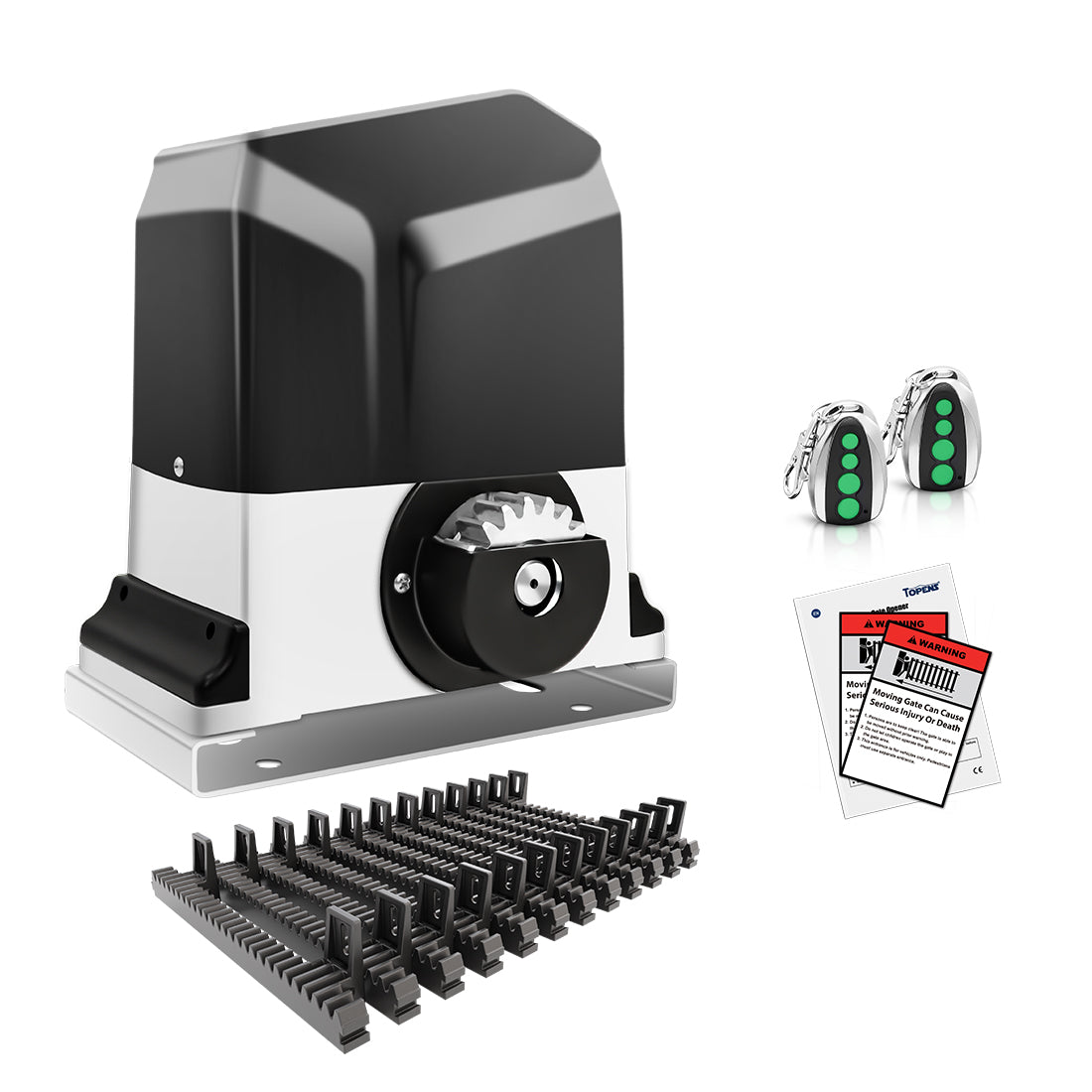
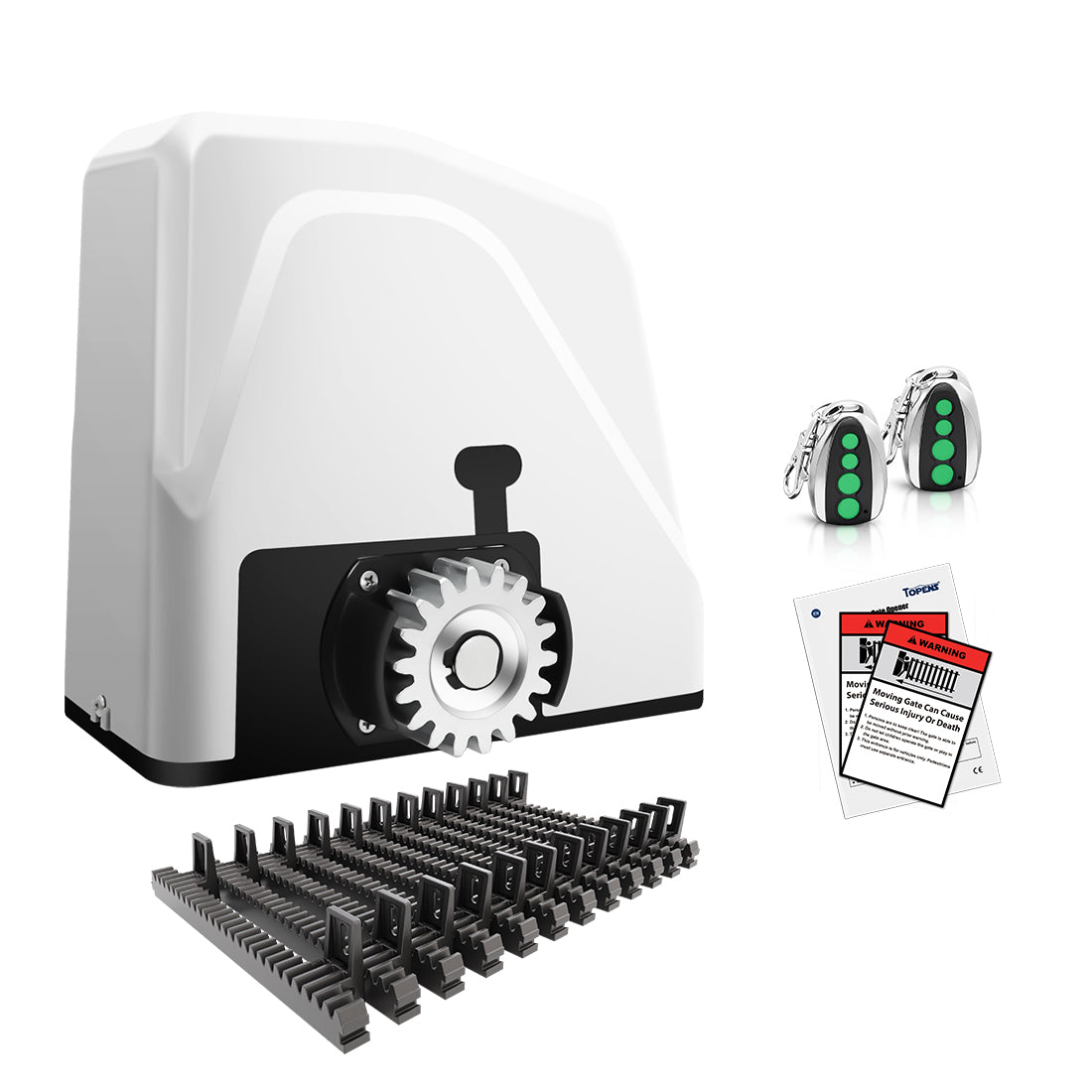
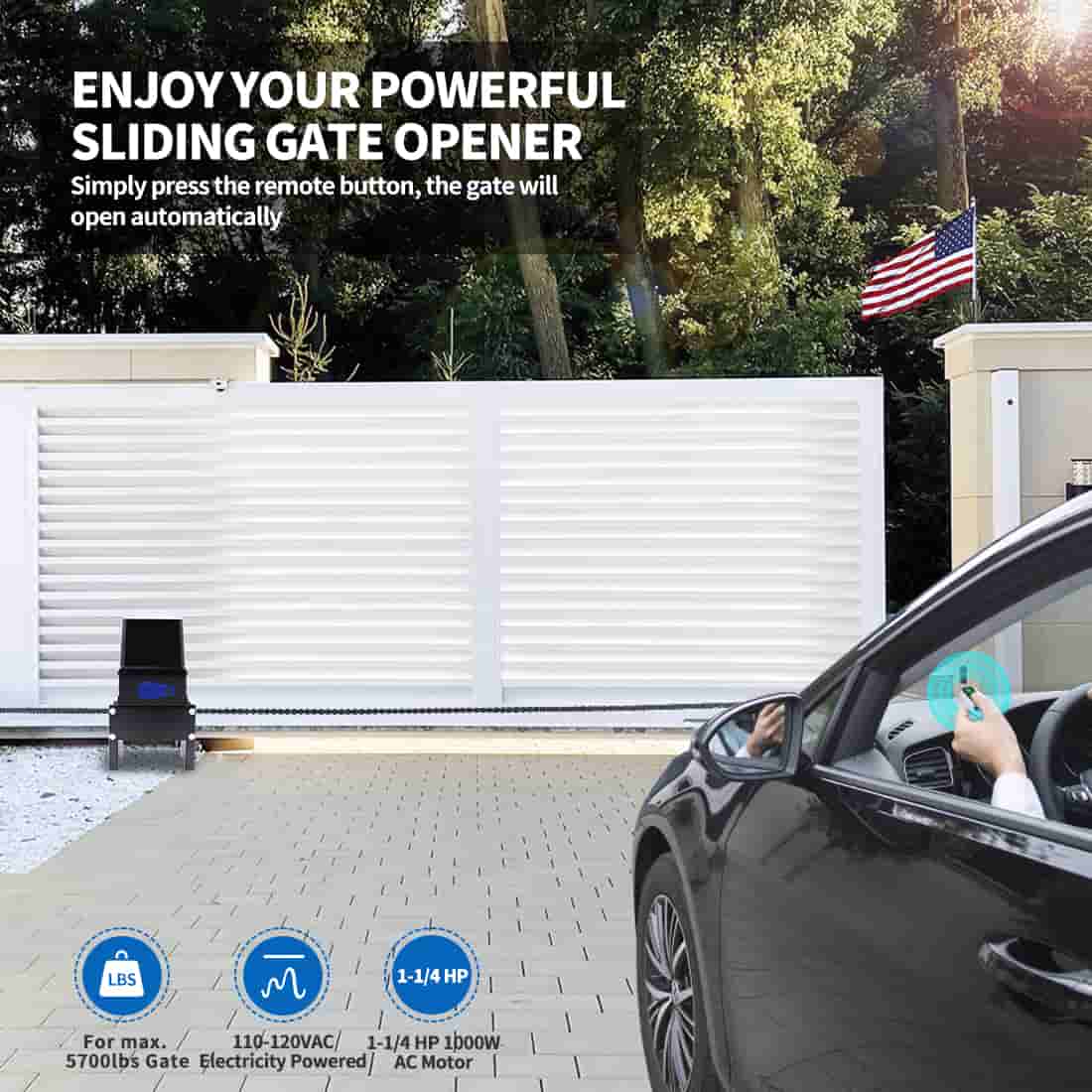
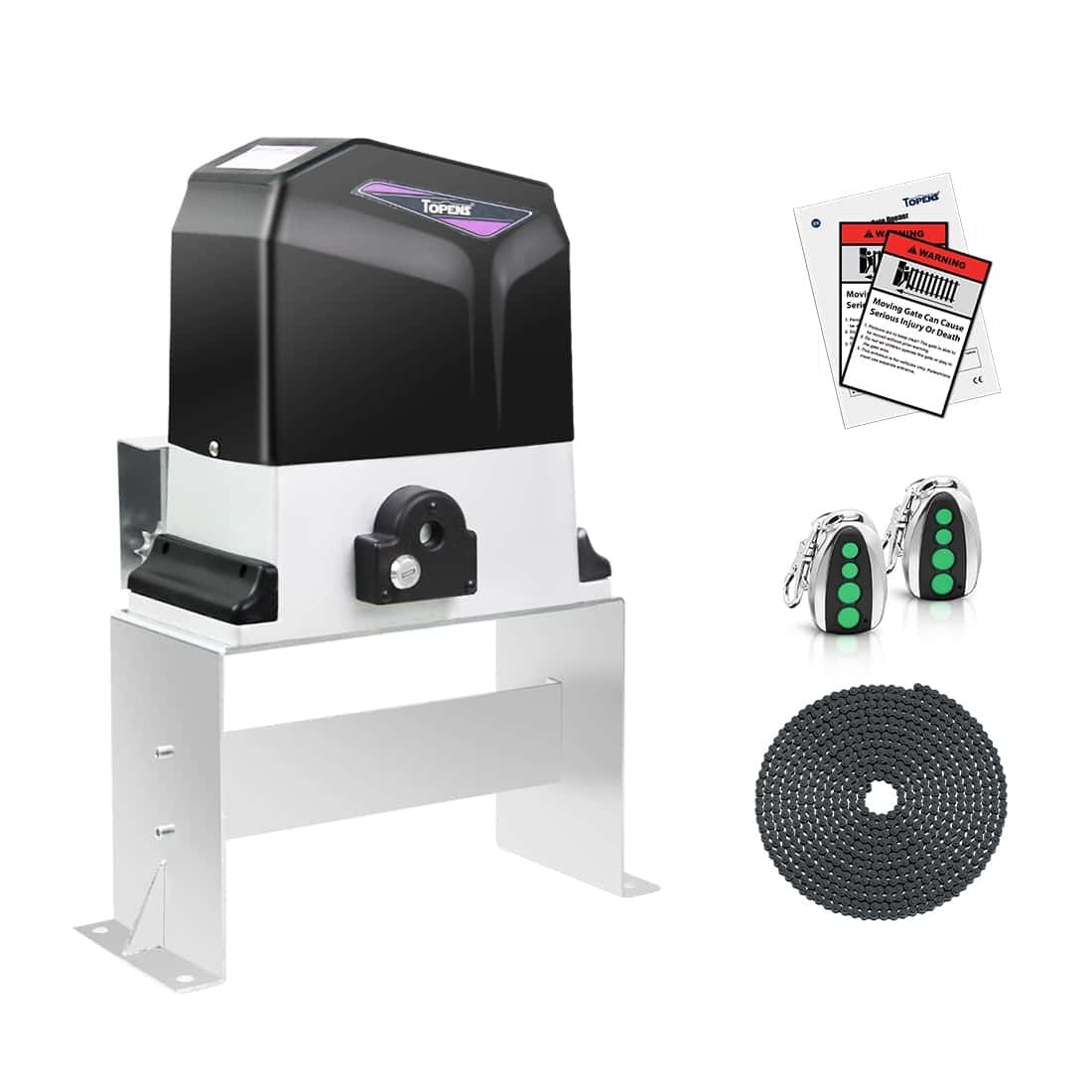
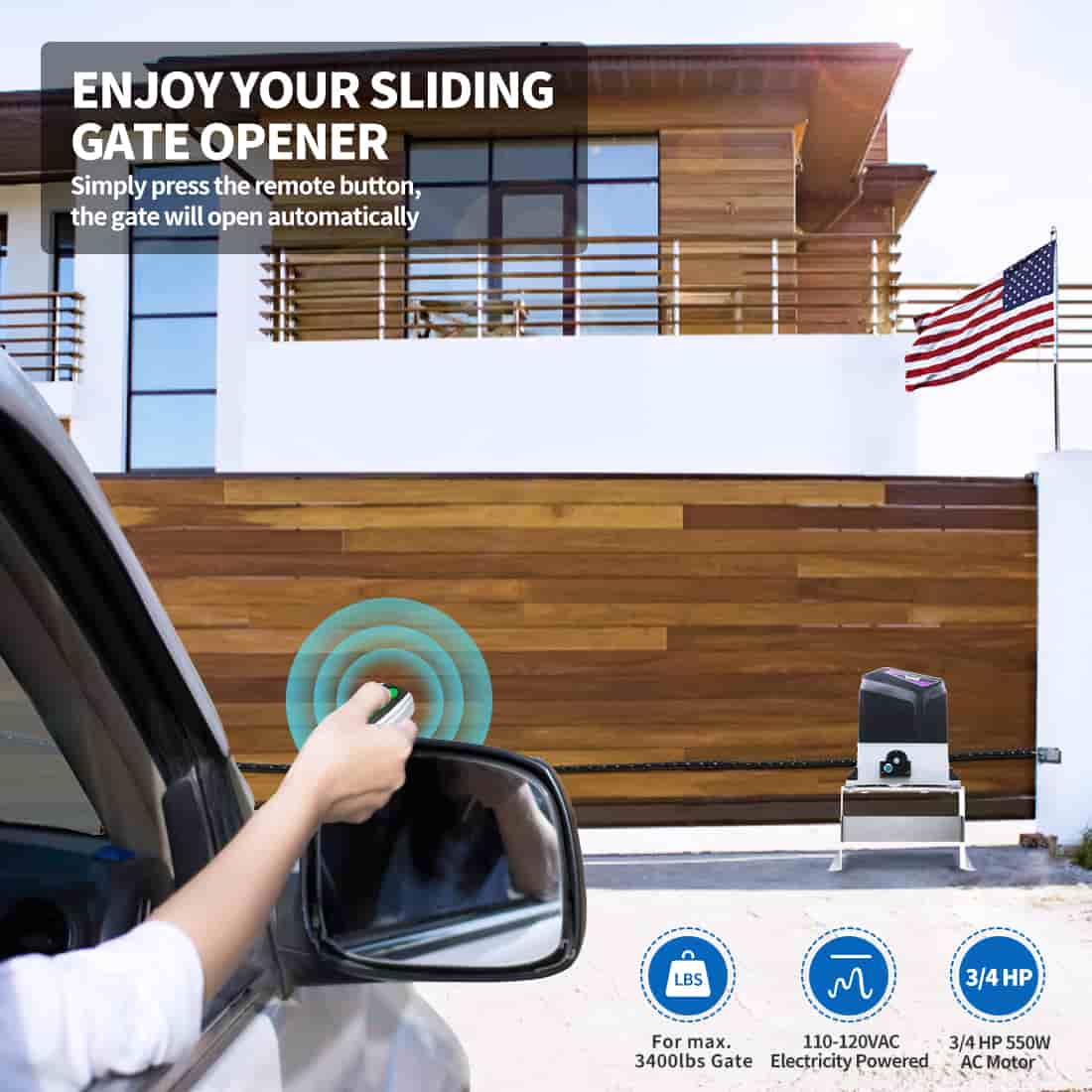
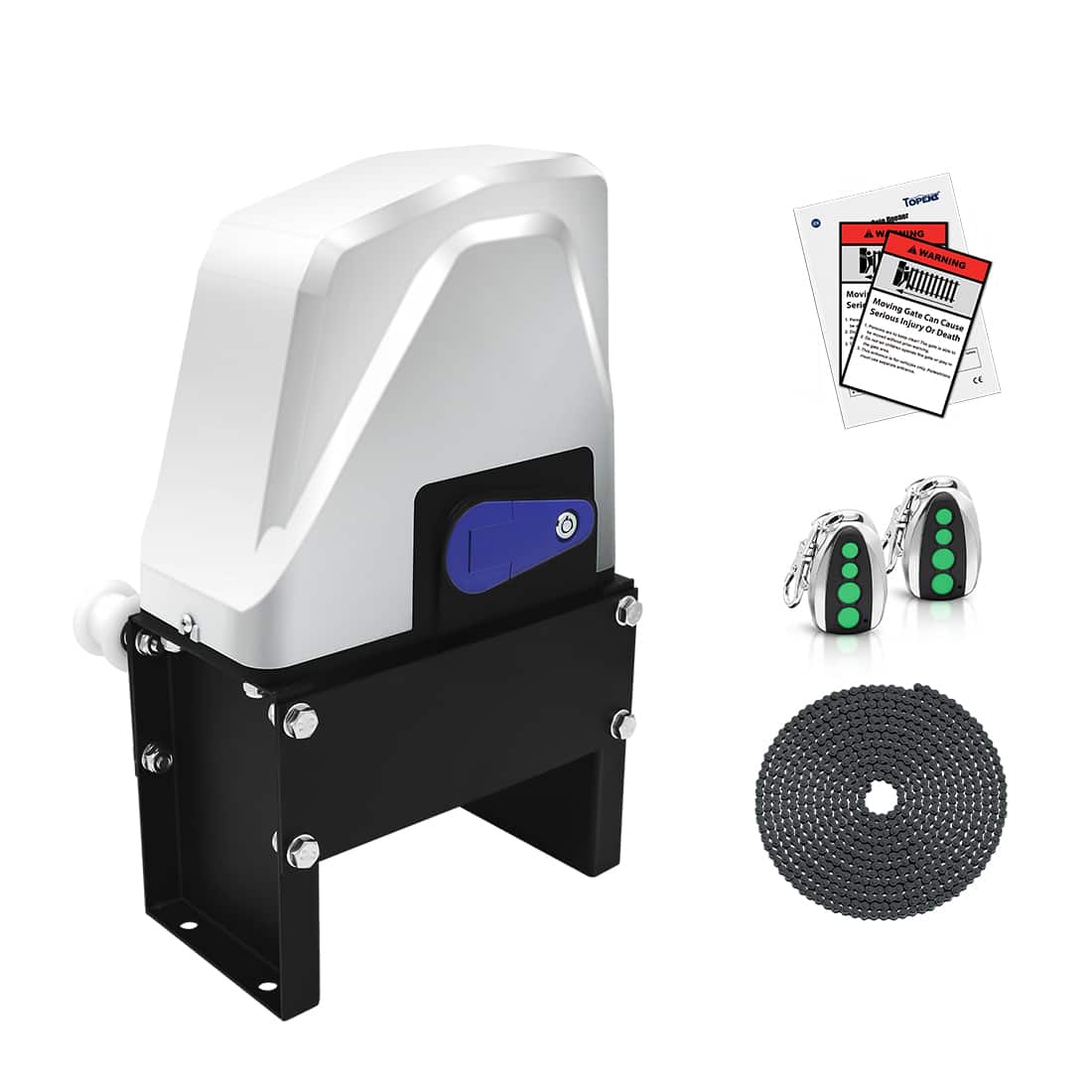
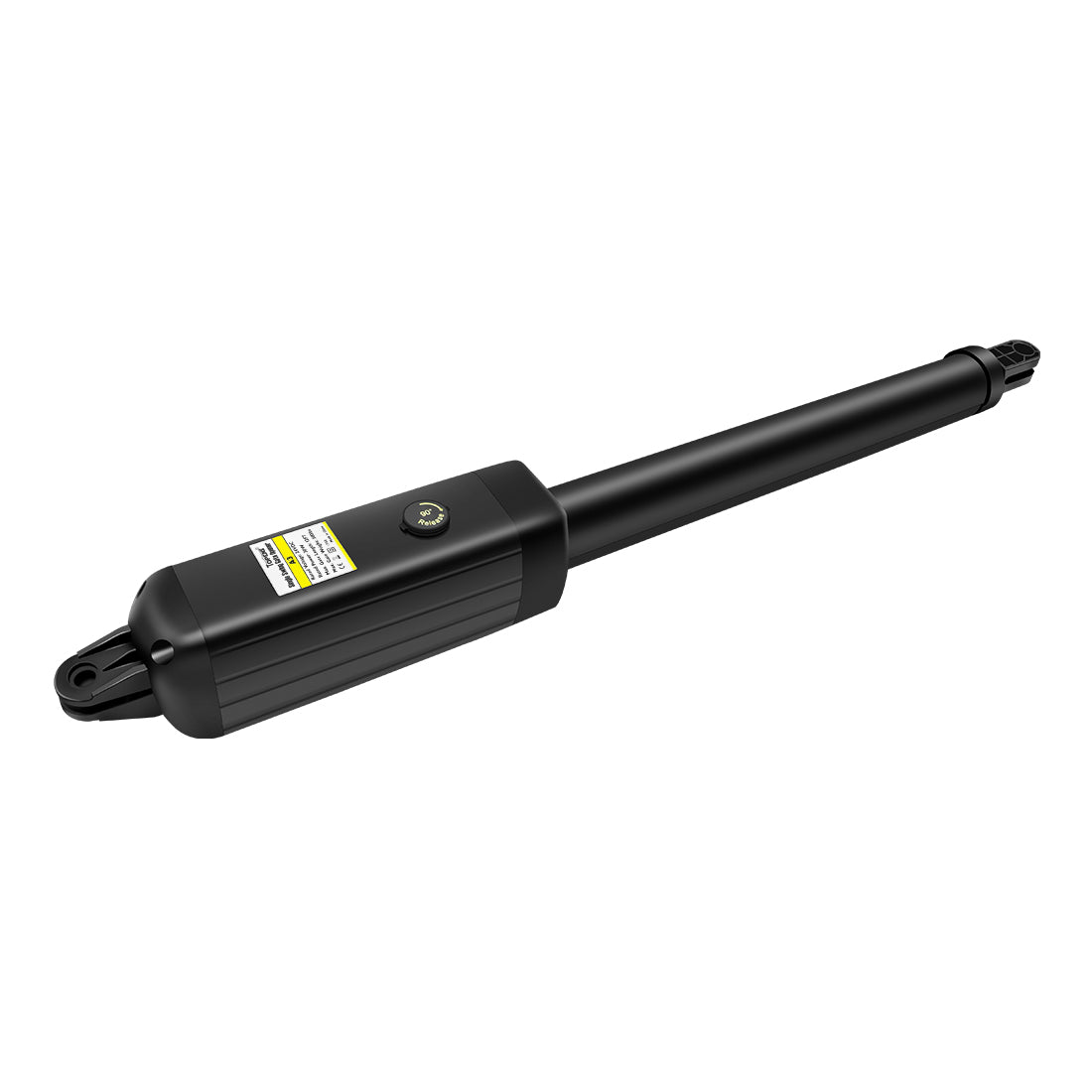
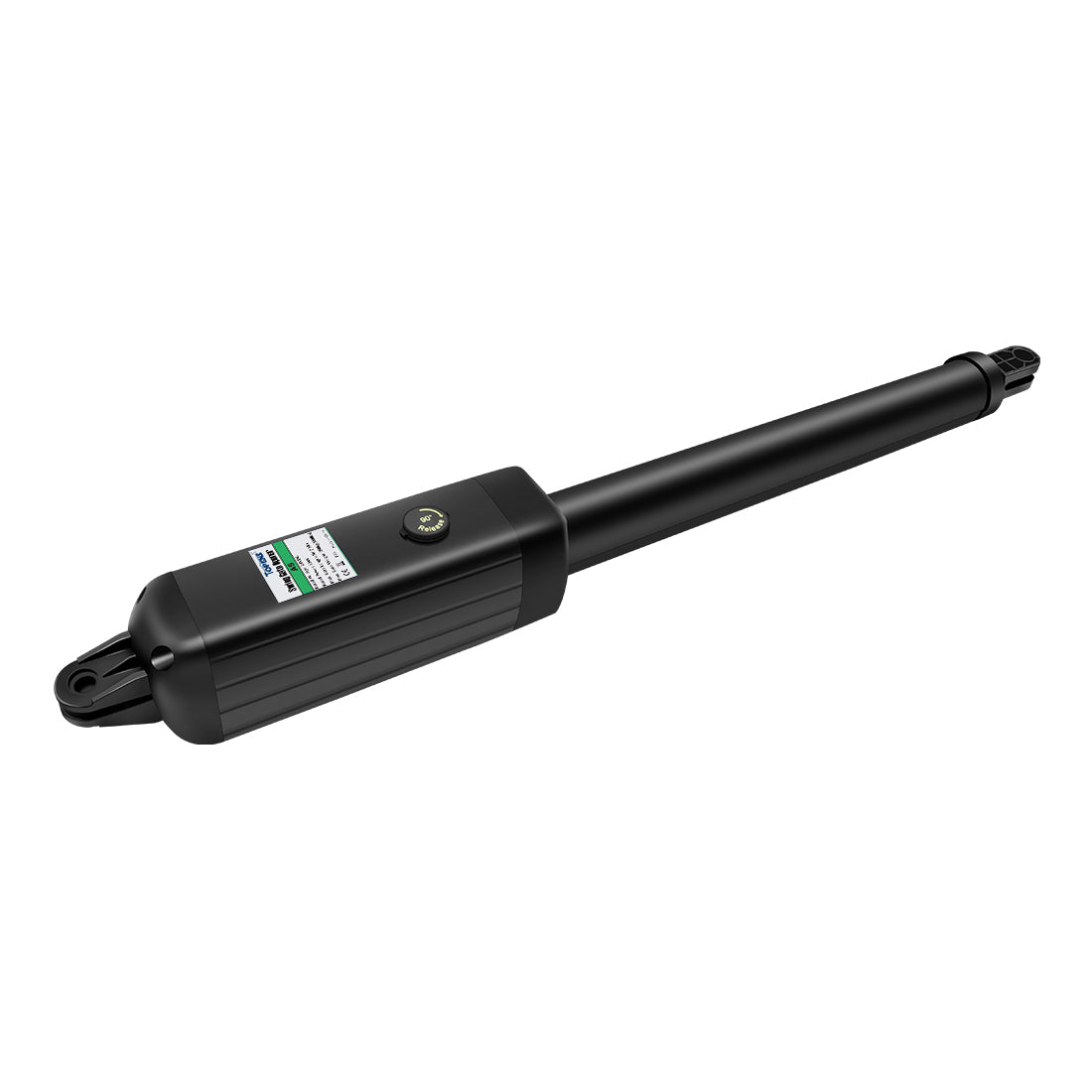
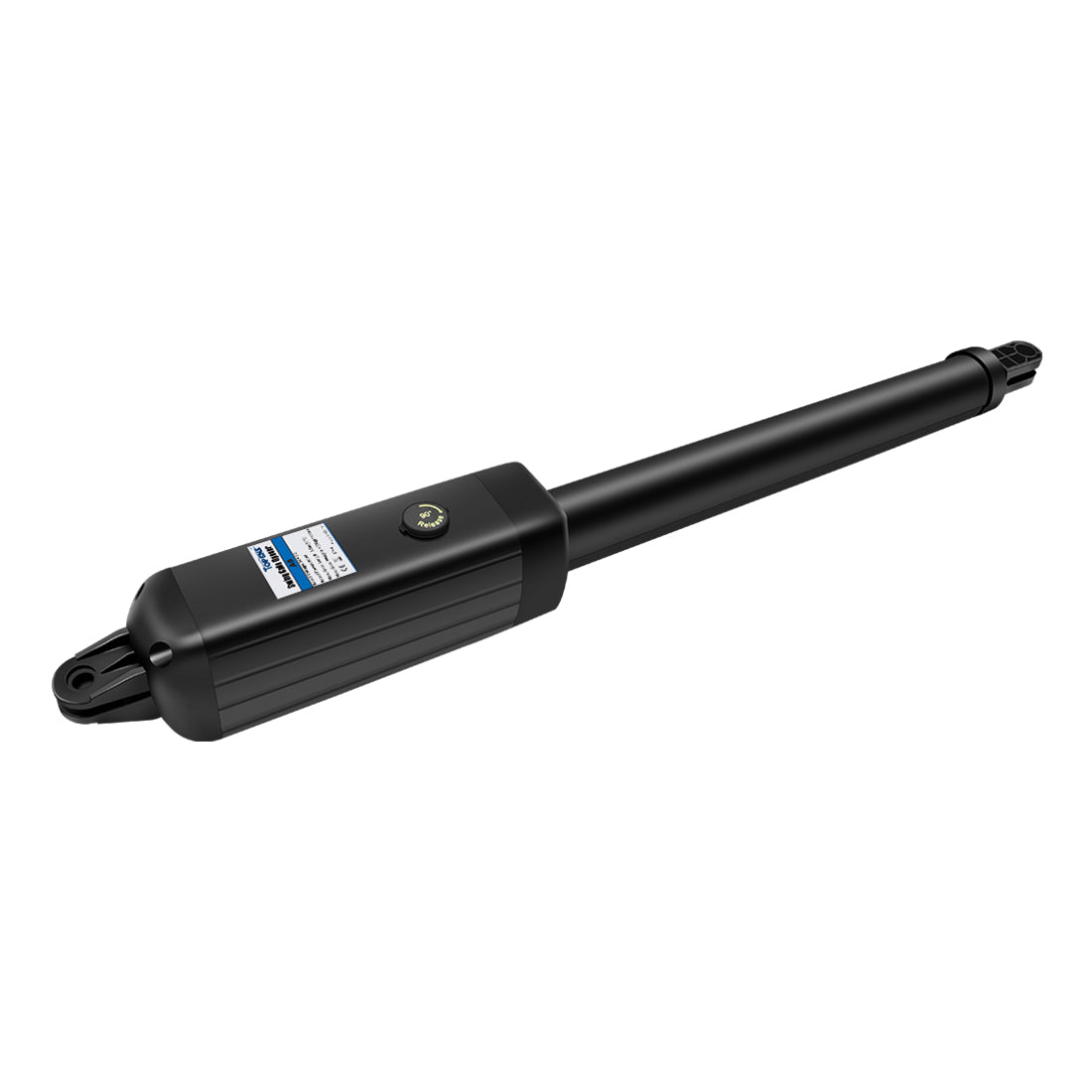
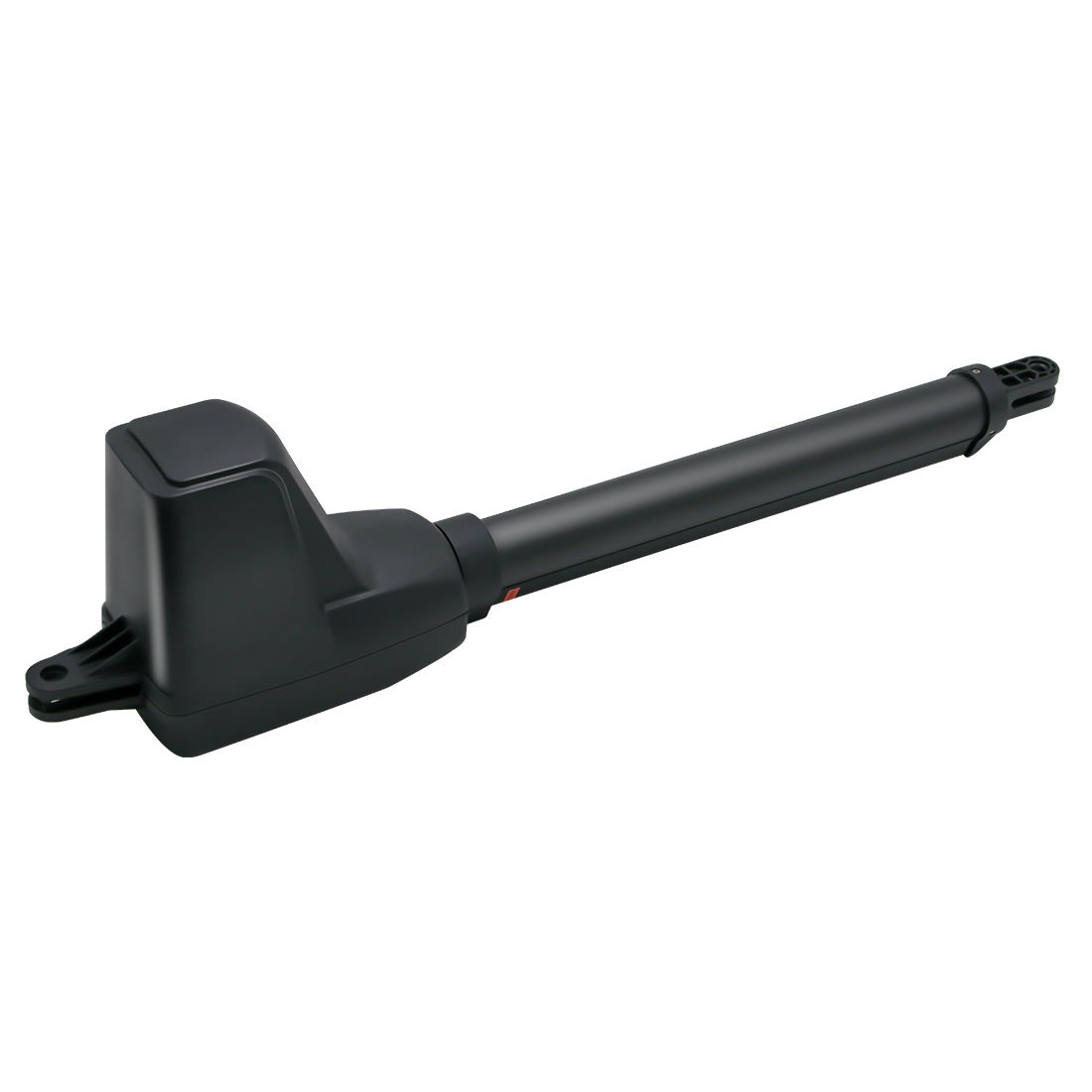
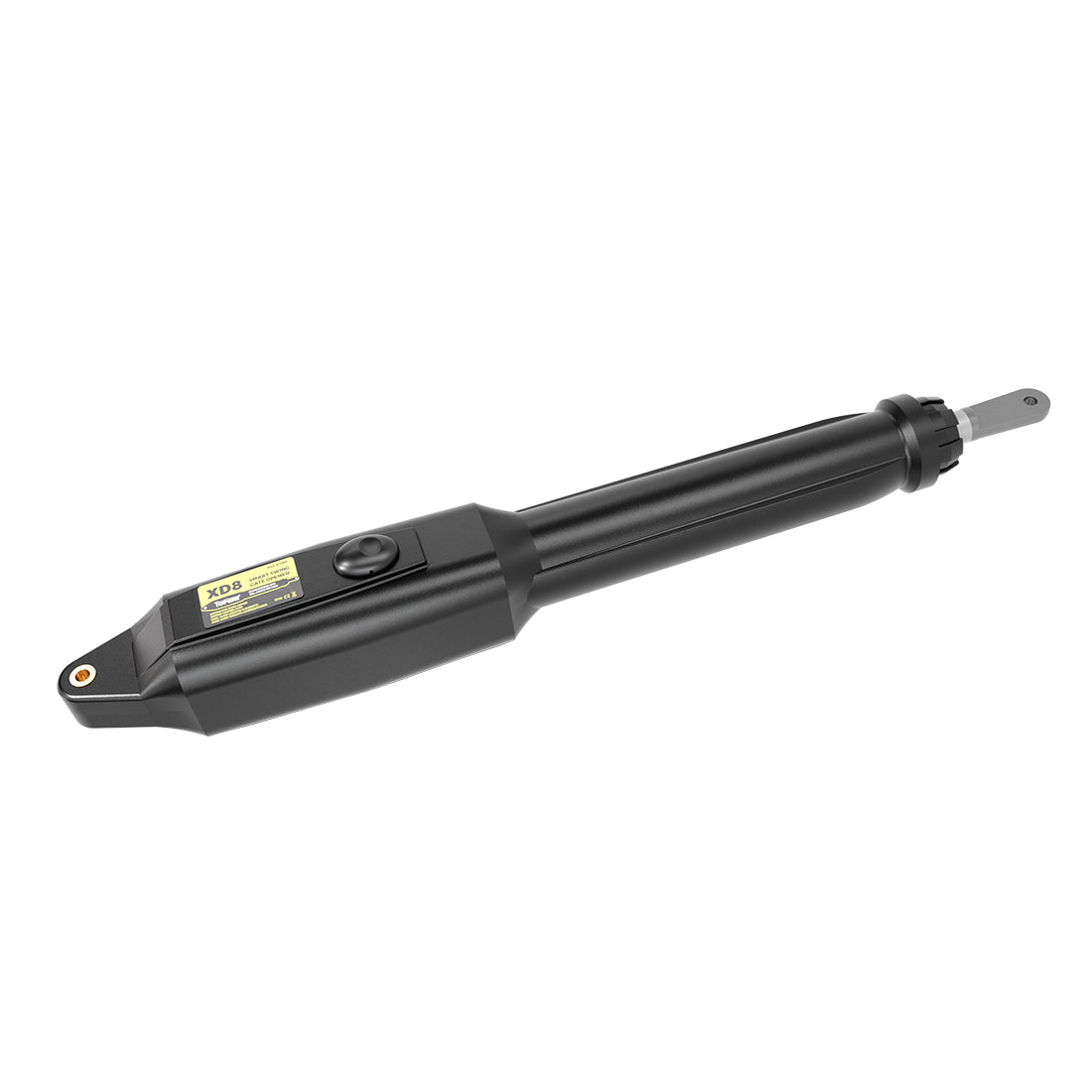
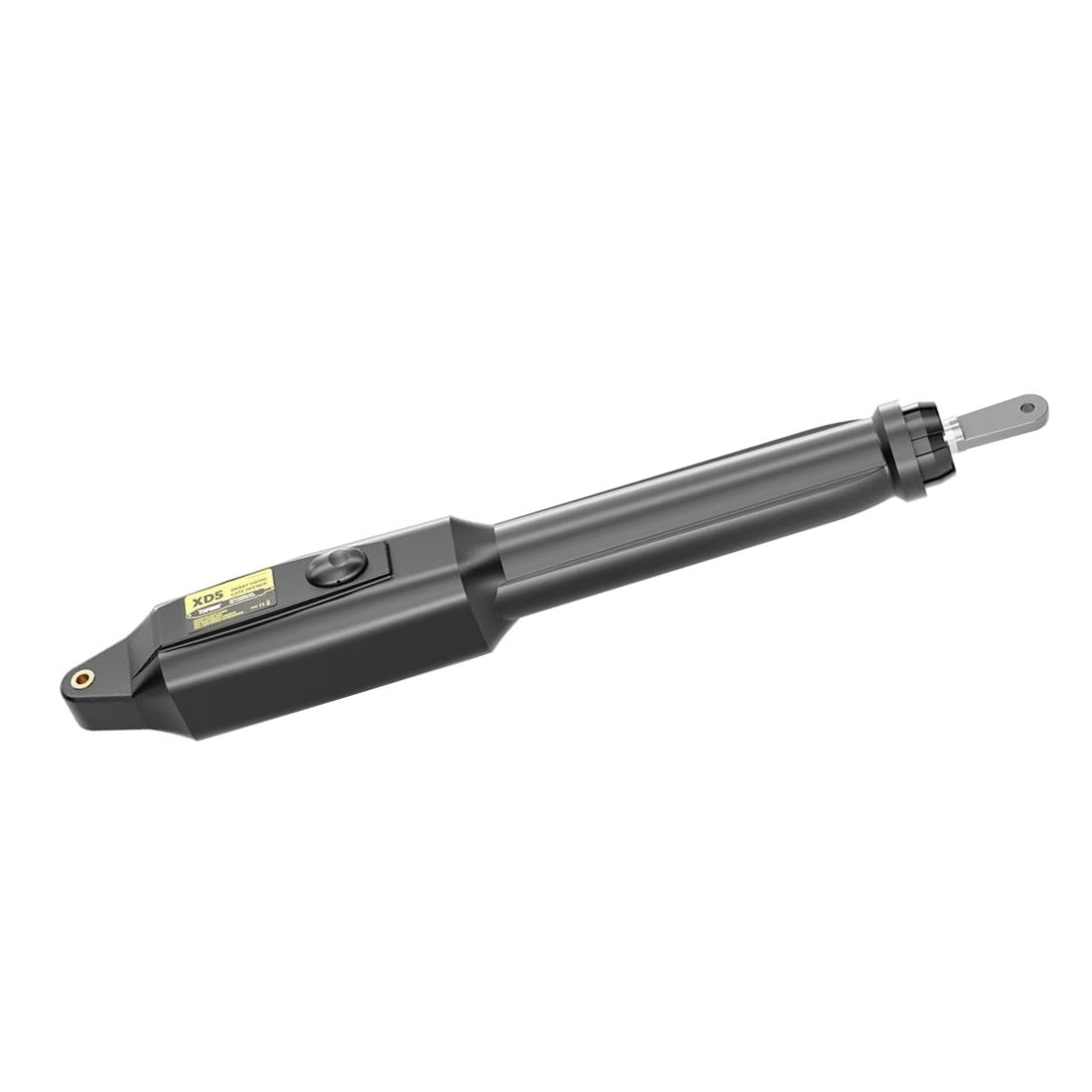
The manual release clutch on a TOPENS swing gate opener allows you to disconnect the actuator from the motor drive system so the gate can be operated manually during a power outage, emergency, installation, or maintenance.
When the clutch is re-engaged, the actuator reconnects to the motor drive system, allowing the gate opener to resume normal automatic operation.
If the clutch cannot be disengaged, the issue is typically caused by one of the following:
- Excessive pressure on the actuator
- An over-extended moving rod
- A binding or jammed internal drive mechanism
- A faulty clutch lock mechanism
Before contacting TOPENS Technical Support, follow the troubleshooting steps below to help identify the cause of the problem.

1. The Manual Release Key Won't Turn or Won't Turn Completely
Symptoms
- The release key cannot be turned.
- The key turns only partially.
- The clutch cannot be moved to the fully disengaged position.
Step 1: Check for Excessive Pressure on the Actuator
When the gate reaches the fully open or fully closed position, the actuator may be under excessive mechanical pressure. This can occur when the actuator reaches the end of its travel while the gate is firmly against a mechanical stop.
Excessive pressure on the actuator can place a load on the internal drive components and prevent the clutch from disengaging.
To check for excessive pressure:
- Check the current position of the actuator and gate.
- Disconnect the actuator arm from the gate.
- Try turning the release key again.
If the clutch disengages normally after the actuator is disconnected from the gate, the clutch mechanism itself is likely functioning properly. The problem is most likely caused by excessive mechanical pressure at the gate's end position.
To prevent the problem from recurring, adjust the opening or closing limit so that the actuator does not continue pushing against the gate after it reaches the end of its travel. The actuator should not be forced against a hard mechanical stop during normal operation.
Step 2: Check the Clutch Components
If the clutch still cannot be disengaged after the actuator has been disconnected from the gate, inspect the internal clutch components.
Disassemble the actuator and check whether Clutch Components B and C are properly aligned.
If the components are misaligned, manually rotate the front mount until they are properly aligned, then try releasing the clutch again.

2. The Clutch Is Disengaged, but the Actuator Cannot Be Moved Manually
If the clutch has been successfully disengaged but the moving rod still cannot be extended or retracted by hand, the actuator may be over-extended.
Step 1: Check Whether the Actuator Is Over-Extended
Disconnect the actuator from the gate. Then manually rotate the front mount clockwise to retract the moving rod slightly. Verify that:
- The moving rod is no longer over-extended.
- The screw nut remains properly engaged with the screw rod.
Once the moving rod has been returned to its normal operating position, try pushing and pulling it by hand to verify that it moves smoothly.
If the actuator operates normally after the moving rod is retracted, the actuator was likely over-extended.
To help prevent the actuator from over-traveling in the future:
- Loosen the screw on Limit Switch B.
- Slide the limit switch slightly inward.
- Retighten the screw.
This reduces the actuator's maximum extension and helps prevent future over-travel. For detailed recovery instructions, refer to our guide, “How to Retract the Moving-Rod When the Opener Arm Extends Too Much.”
Step 2: Inspect the Internal Drive Mechanism
If the moving rod still cannot be retracted, the internal drive mechanism may be binding or sticking.
Disassemble the actuator and inspect the screw rod, screw nut, and inside of the actuator tube.
Check for:
- The screw rod binding against the inside of the aluminum tube.
- The screw nut binding against the inner wall of the aluminum or stainless-steel tube.
- Insufficient lubrication inside the actuator.
- Dirt, dust, or other debris interfering with the mechanism.
Clean any dirt, dust, or debris from the affected components. Apply an appropriate lubricant to the screw rod and screw nut, then reassemble the actuator and test its operation again.
3. AT Series Actuator Clutch Re-Engages Automatically After Release
Applicable Models: AT6131(S), AT12131(S), AT6132S, AT12132S, AT602, AT1202
Symptoms
After releasing the clutch:
- The clutch locks again immediately when the release key is let go.
- The clutch re-engages on its own while the gate is being opened or closed manually.
Step 1: Confirm That the Clutch Is Fully Disengaged
Make sure that:
- The release key has been turned completely to the unlocked position.
- The clutch mechanism is fully disengaged.
Note: Due to normal manufacturing tolerances, the amount of force required to disengage the clutch may vary slightly between actuators. If necessary, continue holding the release key in the unlocked position while manually moving the gate.
Step 2: Inspect the Clutch Lock Mechanism
If the clutch continues to re-engage automatically after it has been fully disengaged, the clutch lock mechanism may be faulty.
In most cases, replacing the bottom cover assembly, which houses the clutch lock mechanism, will resolve the problem.
To help TOPENS Technical Support diagnose the issue:
1) Remove the actuator’s top cover.
2) Disengage the clutch again.
3) Record a short video showing the internal clutch mechanism.
Please make sure the video clearly shows:
- The movement of the release key
- The movement of the internal clutch components
- The exact moment when the clutch re-engages
With the top cover removed, the internal clutch components are easier to see, which can help our technical team identify the cause of the problem.
Send this video along with the actuator model number to TOPENS Technical Support for further assistance.
Still Need Help?
If the clutch problem persists after completing the troubleshooting steps above, contact TOPENS Technical Support and provide the following:
- Your gate opener model number
- A short video showing the problem
- Photos of the actuator installation, if available
Providing these details will help our technical team identify the likely cause more quickly and recommend the appropriate solution.